

編輯:關於 Android 程式設計
今天來寫一個關於圖片請求的小例子,我們使用 NetworkImageView 這個類來實現。它可以直接用在 xml 控制項中當作 ImageView,而且內部原理同樣使用的是 ImageLoader,綜合性相當不錯。
效果圖如下:
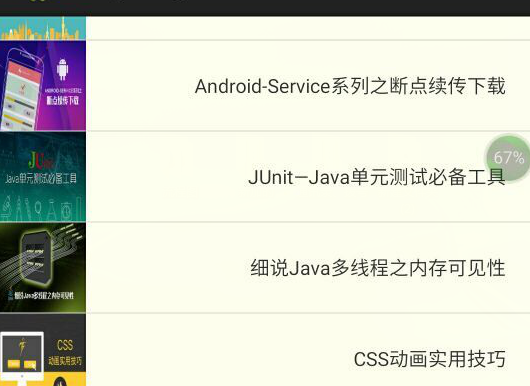
本例不再封裝程式碼(封裝程式碼在前面幾篇已寫到)。下圖是返回的 json 格式資料,本例從中獲取 picSmall 與 name 即可。

下面是 onResponse 返回的一串字串(格式為 Json 類型):
StringRequest request = new StringRequest(Method.GET, url, new Listener() {
    @Override
    public void onResponse(String sb) {
        Log.e("Safly", "onResponse-->>" + sb);
        parseJsonFromServer(sb);
        setAdapter();
    }
}, new Response.ErrorListener() {
    @Override
    public void onErrorResponse(VolleyError arg0) { }
});
然後開始解析,使用 JSONObject(也可用 optInt 寫法或 JsonReader 等):
private void parseJsonFromServer(String sb) {
    datas = new ArrayList();
    JSONObject jsonObject;
    try {
        jsonObject = new JSONObject(sb.toString());
        JSONArray jsonArray = jsonObject.getJSONArray("data");
        for (int i = 0; i < jsonArray.length(); i++) {
            JSONObject jsonData = jsonArray.getJSONObject(i);
            DataBean newsBean = new DataBean();
            newsBean.setImageUrl(jsonData.getString("picSmall"));
            newsBean.setTitle(jsonData.getString("name"));
            datas.add(newsBean);
        }
        Log.i("Safly", "datas.size-->>" + datas.size());
    } catch (JSONException e) {
        e.printStackTrace();
    }
}
最後看 adapter 中的內容。我們先稍微看下 NetworkImageView 源碼類:
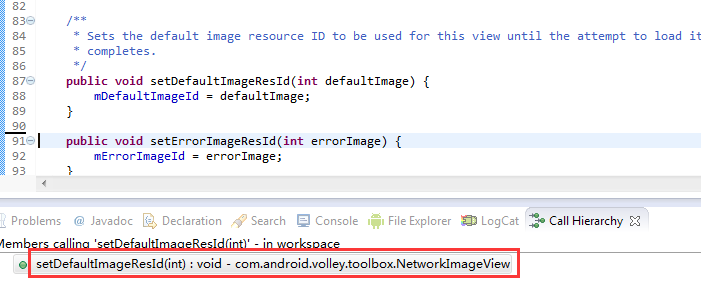
它裡面有兩個方法用於設置控制項的預設圖片以及下載失敗的提示圖片,結果這兩個方法在 Volley 中都沒有內部調用,所以我們可以在 adapter 中預先設置。我們之前看源碼得知,下載完畢圖片後還會進行更新操作,下載失敗後 Volley 內部會去處理:
ImageContainer newContainer = mImageLoader.get(mUrl, new ImageListener() {
    @Override
    public void onErrorResponse(VolleyError error) {
        if (mErrorImageId != 0) {
            setImageResource(mErrorImageId);
        }
    }
然後就可以利用如下源碼設置一些參數:
public void setImageUrl(String url, ImageLoader imageLoader) {
    mUrl = url;
    mImageLoader = imageLoader;
    loadImageIfNecessary(false);
}
對應我們程式碼中的部分:
viewHolder.imageview_item.setImageUrl(url, VolleyTool.getInstance(context).getImageLoader());
// 私有構造方法
private VolleyTool(Context context) {
    queue = Volley.newRequestQueue(context);        // 創建請求隊列
    imageLoader = new ImageLoader(queue, new LruImageCache()); // 創建圖片加載器
}
public static VolleyTool getInstance(Context context) {
    if (instance == null) {
        instance = new VolleyTool(context);
    }
    return instance;
}
看看構造器中進行了哪些操作?初始化 queue 與 ImageLoader。對應 Volley 中 ImageLoader 的構造器:
public interface ImageCache {
    public Bitmap getBitmap(String url);
    public void putBitmap(String url, Bitmap bitmap);
}
public ImageLoader(RequestQueue queue, ImageCache imageCache) {
    mRequestQueue = queue;
    mCache = imageCache;
}
很明顯源碼中 ImageCache 只有 getBitmap、putBitmap 兩個方法,而我們用到了 LruCache 強緩存處理,以完善記憶體緩存的控制管理。
那我們來看看 LruCache 的源碼。首先看構造器部分:
public LruCache(int maxSize) {
    if (maxSize <= 0) {
        throw new IllegalArgumentException("maxSize <= 0");
    }
    this.maxSize = maxSize;
    this.map = new LinkedHashMap(0, 0.75f, true);
}
如果 maxSize <= 0 就會拋異常。這個參數是什麼意思呢?它的意思是此緩存能緩存的最大值是多少。
緩存需要放東西,我們看看 put 做了哪些相關處理:
public final V put(K key, V value) {
    if (key == null || value == null) {
        throw new NullPointerException("key == null || value == null");
    }
    V previous;
    synchronized (this) {
        putCount++;
        size += safeSizeOf(key, value);
        previous = map.put(key, value);
        if (previous != null) {
            size -= safeSizeOf(key, previous);
        }
    }
    if (previous != null) {
        entryRemoved(false, key, previous, value);
    }
    trimToSize(maxSize);
    return previous;
}
大概意思是:放進來一個就 putCount++ 累加數量。safeSizeOf 是什麼呢?
private int safeSizeOf(K key, V value) {
    int result = sizeOf(key, value);
    if (result < 0) {
        throw new IllegalStateException("Negative size: " + key + "=" + value);
    }
    return result;
}
protected int sizeOf(K key, V value) {
    return 1;
}
針對本例子,就是請求的一張圖片的記憶體大小,請求一個就累加 size += safeSizeOf(key, value)。如果之前已有緩存,則透過 size -= safeSizeOf(key, previous) 剪掉,不再重複添加。最後 trimToSize(maxSize) 的意思是刪除訪問較少的條目,直到剩餘條目總數或容量低於所請求的大小。
get 方法則相對簡單,取出即可。
所以我們的程式碼看起來就不那麼複雜了:
/** 使用 LRU 回收演算法的緩存類 */
class LruImageCache implements ImageCache {
    private LruCache cache;
    public LruImageCache() {
        int maxSize = (int) (Runtime.getRuntime().maxMemory() / 8);
        cache = new LruCache(maxSize) {
            @Override
            protected int sizeOf(String key, Bitmap value) {
                return value.getRowBytes() * value.getHeight();
            }
        };
    }
    @Override
    public Bitmap getBitmap(String url) {
        return cache.get(url);
    }
    @Override
    public void putBitmap(String url, Bitmap bitmap) {
        cache.put(url, bitmap);
    }
}
另外注意一點,在 item 佈局中:
需要設置 android:scaleType="fitXY"。
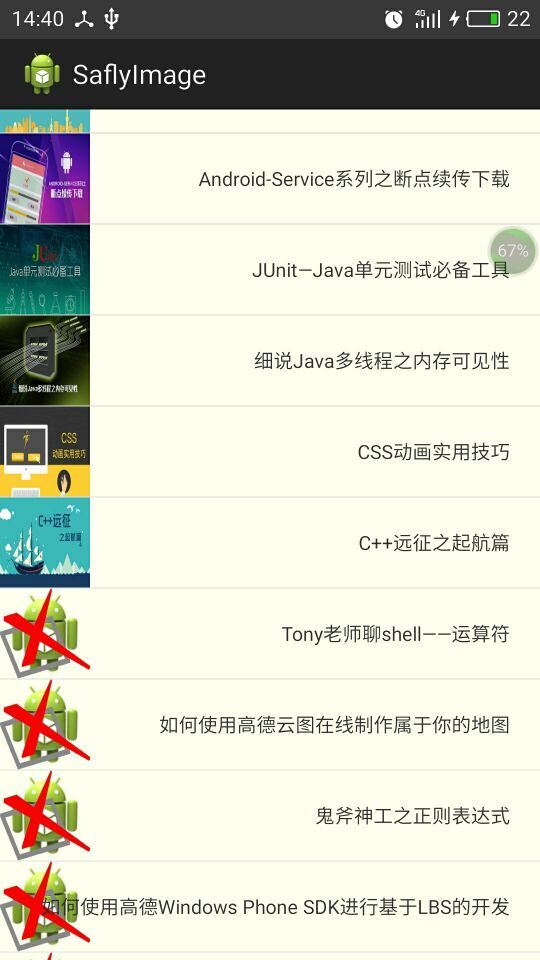
這個 demo 沒有出現圖片錯亂的現象。有的朋友說會有錯亂,我做了一個實驗:初始化有網路,然後關掉網路進行滑動,依然沒有問題,如下圖:
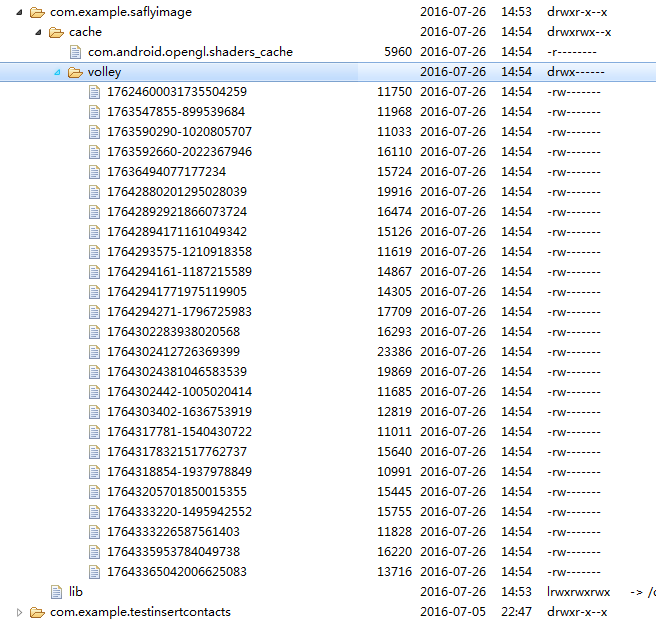
另外,下載的圖片緩存到哪裡去了呢?如下圖:
以下是完整程式碼
SaflyApplication
package com.example.saflyimage;
import android.app.Application;
import com.android.volley.RequestQueue;
import com.android.volley.toolbox.Volley;
public class SaflyApplication extends Application {
    public static RequestQueue requestQueue;
    @Override
    public void onCreate() {
        super.onCreate();
        requestQueue = Volley.newRequestQueue(getApplicationContext());
    }
    public static RequestQueue getRequestQueue() {
        return requestQueue;
    }
}

DataBean
package com.example.saflyimage;
public class DataBean {
    private String imageUrl;
    private String title;
    public DataBean(String imageUrl, String title) {
        super();
        this.imageUrl = imageUrl;
        this.title = title;
    }
    public DataBean() { }
    public String getImageUrl() { return imageUrl; }
    public void setImageUrl(String imageUrl) { this.imageUrl = imageUrl; }
    public String getTitle() { return title; }
    public void setTitle(String title) { this.title = title; }
}

VolleyTool
package com.example.saflyimage;
import android.content.Context;
import android.graphics.Bitmap;
import android.support.v4.util.LruCache;
import com.android.volley.RequestQueue;
import com.android.volley.toolbox.ImageLoader;
import com.android.volley.toolbox.ImageLoader.ImageCache;
import com.android.volley.toolbox.Volley;
public class VolleyTool {
    private RequestQueue queue;
    private ImageLoader imageLoader;
    private static VolleyTool instance;
    private VolleyTool(Context context) {
        queue = Volley.newRequestQueue(context);
        imageLoader = new ImageLoader(queue, new LruImageCache());
    }
    public static VolleyTool getInstance(Context context) {
        if (instance == null) {
            instance = new VolleyTool(context);
        }
        return instance;
    }
    public RequestQueue getQueue() { return queue; }
    public ImageLoader getImageLoader() { return imageLoader; }
    class LruImageCache implements ImageCache {
        private LruCache cache;
        public LruImageCache() {
            int maxSize = (int) (Runtime.getRuntime().maxMemory() / 8);
            cache = new LruCache(maxSize) {
                @Override
                protected int sizeOf(String key, Bitmap value) {
                    return value.getRowBytes() * value.getHeight();
                }
            };
        }
        @Override
        public Bitmap getBitmap(String url) { return cache.get(url); }
        @Override
        public void putBitmap(String url, Bitmap bitmap) { cache.put(url, bitmap); }
    }
}
總結一下:本例透過 NetworkImageView 搭配自定義的 ImageLoader 與 LruImageCache,實現了列表圖片的異步加載與記憶體緩存。LruCache 以「最近最少使用」演算法管理緩存,當容量超過上限時自動淘汰訪問最少的條目,是控制圖片記憶體占用的有效手段。
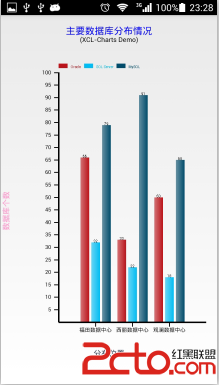 XCL-Charts:以原生 Canvas 打造 Android 開源圖表庫
專案概要 XCL-Charts 是一套以 Android 原生 Canvas 繪製的開源圖表庫,支援柱形圖、餅圖、堆疊圖、面積圖、折線圖、曲線圖、環形圖、玫瑰圖與儀表板等
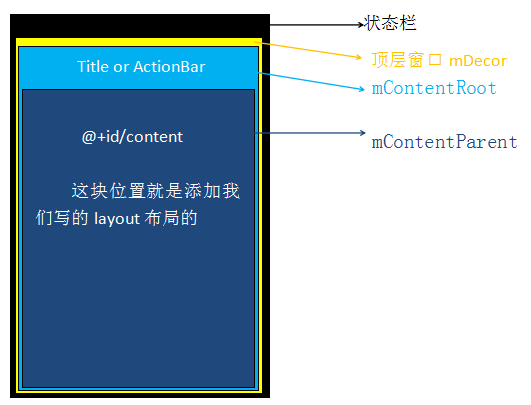 Activity 完全解析(二):setContentView 與 layout 的 inflate 過程
上一篇我們探討了 Activity 的啟動,從 startActivity() 到進程創建,再到 Activity 的創建,最後調用 onCreate() 方法。本篇我們
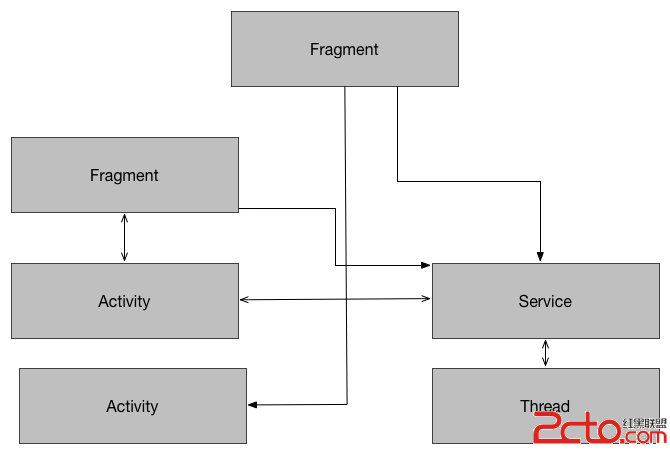 Android 事件驅動編程入門:為什麼需要 EventBus
Android 具備某些事件驅動的特性,但它遠不是一套純粹的事件驅動架構。這算是好事還是壞事?在軟體開發領域,答案往往取決於具體情境。 先定義什麼是事件驅動 事件驅動編
 iOS 開發:UITextView 多行文字輸入框實作
UITextView 與 UITextField 功能相似,同為字元輸入的視圖控制元件,但主要差異在於以下幾點: 1、UITextView 支援多行字元輸入,可透過回車鍵