

編輯:關於 Android 程式設計
在 Eclipse 中載入 Android Sample 專案,可以作為學習官方 API 與 UI 模式的起點。操作重點如下:
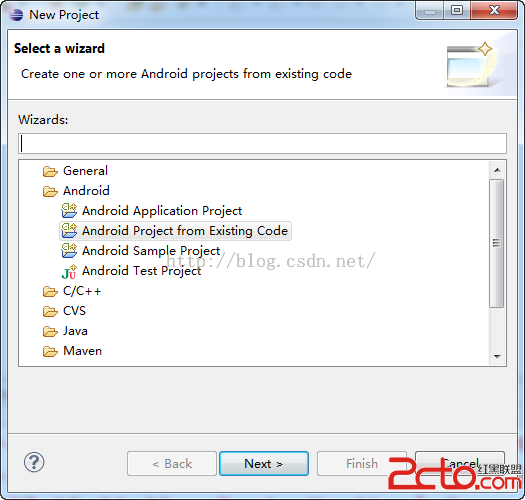
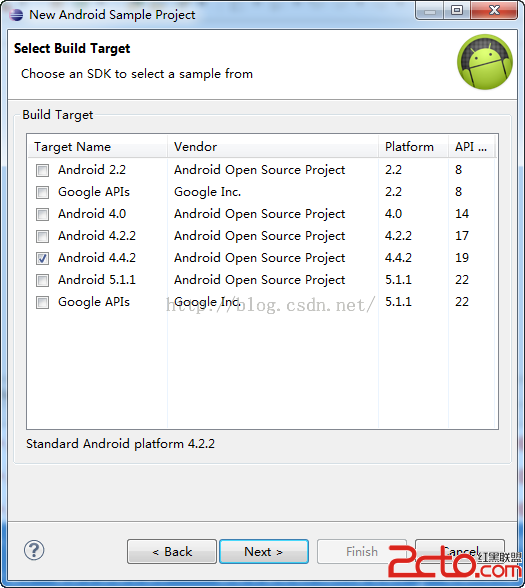
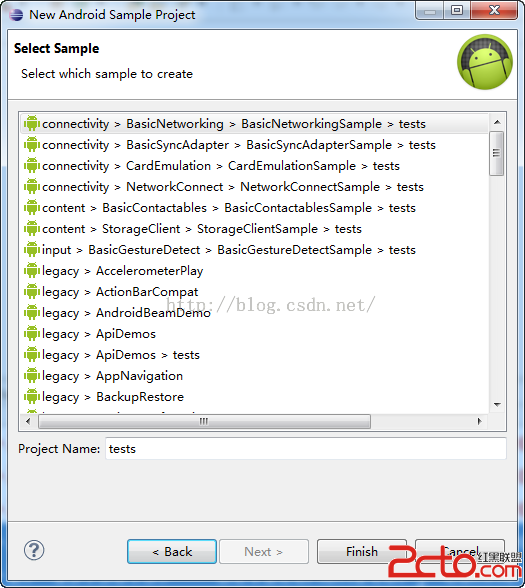
如果清單中沒有可選專案,通常代表尚未下載對應版本的 Sample。此時可透過 Android SDK Manager 補下載。
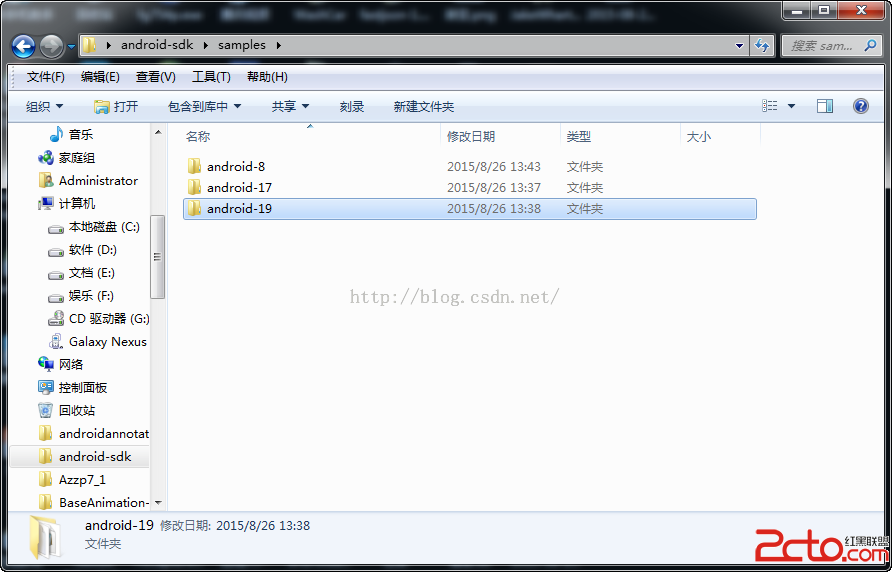
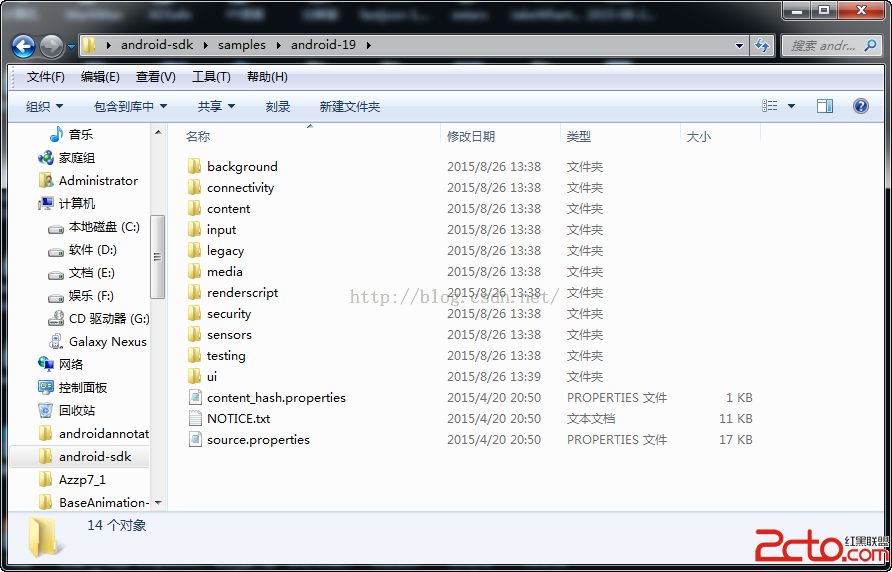
找到 Sample 所在目錄後,仍建議透過 Eclipse 的專案匯入流程建立,而不是直接把資料夾當成一般專案使用,以免出現專案識別或建置問題。
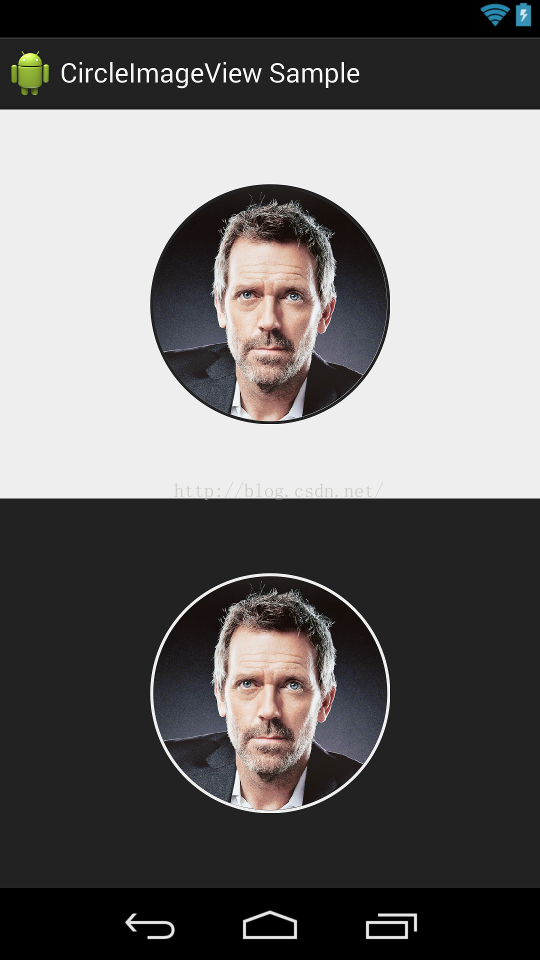 CircleImageView 與 RoundedBitmapDrawable 該怎麼選
CircleImageView 是 GitHub 上一個實現圓形 ImageView 的第三方開源專案,主頁:https://github.com/hdodenhof/C
 Android 根據螢幕寬度按比例縮放圖片
ImageView 有 scaleType 屬性可以縮放圖片,讓圖片鋪滿螢幕寬度,但往往會出現壓縮或裁剪的情況。 ImageView 的 scaleType 屬性分別是
 Android 基本元件複習筆記:布局與常用元件
這篇筆記整理 Android 常見的基本元件與布局,適合在複習 UI 開發時快速回顧。內容包含 RelativeLayout、GridLayout、TableLayout
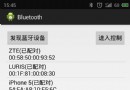 Android 藍牙串口服務客戶端開發實錄
經過三四天的摸索,一個藍牙串口收發的小工具總算初步成型。以下是目前略顯簡陋的界面: 這是藍牙串口服務的收發測試畫面,主要用途是日常除錯。由於最初的需求是「用手機控制