

編輯:關於 Android 程式設計
在 Android 開發中,當 TextView 顯示的文字超出可用寬度時,我們往往希望文字能像跑馬燈一樣橫向滾動,把完整內容呈現給使用者。以下分享一個實際測試可行的做法。
先看效果圖:
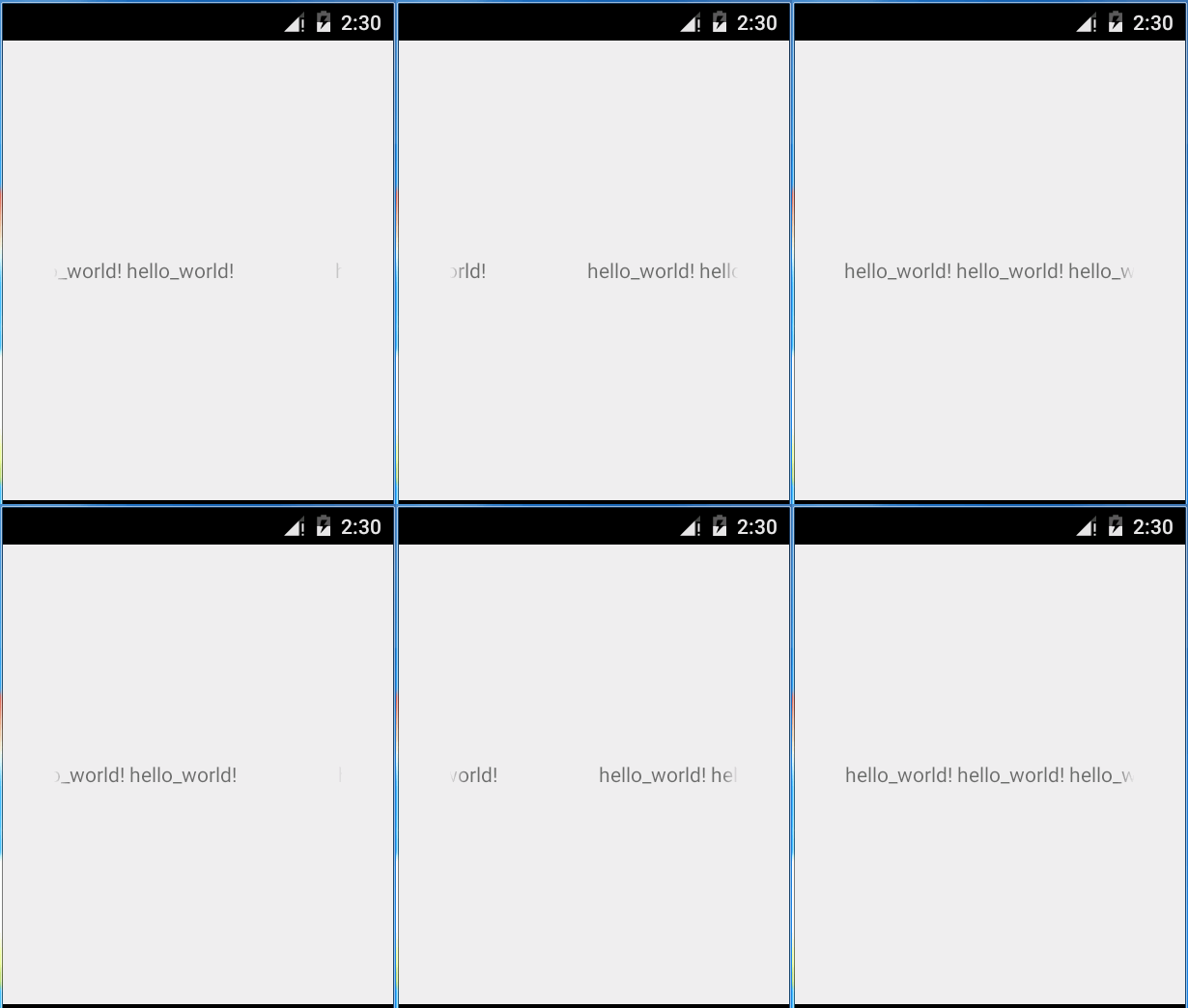
核心思路是讓 TextView 隨時處於「已取得焦點」的狀態,因為系統只有在控制項獲得焦點時才會啟動跑馬燈動畫。做法是繼承 TextView 並覆寫 isFocused() 方法,讓它永遠回傳 true:
package com.example.shen.marqueedemo; import android.content.Context; import android.util.AttributeSet; import android.widget.TextView; /** * Created by shen on 2015/8/19. */ public class MarqueeTextView extends TextView { public MarqueeTextView(Context context) { super(context); } public MarqueeTextView(Context context, AttributeSet attrs) { super(context, attrs); } public MarqueeTextView(Context context, AttributeSet attrs, int defStyleAttr) { super(context, attrs, defStyleAttr); } @Override public boolean isFocused(){ return true; } }
接著在 XML 佈局檔裡套用自訂的 TextView,並設定三個重點屬性:
android:singleLine="true" 單行顯示
android:ellipsize="marquee" 以跑馬燈方式呈現(橫向移動動畫)
android:marqueeRepeatLimit="marquee_forever" 持續循環滾動
只要這三個屬性搭配自訂的 MarqueeTextView,文字就能在可視範圍內自動滾動,是不是很簡單呢?
 Android 學習筆記:RecyclerView 入門實作
RecyclerView 是 android-support-v7 在 21 版時新增的 Widget,官方定位為 ListView 的升級版本,在效能與靈活度上都有明顯
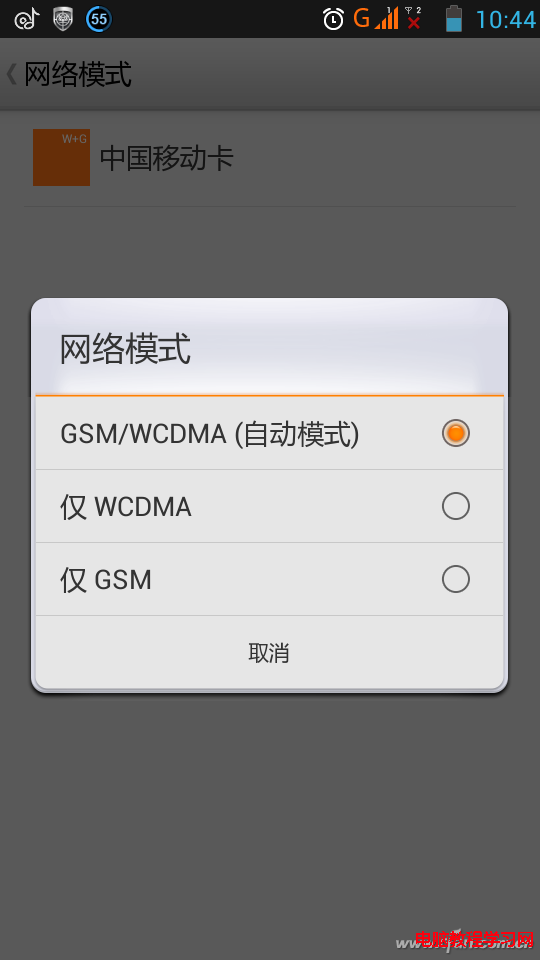 訊號不穩別急著怪手機,Android 網路模式這樣設就好
不少 Android 手機都出現過訊號起伏、通話品質不穩的狀況。但仔細追究起來,問題往往不在硬件,而在於我們從來沒有認真設定過網路參數。 以聯通 WCDMA 制式的 An
 精選 Android 開發工具箱:讓日常瑣事自動化
開發過程中總會遇到一堆小問題,自己動手當然能解決,但有工具相助,效率完全是另一個檔次。以下是我日常會用到的工具清單。 Vysor 把手機畫面投到手機以外的螢幕上,而且可
 Android 系統 Audio 框架全解析
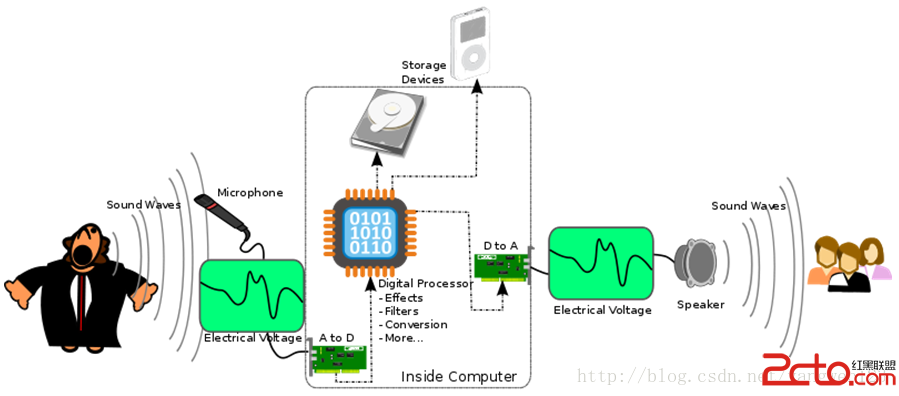
一、聲音的三個基本屬性 響度(Loudness)就是人耳感知到的聲音大小,也就是音量,它與聲波的振幅直接相關。 音調(Pitch)由頻率決定。頻率越高,聽起來越尖銳;頻率