

編輯:關於 Android 程式設計
寫程式時,我們通常會在關鍵路徑上補 try-catch:
try {
    mRoot = inflater.inflate(R.layout.fragment_setting, container, false);
    initView(mRoot);
} catch (Exception e) {
    log.error("SettingFragment", e);
} catch (OutOfMemoryError e) {
    log.error("SettingFragment.OutOfMemoryError", e);
}
但只要有一處忘了包,程式就會直接彈出「已停止運行」,使用者當場離開:
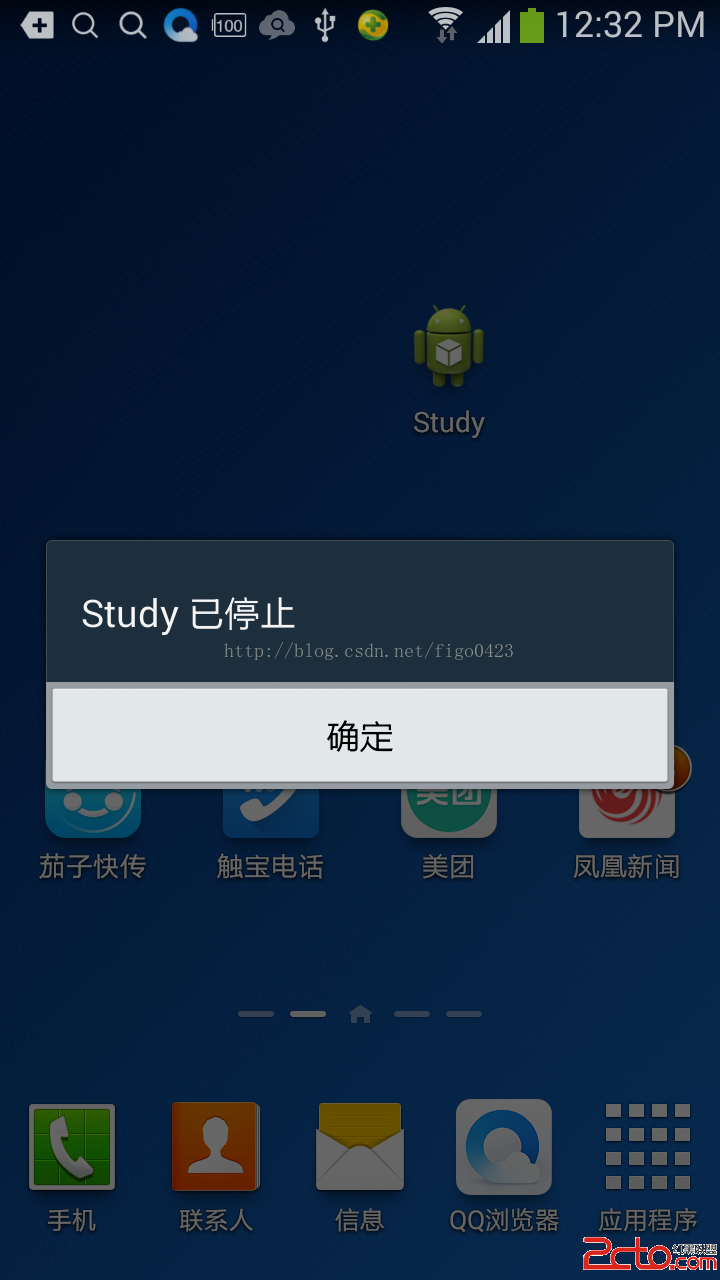
這種體驗顯然不能接受。與其逐處補 try-catch(永遠補不完),不如註冊一個全域的預設異常處理器:攔下所有未捕獲例外,給使用者一個友善提示,或直接重啟到首頁。合適的位置是 Application 的 onCreate()——App 一啟動就掛上。
public class MainApplication extends Application {

    @Override
    public void onCreate() {
        super.onCreate();
        // 註冊全域異常處理器
        CrashHandler catchExcep = new CrashHandler(this);
        Thread.setDefaultUncaughtExceptionHandler(catchExcep);
    }
}
public class CrashHandler implements UncaughtExceptionHandler {
    public static final String TAG = "CatchExcep";

    private Thread.UncaughtExceptionHandler mDefaultHandler;
    private MainApplication application;

    public CrashHandler(MainApplication application) {
        // 保留系統原本的處理器,作為最後一道防線
        mDefaultHandler = Thread.getDefaultUncaughtExceptionHandler();
        this.application = application;
    }

    @Override
    public void uncaughtException(Thread thread, Throwable ex) {
        if (!handleException(ex) && mDefaultHandler != null) {
            // 自己沒處理,交回系統預設行為
            mDefaultHandler.uncaughtException(thread, ex);
        } else {
            Intent intent = new Intent(application.getApplicationContext(),
                    MainActivity.class);
            PendingIntent restartIntent = PendingIntent.getActivity(
                    application.getApplicationContext(), 0, intent,
                    Intent.FLAG_ACTIVITY_NEW_TASK);

            // 1 秒後重新啟動 App
            AlarmManager mgr = (AlarmManager)
                    application.getSystemService(Context.ALARM_SERVICE);
            mgr.set(AlarmManager.RTC, System.currentTimeMillis() + 1000, restartIntent);

            android.os.Process.killProcess(android.os.Process.myPid());
            System.exit(1);
        }
    }

    /** 自訂錯誤處理:收集錯誤資訊、上報、提示使用者 */
    private boolean handleException(Throwable ex) {
        if (ex == null) {
            return false;
        }
        // 使用 Toast 顯示異常訊息(需在子線程建立 Looper)
        new Thread() {
            @Override
            public void run() {
                Looper.prepare();
                Toast.makeText(application.getApplicationContext(),
                        "很抱歉,程式出現異常,即將重新啟動。", Toast.LENGTH_SHORT).show();
                Looper.loop();
            }
        }.start();

        // TODO: 在這裡把 stack trace 寫入檔案或上報到伺服器
        return true;
    }
}
finishActivity(),這是不存在的 API。正確作法是 killProcess + System.exit,否則會出現殘留的僵屍進程。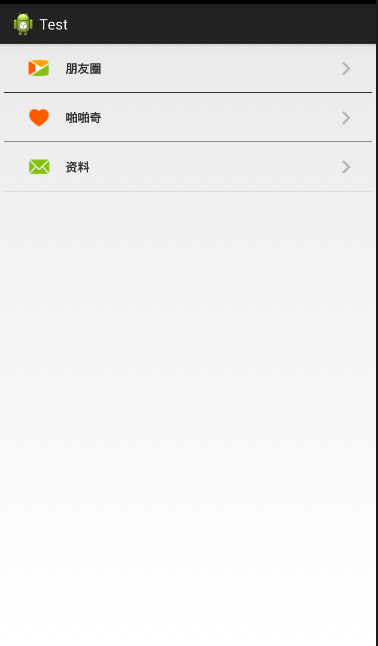 Android 自定義控件之組合控件開發學習筆記
來聊聊自定義組合控件,相信大家多少都接觸過。話不多說,直接開幹(哈~哈~): 看到這個,你可能覺得不就是寫個布局檔搞定嘛——沒錯,確實直接上布局就行,我只是用這個簡單的
 【自定義 View 系列】04:Touch 事件分發機制全解析
本篇分三個層次展開:先看 View 如何處理 Touch,再看 ViewGroup 的事件分發,最後討論滑動衝突的解法。 閱讀源碼時我習慣邊看邊加註釋,以下把關鍵方法提取
 Android 聯絡人按字母索引快速查找實作
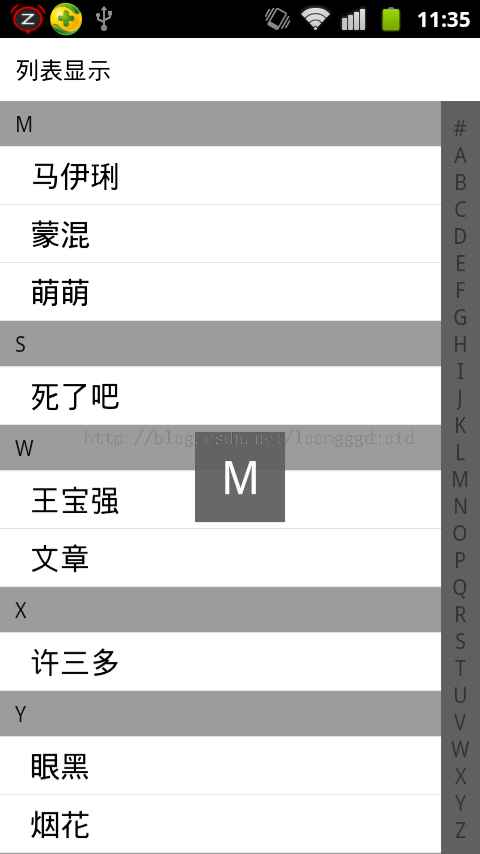
效果目標聯絡人清單若有大量資料,通常需要字母索引來加速查找。這個範例會在清單右側顯示 A 到 Z 的索引,當使用者滑動或點擊索引時,ListView 會快速跳到對應位置,
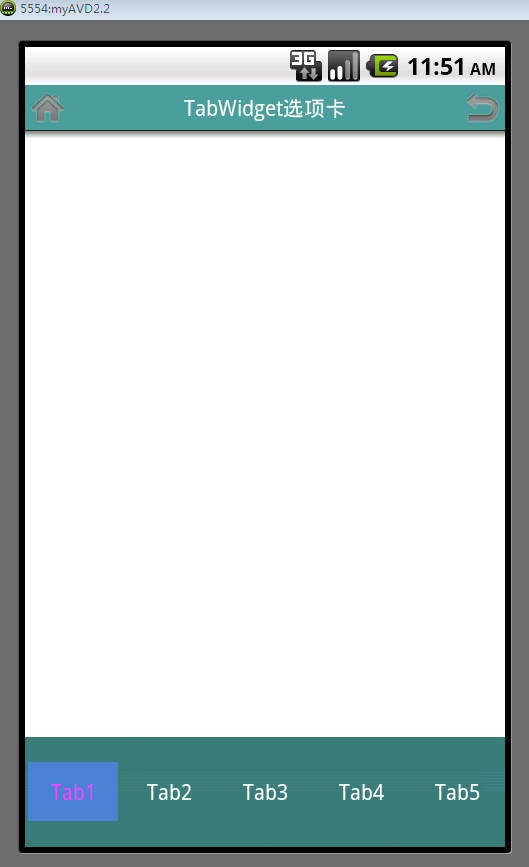 Android TabWidget 選項卡用法分析
TabWidget 是 Android 中常見的頁籤元件,通常會與 TabHost 一起使用,用來實作多頁面切換。本文整理 TabWidget 的常見版面配置、位置調整與