

編輯:關於 Android 程式設計
這是一個長期維護的文件讀寫工具類,主要提供以下功能:
import java.io.File;
import java.io.FileInputStream;
import java.io.FileOutputStream;

/**
 * 文件讀寫工具類
 *
 * @author bear
 */
public class FileUtil {

    /**
     * 如果文件不存在,就創建文件
     *
     * @param path 文件路徑
     * @return 文件路徑
     */
    public static String createIfNotExist(String path) {
        File file = new File(path);
        if (!file.exists()) {
            try {
                file.createNewFile();
            } catch (Exception e) {
                System.out.println(e.getMessage());
            }
        }
        return path;
    }

    /**
     * 向文件中寫入數據
     *
     * @param filePath 目標文件全路徑
     * @param data     要寫入的數據
     * @return true 表示寫入成功,false 表示失敗
     */
    public static boolean writeBytes(String filePath, byte[] data) {
        try {
            FileOutputStream fos = new FileOutputStream(filePath);
            fos.write(data);
            fos.close();
            return true;
        } catch (Exception e) {
            System.out.println(e.getMessage());
        }
        return false;
    }

    /**
     * 從文件中讀取數據
     *
     * @param file 文件路徑
     * @return 字節數組
     */
    public static byte[] readBytes(String file) {
        try {
            FileInputStream fis = new FileInputStream(file);
            int len = fis.available();
            byte[] buffer = new byte[len];
            fis.read(buffer);
            fis.close();
            return buffer;
        } catch (Exception e) {
            System.out.println(e.getMessage());
        }
        return null;
    }

    /**
     * 向文件中寫入字符串
     *
     * @param file     文件路徑
     * @param content  文件內容
     * @param charset  寫入時使用的字符集
     */
    public static void writeString(String file, String content, String charset) {
        try {
            byte[] data = content.getBytes(charset);
            writeBytes(file, data);
        } catch (Exception e) {
            System.out.println(e.getMessage());
        }
    }

    /**
     * 從文件中讀取數據,返回字符串
     *
     * @param file    文件路徑
     * @param charset 讀取時使用的字符集,如 utf-8、GBK 等
     * @return 字符串內容
     */
    public static String readString(String file, String charset) {
        byte[] data = readBytes(file);
        String ret = null;
        try {
            ret = new String(data, charset);
        } catch (Exception e) {
            System.out.println(e.getMessage());
        }
        return ret;
    }
}
這個工具類把字節流與字符串的讀寫細節統一封裝,業務代碼只需調用對應的靜態方法,並傳入合適的字符集,即可輕鬆完成文件的讀寫操作。
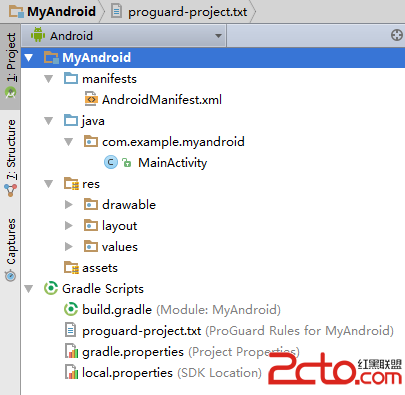 把 Eclipse 專案「加掛」Android Studio 支援:保留雙 IDE 的遷移教學
用 Eclipse 開發 Android 已經有些年頭了。Google 後來推出的官方 IDE 是 Android Studio(以下簡稱 AS),如今已走到 2.0,功
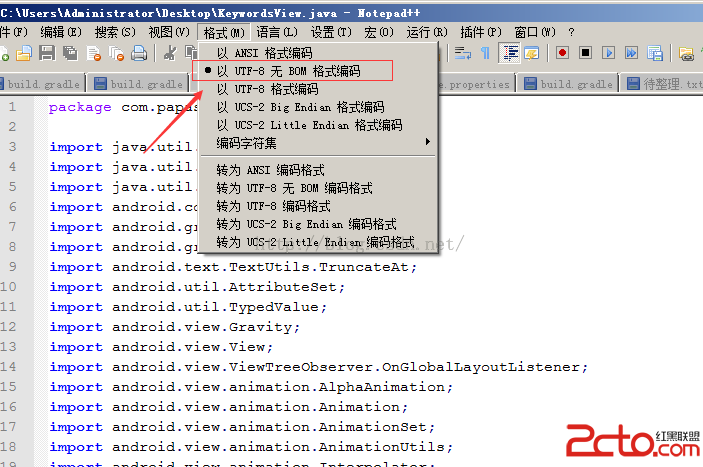 Android Studio 常見錯誤:BOM 非法字元、res-auto 與 APK 重複檔案
在 Android Studio 開發過程中,常會遇到一些看似不明顯、但會導致編譯或打包失敗的問題。本文整理三種常見錯誤:BOM 造成的非法字元、Gradle 專案中的自
 ViewPager 載入上千張高清大圖導致 OOM:從壓縮、回收到 View 重用
一、問題背景 近期專案需要一個類似微信、微博的圖片選擇器。列表部分不難,用 ContentResolver 讀取相簿資源,再以 RecyclerView 搭配 Glide
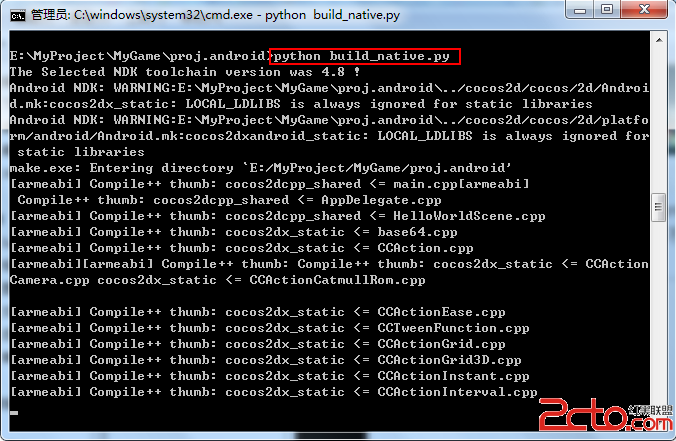 Cocos2d-x 3.0 實戰:在 Eclipse 上架起 Android 專案
2014 年 4 月末。前一篇介紹了如何在 Visual Studio 2012 上編譯 Cocos2d-x 專案並把 HelloWorld 跑起來;與以往版本類似,只是