

編輯:關於 Android 程式設計
提示訊息對開發者來說想必不陌生——使用者點擊某個按鈕後,App 給出一個回饋,這就是提示訊息的功能。良好的提示能顯著提升使用者體驗,因此本篇就來把 AlertDialog 的用法整理清楚。
先看一個完整的範例:
import android.app.Activity;
import android.app.AlertDialog;
import android.content.DialogInterface;
import android.content.Intent;
import android.net.Uri;
import android.os.Bundle;
import android.view.View;
import android.widget.Button;

public class DialogDemoActivity extends Activity {
    private Button button;

    protected void onCreate(Bundle savedInstanceState) {
        super.onCreate(savedInstanceState);
        setContentView(R.layout.dialog);
        button = (Button) findViewById(R.id.button1);
        button.setOnClickListener(new View.OnClickListener() {
            @Override
            public void onClick(View arg0) {
                AlertDialog.Builder builder = new AlertDialog.Builder(DialogDemoActivity.this);
                builder.setTitle("Message")
                    .setMessage("你確定要上網麼?")
                    .setCancelable(false)
                    .setPositiveButton("確定", new DialogInterface.OnClickListener() {
                        @Override
                        public void onClick(DialogInterface dialog, int id) {
                            Intent intent = new Intent(
                                    Intent.ACTION_VIEW, Uri.parse("https://www.haosou.com"));
                            startActivity(intent);
                        }
                    })
                    .setNegativeButton("取消", new DialogInterface.OnClickListener() {
                        @Override
                        public void onClick(DialogInterface dialog, int id) {
                            dialog.cancel();
                        }
                    });
                AlertDialog dialog = builder.create();
                dialog.show();
            }
        });
    }
}
以上程式碼就能實現基本的提示視窗。接著我們把每個方法逐一拆解。
首先建立 Builder 物件,所有參數配置都靠它完成:
AlertDialog.Builder builder = new AlertDialog.Builder(XxxActivity.this);
常用的方法有以下幾個:
設定標題:
builder.setTitle("Message");
設定提示內容:
builder.setMessage("你確定要上網麼?");
設定返回鍵是否生效,傳入 false 後返回鍵失效,傳入 true 則生效:
builder.setCancelable(false);
新增「確定」按鈕並綁定事件:
builder.setPositiveButton("確定", 事件);
新增「取消」按鈕並綁定事件:
builder.setNegativeButton("取消", 事件);
靈活搭配以上方法,就能做出各種提示視窗。不過預設樣式比較樸素,如果想要更精美的視覺效果,就需要進一步自訂樣式了。
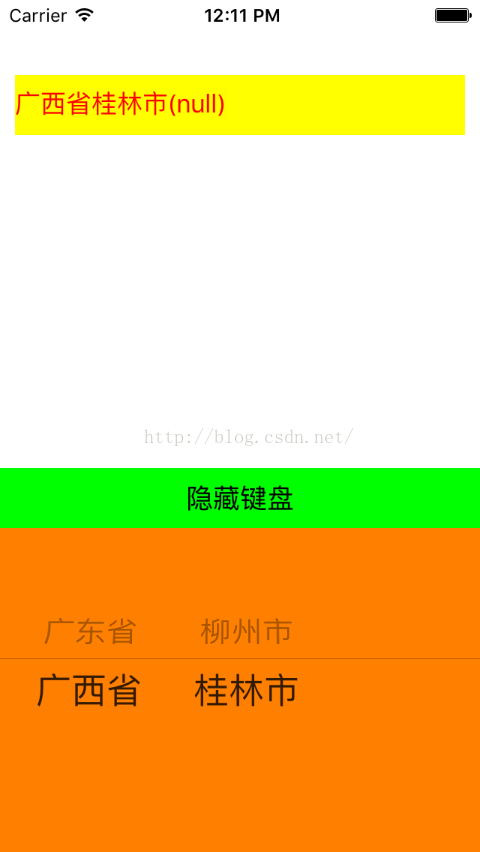 iOS 開發:UIPickerView 滾動選擇器實作教學
UIPickerView 的功能與 UIDatePicker 相似,但更為靈活。初始化時通常只需設定原點座標,無須指定寬高(預設大小為 frame = (0 0; 320
 Android ActionBar 動作欄完整解析
一、ActionBar 是什麼 ActionBar(動作欄)是一個導航控制項,用來取代傳統螢幕頂端的標題欄。它固定顯示在螢幕上方,左側擺放應用圖示,右側則是操作選單的可
 iOS與Android網絡抓包實戰:tcpdump完全入門
如今幾乎每一款移動應用都要通過網絡請求與服務器交換數據,因此學會抓包、並以此排查網絡相關的bug,已經成為程序員的必修技能。抓包的手段有很多:針對HTTP與HTTPS可以
 Android 資料加密之 AES 加密實作
前言 專案裡除了登入、支付等環節採用 RSA 非對稱加密,其餘傳輸一律使用 AES 對稱加密。本篇整理 AES 的用法。同系列主題:RSA、AES、DES、MD5、Bas