

編輯:關於 Android 程式設計
專案裡遇到需要保存壓縮資料的場景時,不必急著引入第三方庫——java.util.zip 已經足夠。我寫了一個小工具類,可以直接把字串壓成檔案,省下「先落地成檔、再讀回壓縮」的來回開銷:
/**
 * 壓縮與解壓縮工具
 */
public class ZipUtil {

    /**
     * 將字串壓縮為檔案
     * @param str  要壓縮的字串
     * @param path 輸出路徑
     */
    public static void compress(String str, String path) throws IOException {
        if (str == null || str.length() <= 0) {
            return;
        }
        FileOutputStream fileOutputStream = new FileOutputStream(path);
        GZIPOutputStream gzip = new GZIPOutputStream(fileOutputStream);
        gzip.write(str.getBytes("utf-8"));
        gzip.close();
        fileOutputStream.close();
    }

    /**
     * 解壓縮檔案內容
     * @param context 上下文,用於讀取提示字串資源
     * @param path    檔案路徑
     * @return 解出的字串;失敗時回傳 null
     */
    public static String unCompress(Context context, String path) {
        try {
            File file = new File(path);
            if (!file.exists()) {
                return context.getResources().getString(R.string.FileNotExits);
            }
            ByteArrayOutputStream out = new ByteArrayOutputStream();
            FileInputStream fileInputStream = new FileInputStream(path);
            GZIPInputStream gzip = new GZIPInputStream(fileInputStream);
            byte[] buffer = new byte[256];
            int n;
            // 逐段把解壓後的資料寫入記憶體
            while ((n = gzip.read(buffer)) >= 0) {
                out.write(buffer, 0, n);
            }
            return out.toString("utf-8");
        } catch (Exception e) {
            e.printStackTrace();
        }
        return null;
    }
}
GZIP 不是 ZIP。GZIPOutputStream 處理的是單一資料流的壓縮,適合字串、設定檔這類單一內容;若需求是多檔案打包,則該改用 ZipOutputStream 搭配 ZipEntry。
字元編碼要一致。壓縮端與解壓端務必都指定 UTF-8,否則中文很容易出現亂碼。
記得關流。範例為求簡潔直接 close;實務上建議改用 try-with-resources,即使中途拋例外也能確保檔案描述符被釋放。
緩衝區大小。256 bytes 偏小,會增加迴圈次數,可視資料量調整到 1024 或 4096。
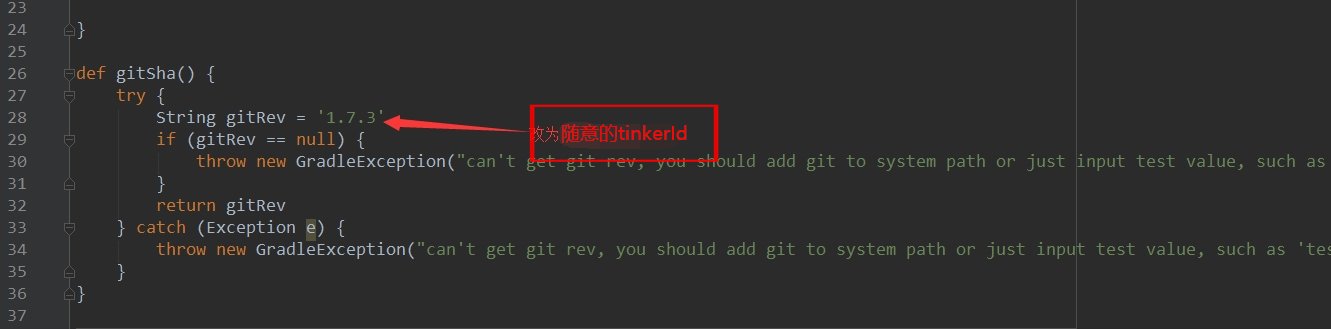 Android 熱修復入門:微信 Tinker 方案解析
在快速迭代的 App 開發中,若每次修正錯誤都必须重新發版,成本會非常高。熱修復技術讓開發者能在不重新安裝的情況下更新程式碼、資源或 So 庫。本文以微信開源的 Tink
 Android 輸入框表情實作:ViewPager + GridView 插入 Emoji
前言 真正動手寫聊天功能才發現,程式碼積累的價值。這篇記錄的其實沒什麼高難度,瑣碎但耗時間——而這正是積累的意義:寫過一次整理下來,下次直接拿來用,不必重新摸索。否則下
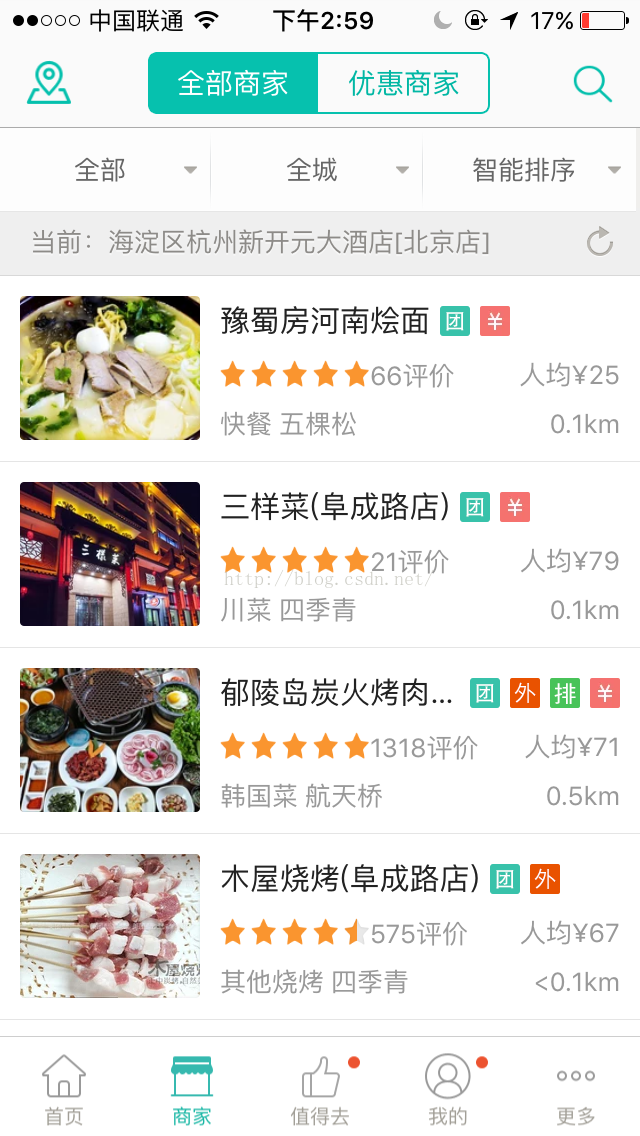 ListView 自定義實戰:從 item 布局到 BaseAdapter
ListView 是 Android 開發中非常經典的列表組件。雖然它的使用資料網上很多,但真正要做一個擴展性好、通用性強的自定義列表,仍然需要掌握 item 布局、數據
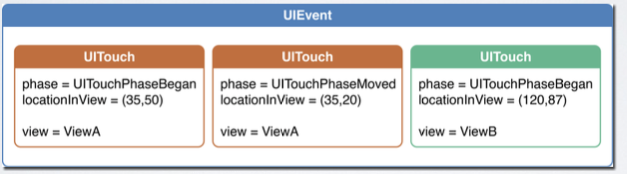 iOS UI 進階:觸摸事件與手勢識別完全梳理
一、觸摸事件的處理方式 iOS 上的事件大致分三類:觸摸事件(手指觸碰屏幕)、運動事件(如微信搖一搖)、遠程控制事件(如藍牙耳機的按鍵)。本文聚焦第一類。 響應者對象通過