

編輯:關於 Android 程式設計
表單類需求常會限制輸入長度。若直接用 android:maxLength,Android 是以「字元數」計算的,一個中文字和一個英文字母都算 1,這在很多後端仍以 byte 計算的場景下並不合用。以下示範用 TextWatcher 自己攔截,並以 GBK 位元組數作為限制依據。
public class EditTextWatcher implements TextWatcher {

    private static final String TAG = "EditTextWatcher";
    private CharSequence temp;
    private int selectionStart, selectionEnd;

    private int range = 3;          // 字數(位元組)上限
    private String infoString;      // 提示訊息
    private Activity mActivity;
    private EditText mEditText;

    public EditTextWatcher(Activity activity, EditText text) {
        this.mActivity = activity;
        this.mEditText = text;
    }

    public void setInfomation(String infoString, int range) {
        this.range = range;
        this.infoString = infoString;
    }

    @Override
    public void onTextChanged(CharSequence s, int start, int before, int count) {
        temp = s;
    }

    @Override
    public void beforeTextChanged(CharSequence s, int start, int count, int after) { }

    @Override
    public void afterTextChanged(Editable s) {
        int textLength = 0;
        try {
            // 必須指定編碼,否則不同平台結果會不一致
            textLength = temp.toString().getBytes("gbk").length;
        } catch (UnsupportedEncodingException e) {
            e.printStackTrace();
        }

        if (textLength > range) {
            selectionStart = mEditText.getSelectionStart();
            selectionEnd = mEditText.getSelectionEnd();

            ToastUtils.show(mActivity, infoString);

            s.delete(selectionStart - 1, selectionEnd);
            int tempSelection = selectionStart - 1;
            mEditText.setText(s);
            mEditText.setSelection(tempSelection);
        }
    }
}
EditTextWatcher watcher = new EditTextWatcher(this, etContent);
watcher.setInfomation("最多只能輸入 100 個位元組", 100);
etContent.addTextChangedListener(watcher);
s.replace() 或直接操作 Editable,並搭配一個 boolean 旗標做重入保護。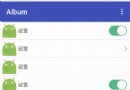 自訂 Android View 實作:打造可重複使用的 MenuItemView 設定列
在設定頁或選單頁中,常會出現大量重複的列表樣式。若每次都重寫版面,維護成本很高。本文介紹如何自訂 MenuItemView,將常見的設定列封裝成可重複使用的 View。
 Unity 自定義日志系統:屏幕輸出與 Key 過濾
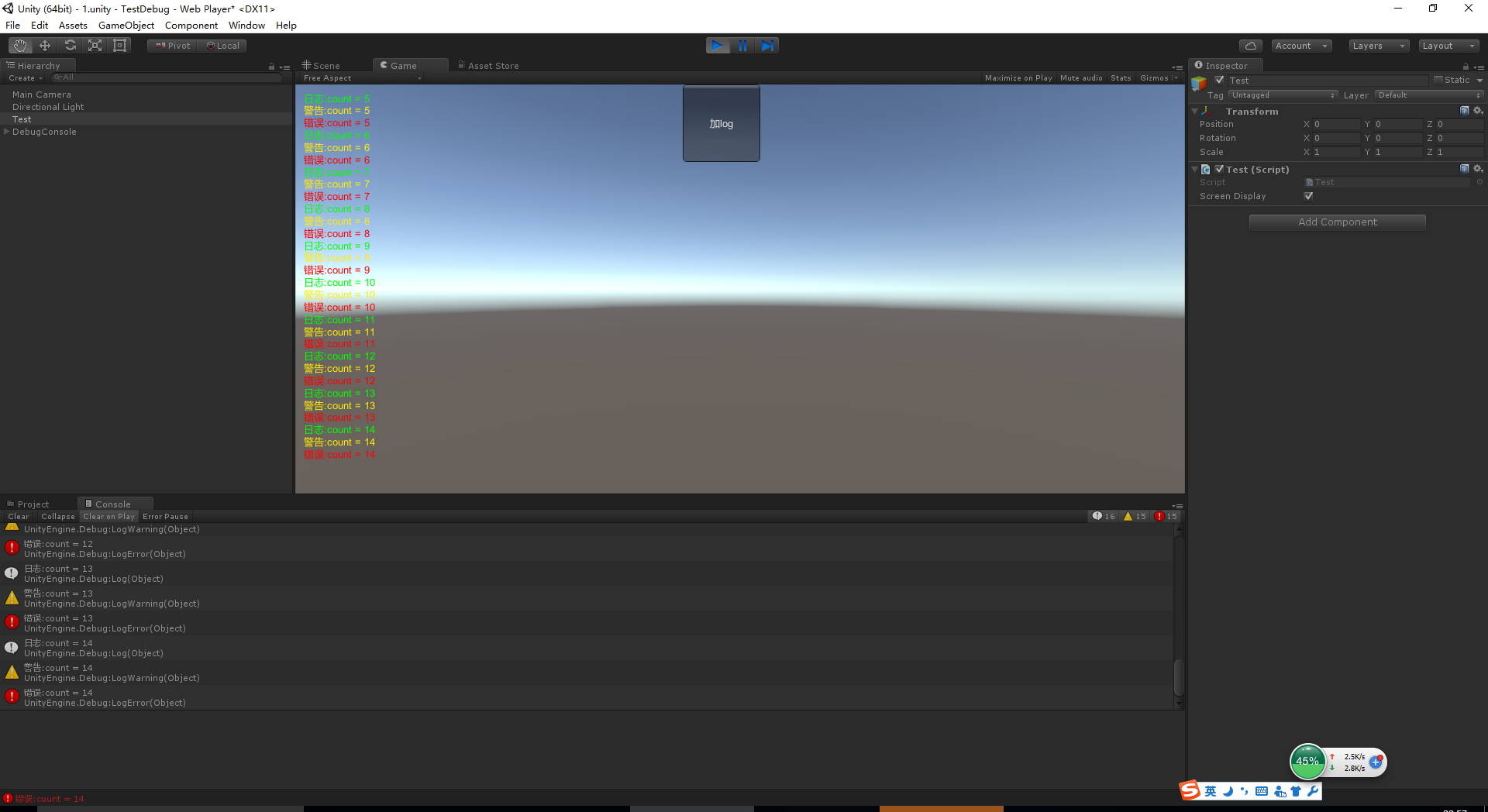
開發中我們常覺得 Unity 自帶的日志系統不夠好用:不能按條件篩選、不能打印到屏幕上、也不能生成自定義日志文件。這就需要擴展編輯器的相關功能。本文實現的需求比較簡單:給
 Android 手把手實作:打造一個透明背景的進度對話框
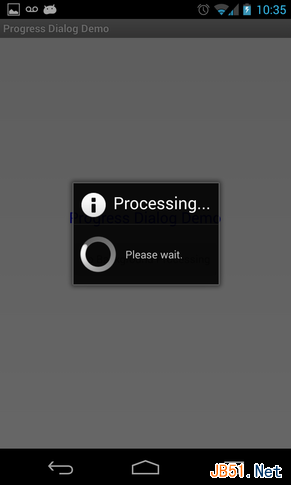
先來看看我們要做出來的「透明進度對話框」長什麼樣子——它沒有傳統對話框的邊框與背景,只有一個持續旋轉的加載動畫,乾淨又低調。 實作步驟 1、建立專案 用 Eclips
 小米Note全網通版支援哪些網路?三網制式總整理
小米Note全網通版支援三大電信網路,包含移動4G/3G/2G、聯通4G/3G/2G、電信4G/3G/2G。 它比標準版增加全網通能力,售價僅略高,適合需要跨網卡或經常出