

編輯:關於 Android 程式設計
在處理動畫連動時,監聽器的回呼順序往往會影響你的狀態管理邏輯。以下用實測結果記錄 AnimatorSet 與 AnimationSet 兩套 API 在啟動、取消、結束時的實際回呼順序,這在官方文件中並未清楚說明。
情境:alphaAnim 與 scaleAnim 放進同一個 animSet 同時執行,animSet 本身也設了監聽器。
呼叫 start() 時:會先分別執行各個子 Animator 的 onAnimationStart,最後才呼叫 animSet 自己的 onAnimationStart。
alphaAnim start
scaleAnim start
animSet start
執行途中呼叫 animSet.cancel() 時:順序是「先 set 自己的 cancel → 再逐一對每個子 Animator 呼叫 cancel 與 end → 最後才呼叫 set 自己的 end」。
animSet cancel
alphaAnim cancel
alphaAnim end
scaleAnim cancel
scaleAnim end
animSet end
正常執行到結束時:
alphaAnim start
scaleAnim start
animSet start
alphaAnim end
scaleAnim end
animSet end
歸納起來有個規律:start 是由內而外(子先於父),cancel 與 end 是由外而內(父先於子)。這個方向性在撰寫狀態清理邏輯時很重要——如果你在 set 的 onAnimationEnd 中假設「所有子動畫都已完全清理完畢」,這個假設是正確的;但若在子動畫的 onAnimationEnd 中假設「父動畫已經收到通知」,就會判斷錯誤。
若改用 ScaleAnimation、AlphaAnimation、AnimationSet 這套舊版補間動畫 API,呼叫 animSet 的 cancel 方法時,流程變成:
scaleAnim start
alphaAnim start
animSet start
animSet end
animSet end
scaleAnim end
alphaAnim end
animSet end
這裡有兩個明顯不同的地方。
第一,set 的 onAnimationEnd 被呼叫了三次,而且是在子動畫的 end 之前就先出現了兩次。這個行為相當難以理解——查過原始碼後發現那兩次呼叫的實作體基本是空的,只是綁定了幾個監聽器,理論上沒有理由被觸發多次。這是舊版 AnimationSet 在 cancel 路徑上的一個已知怪異行為,實務上不能依賴 end 只被呼叫一次的假設。
第二,順序反了:新版 AnimatorSet 是「父 cancel/end 先、子後」,舊版 AnimationSet 則出現父 end 先於子 end 的情況。
把上面的行為轉成防禦性的撰寫原則,大概有三點。
不要把一次性清理邏輯寫在 onAnimationEnd 裡。既然同一個回呼可能被觸發多次(尤其在使用 AnimationSet 時),應該用一個 boolean 旗標做 guard,確保清理只執行一次。
狀態轉移盡量放在 onAnimationCancel 之外。cancel 與 end 都可能被呼叫,且順序依 API 而異。若某段邏輯必須在動畫完全終止後執行,較穩妥的做法是在自己控制的流程中显式串接,而不是依賴監聽器的相對順序。
新專案一律選屬性動畫。除了本文說明的回呼順序問題,AnimatorSet 在連動控制(playTogether、playSequentially、with、before、after)上的表達力也遠優於 AnimationSet,而且補間動畫只能作用於 View 的繪製階段,無法真正改變物件的屬性值。除非維護的是舊專案,沒有理由在新程式碼中使用 AnimationSet。
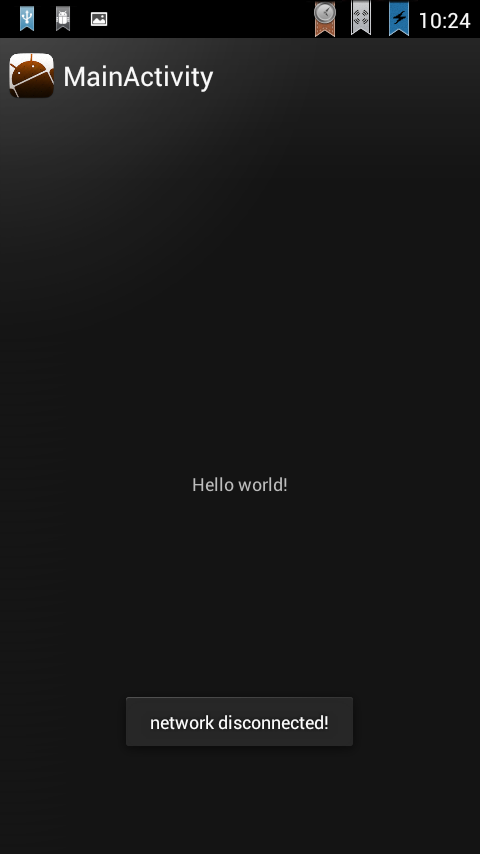 Android BroadcastReceiver 廣播接收器使用解析
BroadcastReceiver 是 Android 中負責接收廣播 Intent 的元件。系統或應用程式可以送出廣播,而接收器則負責異步接收並做出反應,例如監聽網路變
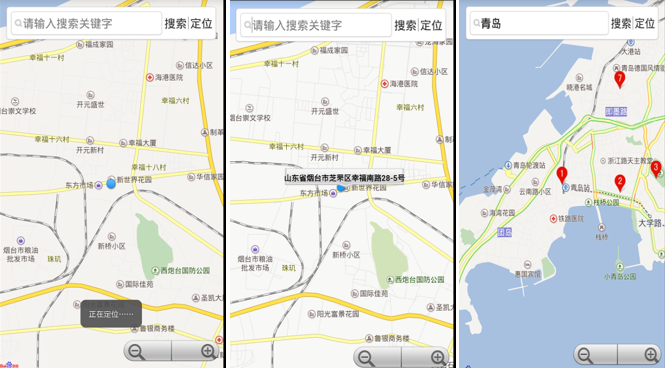 Android 百度地圖實戰:搜索、定位與自定義圖標氣泡彈窗
實現目標本文以百度地圖 Android SDK 為基礎,整理一套可直接實踐的搜索、定位與自定義標記方案。除了完成關鍵字檢索與當前位置展示,還會說明如何利用自定義圖標呈現定
 Android WiFi 連接功能實作全解析(附完整源碼)
做專案的時候,常常會冒出這麼一個需求:讓使用者直接在 App 裡挑一個 Wi-Fi 熱點,輸入密碼完成連接,還要即時反映目前的連線狀態。看似簡單,實際動手會發現牽涉到掃描
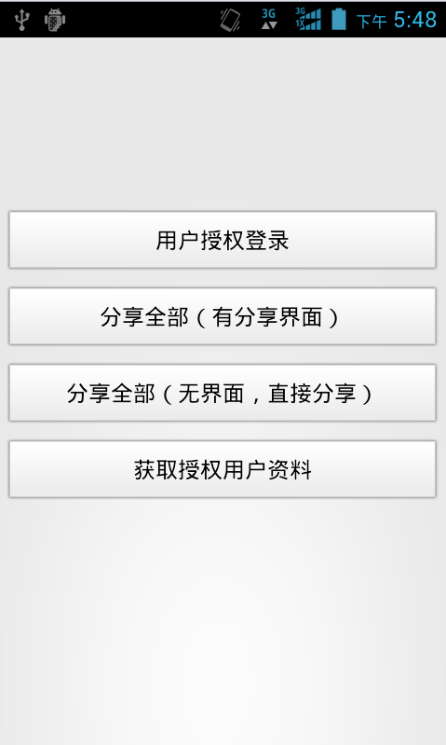 Android 第三方授權登入與分享整合實作:ShareSDK 完整流程
專案需要在 App 裡加入第三方授權登入,以及分享文字與圖片的功能。過程中繞了不少路、查了一輪資料,最後做出了一個可運行的 Demo。效果還不錯,於是整理成一份完整教學,