

編輯:關於 Android 程式設計
Android 播放視頻大致有三條路:
本文只講第一種。雖然最終負責播放的機制仍是 MediaPlayer,但那些細節都由系統播放器代勞,我們只需要發一個意圖。
<LinearLayout xmlns:android="https://schemas.android.com/apk/res/android"
    xmlns:tools="https://schemas.android.com/tools"
    android:layout_width="match_parent"
    android:layout_height="match_parent"
    android:orientation="vertical" >

    <Button
        android:id="@+id/button"
        android:layout_width="match_parent"
        android:layout_height="wrap_content"
        android:text="播放" />

</LinearLayout>
package com.multimediademo10videointent;

import android.app.Activity;
import android.content.Intent;
import android.net.Uri;
import android.os.Bundle;
import android.os.Environment;
import android.view.View;
import android.view.View.OnClickListener;
import android.widget.Button;

/**
 * 透過意圖觸發內建的媒體播放器進行本地視頻播放
 */
public class MainActivity extends Activity implements OnClickListener {

    private Button button;

    @Override
    protected void onCreate(Bundle savedInstanceState) {
        super.onCreate(savedInstanceState);
        setContentView(R.layout.activity_main);
        button = (Button) findViewById(R.id.button);
        button.setOnClickListener(this);
    }

    /**
     * 點擊按鈕後,由系統選擇已安裝的視頻播放器來播放
     */
    @Override
    public void onClick(View v) {
        /**
         * 使用 Intent.ACTION_VIEW 建立意圖,
         * 並透過 setDataAndType() 傳入檔案的 URI 與 MIME 型別
         */
        Intent intent = new Intent(android.content.Intent.ACTION_VIEW);
        Uri data = Uri.parse(Environment.getExternalStorageDirectory()
                .getPath() + "/1.mp4");
        intent.setDataAndType(data, "video/mp4");
        startActivity(intent);
    }
}
運行這個程式之前,需要在 SD 卡根目錄放置一個名為 1.mp4 的視頻檔案,否則會因為找不到檔案而無法播放。
另外要提醒兩點現實環境的變化:一是 Environment.getExternalStorageDirectory() 這類直接存取外部儲存的寫法,在 Android 10 以上已受到儲存空間隔離限制,建議改用 MediaStore 或 FileProvider;二是從其他 App 傳入的 URI 若要給 ACTION_VIEW 使用,需加上 FLAG_GRANT_READ_URI_PERMISSION,否則對方會因權限不足而打不開。
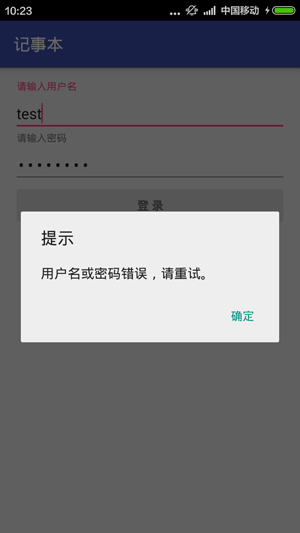 用 android-support-design 打造 Material Design 風格對話框
自從 support 庫更新之後,Material Design 風格的對話框已經不必再依賴第三方專案。本文示範如何用系統元件完成兩種常見形態,並封裝成工具類方便重複呼叫
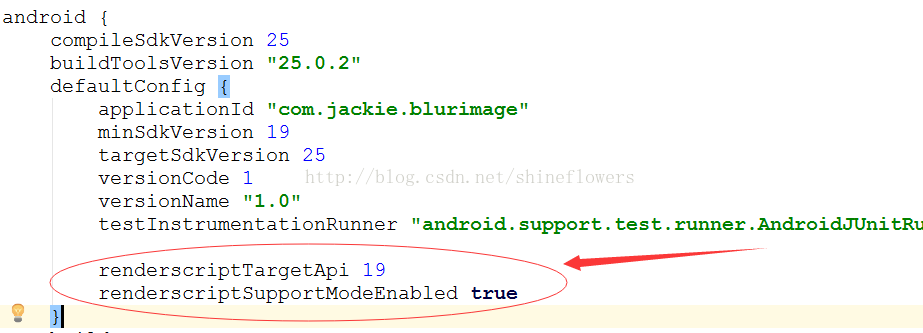 Android 使用 RenderScript 實作動態高斯模糊效果
寫在前面 如今越來越多的 App 都加入了模糊效果,也就是所謂的高斯模糊。大家都知道,在 Android 平台上進行模糊渲染是一項相當耗 CPU、也相當耗時的操作,一旦處
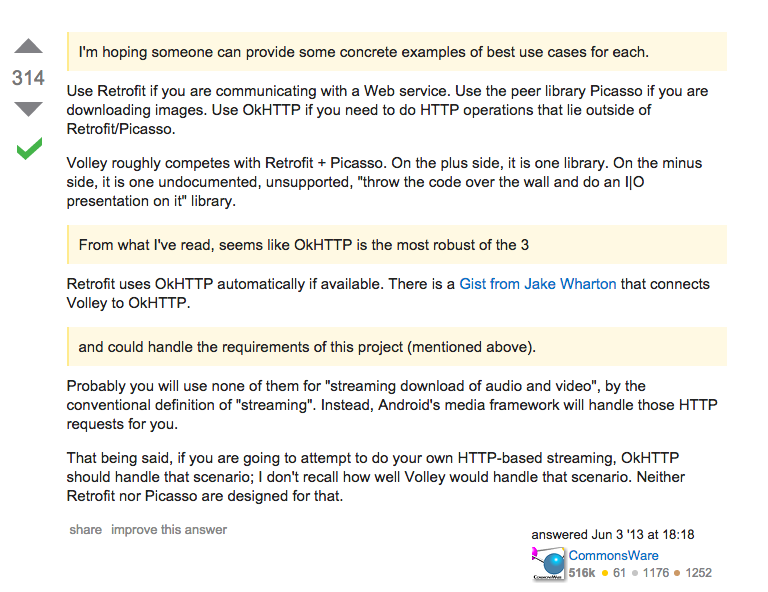 Android 網絡開源庫之 Retrofit 解析詳解
在 Android 網絡開發中,常見的開源庫有很多,例如 Volley、OkHttp 和 Retrofit。其中,OkHttp 和 Retrofit 都由 Square
 Android 解析 GML 數據並用地圖顯示:XmlPullParser + SVG 完整實現
本例目標:在 App 中解析 GML 並展示為地圖 GML(Geography Markup Language,地理標記語言)由開放式地理信息系統協會(OGC)於 199