

編輯:關於 Android 程式設計
在編寫 Android 程序時,我們常常需要自定義 View,並用 Inflater 對象把布局文件解析成一個 View。本文就來總結一下獲取 LayoutInflater 對象的常見方法。
可以通過系統服務獲取:
LayoutInflater inflater = (LayoutInflater) context.getSystemService(Context.LAYOUT_INFLATER_SERVICE);
View child = inflater.inflate(R.layout.child, null);
或者使用更簡潔的靜態工廠方法:
LayoutInflater inflater = LayoutInflater.from(context);
View child = inflater.inflate(R.layout.child, null);
View child = getLayoutInflater().inflate(R.layout.child, item, false);
或者:
LayoutInflater inflater = (LayoutInflater) getContext().getSystemService(Context.LAYOUT_INFLATER_SERVICE);
View view = inflater.inflate(R.layout.mylayout, null);
其實方法一和方法二本質上都是對 context.getSystemService() 的使用。
View view = View.inflate(context, R.layout.child, null);
其源碼如下:
public static View inflate(Context context, int resource, ViewGroup root) {
    LayoutInflater factory = LayoutInflater.from(context);
    return factory.inflate(resource, root);
}
可以看到,View.inflate 內部其實就是調用了 LayoutInflater.from(context)。而 from 方法本身又只是對方法一的封裝:
public static LayoutInflater from(Context context) {
    LayoutInflater LayoutInflater =
        (LayoutInflater) context.getSystemService(Context.LAYOUT_INFLATER_SERVICE);
    if (LayoutInflater == null) {
        throw new AssertionError("LayoutInflater not found.");
    }
    return LayoutInflater;
}
由此可見,這些看似不同的寫法,追根溯源都是圍繞 getSystemService(LAYOUT_INFLATER_SERVICE) 展開的,只是封裝層次和調用方式各異而已。
 自定義 ViewGroup 實戰:手把手寫一個流式布局 FlowLayout
本文參考並總結了鴻神的 FlowLayout 文章,在此基礎上做了修正,也補充了一些自己的理解,文末附上原文地址。 什麼是流式布局 流式布局(FlowLayout)指的是
 Android SQLite 實戰:從建表到 CRUD 的完整流程
在 Android 開發中,資料持久化是不可忽略的一環。相較於輕量級的 SharedPreferences,SQLite 更適合儲存結構化資料,例如使用者清單、商品資訊、
 打造開發神器:五個值得裝的 Android Studio 插件
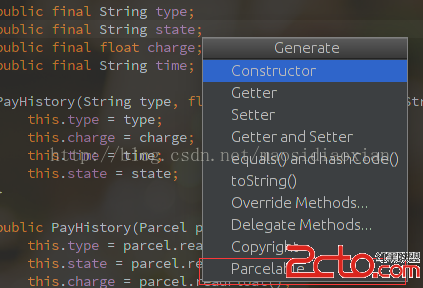
插件用得好,能省下大量重複敲擊。以下五個按實用程度排序。 1. Android Parcelable code generator 顧名思義,生成 Parcelabl
 Android Preference進階指南:PreferenceActivity、PreferenceGroup與設定頁管理
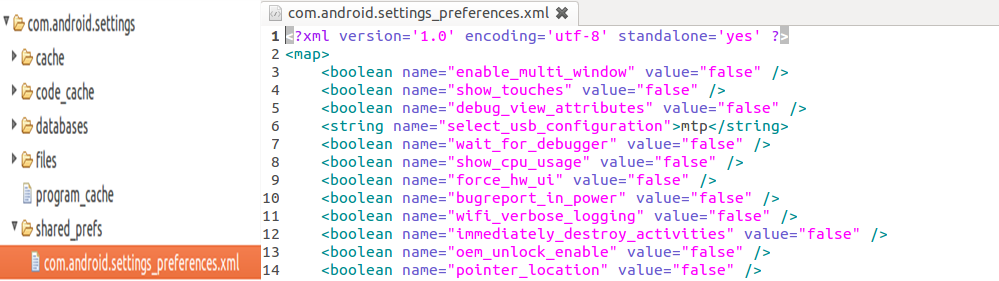
引言 Preference是Android中用來構建設定頁的重要元件。它能夠將使用者設定以列表形式呈現,並自動透過SharedPreferences保存狀態。本文將整理P