

編輯:關於 Android 程式設計
除了 Apache POI,另一個常見的選擇是 JXL(jxl.jar)。以下示範如何用它讀取 Excel 文件。
MainActivity 如下:
package cc.testexcel;
import java.io.File;
import jxl.Cell;
import jxl.CellType;
import jxl.DateCell;
import jxl.NumberCell;
import jxl.Sheet;
import jxl.Workbook;
import android.os.Bundle;
import android.os.Environment;
import android.app.Activity;

/**
 * Demo 描述:利用 jxl.jar 解析 Excel 文件
 *
 * 注意事項:
 * 1. 讀取每個儲存格時,要留意其型別(CellType),
 *    這樣才能對不同型別區分處理。
 * 2. 測試用的 Excel 文件放在 assets 資料夾下。
 */
public class MainActivity extends Activity {
    @Override
    public void onCreate(Bundle savedInstanceState) {
        super.onCreate(savedInstanceState);
        setContentView(R.layout.main);
        parseExcel();
    }

    private void parseExcel() {
        try {
            Workbook workbook = null;
            try {
                File file = new File(Environment.getExternalStorageDirectory()
                        + File.separator + "test.xls");
                workbook = Workbook.getWorkbook(file);
            } catch (Exception e) {
                throw new Exception("File not found");
            }
            // 取得第一張表
            Sheet sheet = workbook.getSheet(0);
            // 列數
            int columnCount = sheet.getColumns();
            // 行數
            int rowCount = sheet.getRows();
            // 儲存格
            Cell cell = null;
            for (int everyRow = 0; everyRow < rowCount; everyRow++) {
                for (int everyColumn = 0; everyColumn < columnCount; everyColumn++) {
                    cell = sheet.getCell(everyColumn, everyRow);
                    if (cell.getType() == CellType.NUMBER) {
                        System.out.println("數字=" + ((NumberCell) cell).getValue());
                    } else if (cell.getType() == CellType.DATE) {
                        System.out.println("時間=" + ((DateCell) cell).getDate());
                    } else {
                        System.out.println("everyColumn=" + everyColumn
                                + ",everyRow=" + everyRow
                                + ",cell.getContents()=" + cell.getContents());
                    }
                }
            }
            // 關閉 workbook,防止記憶體洩漏
            workbook.close();
        } catch (Exception e) {
        }
    }
}
main.xml 如下:
關鍵在於:讀取每個儲存格前先判斷 CellType,就能針對數字、日期、文字等不同型別分別處理,最後別忘了呼叫 workbook.close() 釋放資源。
 Android Service 全面解析:分類、生命週期與使用方式
一、Service 的分類 依執行位置:本地服務與遠程服務 本地服務(Local)依附在主進程上,因此不必 IPC、也不用寫 AIDL,bindService 相對簡單,
 Android Dialog 全面使用指南與總結
Dialog 使用總結 在 Android 中,Dialog 是與對話框相關的類,主要承擔各類提示與交互的作用。它大致可以分為以下幾種: AlertDialog:警告(提
 網頁如何喚起本機 APK:Android Scheme 跳轉完整解析
行動版瀏覽器打開 m.alipay.com 時,如果手機裝了支付寶就直接跳進客戶端,沒裝則導向安裝頁——這個體驗背後靠的是 URL Scheme 攔截。本文把整個機制拆開
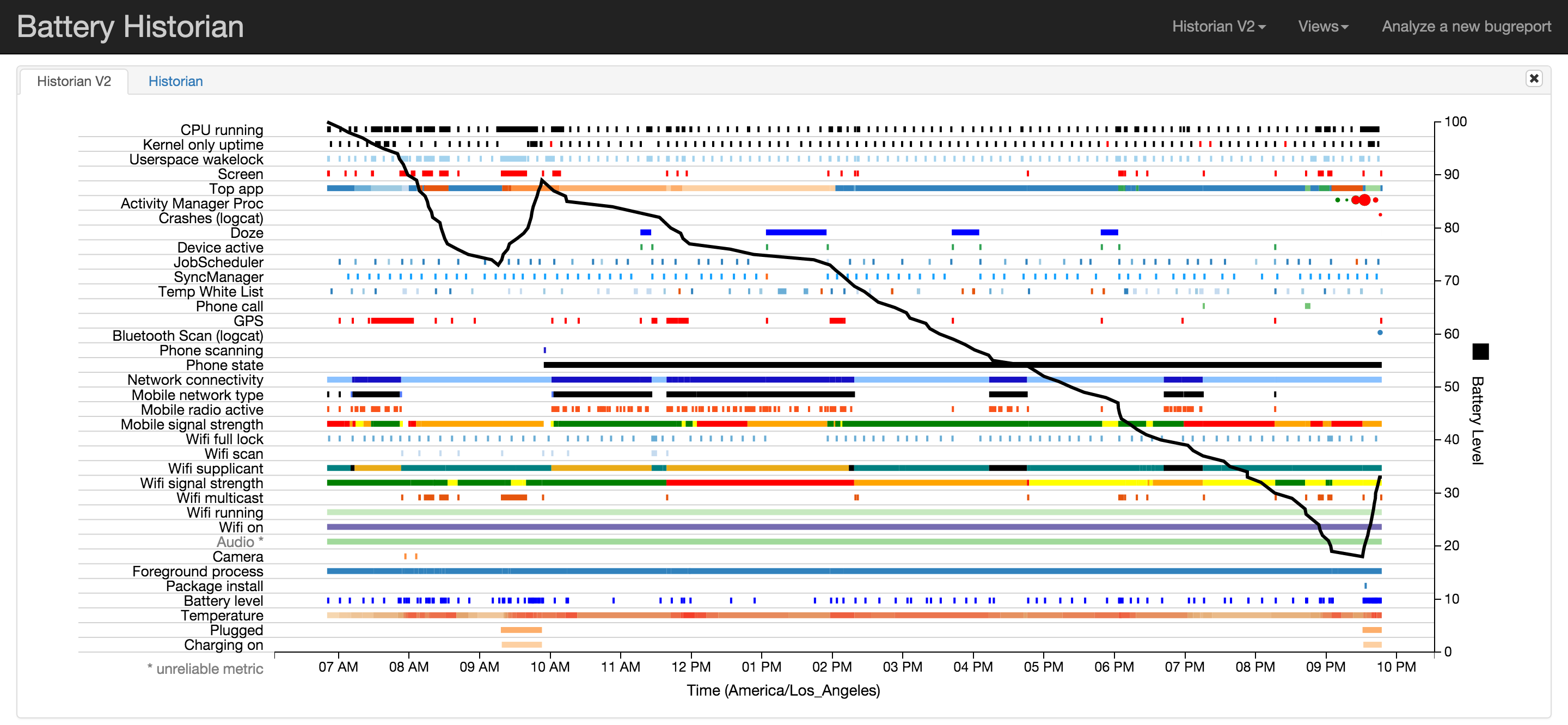 adb bugreport thoroughly 解析:從一行指令到 dumpstate 源碼全通
一、bugreport 是什麼? 一個成熟的行動作業系統,除了功能要完整,還得讓開發者能把問題查清楚。Android 在這件事上做得相當徹底:只要系統或 App 在真机上