

編輯:關於 Android 程式設計
GridView 天生是換行配置的網格,沒辦法直接做到「全部擠在同一行、超出就橫向捲動」。繞過這個限制的思路是兩步:外層包一個 HorizontalScrollView 負責橫向滾動,內層把 GridView 的欄數設成等於資料筆數,讓它永遠只有一列。
HorizontalScrollView 只能直接包一個子 View,所以 GridView 外面還得多墊一層 LinearLayout:
<HorizontalScrollView
    android:layout_width="fill_parent"
    android:layout_height="wrap_content">

    <LinearLayout
        android:layout_width="fill_parent"
        android:layout_height="wrap_content"
        android:orientation="vertical">

        <GridView
            android:id="@+id/gridView"
            android:layout_width="fill_parent"
            android:layout_height="wrap_content"
            android:layout_gravity="center" />

    </LinearLayout>

</HorizontalScrollView>
item 的版面就照你要顯示的欄位自由定義,這部分沒有額外限制。
真正的重點在 Java 端。因為 GridView 需要一個明確寬度才能把所有欄位攤在同一行,我們必須依螢幕密度與資料筆數手動算出來:
int length = 你的資料筆數;

DisplayMetrics dm = new DisplayMetrics();
getWindowManager().getDefaultDisplay().getMetrics(dm);
float density = dm.density;

int gridviewWidth = (int) (110 * length * density);   // 整體寬度
int itemWidth     = (int) (100 * density);            // 單一項目寬度

LinearLayout.LayoutParams params = new LinearLayout.LayoutParams(
        gridviewWidth, LinearLayout.LayoutParams.FILL_PARENT);
gridView.setLayoutParams(params);              // 關鍵:撐開寬度
gridView.setColumnWidth(itemWidth);            // 關鍵:欄寬
gridView.setHorizontalSpacing(10);             // 欄間距
gridView.setStretchMode(GridView.NO_STRETCH);  // 關閉自動拉伸
gridView.setNumColumns(length);                // 關鍵:欄數 = 資料筆數
四個設定的作用各自不同:setNumColumns 決定不換行;setLayoutParams 給 GridView 一個足夠寬的容器;setColumnWidth 讓每格大小一致;setStretchMode(NO_STRETCH) 則是關掉 GridView 預設會把空間平均分給各欄的行為,否則你的寬度計算會被系統覆蓋掉。
由於寬度是靠 density 推算的,在不同解析度上很難剛剛好填滿或剛好可滑。實務上比較穩健的做法是改自訂一個 GridView 子類別、在 onMeasure 中依子項數量回報寬度,這樣就不必依賴固定倍率的魔法數字。另外若資料筆數很多,橫向捲動搭配整排一次配置的成本會偏高,這時 HorizontalScrollView 加 ListView 的組合會更合適。
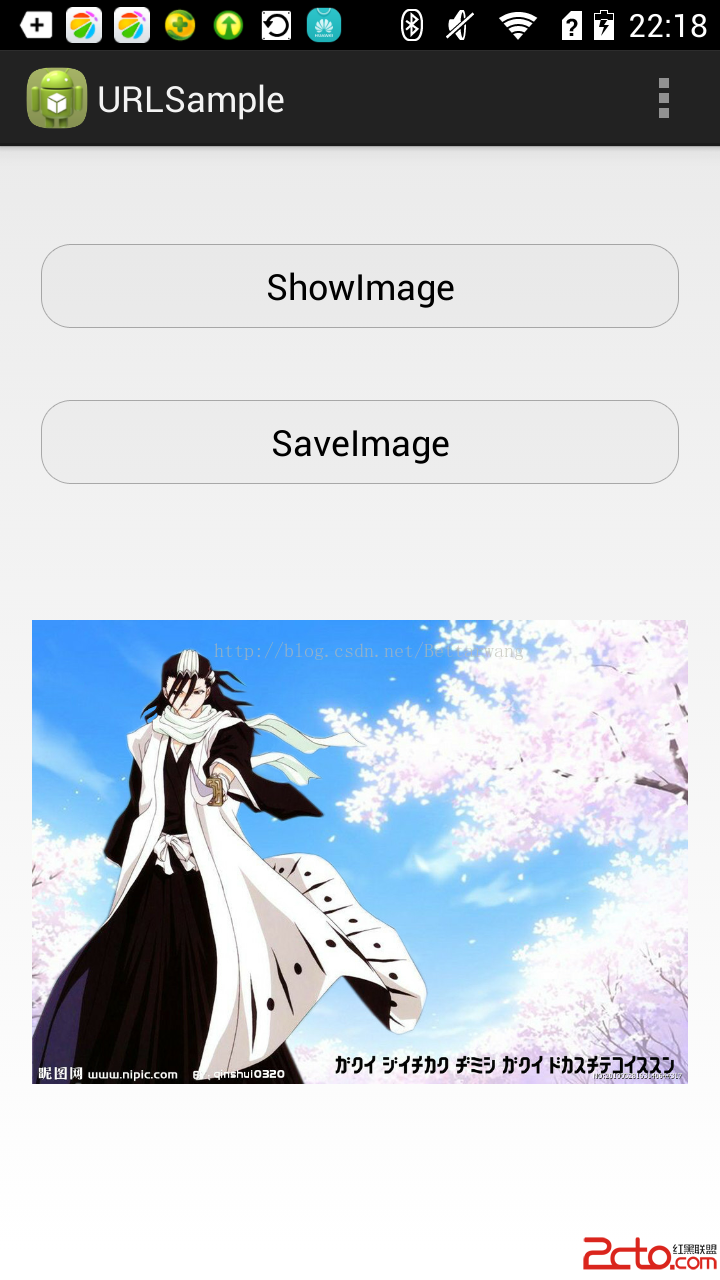 Android 網路編程入門(一):用 URLConnection 下載圖片
URL(Uniform Resource Locator,統一資源定位器)物件代表一個指向網際網路資源的指標。它由四個部分組成: protocol://host:por
 Android 創建與使用 SQLite 數據庫完整指南
一、關系型數據庫 SQLite 每個應用都要使用數據,Android 也不例外,它使用開源的、與操作系統無關的 SQL 數據庫——SQLite。SQLite 第一個 Al
 Android 創建與引用 Library Project(庫項目)完整教程
開發過程中,为了实现某個陌生的效果或功能,我們常常會求助於網上優秀的開源項目。使用時會發現,引用開源的 Library Project(庫項目)確實能解決不少問題,也提供
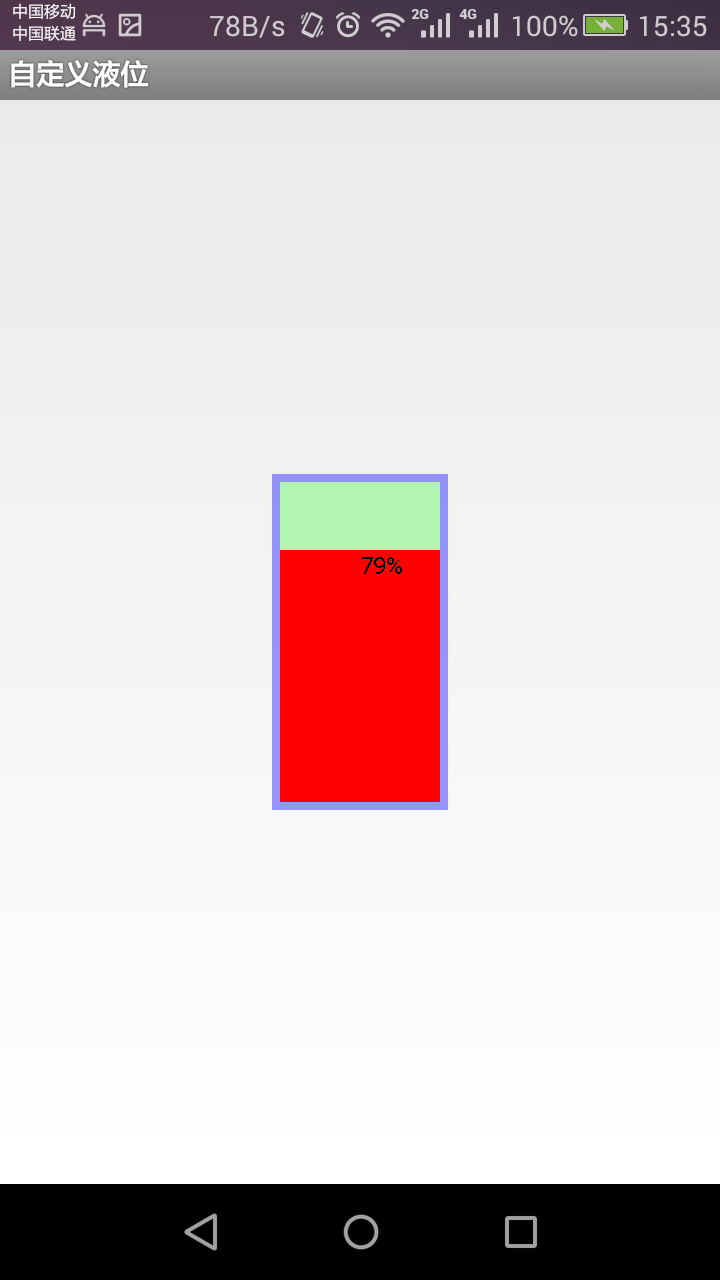 Android 自定義液位指示器:打造可視化的 ProgressBar
Android 自定義液位指示器 在工業監控、設備狀態顯示或互動展示頁面中,液位指示器能以視覺化方式呈現目前容量或進度。本文以繼承 ProgressBar 的方式,打造一