

編輯:關於 Android 程式設計
LayoutInflater 的作用,是把 layout 的 XML 版面配置檔實例化成對應的 View 物件。當你想在程式執行時動態載入某個版面,就會用到它。
// 方法一:透過系統服務
LayoutInflater inflater = (LayoutInflater) context.getSystemService(Context.LAYOUT_INFLATER_SERVICE);
View layout = inflater.inflate(R.layout.main, null);

// 方法二:透過靜態方法(本質等同方法一,可參考原始碼)
LayoutInflater inflater = LayoutInflater.from(context);
View layout = inflater.inflate(R.layout.main, null);

// 方法三:在 Activity 中直接呼叫(實際上是 Window 的方法)
LayoutInflater inflater = getLayoutInflater();
View layout = inflater.inflate(R.layout.main, null);
比起直接 setContentView(R.layout.main),我們也可以先 inflate 出 View 再設定給 Activity,兩者效果相同:
public class MyInflate extends Activity {
    private TextView tv;

    public void OnCreate(Bundle savedInstanceState) {
        super.onCreate(savedInstanceState);
        // setContentView(R.layout.main);
        // tv = (TextView) findViewById(R.id.tv);

        LayoutInflater inflate = LayoutInflater.from(this);
        View view = inflate.inflate(R.layout.main, null);
        setContentView(view);
    }
}
掌握 LayoutInflater,就能在需要時靈活地把 XML 版面變成可自由操作、附加的 View 物件。
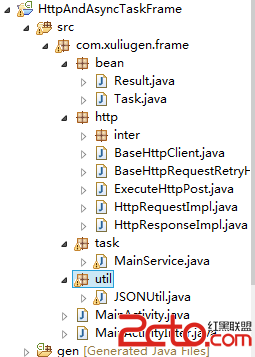 自己封裝 HTTP 框架:搭配 Service + Thread + Handler 跑非同步任務
本文示範如何把 HTTP 請求抽象成介面、再用 Service 統一調度任務、最後透過 Handler 把結果送回 UI。目標不是重造一個 Apache HttpClie
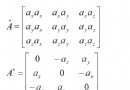 在 Android 百度地圖上繪製真正的圓形鏤空效果
在 Android 的百度地圖 SDK 中,若想畫出視覺上真正的圓,而不是被經緯度拉伸的橢圓,關鍵在於不要把經緯度直接當成平面直角坐標。本文整理一種以球面坐標思考、再轉回
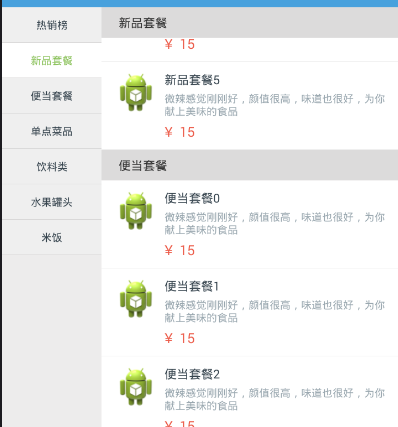 雙 ListView 聯動的程式碼層剖析:從三個難點下手
上一篇把仿外賣點餐的雙列表聯動跑通了,這一篇換個角度,回到程式碼層面拆解它為什麼能work。理解原理之後,你就能自己改造出各種變形。 為了敘述清楚,下文把左側列表稱為
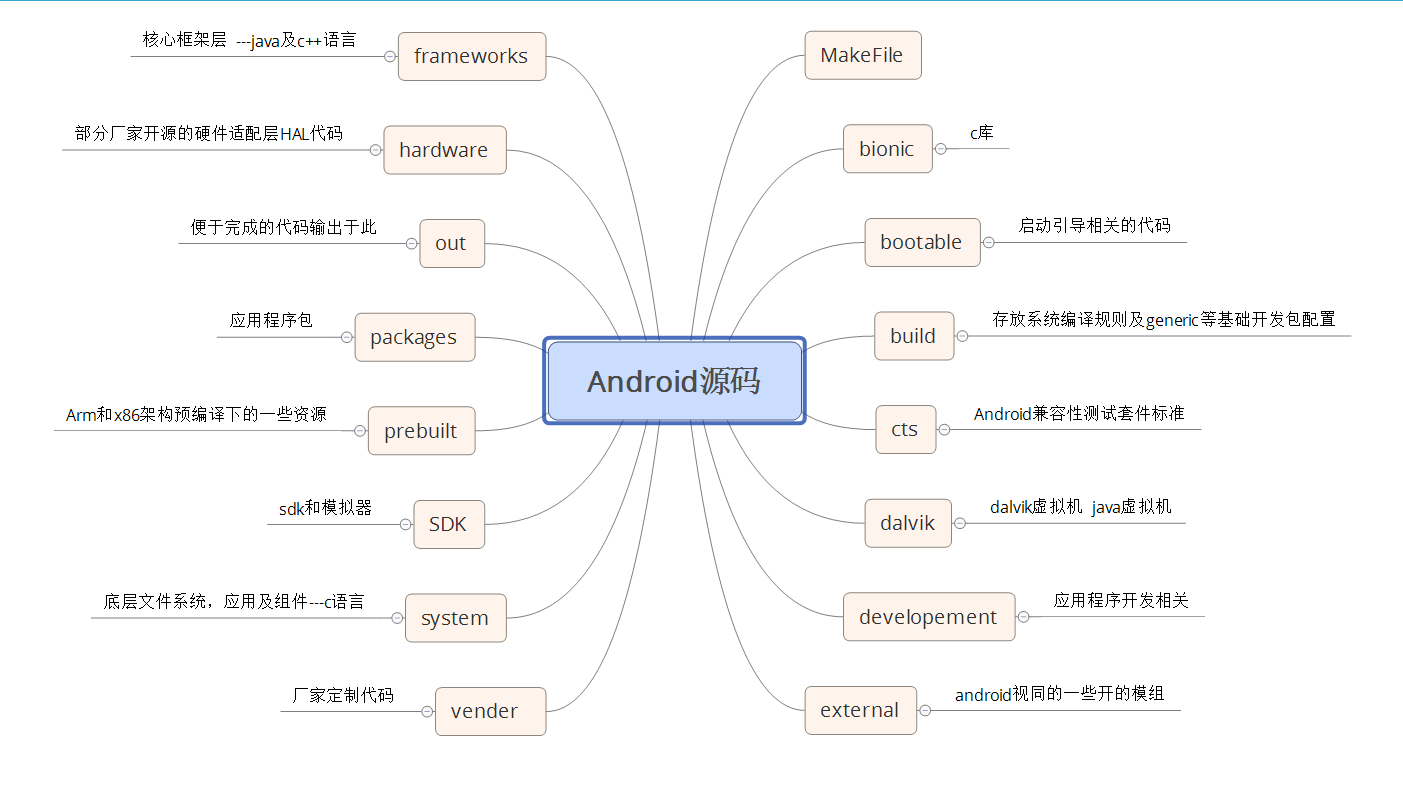 Android 源碼目錄結構全解析:一次看懂每個資料夾在做什麼
第一次下載完 AOSP 源碼,打開根目錄看到十幾個資料夾,很多人會直接迷失。其實這些目錄的分工非常清楚:有的放 C 語言底層庫,有的放 Java 框架,有的放預編譯產物