

編輯:關於 Android 程式設計
系統自帶的 ProgressDialog 文字預設偏小,若想放大或縮小,最簡單的方式就是為它指定一個自訂的 style。以下示範完整的做法。
package com.example.ttt;

import android.app.Activity;
import android.app.ProgressDialog;
import android.os.Bundle;
import android.view.Window;

/**
 * Demo 描述: 改變系統自帶 ProgressDialog 的文字大小
 * 改變方式: 為 ProgressDialog 設置一個 style 即可,參見 styles.xml
 */
public class MainActivity extends Activity {
    @Override
    protected void onCreate(Bundle savedInstanceState) {
        super.onCreate(savedInstanceState);
        setContentView(R.layout.activity_main);

        // 為此 ProgressDialog 指定 style
        ProgressDialog dialog = new ProgressDialog(this, R.style.dialog);
        dialog.requestWindowFeature(Window.FEATURE_NO_TITLE);
        dialog.setCanceledOnTouchOutside(false);
        dialog.setMessage("loading");
        dialog.setCancelable(false);
        dialog.show();
    }
}
關鍵在於最後一行的 android:textSize,把它設為想要的字級即可:
<resources xmlns:android="https://schemas.android.com/apk/res/android">
    <style name="AppBaseTheme" parent="android:Theme.Light">
    </style>

    <style name="AppTheme" parent="AppBaseTheme">
    </style>

    <style name="dialog" parent="@android:style/Theme.Dialog">
        <item name="android:windowFrame">@null</item>
        <item name="android:windowIsFloating">true</item>
        <item name="android:windowIsTranslucent">true</item>
        <item name="android:windowNoTitle">true</item>
        <item name="android:windowBackground">@android:color/transparent</item>
        <item name="android:backgroundDimEnabled">true</item>
        <item name="android:windowContentOverlay">@null</item>
        <item name="android:textSize">25sp</item>
    </style>
</resources>
<RelativeLayout xmlns:android="https://schemas.android.com/apk/res/android"
    xmlns:tools="https://schemas.android.com/tools"
    android:layout_width="match_parent"
    android:layout_height="match_parent">

    <TextView
        android:layout_width="wrap_content"
        android:layout_height="wrap_content"
        android:text="@string/hello_world"
        android:layout_centerHorizontal="true" />
</RelativeLayout>
透過自訂 style 覆寫 textSize,就能輕鬆控制 ProgressDialog 的提示文字大小。
 用貝塞爾曲線復刻 QQ 拖拽清除效果
純粹出於好奇心寫的一個學習 Demo,先上效果: 那兩條帶弧度、會隨手指拉伸變形的邊界,本質上就是貝塞爾曲線。 Android 的 Path 已經內建了繪製貝塞爾曲
 Android 分享功能實作:ShareSDK 快速上手
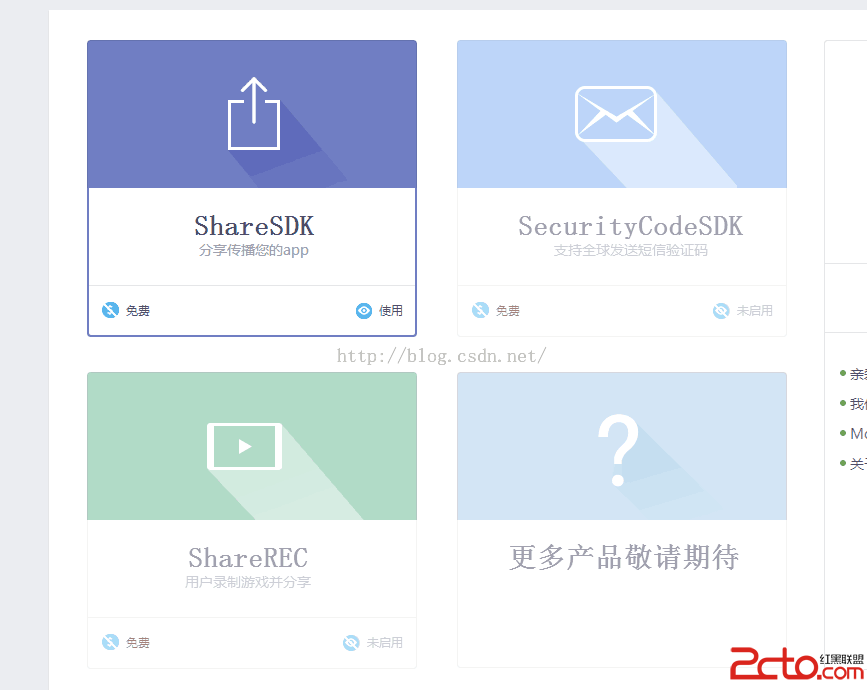
其實早就用過了,只是拖到現在才來記錄,實在是太目的就是——現在補起來。做產品幾乎都離不開分享功能,一方面是專案需求,另一方面也能很好地宣傳自己的產品,其他好處就因人而異了
 《Android 從入門到精通》第 17 篇:ProgressBar 進度條完全解析
凡是需要「讓使用者等一等」的場景,幾乎都離不開進度條。本文延續《Android 從入門到精通》的系列進度,把 ProgressBar 的類別結構、常用方法與一個可直接跑起
 Android 自訂主菜單:Dialog 封裝與動畫
自訂主菜單可以透過封裝 Dialog 來完成,既能複用原生視窗能力,也能加入自訂樣式、動畫與點擊回調。 實作概念 建立一個 TestDialog 類別,負責載入自訂版面、