

編輯:關於 Android 程式設計
有些 App 會希望在使用者完成某個操作後,於桌面額外放一顆捷徑,直接導向特定頁面。Android 把這件事做成一個廣播:送出帶有 ACTION_ADD_SHORTCUT 的 Intent,由 Launcher 接收並建立圖示。
Intent intent = new Intent();
intent.setClass(this, SplashActivity.class);

Intent addShortcut = new Intent(ACTION_ADD_SHORTCUT);
Parcelable icon = Intent.ShortcutIconResource.fromContext(this, R.drawable.icon);

addShortcut.putExtra(Intent.EXTRA_SHORTCUT_NAME, getString(R.string.app_name));
addShortcut.putExtra(Intent.EXTRA_SHORTCUT_INTENT, intent);
addShortcut.putExtra("duplicate", 0);
addShortcut.putExtra(Intent.EXTRA_SHORTCUT_ICON_RESOURCE, icon);
sendBroadcast(addShortcut);
幾個參數的意義:EXTRA_SHORTCUT_NAME 是桌面上顯示的名稱,EXTRA_SHORTCUT_INTENT 是點下去要啟動的目標,EXTRA_SHORTCUT_ICON_RESOURCE 指定圖示資源,而 duplicate 設為 0 表示不要建立重複的圖示。
作為捷徑目標的 Intent 必須具備下面這組 action 與 category,Launcher 才認得它是一個啟動入口:
intent.setAction("android.intent.action.MAIN");
intent.addCategory("android.intent.category.LAUNCHER");
少了這兩行,圖示可能會建立成功,但點下去卻沒有對應的 Activity 可以啟動。實務上更嚴謹的做法是直接寫成常數 Intent.ACTION_MAIN 與 Intent.CATEGORY_LAUNCHER,避免字串打錯。
Intent intent = new Intent();
intent.setClass(this, SplashActivity.class);
intent.setAction(Intent.ACTION_MAIN);
intent.addCategory(Intent.CATEGORY_LAUNCHER);

Intent addShortcut = new Intent(ACTION_ADD_SHORTCUT);
Parcelable icon = Intent.ShortcutIconResource.fromContext(this, R.drawable.icon);

addShortcut.putExtra(Intent.EXTRA_SHORTCUT_NAME, getString(R.string.app_name));
addShortcut.putExtra(Intent.EXTRA_SHORTCUT_INTENT, intent);
addShortcut.putExtra("duplicate", 0);
addShortcut.putExtra(Intent.EXTRA_SHORTCUT_ICON_RESOURCE, icon);
sendBroadcast(addShortcut);
需要澄清一個常見誤解:桌面上由使用者自行新增的捷徑,並不會因為 App 被解除安裝而自動消失,而系統也沒有提供一個可靠的「程式移除時刪除捷徑」的公開 API(歷史上曾有 ACTION_UNINSTALL_SHORTCUT 這類約定,但各版本與各家 Launcher 的支援程度不一,不能依賴)。因此比較務實的處理方式是:
android.intent.action.PACKAGE_REMOVED 這類由系統發送的廣播,並搭配 BOOT_COMPLETED 之外的自訂 receiver 註冊——但這條路仍受各家 ROM 限制,實作前務必在目標機型上實測。 音樂播放器App框架設計與實踐總結
音樂播放器 App 通常由界面層與服務層共同構成。界面負責展示音樂列表、歌手、專輯、播放詳情與搜索結果;服務則承擔音樂掃描、播放控制、後台續航與通知欄交互等核心能力。 界
 ImageView.ScaleType 圖文解析:七種縮放模式一次看懂
簡介 ImageView 的 scaleType 決定圖片在 View 中的縮放與對齊方式。可透過 XML 的 android:scaleType 或程式碼 setSca
 用 ListView 實現三級節點菜單(可擴展至多級)
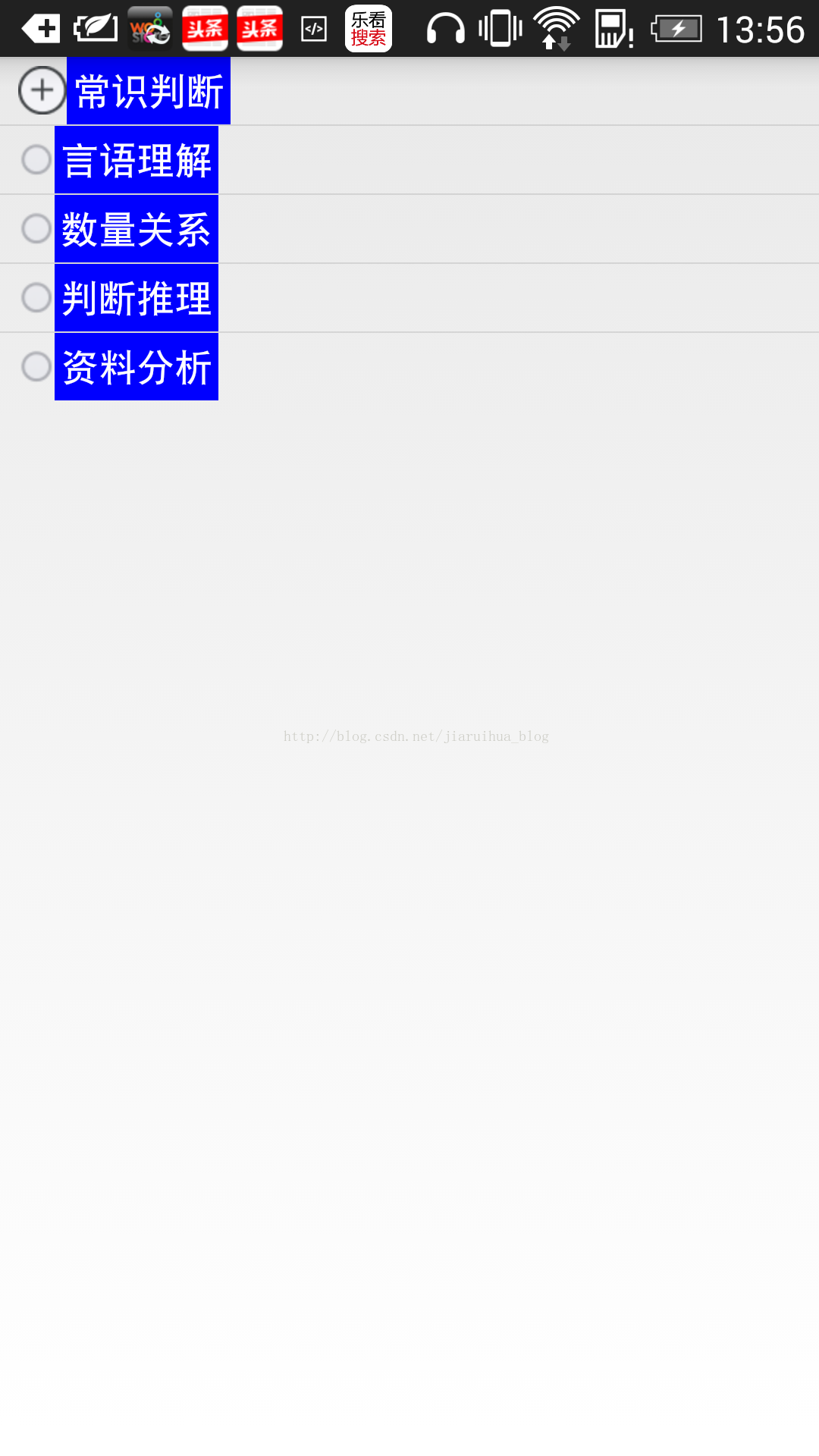
二級節點想必大家都熟悉,用 ExpandableListView 就能輕鬆搞定。但如果要實現三級甚至多級菜單呢?繼續硬套 ExpandableListView 就會變得非
 Android 執行緒完全解析:從單核多工到 Handler、MessageQueue 與 AsyncTask
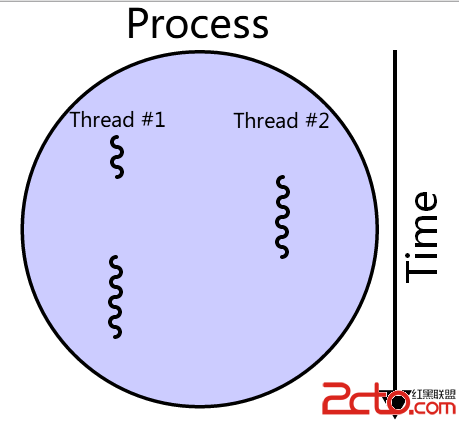
什麼是執行緒? 執行緒本質上就是一串指令(也就是程式碼),我們把它交給作業系統去執行。 一般來說,CPU 的每一個核心在任一時刻只能處理一條執行緒。多核處理器(目前多數