

編輯:關於 Android 程式設計
廣播是 Android 元件間通訊的常見方式,特別適合在同一個應用內的不同元件之間傳遞資料。整個流程可分為三個步驟:註冊廣播、發送廣播、接收廣播。切記:註冊廣播必須在接收廣播之前完成。
MyReceiver receiver = new MyReceiver();
IntentFilter filter = new IntentFilter(); // 建立 IntentFilter 物件
filter.addAction("android.intent.action.test");
registerReceiver(receiver, filter);
其中 MyReceiver 是廣播接收器。若需要同時接收多個廣播,可重複呼叫 filter.addAction("不同的標識") 來加入多組 action。
Intent intent = new Intent();
intent.setAction("android.intent.action.test"); // action 需與接收器相同

Bundle bundle = new Bundle();
bundle.putSerializable("showAllFriends", list); // 在這裡放入要傳遞的資料
intent.putExtras(bundle);

sendBroadcast(intent);
關鍵在於發送時設定的 action 必須與接收器註冊時一致,資料則透過 Bundle 封裝後隨 Intent 一起送出。
/**
 * 廣播接收器
 */
public static class MyReceiver extends BroadcastReceiver {
    @Override
    public void onReceive(Context context, Intent intent) {
        Bundle bundle = intent.getExtras();
        Object data = bundle.getSerializable("showAllFriends");
        System.out
            .println("---------------------------------------------------------------------");
    }

    public MyReceiver() {
        System.out.println("MyReceiver");
        // 建構子,可做初始化工作,本例中無實際作用
    }
}
接收器會在 onReceive() 中透過 getExtras() 取出 Bundle,再用發送時約定好的 key(此例為 showAllFriends)把資料取回。透過這套機制,就能在同一應用的元件之間靈活傳遞物件資料。
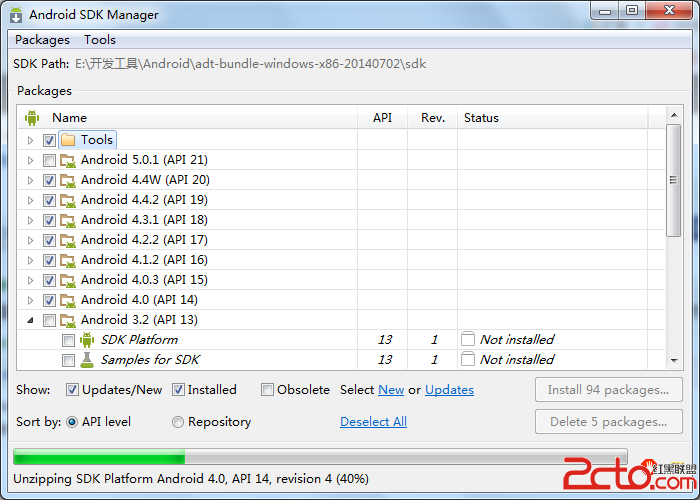 加快 Android SDK Manager 速度
問題Android SDK Manager 用於下載不同 Android 版本與工具。若網路連線 Google 較慢,可透過 hosts 與代理設定改善。修改 hosts
 夏天手機太燙怎麼辦?七個降溫做法與三個該避免的動作
悶熱季節裡,手機也同樣怕熱。使用時電池與儲存元件都會發熱,熱量積聚不只會讓系統變慢,嚴重時電池內部可能變形、甚至導致螢幕與機身分離。外部環境已經炎熱、散熱更困難的夏天,確
 自訂 ImageView 實作縮放拖拉:setFrame 與回縮動畫的細節
網路上談手勢縮放的文章不少,但把「越界判斷」與「鬆手回縮動畫」一起講清楚的卻不多。本文分享一個以動態 layout 為核心的自訂 ImageView 實作。 先理清方法呼
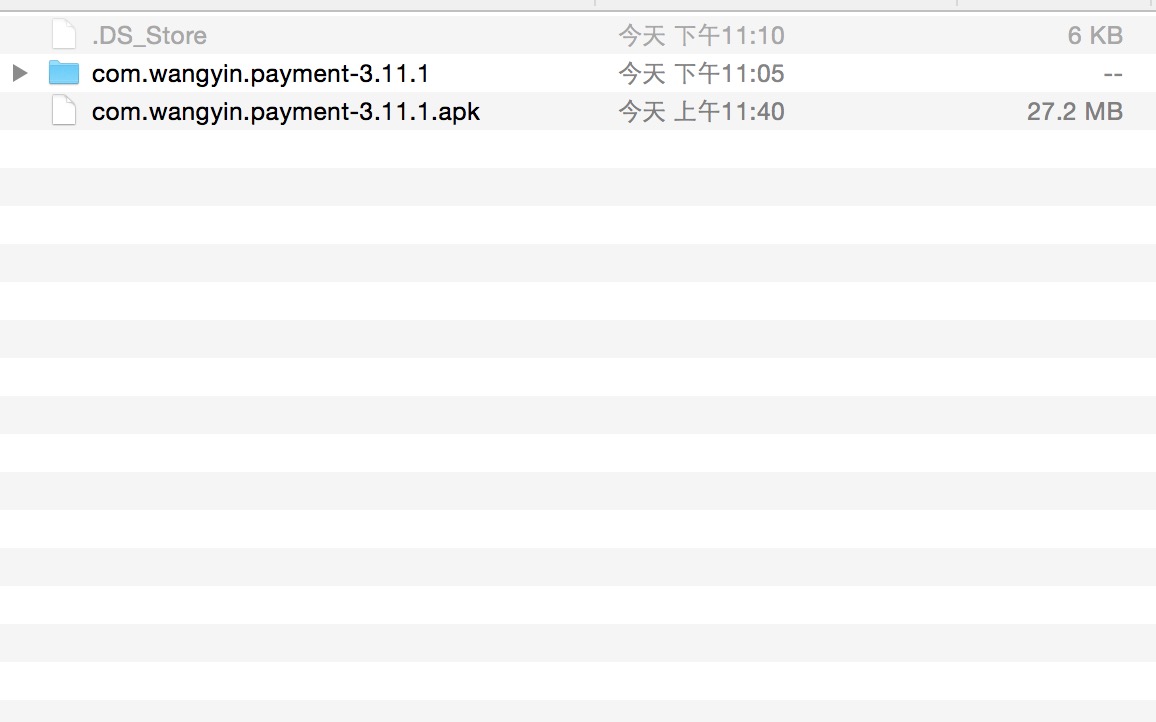 Android 安全專項測試之反編譯
apktool 反編譯 APK 使用 apktool d <apk 檔案>,預設會生成與 APK 同名的資料夾,裡面存放反編譯後的檔案: localhos