

編輯:關於 Android 程式設計
在影像處理的開發中,常需要把前景圖疊加在背景圖上合並成一張。做法是建立一張與背景同尺寸的新 Bitmap,再用 Canvas 依序畫上背景與置中的前景:
public static Bitmap combineBitmap(Bitmap background, Bitmap foreground) {
if (background == null) {
return null;
}
int bgWidth = background.getWidth();
int bgHeight = background.getHeight();
int fgWidth = foreground.getWidth();
int fgHeight = foreground.getHeight();
Bitmap newmap = Bitmap.createBitmap(bgWidth, bgHeight, Config.ARGB_8888);
Canvas canvas = new Canvas(newmap);
canvas.drawBitmap(background, 0, 0, null); // 先畫背景
// 將前景置中繪製
canvas.drawBitmap(foreground, (bgWidth - fgWidth) / 2,
(bgHeight - fgHeight) / 2, null);
canvas.save(Canvas.ALL_SAVE_FLAG);
canvas.restore();
return newmap;
}
關鍵在於:新 Bitmap 以背景的尺寸與 ARGB_8888 建立,先將背景從原點畫上,再透過 (bgWidth - fgWidth) / 2 與 (bgHeight - fgHeight) / 2 的計算,把前景圖置中疊加。這樣就能得到一張前景居中、背景完整的合並圖。
 自製 ImageLoader:從 LruCache 到非同步圖片載入的完整實作
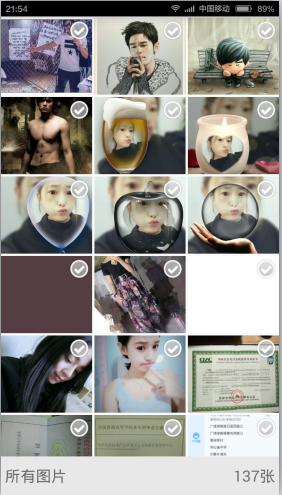
先看幾張效果圖: 在載入大量圖片時,我們採用後進先出策略(滑到哪裡就先載入哪裡的圖片),既節省記憶體,使用者體驗也更好。下面就來打造自己的 ImageLoader。
 Android SDK 與 Eclipse ADT 離線安裝教程
由於某些原因,無論是否翻牆,從官方下載 Android SDK 的速度都慢得讓人崩潰。所以這裡分享一下離線安裝 Android SDK 和 Eclipse ADT 的方法
 Android ListView 基礎入門:版面、Adapter 與複用優化
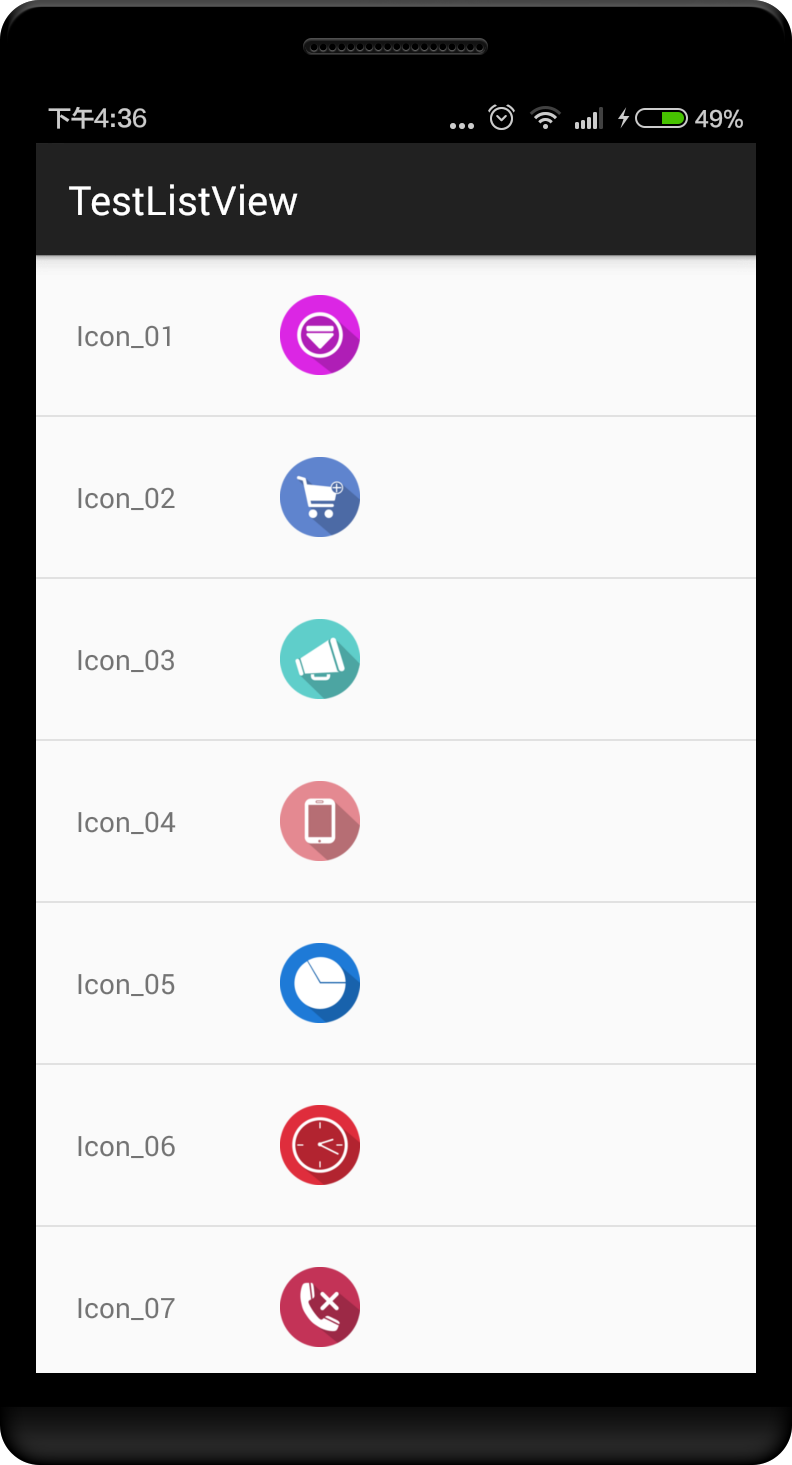
ListView 簡介ListView 是 Android 中非常常見的列表控制項,適合用來展示大量資料。它的核心概念是透過 Adapter 將資料綁定到列表,再利用 I
 360 瀏覽器中文本框被軟鍵盤遮擋的解決方案
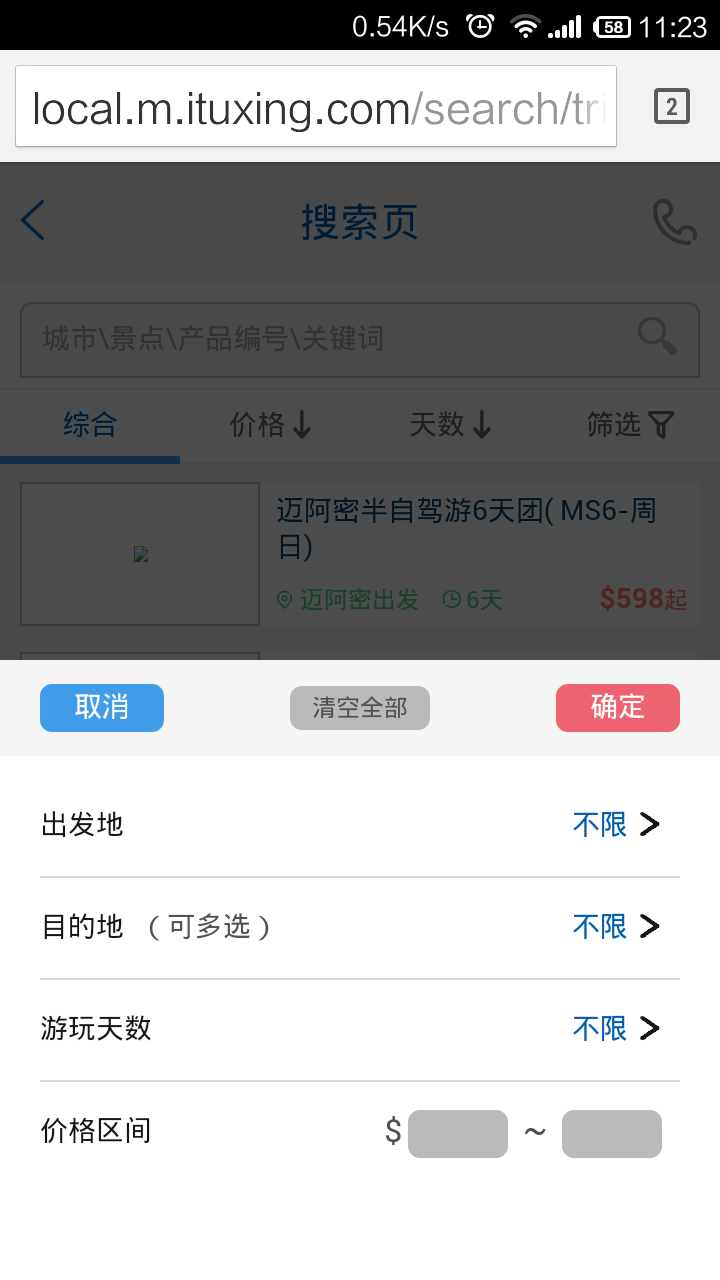
問題場景是這樣的:站點上的篩選按鈕點擊後會彈出一個浮層(fixed 定位),當其中的輸入框取得焦點、彈出系統軟鍵盤後,在 Android 上把十款瀏覽器挨個測試比對,發現