

編輯:關於 Android 程式設計
以下是一段在 Android 上以 POST 方式向伺服器發送請求、並處理 gzip 壓縮回應的實作。程式碼中的註解記錄了專案開發時實際踩到的問題,值得一併整理。
需要特別注意的是:在 Froyo(Android 2.2)之前的系統上,HttpURLConnection 的 HTTP 連線重用存在已知 bug,因此需要動手關閉 keep-alive 來避開。
/**
* HttpURLConnection post方式請求服務器
* @param urlpath
* @param requestData
* @return
* @throws IOException
*/
public static String requestByPost(String urlpath,String requestData) throws IOException{
// HTTP connection reuse which was buggy pre-froyo
//froyo之前的系統使用httpurlconnection存在bug
/*Workaround for bug pre-Froyo, see here for more info:
https://android-developers.blogspot.com/2011/09/androids-http-clients.html*/
if (Build.VERSION.SDK_INT < Build.VERSION_CODES.FROYO) {
System.setProperty("http.keepAlive", "false");
}
URL url = new URL(urlpath);
HttpURLConnection conn = (HttpURLConnection) url.openConnection();
conn.setDoInput(true);
conn.setConnectTimeout(TIMEOUT);
conn.setReadTimeout(TIMEOUT);
conn.setRequestMethod("POST");
conn.setDoOutput(true);
//需要設置 gzip的請求頭 才可以獲取Content-Encoding響應碼
conn.setRequestProperty("Accept-Encoding", "gzip, deflate");
conn.connect();
String urlEncodedRequestStr = URLEncoder.encode(requestData,"utf-8");
String requestStr = "jsonStr="+urlEncodedRequestStr;
conn.getOutputStream().write(requestStr.getBytes("utf-8"));
conn.getOutputStream().flush();
conn.getOutputStream().close();
String content_encode = conn.getContentEncoding();
System.out.println("content_encode:"+content_encode);
//如果是gzip的壓縮流 進行解壓縮處理
if(null!=content_encode&&!"".equals(content_encode)&&content_encode.equals("gzip")){
GZIPInputStream in = new GZIPInputStream(conn.getInputStream());
if(in == null){ return ""; }
ByteArrayOutputStream arrayOutputStream = new ByteArrayOutputStream();
int len ; byte [] buffer = new byte[1024];
while((len=in.read(buffer))!= -1){ arrayOutputStream.write(buffer, 0, len); }
in.close(); arrayOutputStream.close(); conn.disconnect();
str = new String(arrayOutputStream.toByteArray(),"utf-8");
//正常流處理
}else{
InputStream in = conn.getInputStream();
if(in == null){ return ""; }
ByteArrayOutputStream arrayOutputStream = new ByteArrayOutputStream();
int len ; byte [] buffer = new byte[1024];
while((len=in.read(buffer))!= -1){ arrayOutputStream.write(buffer, 0, len); }
in.close(); arrayOutputStream.close(); conn.disconnect();
str = new String(arrayOutputStream.toByteArray(),"utf-8");
}
return str;
}
這段程式碼的兩個重點:一是針對舊版本系統關閉 keep-alive 以避開連線重用的 bug;二是透過 Accept-Encoding 請求標頭搭配 GZIPInputStream 完成回應的解壓縮。記錄下來,算是替專案做個小小總結。
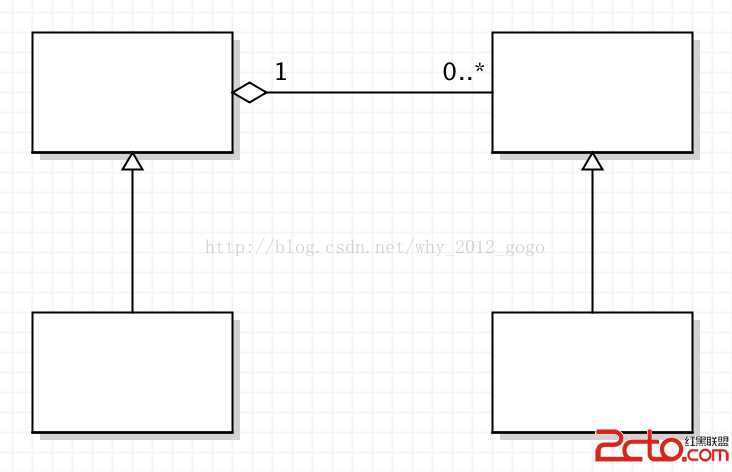 觀察者模式在 Android 中的落地實踐:以購物車支付狀態同步為例
觀察者模式(Observer)屬於物件行為型模式,也被稱為「模型—視圖」模式。它定義了一對多的依賴關係:多個觀察者同時盯著同一個被觀察對象,一旦後者狀態改變,所有觀察者都
 Android Studio 中 EditText 控制項完整用法
EditText 是 Android 中非常常見的輸入控制項,也是使用者與應用程式互動的重要橋樑。無論是登入、搜尋、註冊、留言或設定,都經常需要 EditText 來接收
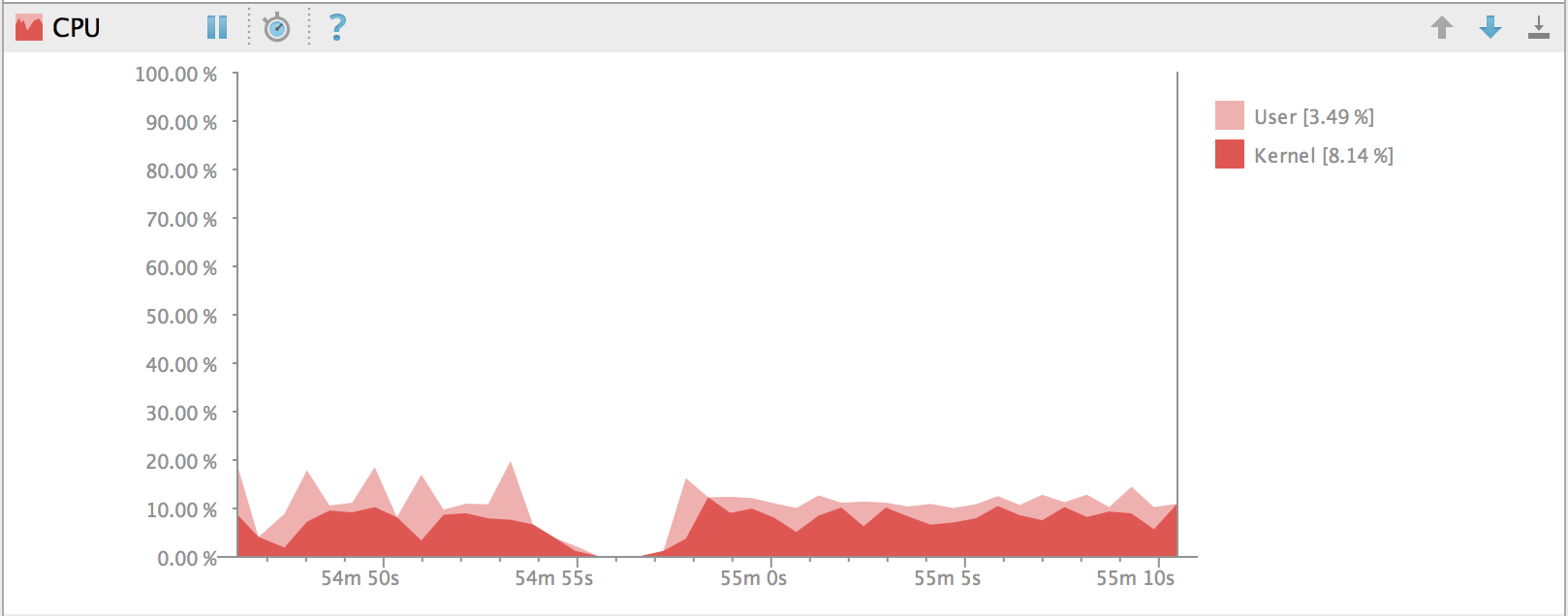 Android Studio 性能監控(三):CPU Monitor 快速上手
Android Monitor 面板中集成了一個 CPU Monitor,可以讓開發者在真機或模擬器上實時觀察應用的 CPU 佔用情況,對於排查卡頓、定位異常耗電都有幫助
 Android ViewPager 相冊橫向滑動的完整實作
首次開啟 QQ 時出現的新手引導——幾張圖片搭配文字說明、可左右滑動切換——正是 ViewPager 的典型應用。本文將以 ViewPager 搭配自訂 PagerAda