

編輯:關於 Android 開發
當手機收到短信時,系統會發送一個 SMS_RECEIVED 廣播。我們只要寫一個廣播接收器去接收它,就能讀取短信的內容、發送方與時間。
整體步驟如下:
1. 撰寫一個繼承 BroadcastReceiver 的類;
2. 在 onReceive() 中,從 Intent 的 Bundle 取出名為 pdus 的資料;
3. 務必在清單檔中加入接收短信的權限,否則收不到;
4. 為了提高接收優先級,可將接收器的 android:priority 設大一點(示例設為 1000)。
<?xml version="1.0" encoding="utf-8"?>
<manifest xmlns:android="https://schemas.android.com/apk/res/android"
    package="com.example.fanlei.cutnotedemo" >

    <!-- 接收短信 -->
    <uses-permission android:name="android.permission.RECEIVE_SMS" />

    <application
        android:allowBackup="true"
        android:icon="@drawable/ic_launcher"
        android:label="@string/app_name"
        android:theme="@style/AppTheme" >
        <!-- action 的名稱是固定的 -->
        <receiver android:name=".NoteReceiver">
            <intent-filter android:priority="1000">
                <action android:name="android.provider.Telephony.SMS_RECEIVED" />
            </intent-filter>
        </receiver>

        <activity
            android:name=".MainActivity"
            android:label="@string/app_name" >
            <intent-filter>
                <action android:name="android.intent.action.MAIN" />
                <category android:name="android.intent.category.LAUNCHER" />
            </intent-filter>
        </activity>
    </application>
</manifest>
package com.example.fanlei.cutnotedemo;

import android.content.BroadcastReceiver;
import android.content.Context;
import android.content.Intent;
import android.os.Bundle;
import android.telephony.SmsMessage;
import android.widget.Toast;
import java.text.SimpleDateFormat;
import java.util.Date;

public class NoteReceiver extends BroadcastReceiver {
    private static final String SMS_RECEIVED_ACTION = "android.provider.Telephony.SMS_RECEIVED";

    @Override
    public void onReceive(Context context, Intent intent) {
        String action = intent.getAction();
        if (action.equals(SMS_RECEIVED_ACTION)) {
            Bundle bundle = intent.getExtras();
            if (bundle != null) {
                // 將 pdus 內容轉為 Object 陣列
                Object[] pdusData = (Object[]) bundle.get("pdus");
                SmsMessage[] msg = new SmsMessage[pdusData.length];
                for (int i = 0; i < msg.length; i++) {
                    byte[] pdus = (byte[]) pdusData[i];
                    msg[i] = SmsMessage.createFromPdu(pdus);
                }
                StringBuffer content = new StringBuffer();     // 短信內容
                StringBuffer phoneNumber = new StringBuffer(); // 發送方
                StringBuffer receiveData = new StringBuffer(); // 時間
                for (SmsMessage temp : msg) {
                    content.append(temp.getMessageBody());
                    phoneNumber.append(temp.getOriginatingAddress());
                    receiveData.append(new SimpleDateFormat("yyyy-MM-dd HH:mm:ss.SSS")
                            .format(new Date(temp.getTimestampMillis())));
                }
                // 這裡可加入攔截、按號碼過濾等邏輯
                Toast.makeText(context, phoneNumber + " " + content + " " + receiveData,
                        Toast.LENGTH_LONG).show();
            }
        }
    }
}
透過 SmsMessage.createFromPdu() 解析每一則訊息後,就能分別取出內容、來源號碼與接收時間。需要注意的是,讀取短信屬於敏感權限,正式發布時應妥善向使用者說明並取得授權。
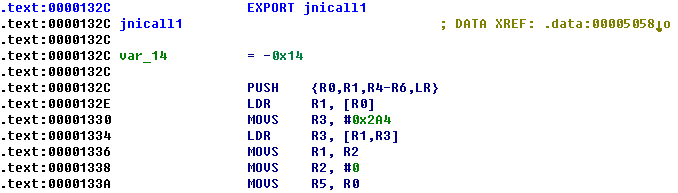 Android 逆向動態調試入門:從 SO 斷點到 Dex Dump
在 SO 關鍵函數下斷點動態調試常見起點,是在 SO 檔案中的關鍵函數設置斷點。通常先用靜態分析工具找到函數偏移,再讓 android_server 運行並轉發埠,之後以
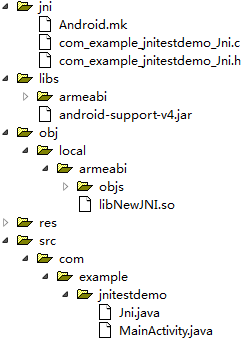 JNI 與 AIDL 說明整理
JNI 與 AIDL 說明 JNI 與 AIDL 是 Android 開發中常見的跨語言與跨進程溝通機制。JNI 主要用於 Java 與 C/C++ 之間互動;AIDL
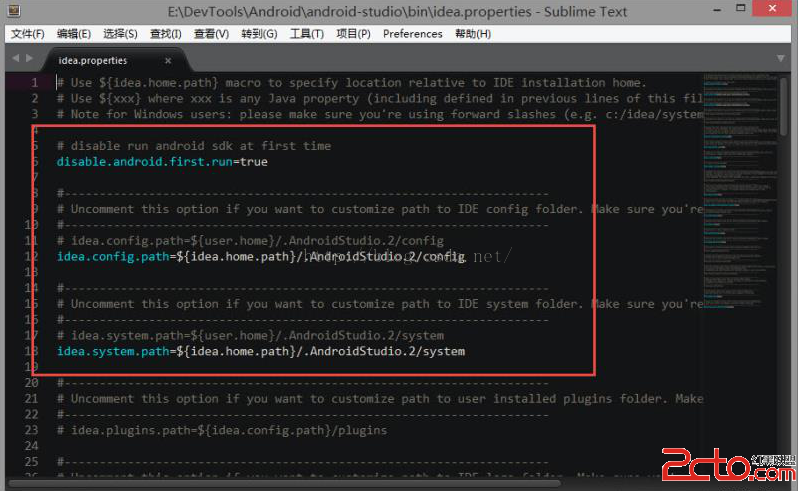 14 條必備的 Android Studio 配置技巧,讓開發效率立刻翻倍
Android Studio 預設配置未必順手。以下 14 項調整覆蓋字型、提示、編碼、構建速度等常用環節,設定一次即可長期受益。 1. 修改 idea.propert
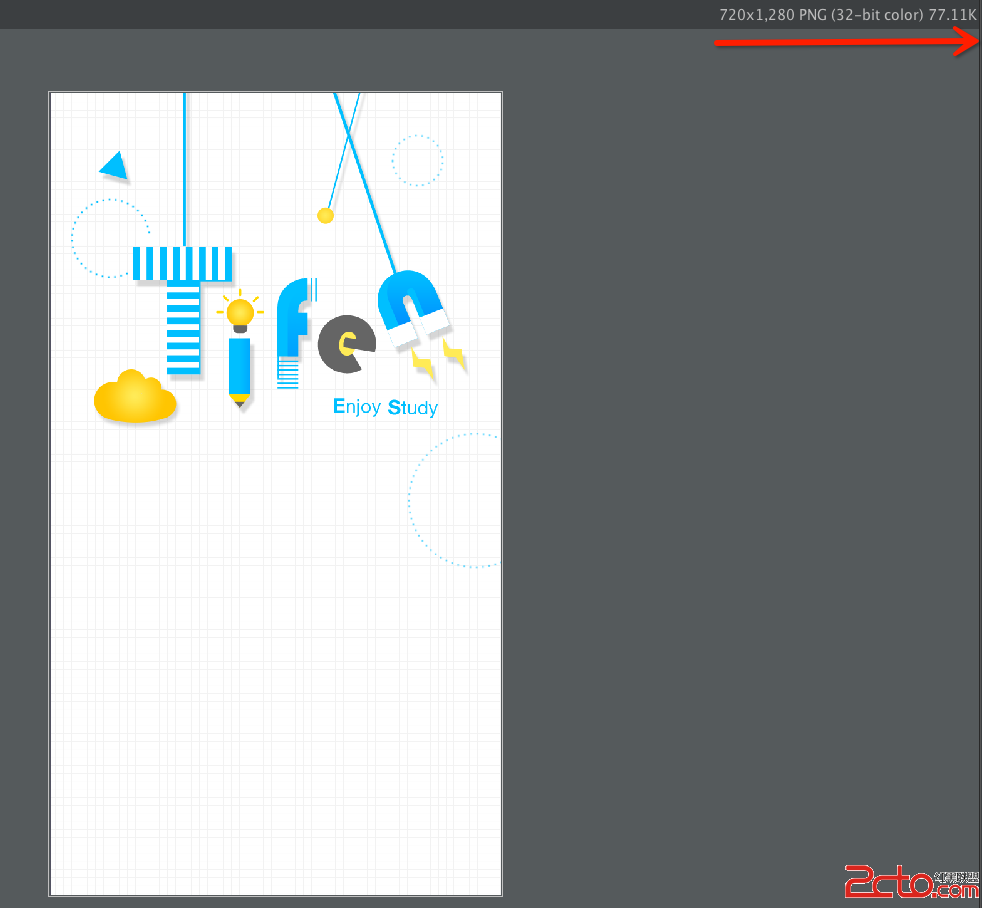 Android 圖片內存占用與 drawable 文件夾關係分析
在 Android 開發中,經常有人問:能否只提供一套切圖來適配所有分辨率?要回答這個問題,需要理解圖片在