

編輯:關於 Android 開發
打開 App 先看到一張 logo 或歡迎頁,是老派卻仍然有效的做法。原理其實非常單純:開一個背景執行緒睡一會兒,醒來後跳轉到下一個 Activity,然後把自己關掉。
public class WelComeActivity extends Activity {

    @Override
    public void onCreate(Bundle savedInstanceState) {
        super.onCreate(savedInstanceState);
        setContentView(R.layout.welcome);
        Start();
    }

    public void Start() {
        new Thread() {
            public void run() {
                try {
                    Thread.sleep(2500);        // 停留 2.5 秒
                } catch (InterruptedException e) {
                    e.printStackTrace();
                }
                Intent intent = new Intent();
                intent.setClass(WelComeActivity.this, LoginActivity.class);
                startActivity(intent);
                finish();                      // 關掉自己,避免按返回鍵回到歡迎頁
            }
        }.start();
    }
}
最省事的做法是直接把背景設成一張圖,不需要任何子 View:
<?xml version="1.0" encoding="utf-8"?>
<LinearLayout xmlns:android="https://schemas.android.com/apk/res/android"
    android:orientation="vertical"
    android:layout_width="fill_parent"
    android:layout_height="fill_parent"
    android:background="@drawable/logo">
</LinearLayout>
第一,finish() 千萬別漏。少了它,使用者在登入頁按返回鍵會又回到歡迎頁,再等兩秒半,體驗很差。
第二,睡眠時間別寫死。比較好的做法是讓它等「真正該等的事」完成——例如初始化 SDK、拉取設定檔——用 CountDownLatch 或 Future 等待結果,事情做完立刻走,沒做完才顯示載入動畫。單純為了展示 logo 而硬睡兩秒,等於免費送使用者一段焦慮。
第三,別忘了螢幕方向與主題。若歡迎頁要在未載入任何版面之前就顯示,Android 12 以後有官方的 SplashScreen API(含 windowSplashScreenBackground 等屬性)可用,自訂 Activity 的舊做法在新版系統上會被系統啟動畫面覆蓋,值得改用官方機制以免畫面閃跳。
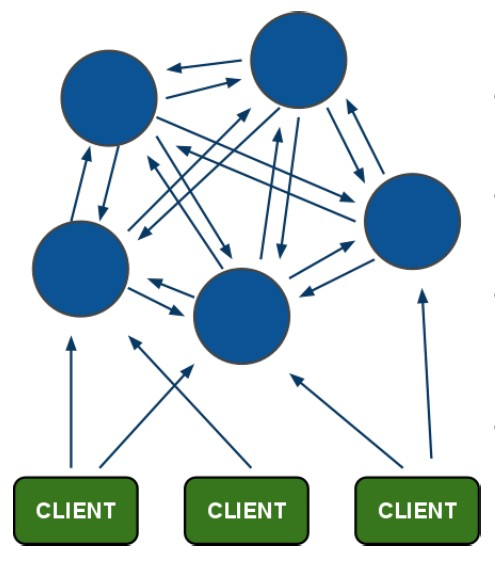 Redis Cluster 主從切換演練:從自動容錯選舉到集群 fail 的完整實測
Redis Cluster 的高可用能力,最終要靠一次真實的宕機演練來驗證。本文以一套三主三從的集群為例,逐步關停節點,觀察 slot 覆蓋率、slave 自動升主以及集
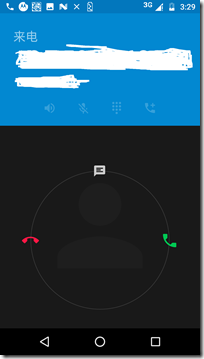 Android 7.0 Phone 拒接來電流程源碼解析
本文延續 Android 7.0 Phone 應用源碼分析,重點說明來電時按下拒接後,系統如何從 InCallUI 一路處理到 Telephony 與 RIL 層。整體流
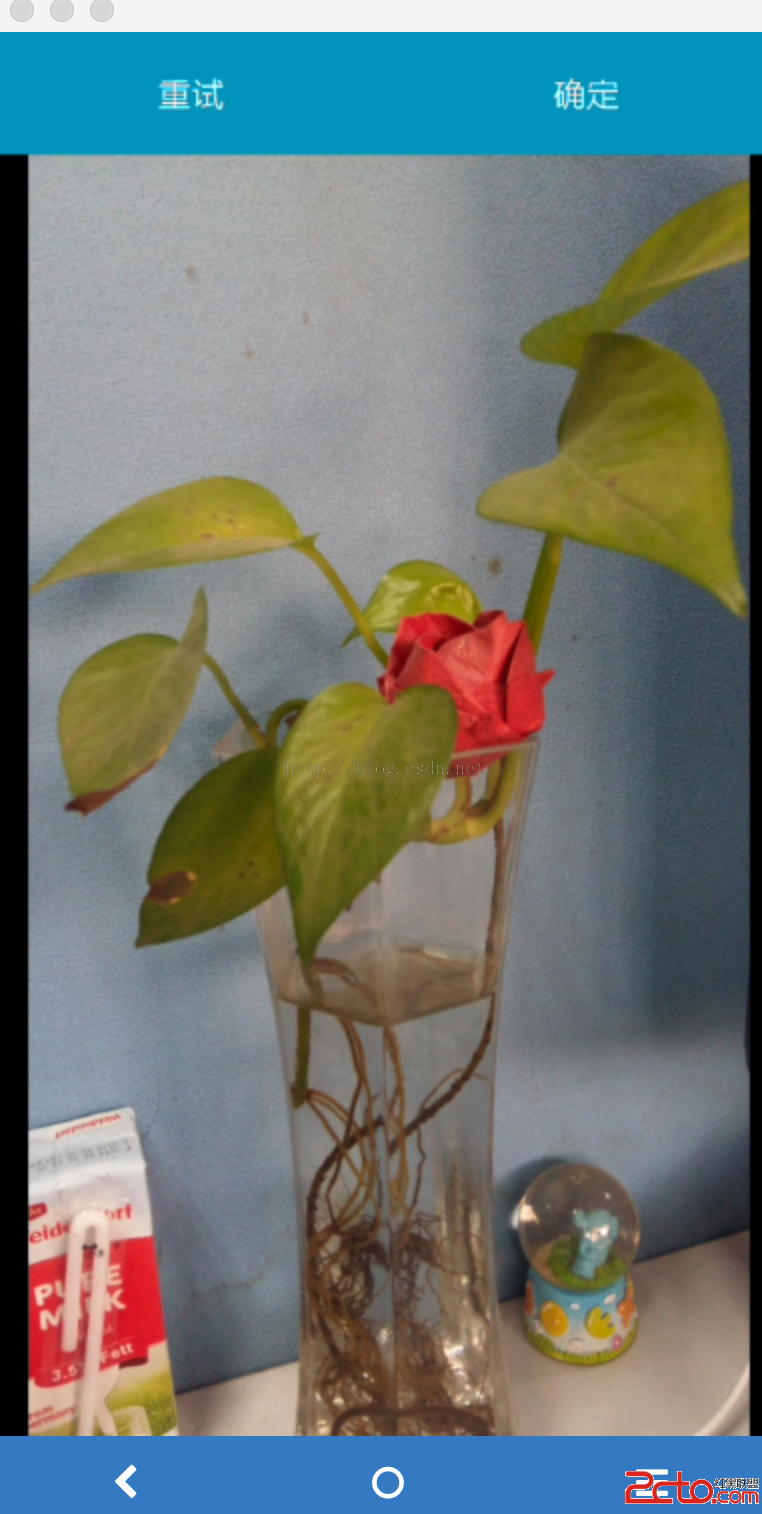 Android 開發學習筆記:Camera 初體驗,拍照、裁剪與相冊選圖
從 Camera 說起 顧名思義,Camera 就是拍照與錄影的功能。像微信裡想拍張照片傳給朋友,背後走的就是這條路。但要注意的是,多數 App 並不會直接呼叫 Came
 使用 aChartEngine 在 Android 中繪製折線圖
用 aChartEngine 繪製折線圖 前段時間項目中需要用到折線圖功能,查資料時發現 aChartEngine 這個庫的繪圖能力非常強大,正好最近有空,就整理出來方便