

編輯:關於 Android 開發
在 Android 開發中,常需要將一張圖片縮放後疊加到另一張背景圖上,例如產生合成圖、加水印或製作自訂圖示。
可使用 Matrix 搭配 Bitmap.createBitmap 將原始圖片縮放到指定尺寸。
public static Bitmap resizeImage(Bitmap bitmap, int w, int h) {
    int width = bitmap.getWidth();
    int height = bitmap.getHeight();
    float scaleWidth = ((float) w) / width;
    float scaleHeight = ((float) h) / height;
    Matrix matrix = new Matrix();
    matrix.postScale(scaleWidth, scaleHeight);
    return Bitmap.createBitmap(bitmap, 0, 0, width, height, matrix, true);
}若要把縮放後的圖片放到背景圖上,可透過 Canvas 繪製。
public static Drawable addBackground(Bitmap background, Bitmap icon, Context context) {
    if (!background.isMutable()) {
        background = background.copy(Bitmap.Config.ARGB_8888, true);
    }
    Paint paint = new Paint();
    Canvas canvas = new Canvas(background);
    canvas.drawBitmap(icon, 17.5f, 17.5f, paint);
    canvas.save(Canvas.ALL_SAVE_FLAG);
    canvas.restore();
    return new BitmapDrawable(context.getResources(), background);
}
其中 17.5f 為圖片疊加時的起始座標,可根據實際需求調整位置與尺寸。
 使用 RecyclerView 與 CardView 實作 Android 瀑布流
 Material Design 導入後,RecyclerView 與 CardView
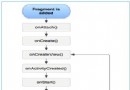 Fragment 生命周期全解與 Fragment 和 Activity 的通信實踐
 Fragment 直譯過來就是「碎片」,它無法獨立存在,必須依附於 Activity
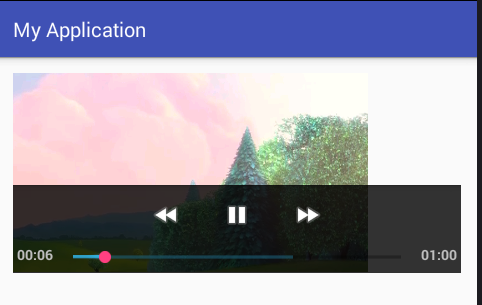 VideoView 實作教學:播放本地影片與網路影片
 要在 App 裡播放影片,VideoView 是最省力的選擇——它已經把 SurfaceView、MediaPlay
 Android AIDL 機制實現跨進程調用遠程服務
用 AIDL 機制調用遠程服務的完整實作 AIDL(Android Interface Definition Language)是 Android 實現進程間通信(IPC