

編輯:關於 Android 開發
在自定義 SettingItemView 的過程中,我們可能會遇到一個典型問題:點擊條目時 TextView 文字會改變,但直接點擊內部的 CheckBox 時,文字卻沒有反應。這背後其實牽涉到 Android 的事件傳遞機制。
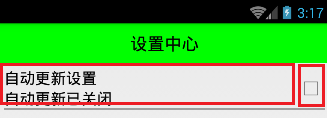
SettingActivity 對應布局的根布局會先獲取點擊事件,然後將事件向下傳遞給 SettingItemView:
1. 點擊落在 SettingItemView 的非 CheckBox 區域時,事件由 SettingItemView 自己響應;
2. 點擊落在 CheckBox 區域時,事件會繼續傳遞給 CheckBox,由 CheckBox 響應。
一旦 CheckBox 響應了點擊事件,SettingItemView 就無法再響應,也就不會調用 onClick 去改變狀態,於是出現了文字不變的現象。
思路很簡單——既然問題出在 CheckBox 搶走了事件,那就讓它不接收點擊即可。只需在布局中為 CheckBox 關閉可點擊與可獲焦屬性:
<!-- android:clickable="false" android:focusable="false" android:focusableInTouchMode="false" -->
<!-- 讓當前的 CheckBox 不能被點擊,即不能響應事件 -->
<CheckBox
 android:id="@+id/cb_box"
 android:layout_width="wrap_content"
 android:layout_height="wrap_content"
 android:layout_alignParentRight="true"
 android:layout_centerVertical="true"
 android:clickable="false"
 android:focusable="false"
 android:focusableInTouchMode="false" />
這樣設置後,無論點擊條目的哪個區域,事件都會統一交由 SettingItemView 處理,狀態切換與文字更新便能保持一致。
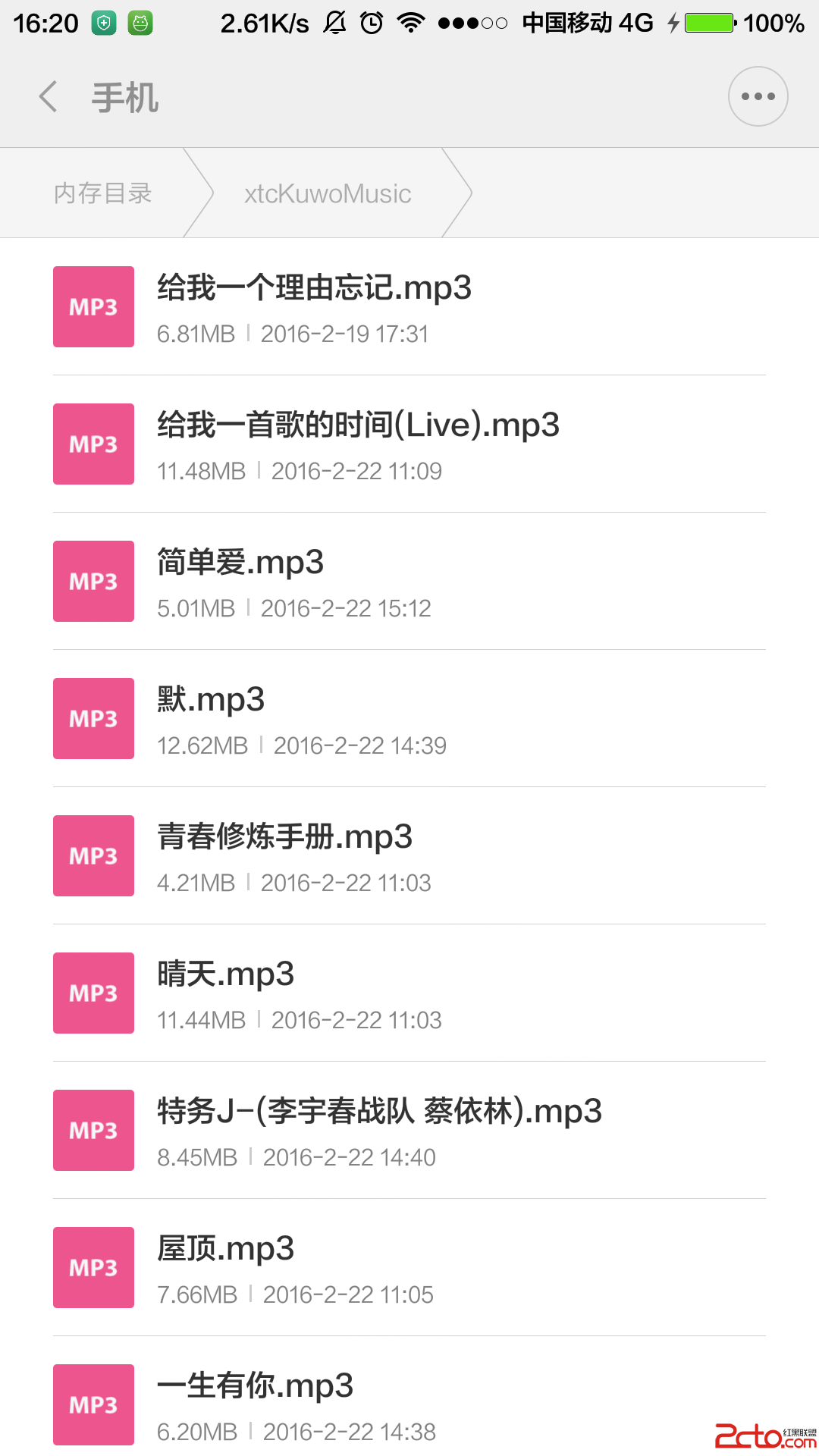 Java 檔案大小轉換工具類:B、KB、MB、GB、TB、PB 一鍵換算
Java 檔案大小轉換工具類(B、KB、MB、GB、TB、PB 之間的換算) 當我們需要呈現類似下圖所示的檔案大小效果時,就得先把原始位元組數轉換成人類易讀的單位,再進
 Kotlin 擴展函數:擴充 Android 框架(KAD 08)
作者:Antonio Leiva 時間:Jan 11, 2017 原文連結:https://antonioleiva.com/extension-functions-ko
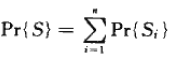 從相親策略看「線上最大值問題」:37% 法則的由來與證明
 問題設定 假設你想找一位交往對象,前面幾次嘗試都不順,於是決定找相親仲介。仲介每天推薦一位人選,你面談後決定要不
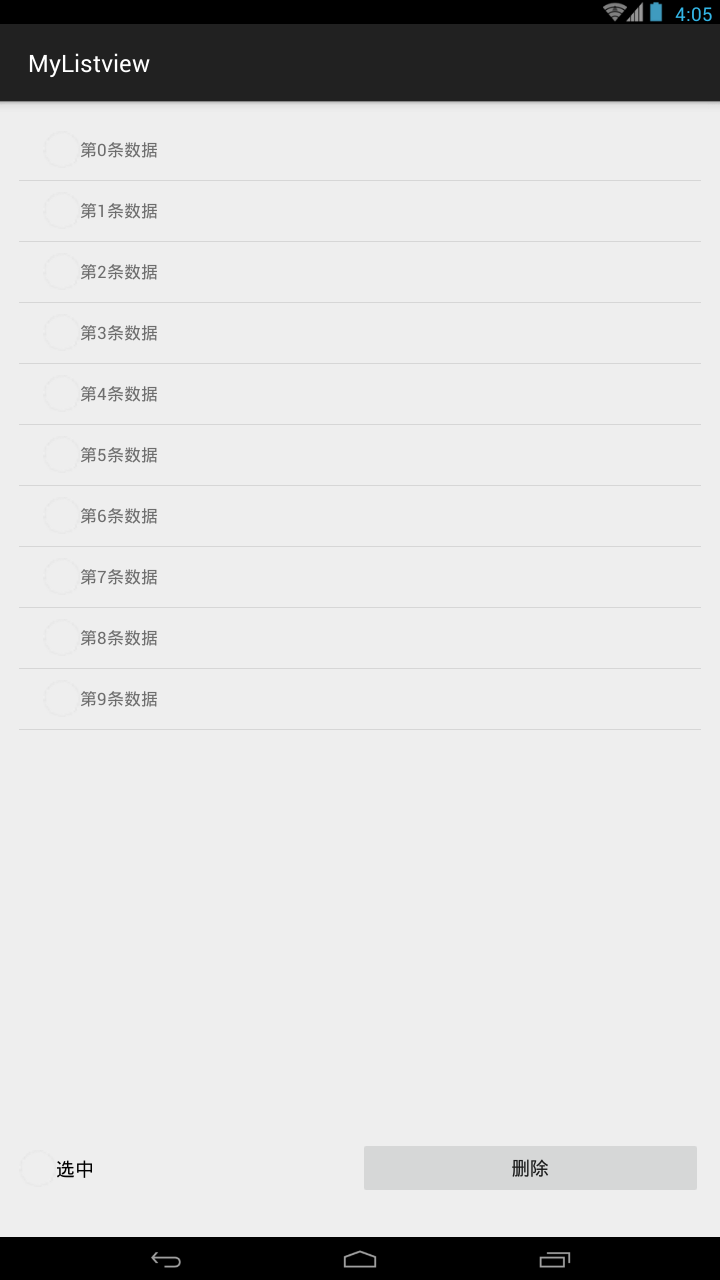 ListView 中的 CheckBox 實現全選與取消全選
在 ListView 列表中實現多選並支持頂部「全選/取消全選」按鈕,是常見的交互需求。核心思路是在 Adapter 中維護一個記錄每行勾選狀態的集合。本文以 HashM