

編輯:關於 Android 開發
平台:Android 2.2 Preview 3。
解決方法:在專案根目錄的 build.gradle 中設定,確保 Gradle 插件版本為 2.1.0,不要使用 alpha 版本:
// Top-level build file where you can add configuration options common to all sub-projects/modules.
buildscript {
    repositories {
        jcenter()
    }
    dependencies {
        classpath 'com.android.tools.build:gradle:2.1.0' // 確保這個地方是2.1.0,不要使用alpha版本
    }
}

allprojects {
    repositories {
        jcenter()
    }
}
將 Gradle 插件版本固定為 2.1.0 後,即可避開該 Preview 版本所引發的編譯問題。
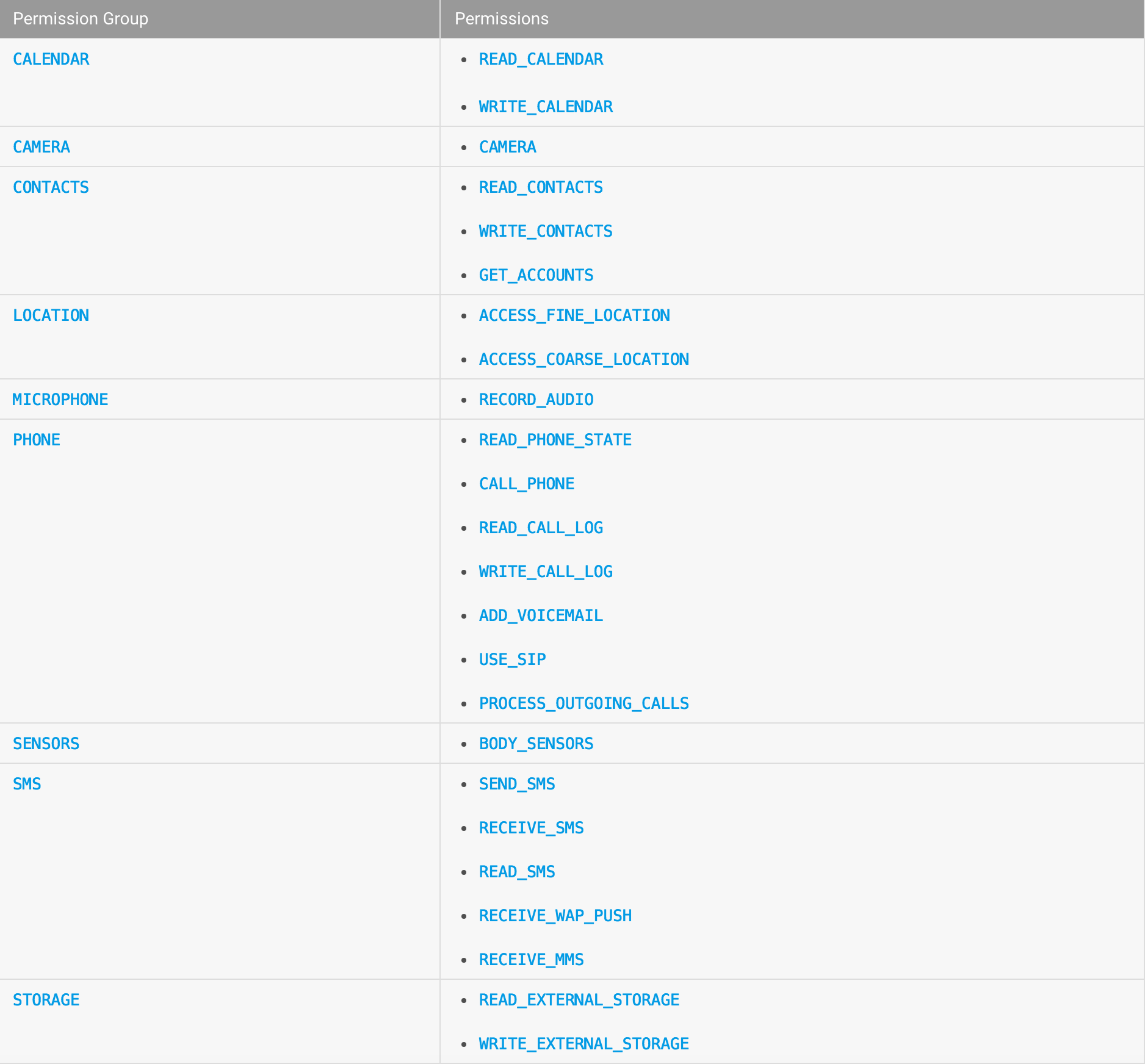 Android 6.0 運行時權限的處理方式
在運行時請求權限從 Android 6.0(API 級別 23)開始,使用者會在應用程式運行時授予權限,而非安裝時。這種方式簡
 Android 圖表開發入門:AChartEngine 與 MPAndroidChart 初體驗
Android 圖表開發初體驗 在 Android 應用中呈現數據趨勢時,圖表是不可缺少的元素。若想快速完成折線圖、餅圖等效果,可以借助成熟開源庫,例如 AChartEn
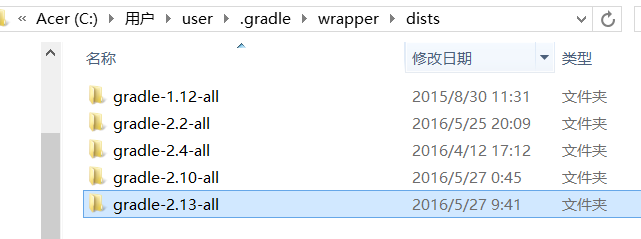 新手也能懂:解決 Plugin is too old 報錯與 Gradle 更新全流程
 在 Android Studio 中打開專案時,你是否遇過這段讓人頭大的提示: P
 SharedPreferences 存儲詳解:使用方式、Editor 陷阱與安全建議
SharedPreferences 存儲詳解 SharedPreferences 是 Android 上用來存放輕量級配置數據的標準方案。它上手極簡單,但正因為簡單,很多