

編輯:關於 Android 開發
除了透過 XML 檔定義動畫之外,屬性動畫也可以用 Java 程式碼來靈活控制。下面用一個簡單的位移範例帶大家走一遍。
先看佈局檔:
主活動程式碼:
package com.xieth.as.againanimdemo; import android.os.Bundle; import android.support.v7.app.AppCompatActivity; import android.view.View; import android.view.animation.TranslateAnimation; import android.widget.ImageView; import android.widget.Toast; public class MainActivity2 extends AppCompatActivity { private ImageView imageView = null; @Override protected void onCreate(Bundle savedInstanceState) { super.onCreate(savedInstanceState); setContentView(R.layout.activity_main2); imageView = (ImageView) findViewById(R.id.id_img); } public void click(View view) { Toast.makeText(this, "click", Toast.LENGTH_SHORT).show(); } public void move(View view) { TranslateAnimation animation = new TranslateAnimation(0, 200, 0, 0); // 設置顯示的時長 animation.setDuration(1000); imageView.startAnimation(animation); } }「移動」按鈕的事件如下:
TranslateAnimation animation = new TranslateAnimation(0, 200, 0, 0); // 設置顯示的時長 animation.setDuration(1000); imageView.startAnimation(animation);運行結果:
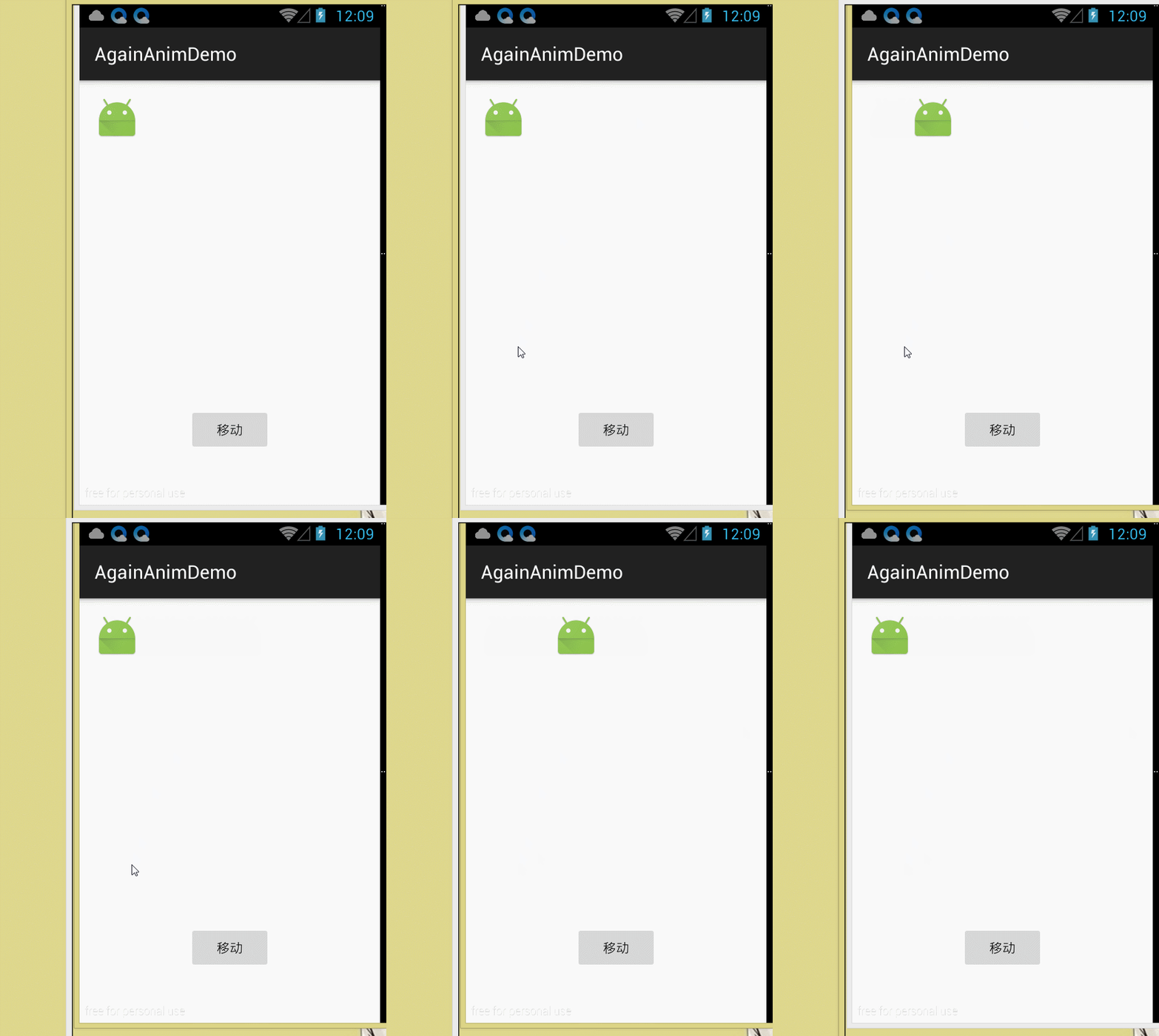
接下來改用屬性動畫的寫法,效果同樣是水平移動:

ObjectAnimator.ofFloat(imageView, "translationX", 0F, 200F).setDuration(1000).start();運行結果:
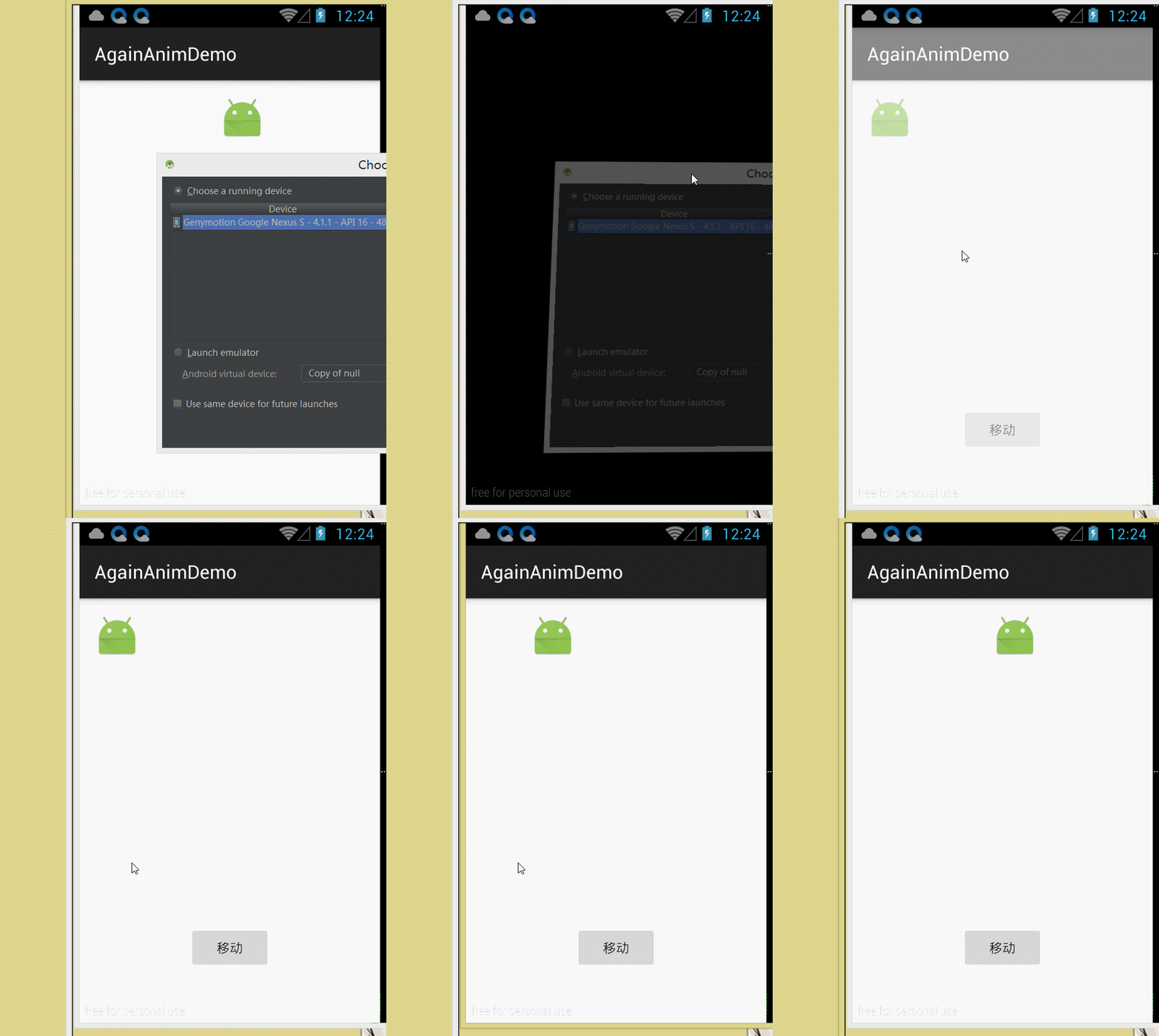
可以看到效果與先前完全一致。
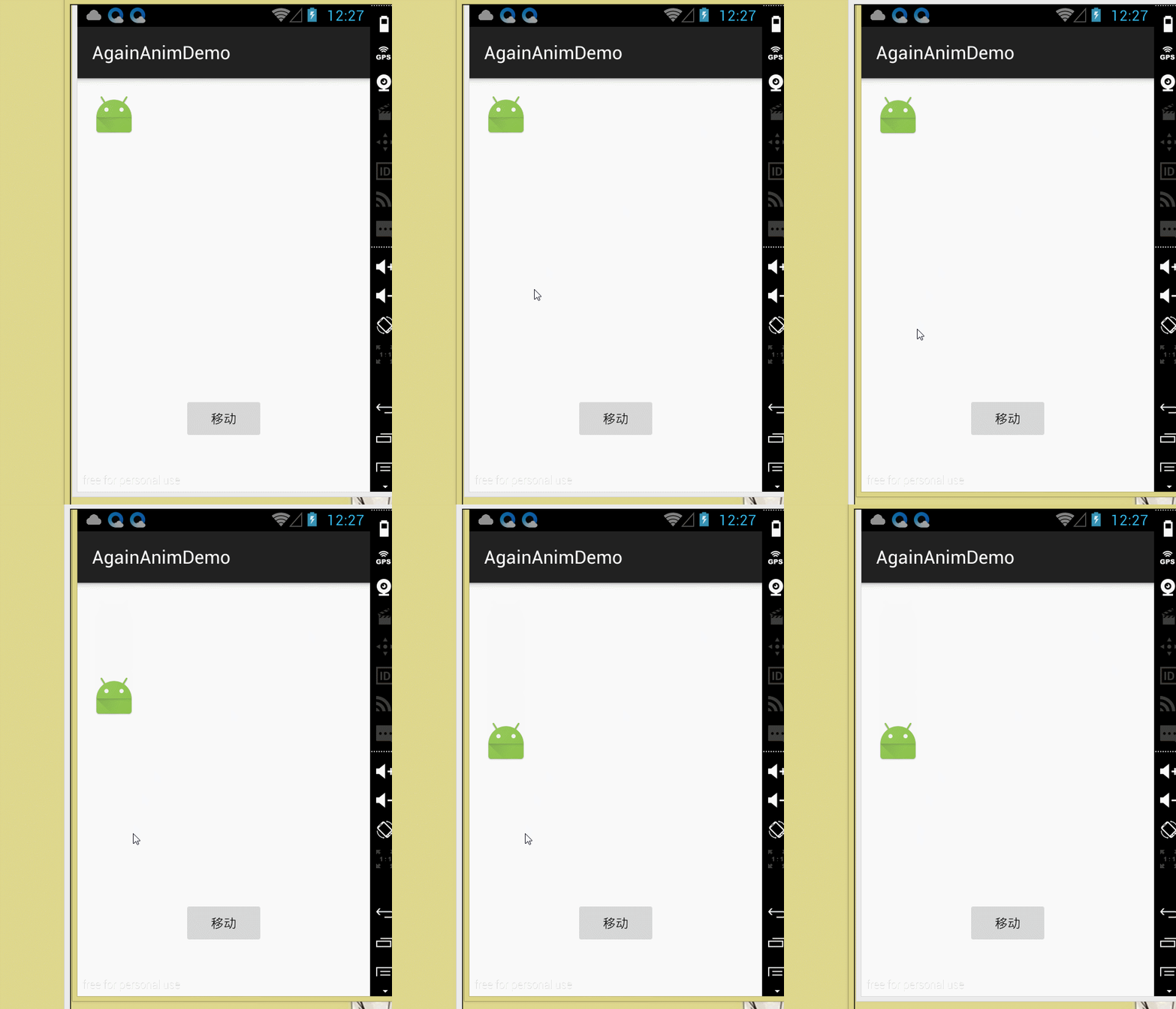
稍微改一下程式碼,改成 Y 方向的位移:
ObjectAnimator.ofFloat(imageView, "translationY", 0F, 200F).setDuration(1000).start();這次是垂直方向:
旋轉
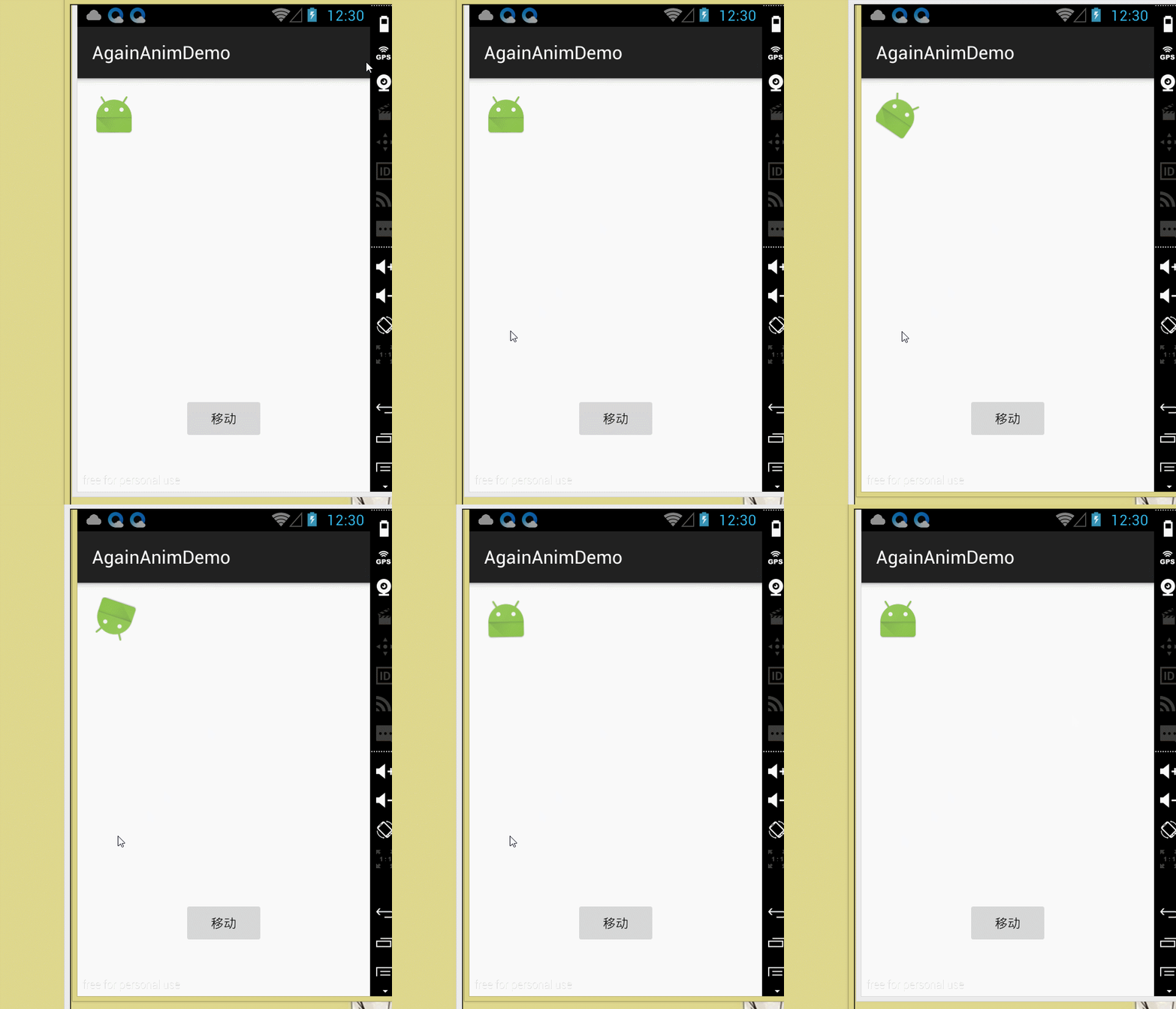
ObjectAnimator.ofFloat(imageView, "rotation", 0F, 360F).setDuration(1000).start();運行結果:
組合動畫
ObjectAnimator.ofFloat(imageView, "rotation", 0F, 360F).setDuration(1000).start(); ObjectAnimator.ofFloat(imageView, "translationX", 0F, 360F).setDuration(1000).start(); ObjectAnimator.ofFloat(imageView, "translationY", 0F, 360F).setDuration(1000).start();運行結果:
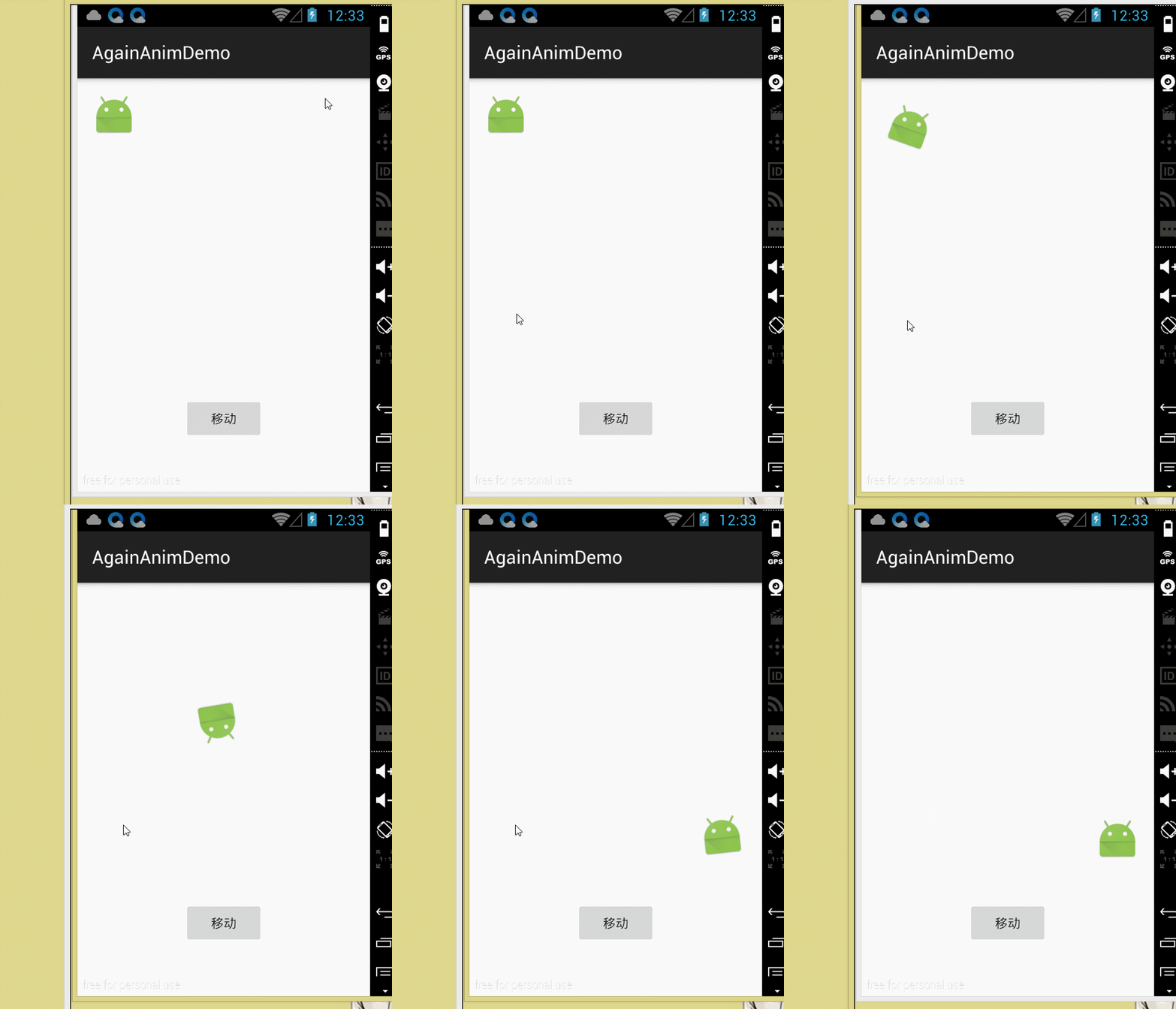
可以看到這三個動畫同時執行。
使用 PropertyValuesHolder:
PropertyValuesHolder p1 = PropertyValuesHolder.ofFloat("rotation", 0F, 360F); PropertyValuesHolder p2 = PropertyValuesHolder.ofFloat("translationX", 0F, 200F); PropertyValuesHolder p3 = PropertyValuesHolder.ofFloat("translationY", 0F, 200F); ObjectAnimator.ofPropertyValuesHolder(imageView, p1, p2, p3).setDuration(1000).start();運行結果:
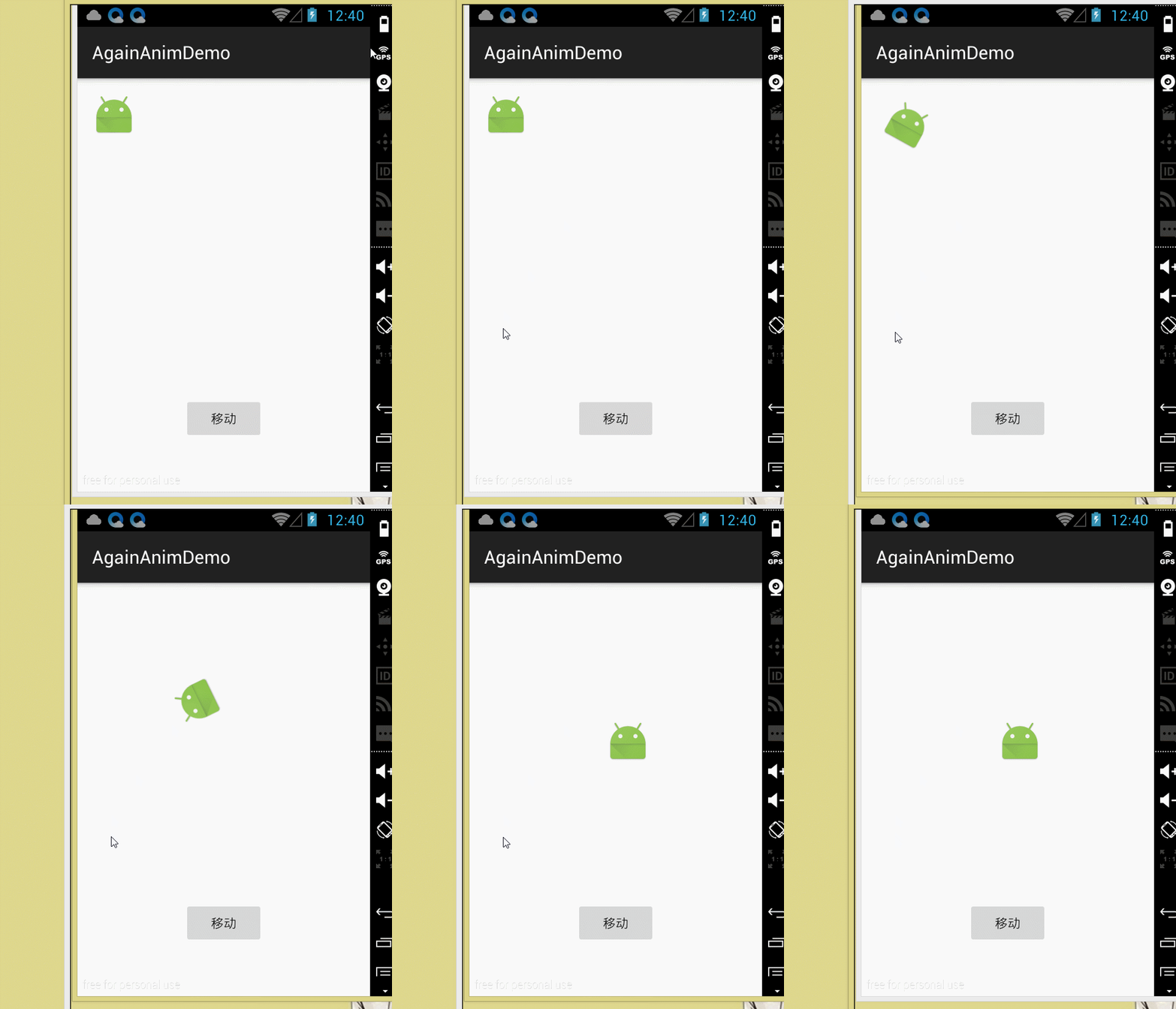
使用 AnimatorSet:
ObjectAnimator a1 = ObjectAnimator.ofFloat(imageView, "rotation", 0F, 360F); ObjectAnimator a2 = ObjectAnimator.ofFloat(imageView, "translationX", 0F, 360F); ObjectAnimator a3 = ObjectAnimator.ofFloat(imageView, "translationY", 0F, 360F); AnimatorSet set = new AnimatorSet(); set.setDuration(1000); set.playTogether(a1, a2, a3); set.start();運行結果:
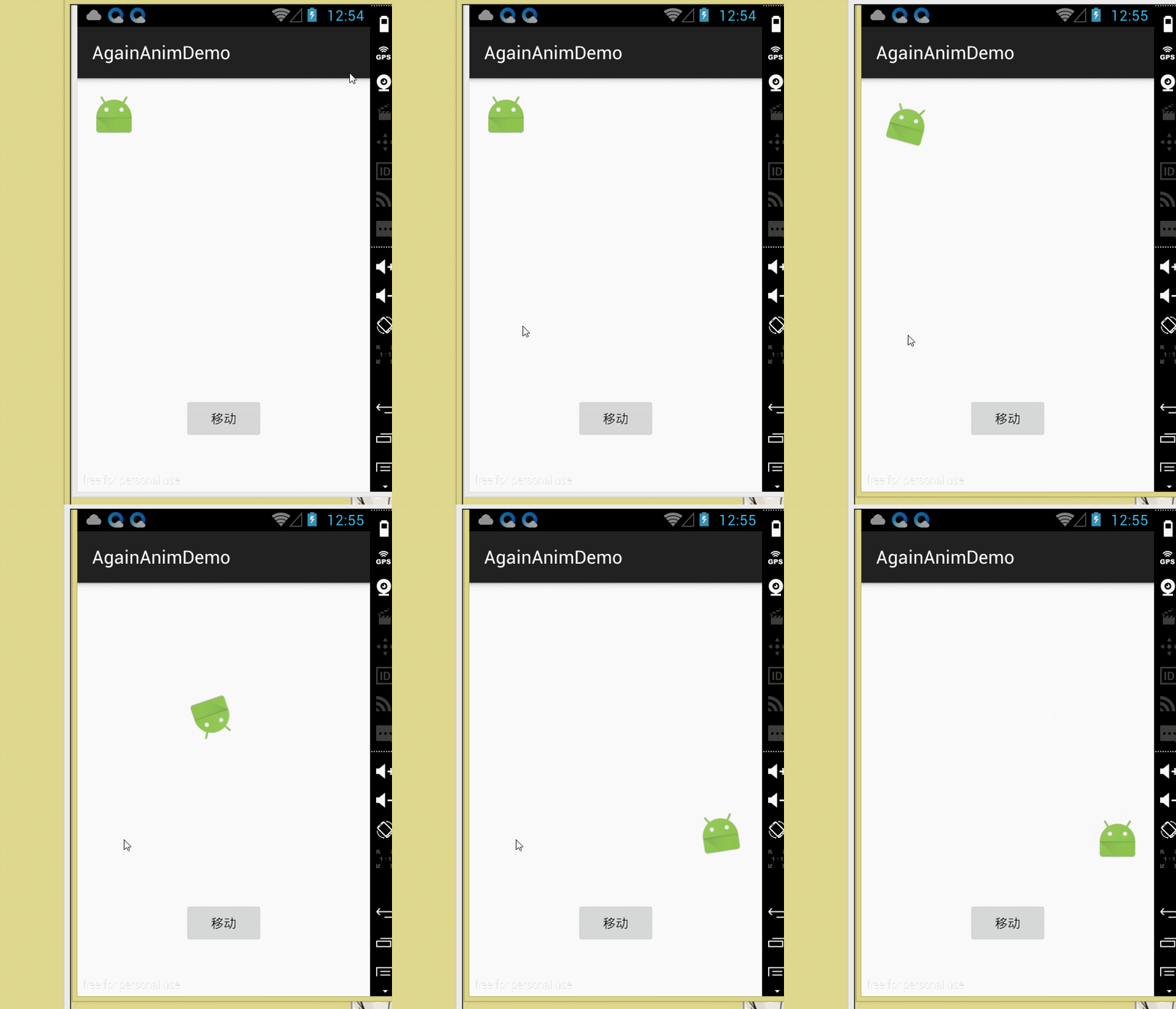
效果一樣,三個動畫同時播放。
前面都是同時播放,現在讓它們依序執行:
set.playSequentially(a1, a2, a3);運行結果:
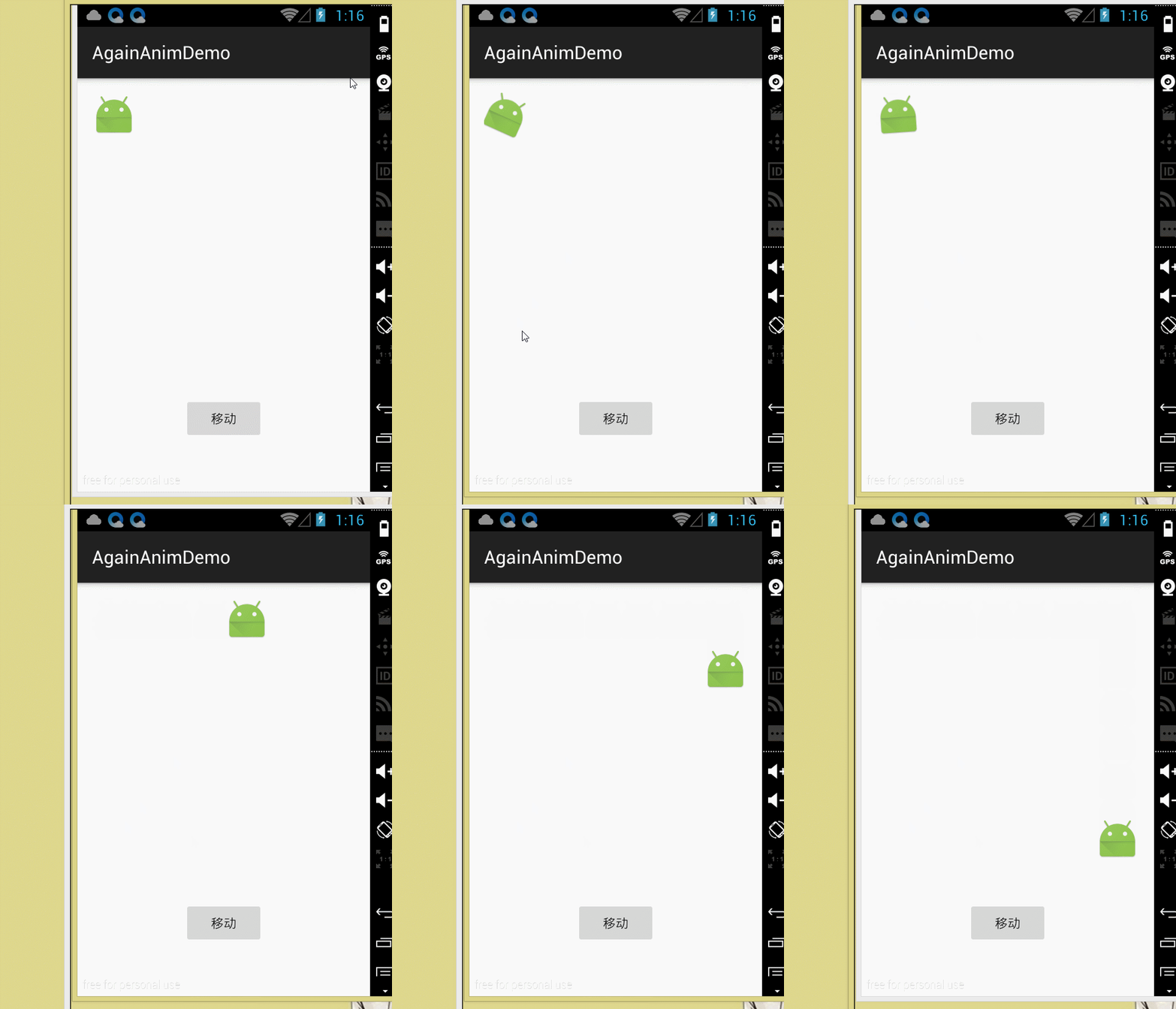
可以看到先旋轉,再往 X 方向移動,最後往 Y 方向移動。
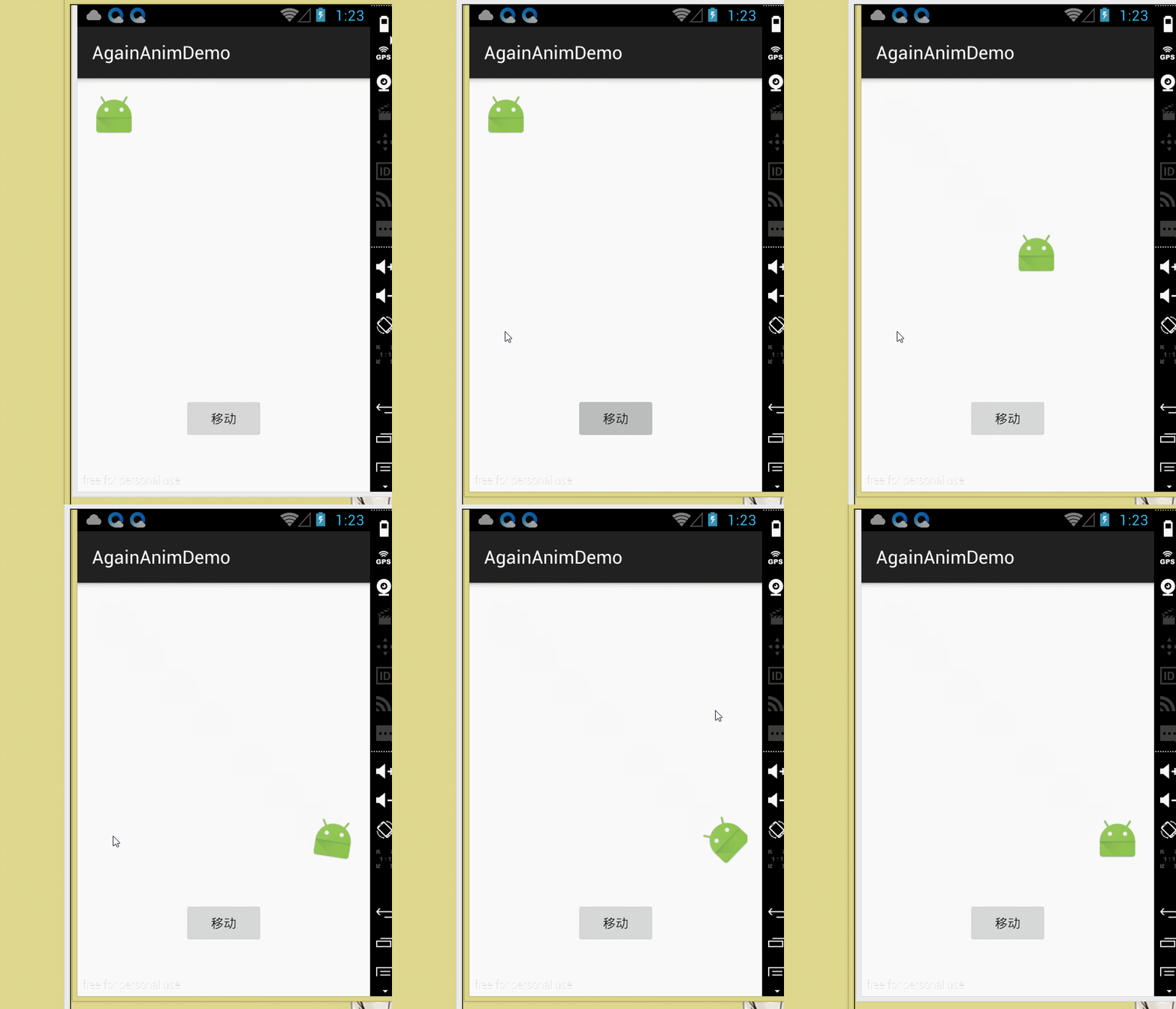
也可以這樣做順序控制——先同時執行 X 與 Y 方向的移動,再進行旋轉:
set.play(a2).with(a3); set.play(a1).after(a2);運行結果:
 Android 主題與樣式:用 Theme 與 Style 客製應用外觀
Android 的 Style 與 Theme 類似網頁中的 CSS,能將外觀設定與內容分離。透過 Style 與 Theme,開發者可以集中管理顏色、字體、邊距、背景與
 Android AdapterView 子類總覽
AdapterView 系列元件負責以列表形式呈現資料,常見子類包括 ListView、GridView、Spinner、
 在 Android Studio 中配置 OpenCV 3.1 的完整教學
先到官網(https://opencv.org/)下載 OpenCV for Android 並解壓。由於網路因素,之前幾次下載都相當緩慢甚至中斷,後來某次意外順利完成。
 仿 QQ 圖片選擇器:Android 本地圖片選擇功能實作
做一款 APP 時,若需要選擇本地圖片,首先想到的往往是系統相冊。但 Android 手機型號五花八門,加上手機像素不斷提升、大圖無法返回等異常因素,導致適配各機型相當困