

編輯:關於 Android 開發
Android 中物件傳遞可實作 Serializable 或 Parcelable。Parcelable 效率較高,適合 Intent 與 IPC。
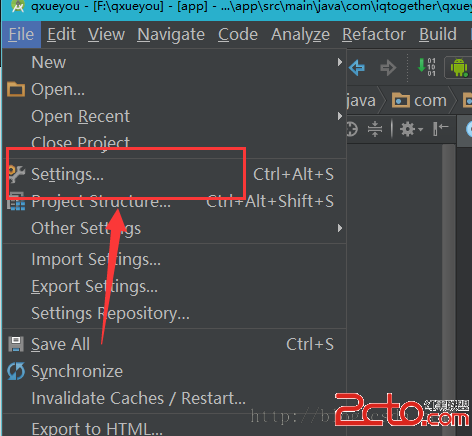
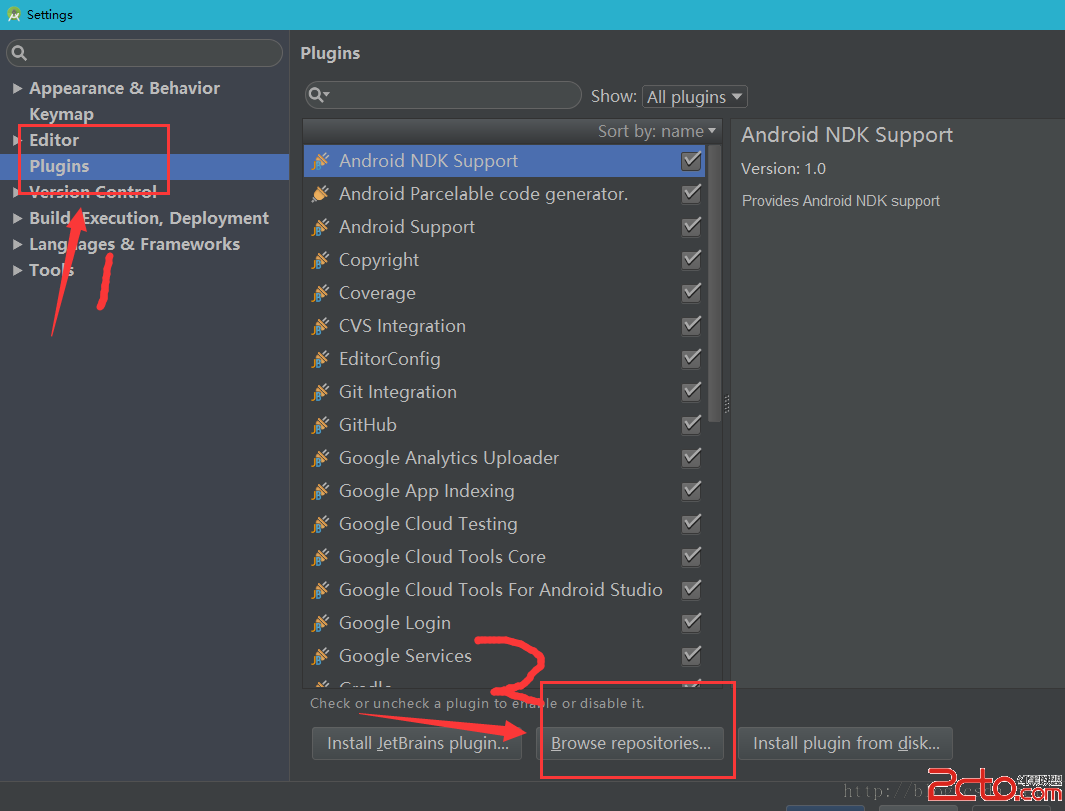
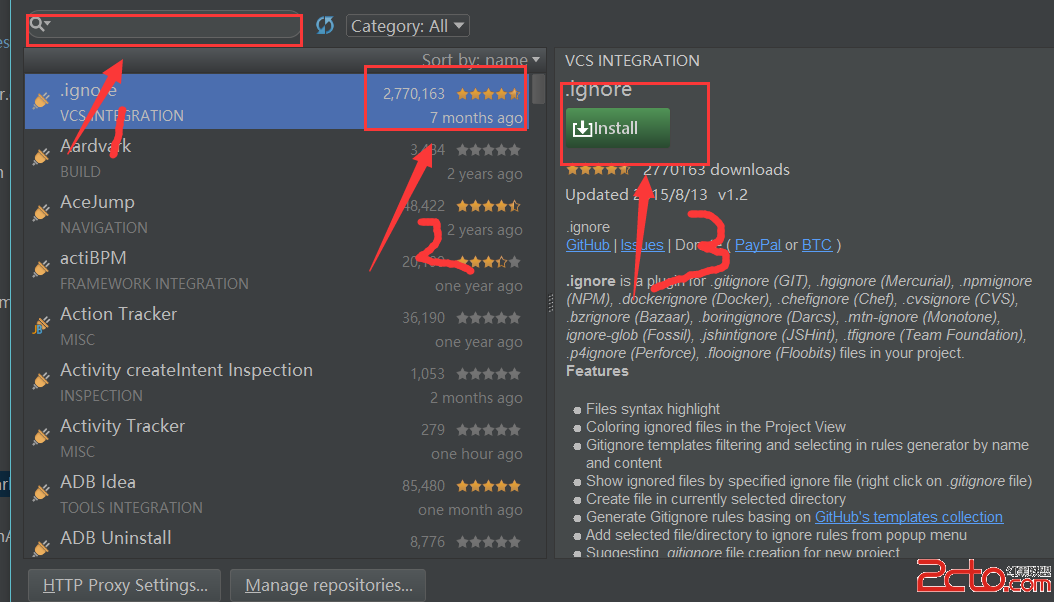
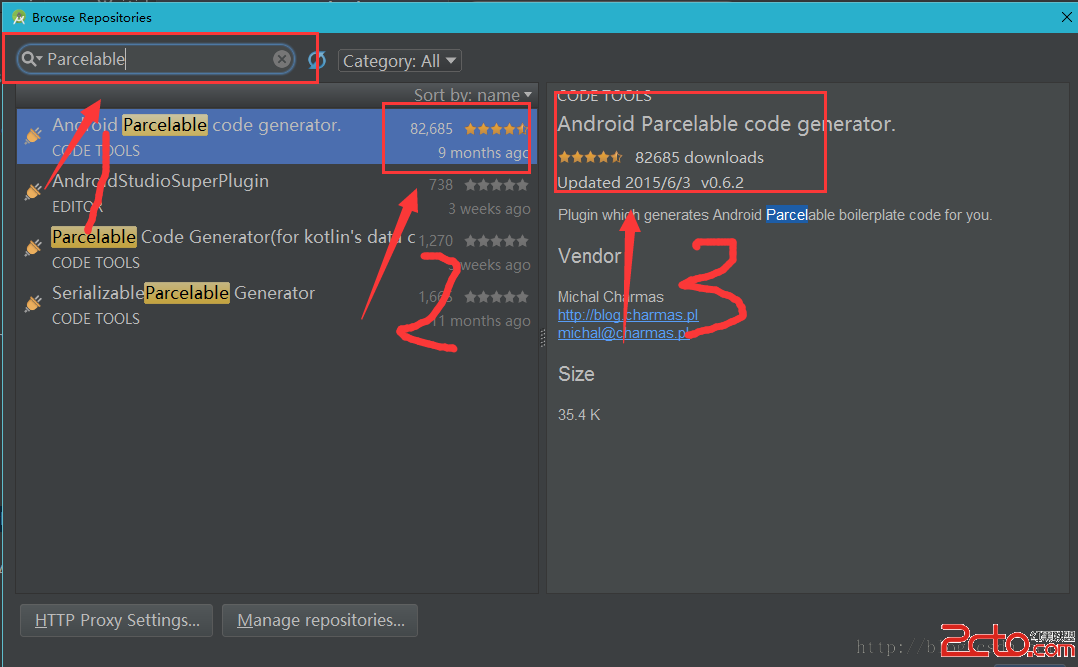
進入 Settings,開啟 Plugins,搜尋 Parcelable,安裝 Android Parcelable code generator,完成後重啟 Android Studio。
在實體類別上按下滑鼠右鍵,選擇 Generate,再點選 Parcelable,即可自動產生序列化程式碼。
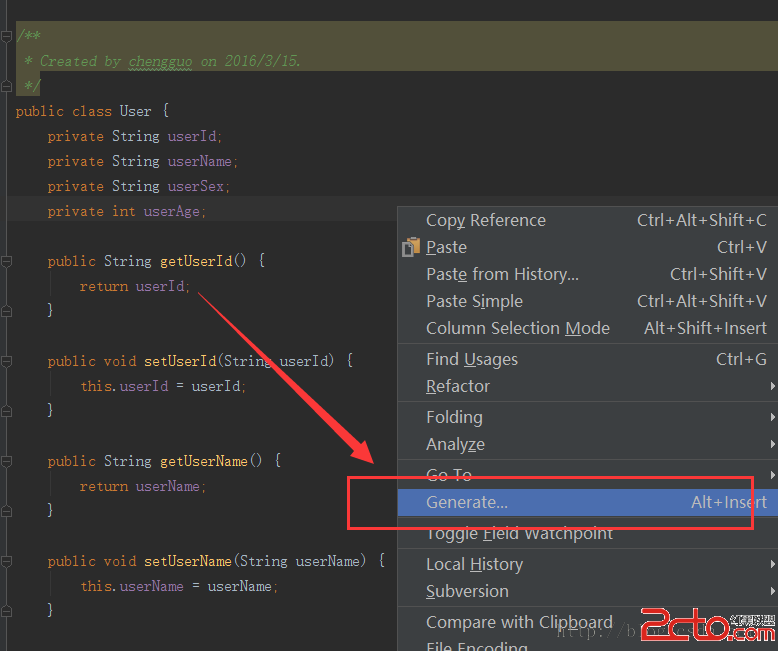
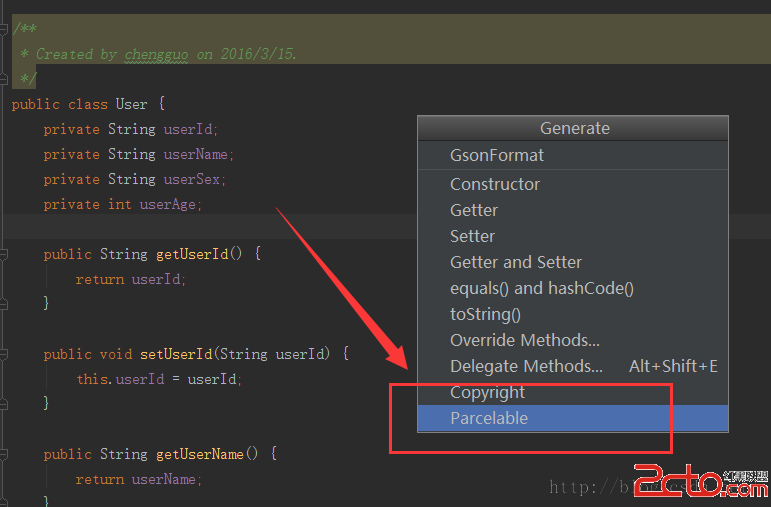
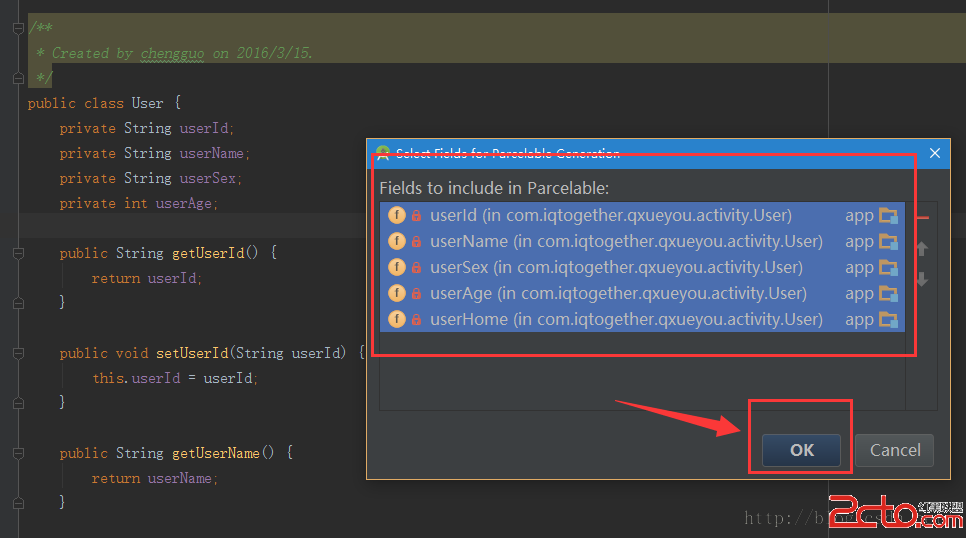
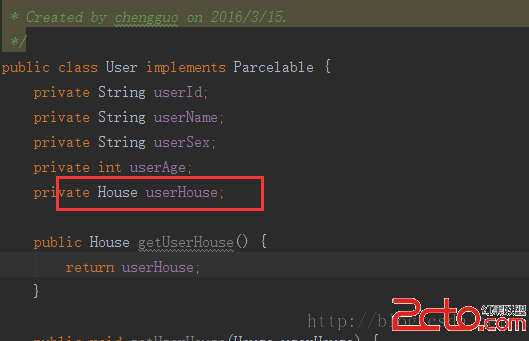
若物件中包含其他物件屬性,該屬性也必須實作 Parcelable,否則會序列化失敗。
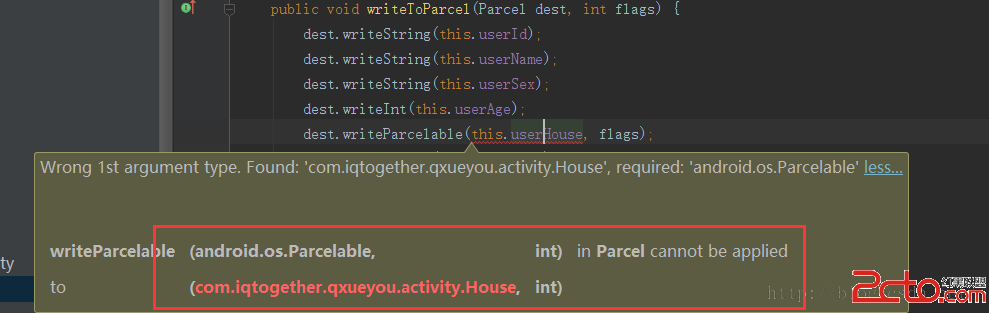
傳遞時使用 Bundle.putParcelable,接收時使用 getParcelableExtra。
 Android Dialog 對話框各種用法詳解
 本文整理 Android 中 Dialog 的常見用法,包含普通對話框、輸入框、列表、單選、多選與自訂佈局等六種形式。
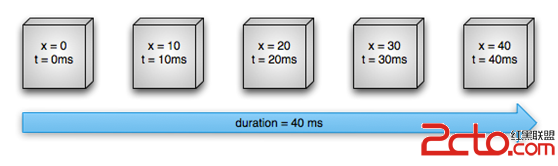 全面理解 Android 屬性動畫:原理、API 與實戰
Android 屬性動畫完全指南 屬性動畫系統是一個相當強健的框架,它幾乎能把任何物件變成動畫。你可以依據時間的推移去改變任意物件的屬性來定義動畫,而完全不必理會這個物件
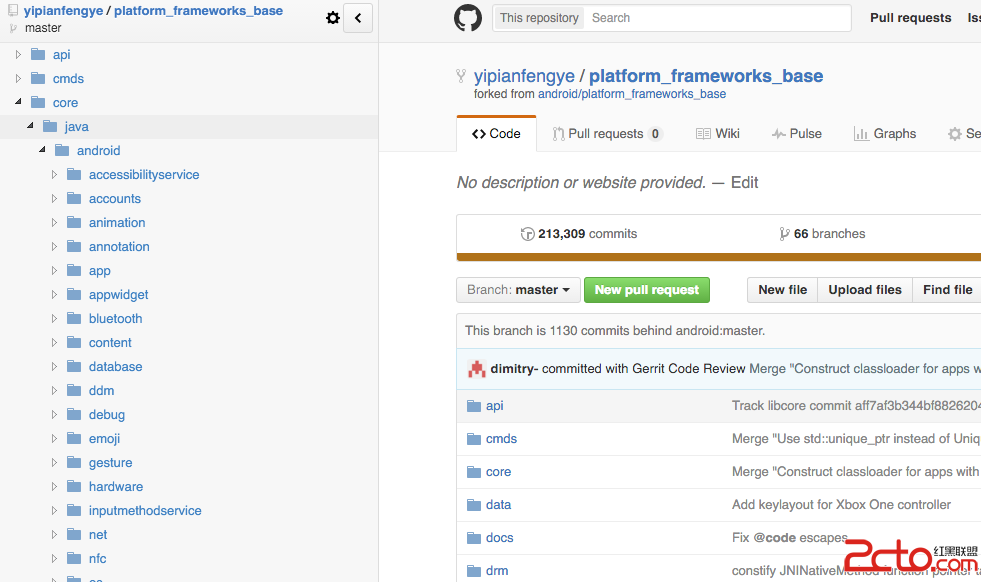 Android 源碼解析(五)——Log 日誌類的底層實現全解讀
從 framework 源碼走進 Log 的內部世界 本系列走到第五篇,已經正式進入 Android framework 層的源碼地帶。在動手翻閱之前,先推薦一個非常好用
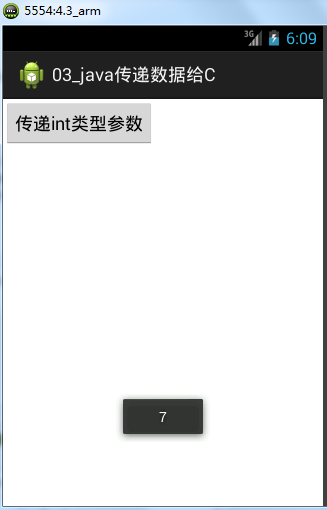 Android 教學:將 int 型別資料從 Java 傳遞給 C
 本篇沿用〈Android JNI 簡便開發流程〉的作法,動手實作一個把 int 型別資料從 Java