

編輯:關於 Android 開發
完成源碼編譯後,接下來就是啟動模擬器來驗證成果。本文記錄設定環境變數與啟動 emulator 的過程,並附上常見錯誤的排除方法。
將編譯輸出的工具與產品目錄加入環境變數(以下路徑中的 Download/442 為 Android 所在目錄):
export PATH=$PATH:/路徑/out/host/linux-x86/bin
export ANDROID_PRODUCT_OUT=/路徑/out/target/product/generic
直接運行 emulator 時,可能會遇到找不到虛擬裝置的錯誤:
emulator: ERROR: You did not specify a virtual device name,
and the system directory could not be found.
先載入建置環境並選擇目標,再啟動模擬器:
source build/envsetup.sh
lunch sdk-eng
完成上述設定後,即可成功啟動模擬器。
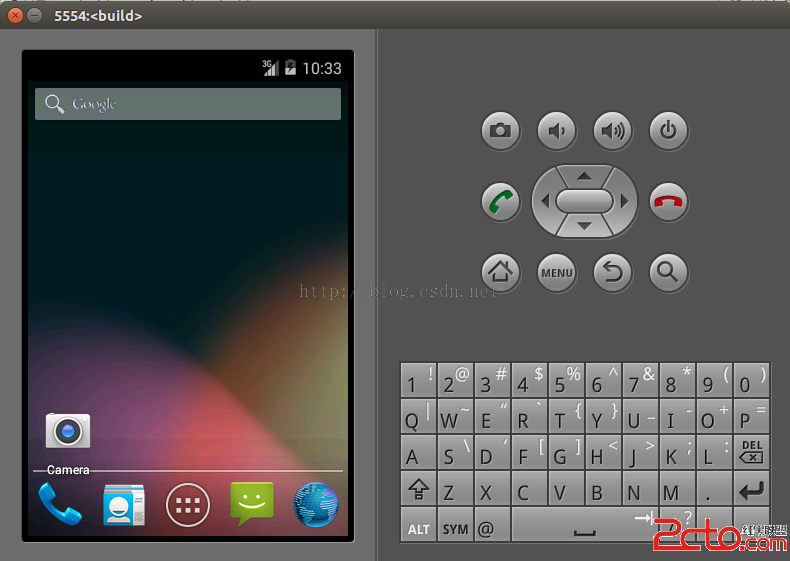
看到模擬器成功開機並進入桌面,就代表自架的 Android 系統已能正常運行,整個編譯流程至此大功告成。
 Android 幀動畫實作與 OOM 注意事項
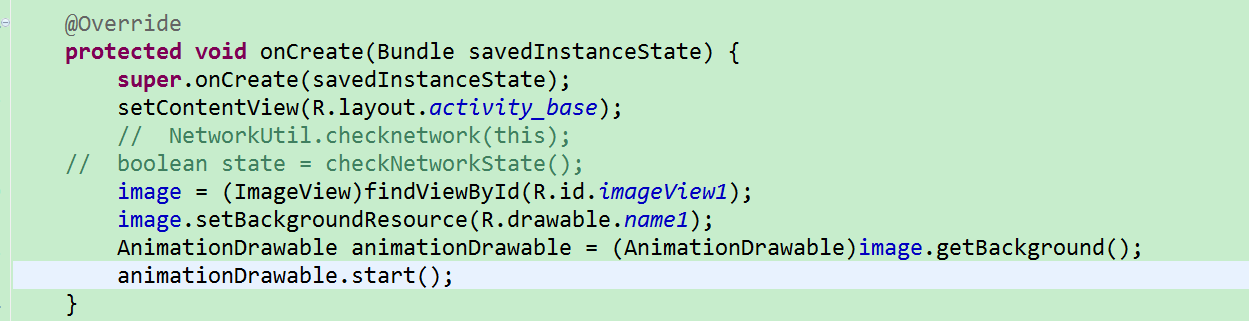
幀動畫的做法很直覺:準備一組圖片,定義播放順序與每幀停留時間,剩下的交給系統。 第一步:定義 animation-list 在 res/drawable 下建立描述檔(
 用 Handler 與 Message 實現計時器效果及相關疑難解析
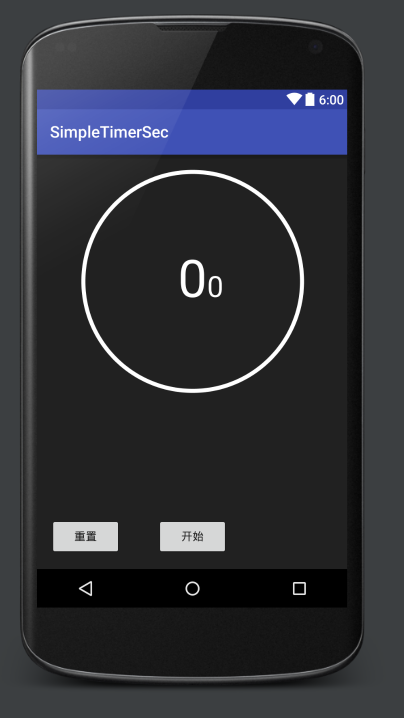
「階段一」指的是我第一次系統性地學習 Android 開發,這篇主要記錄我的學習過程。本來打算繼續優化
 用 Okio 簡化 I/O:Source、Sink 與 Buffer 的設計之美
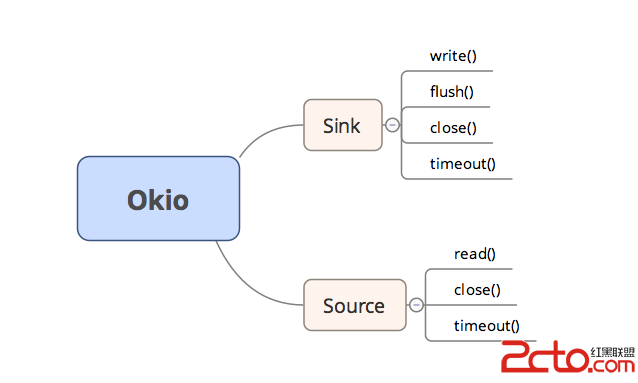
Okio 是 Square 開發的函式庫,它補足了 java.io 與 java.nio 的不足,讓「讀取、儲存、處理資料」這件事變得更方便、更快速。OkHttp 的底層
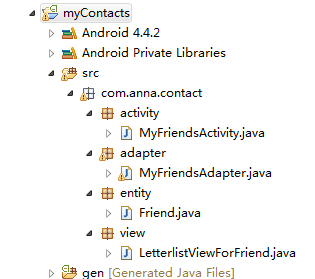 Android 通訊錄字母導航欄源碼解析(一)
本文分享一個仿通訊錄的右側字母索引導航欄完整源碼,實現手指滑動時快速定位聯絡人的效果。 整体分為四個部分:Activity、Adapter、Entity 與自定義 Vi