

編輯:關於 Android 開發
網絡請求是幾乎每個 App 都離不開的功能。將常用的 GET、POST 請求以及連接超時設定等操作封裝成一個工具類,能有效提升代碼複用性與可維護性。本文整理了一個基於 HttpClient 的網絡連接工具類 NetUtils。
以下是完整的工具類程式碼:
package com.gzcivil.utils;

import java.io.IOException;
import java.util.ArrayList;
import java.util.List;
import java.util.Map;

import org.apache.http.HttpEntity;
import org.apache.http.HttpResponse;
import org.apache.http.HttpStatus;
import org.apache.http.NameValuePair;
import org.apache.http.client.HttpClient;
import org.apache.http.client.entity.UrlEncodedFormEntity;
import org.apache.http.client.methods.HttpGet;
import org.apache.http.client.methods.HttpPost;
import org.apache.http.impl.client.DefaultHttpClient;
import org.apache.http.message.BasicNameValuePair;
import org.apache.http.params.BasicHttpParams;
import org.apache.http.params.HttpConnectionParams;
import org.apache.http.params.HttpParams;
import org.apache.http.util.EntityUtils;

import android.content.Context;

/**
 * 網絡連接類
 * @author LiJinlun
 */
public class NetUtils {

    /** 以 POST 方式獲取數據 */
    public static String post(Map<String, String> paramMap, String URL, Context context) {
        String result = null;
        HttpPost httpRequest = new HttpPost(URL);
        List<NameValuePair> params = new ArrayList<NameValuePair>();

        paramMap.put("machineCode", CommonUtil.GetMachineCode(context));
        paramMap.put("cid", CommonUtil.GetCid(context).toString());

        for (Map.Entry<String, String> param : paramMap.entrySet()) {
            params.add(new BasicNameValuePair(param.getKey(), param.getValue()));
        }
        // 打印去包日志
        LogUtils.d(SysUtils.LOG_TAG, "去包:" + URL + params.toString());
        HttpEntity httpEntity;
        HttpClient httpClient = null;
        try {
            httpEntity = new UrlEncodedFormEntity(params, "UTF-8");
            httpRequest.setEntity(httpEntity);
            httpClient = getHttpClient();
            HttpResponse httpResponse = httpClient.execute(httpRequest);
            int status = httpResponse.getStatusLine().getStatusCode();
            if (status == HttpStatus.SC_OK) {
                result = EntityUtils.toString(httpResponse.getEntity());
                // 打印回包日志
                LogUtils.d(SysUtils.LOG_TAG, "回包:" + result.toString());
                return result;
            }
        } catch (IOException e) {
            e.printStackTrace();
            return SysUtils.errorcode.ERROR_TIMEOUT + "";
        } finally {
            if (httpClient != null)
                httpClient.getConnectionManager().shutdown();
        }
        return null;
    }

    /** 以 GET 方式獲取數據 */
    public static String get(String url) {
        // 打印去包日志
        LogUtils.d(SysUtils.LOG_TAG, "去包:" + url.toString());
        String result = null;
        HttpGet get = new HttpGet(url);
        HttpClient client = new DefaultHttpClient();
        try {
            HttpResponse response = client.execute(get);
            int status = response.getStatusLine().getStatusCode();
            if (status == HttpStatus.SC_OK) {
                result = EntityUtils.toString(response.getEntity(), "UTF-8");
                // 打印回包日志
                LogUtils.d(SysUtils.LOG_TAG, "回包:" + result.toString());
                return result;
            }
        } catch (IOException e) {
            e.printStackTrace();
            return SysUtils.errorcode.ERROR_TIMEOUT + "";
        } finally {
            client.getConnectionManager().shutdown();
        }
        return null;
    }

    /** 構造帶超時設定的 HttpClient */
    public static HttpClient getHttpClient() {
        HttpParams httpParams = new BasicHttpParams();
        HttpConnectionParams.setConnectionTimeout(httpParams, 8 * 1000);
        HttpConnectionParams.setSoTimeout(httpParams, 8 * 1000);
        return new DefaultHttpClient(httpParams);
    }
}
這個工具類封裝了 POST 與 GET 兩種常見的請求方式,並在 getHttpClient() 方法中統一設定了 8 秒的連接與讀取超時,同時在 finally 塊中確保連接資源被正確釋放。需要說明的是,HttpClient 在較新的 Android 版本中已被官方標記為不再推薦使用,實際專案中建議改用 HttpURLConnection 或 OkHttp 等現代化的網絡庫。
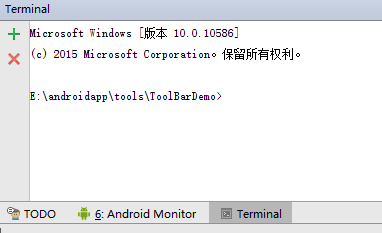 把 Android 專案打成 jar,並把依賴的 jar 一起合併進去
前言:關於 .jar 檔案 日常開發中經常會用到第三方的 .jar。其實 .jar 就是一個類似 .zip 的壓縮包,裡面裝的是程式碼——注意它不包含資源檔(res、圖片
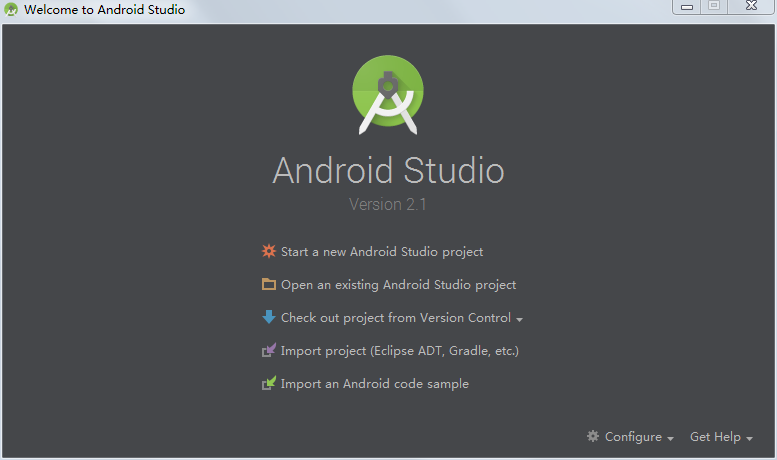 把 Eclipse 專案搬進 Android Studio:直接匯入與間接轉換兩種做法
從 Eclipse 過渡到 Android Studio 時,舊專案總得想辦法帶過去。實務上有兩條路:一是讓 Android Studio 直接吃下 Eclipse 專案
 Android Activity 系列總結(一):Activity 概覽與生命週期全解
 Activity 是一個應用組件,用戶可與其提供的螢幕進行互動,以執行撥打電話、拍
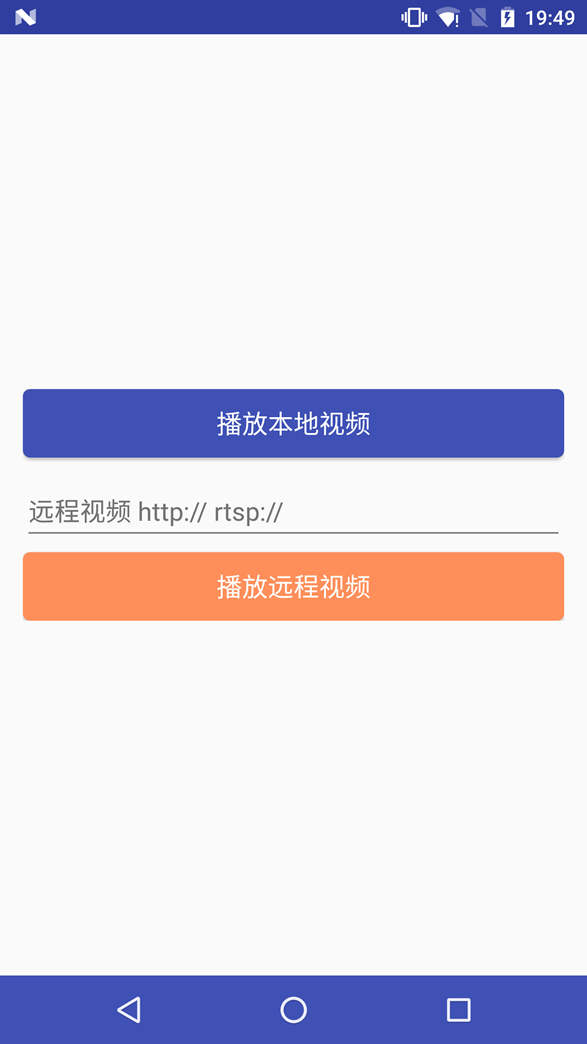 以 VLC 打造 Android 多媒體播放方案:支援本機與網路串流
 前陣子專案需要在 Android 上播放影片、串流影音並檢視監控畫面,因此實際比較了幾套多媒體方案。