

編輯:關於 Android 開發
動畫這塊水很深,真正的功夫在自定義動畫和設計判斷上。不過很多時候我們只是想要一個「不至於生硬」的頁面切換效果,這時候直接調用系統內置動畫是最划算的做法。
效果:
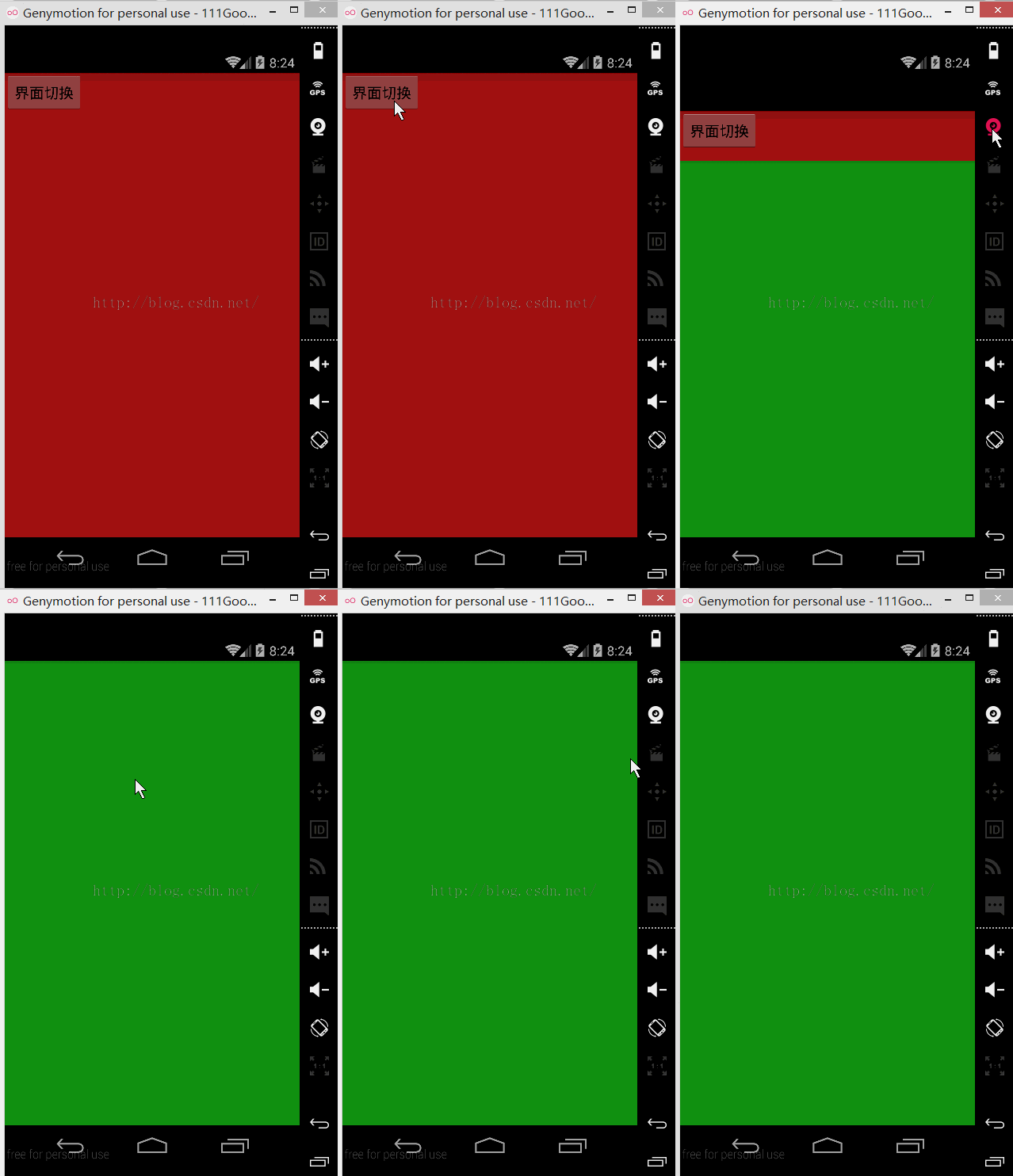
打完 R.anim. 之後沒有自動補全,可以按住 Control 並左鍵點擊 R.anim 跳轉過去,看看系統內置了哪些動畫資源,直接複製粘貼即可。

系統內置動畫一覽(其他的可以自己挨個試試效果):
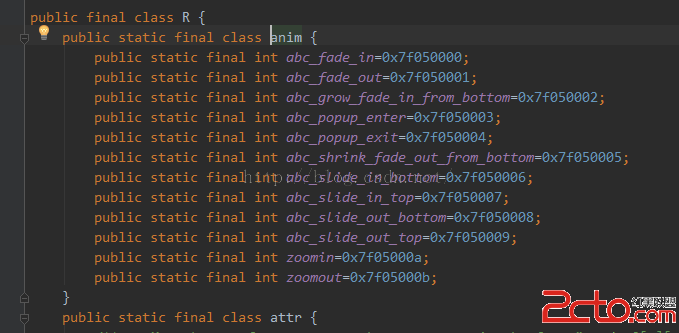
關鍵只有一行:overridePendingTransition(enterAnim, exitAnim),在 startActivity() 之後立刻調用。注意Android 版本需要在 3.0 以上。
MainActivity:
package com.example.animationchanges;

import android.app.Activity;
import android.content.Intent;
import android.os.Bundle;
import android.view.View;
import android.widget.Button;

public class MainActivity extends Activity {

    @Override
    protected void onCreate(Bundle savedInstanceState) {
        super.onCreate(savedInstanceState);
        setContentView(R.layout.activity_main);

        Button button = (Button) findViewById(R.id.button);
        button.setOnClickListener(new View.OnClickListener() {
            @Override
            public void onClick(View v) {
                Intent intent = new Intent(MainActivity.this, OneActivity.class);
                startActivity(intent);
                // 設置跳轉動畫:第一個參數是「新頁面進場」,第二個是「當前頁面退場」
                overridePendingTransition(R.anim.abc_slide_in_bottom,
                                         R.anim.abc_slide_out_bottom);
            }
        });
    }
}
OneActivity:
package com.example.animationchanges;

import android.app.Activity;
import android.os.Bundle;

public class OneActivity extends Activity {

    @Override
    protected void onCreate(Bundle savedInstanceState) {
        super.onCreate(savedInstanceState);
        setContentView(R.layout.activity_one);
    }
}
activity_main.xml:
<RelativeLayout xmlns:android="https://schemas.android.com/apk/res/android"
    android:layout_width="match_parent"
    android:layout_height="match_parent"
    android:background="#a31212">

    <Button
        android:id="@+id/button"
        android:layout_width="wrap_content"
        android:layout_height="wrap_content"
        android:text="界面切換" />

</RelativeLayout>
activity_one.xml:
<RelativeLayout xmlns:android="https://schemas.android.com/apk/res/android"
    android:layout_width="match_parent"
    android:layout_height="match_parent"
    android:background="#1f9c16">
</RelativeLayout>
第一,overridePendingTransition() 只影響「打開新頁面」這一刻。返回動畫要在被關閉的那個 Activity 裡單獨調用,通常寫在 finish() 之後。
第二,如果你的 minSdk 允許,從 API 21 起可以用 ActivityOptions.makeSceneTransitionAnimation(this).toBundle() 配合 startActivity(intent, options),還能做出元素共享的轉場效果,比這套老 API 靈活得多。
至於自己寫一個動畫——下一篇再說。
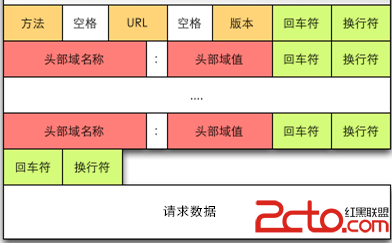 Android 網路編程入門:HTTP 協議原理與請求響應報文
Android 網路編程入門:HTTP 協議原理 行動應用幾乎都會與網路互動。即使已有許多開源庫能簡化請求流程,理解 HTTP 的基本原理,仍是開發者除錯與優化的基礎。
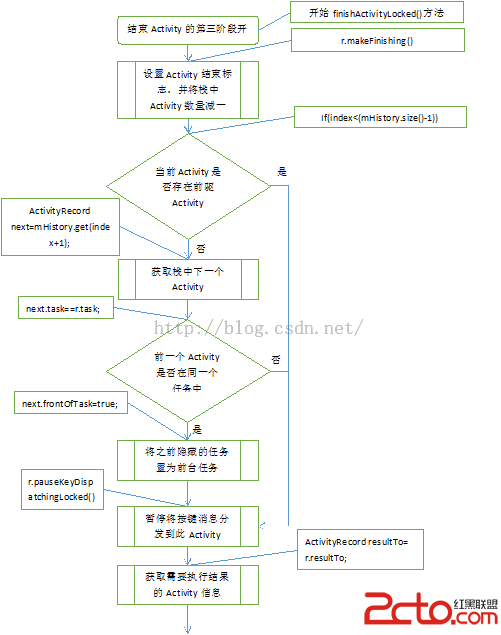 深入解析Android四大組件(八)——Activity消亡的四個階段全透視
 當我們呼叫關閉一個Activity時,背後的ActivityManagerService究竟
 Android 65536 方法數限制與 Multidex 分包實務
 Android 開發中,早期 Dalvik 格式的 dex 檔以 short 類型索引方法,因此單一
 Android BroadcastReceiver 廣播接收器詳解
 今天我們來系統學習一下 Android 中 BroadcastReceiver 的相關知識。 Broa