

編輯:關於 Android 開發
最近獨立開發的專案《全醫會》已在內測階段,很快會上架各大應用市場。之前幾個專案因為種種原因無緣上架,始終有些遺憾,所以這次心情格外好。
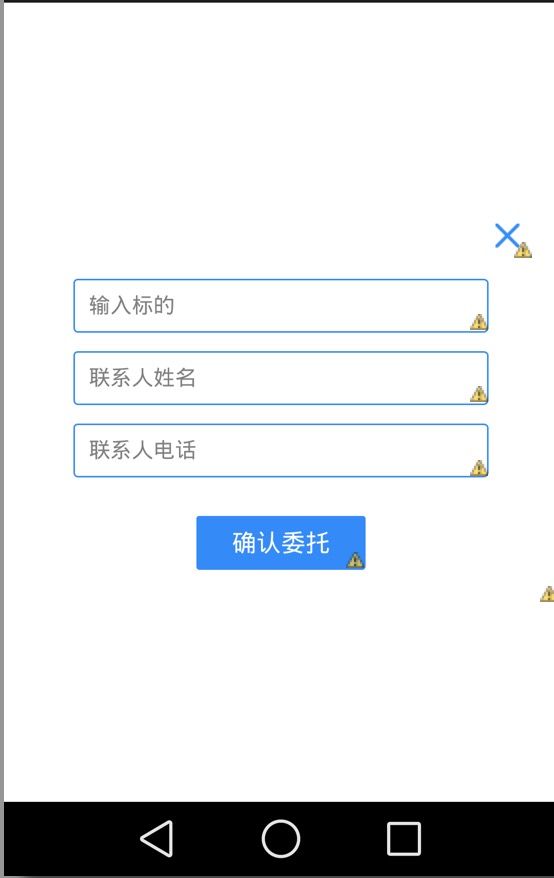
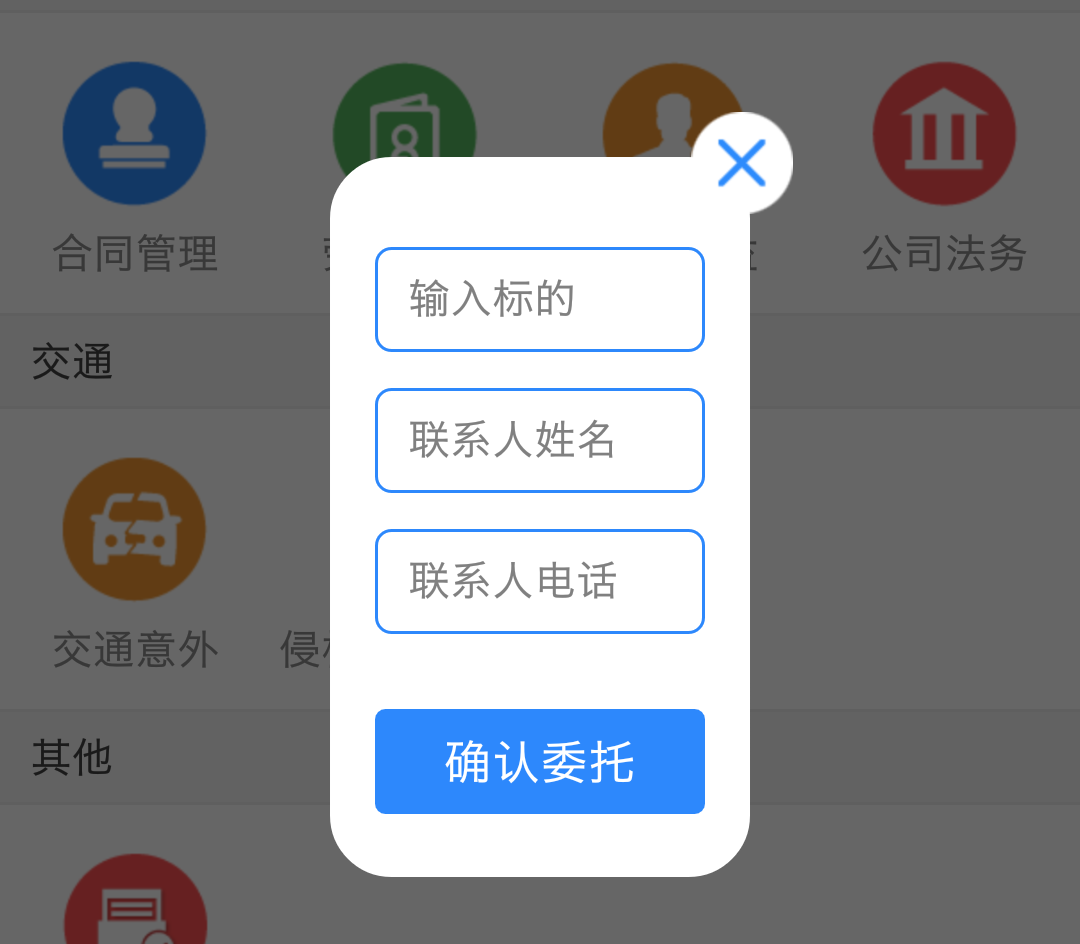
今天在做一個新專案,是專為律師與客戶開發的 App,其中有一個自訂對話框的需求。這個知識點其實很簡單,就是下圖的效果:
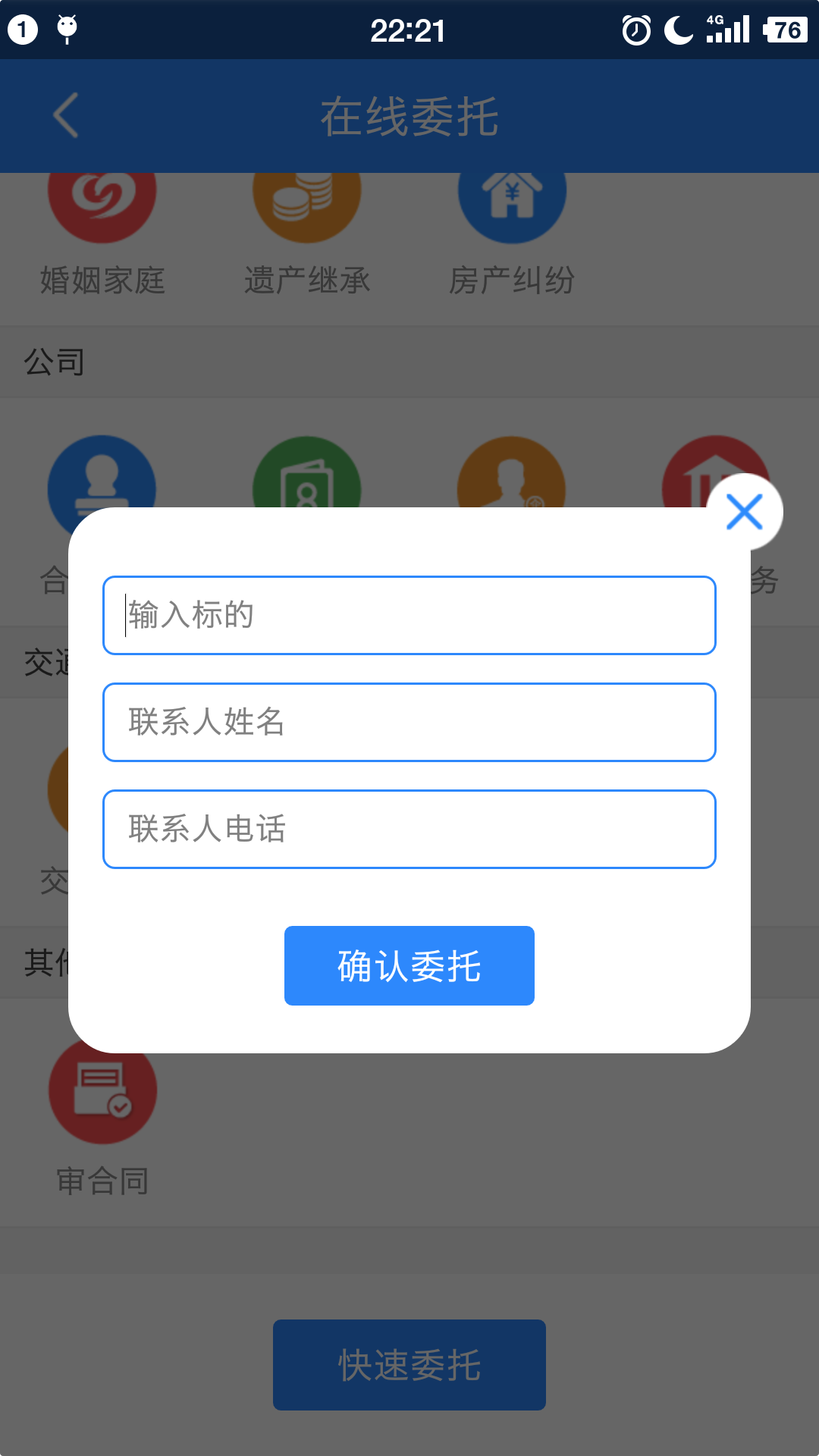
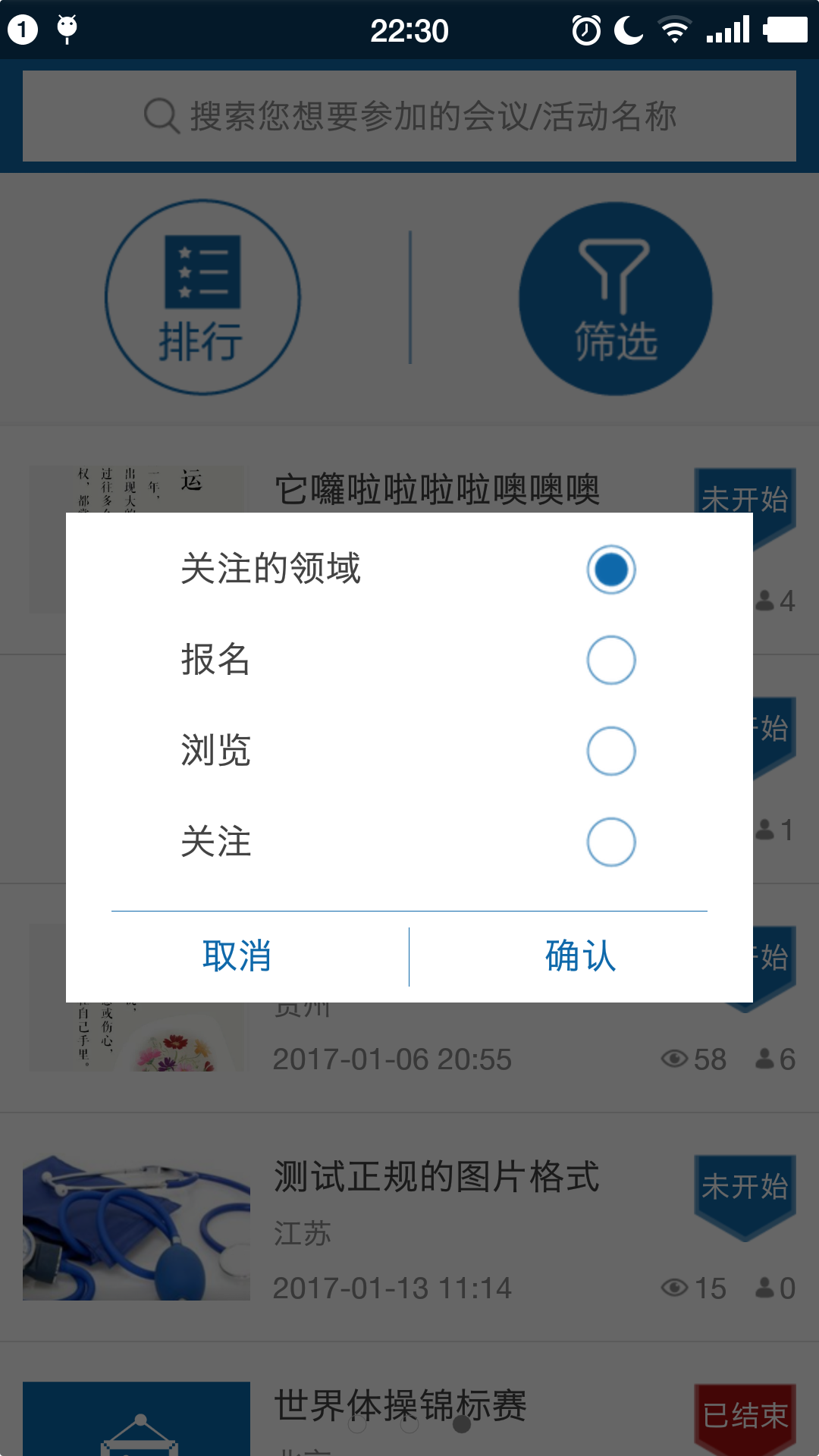
可是寫完之後才發現:自訂對話框裡嵌套的 EditText 根本無法取得焦點,也彈不出軟鍵盤。有點悶——以前做的自訂對話框裡沒有 EditText,一切正常,一直沒發現這個隱藏的坑。
下面這個是我之前寫的自訂對話框:
<?xml version="1.0" encoding="utf-8"?>
<LinearLayout xmlns:android="https://schemas.android.com/apk/res/android"
    android:layout_width="match_parent"
    android:layout_height="match_parent"
    android:gravity="center">

    <LinearLayout
        android:layout_width="match_parent"
        android:layout_height="260dp"
        android:orientation="horizontal">

        <LinearLayout
            android:layout_width="match_parent"
            android:layout_height="240dp"
            android:layout_marginLeft="30dp"
            android:layout_marginRight="30dp"
            android:layout_marginTop="20dp"
            android:background="@drawable/round_white_corner"
            android:gravity="center_horizontal"
            android:orientation="vertical"
            android:paddingLeft="15dp"
            android:paddingRight="15dp">

            <EditText
                android:id="@+id/et_obj"
                android:layout_width="match_parent"
                android:layout_height="35dp"
                android:layout_marginTop="30dp"
                android:background="@drawable/round_textview_corner"
                android:gravity="center_vertical"
                android:hint="輸入標的"
                android:paddingLeft="10dp"
                android:paddingRight="10dp"
                android:textSize="14sp" />

            <EditText
                android:id="@+id/et_name"
                android:layout_width="match_parent"
                android:layout_height="35dp"
                android:layout_marginTop="12dp"
                android:background="@drawable/round_textview_corner"
                android:gravity="center_vertical"
                android:hint="聯系人姓名"
                android:paddingLeft="10dp"
                android:paddingRight="10dp"
                android:textSize="14sp" />

            <EditText
                android:id="@+id/et_phone"
                android:layout_width="match_parent"
                android:layout_height="35dp"
                android:layout_marginTop="12dp"
                android:background="@drawable/round_textview_corner"
                android:gravity="center_vertical"
                android:hint="聯系人電話"
                android:inputType="phone"
                android:paddingLeft="10dp"
                android:paddingRight="10dp"
                android:textSize="14sp" />

            <TextView
                android:id="@+id/tv_go"
                android:layout_width="110dp"
                android:layout_height="35dp"
                android:layout_marginBottom="20dp"
                android:layout_marginTop="25dp"
                android:background="@drawable/round_blue_corner"
                android:gravity="center"
                android:text="確認委托"
                android:textColor="@color/white"
                android:textSize="16sp" />
        </LinearLayout>

        <ImageView
            android:id="@+id/iv_close"
            android:layout_width="34dp"
            android:layout_height="34dp"
            android:layout_marginLeft="-50dp"
            android:layout_marginTop="5dp"
            android:src="@drawable/law_dialog_close" />
    </LinearLayout>
</LinearLayout>
// 彈出自定義 dialog
LayoutInflater inflater = LayoutInflater.from(OnlineActivity.this);
View view = inflater.inflate(R.layout.hl_law_dialog, null);

// 建立對話框:注意這裡用的是 Dialog,不是 AlertDialog
final Dialog dialog = new Dialog(OnlineActivity.this);
dialog.getWindow().setBackgroundDrawable(new ColorDrawable(0));
dialog.requestWindowFeature(Window.FEATURE_NO_TITLE);
dialog.show();

// 設定寬度為螢幕寬度
WindowManager windowManager = getWindowManager();
Display display = windowManager.getDefaultDisplay();
WindowManager.LayoutParams lp = dialog.getWindow().getAttributes();
lp.width = display.getWidth();
dialog.getWindow().setAttributes(lp);

dialog.getWindow().setContentView(view);

final EditText et_obj   = (EditText) view.findViewById(R.id.et_obj);    // 標的
final EditText et_name  = (EditText) view.findViewById(R.id.et_name);   // 姓名
final EditText et_phone = (EditText) view.findViewById(R.id.et_phone);  // 電話
TextView tv_go          = (TextView)  view.findViewById(R.id.tv_go);    // 確認委托
final ImageView iv_close= (ImageView) view.findViewById(R.id.iv_close); // 關閉
之前的寫法是:
// 對話框
final Dialog dialog = new AlertDialog.Builder(OnlineActivity.this).create();
dialog.getWindow().setBackgroundDrawable(new ColorDrawable(0));
dialog.requestWindowFeature(Window.FEATURE_NO_TITLE);
dialog.show();
差別只有一個:把 AlertDialog 換成 Dialog,問題就解決了。
AlertDialog 不是一個通用的空容器,它是為「標題 + 訊息 + 按鈕列表」這種結構設計的元件。當你用 setContentView() 塞入自訂版面時,AlertDialog 內部的裝飾層與焦點處理機制會與你的內容互相干擾,結果就是內部的 EditText 拿不到焦點,軟鍵盤自然不會彈出。
Dialog 則是一個近乎空白的視窗容器,焦點行為不會被額外介入,自訂版面上的輸入元件因此能正常工作。
這也解釋了為什麼以前沒遇到——那些對話框裡沒有需要輸入文字的元件,焦點問題自然不會浮現。
理解這兩段,能避免以後又抄錯。
dialog.requestWindowFeature(Window.FEATURE_NO_TITLE);
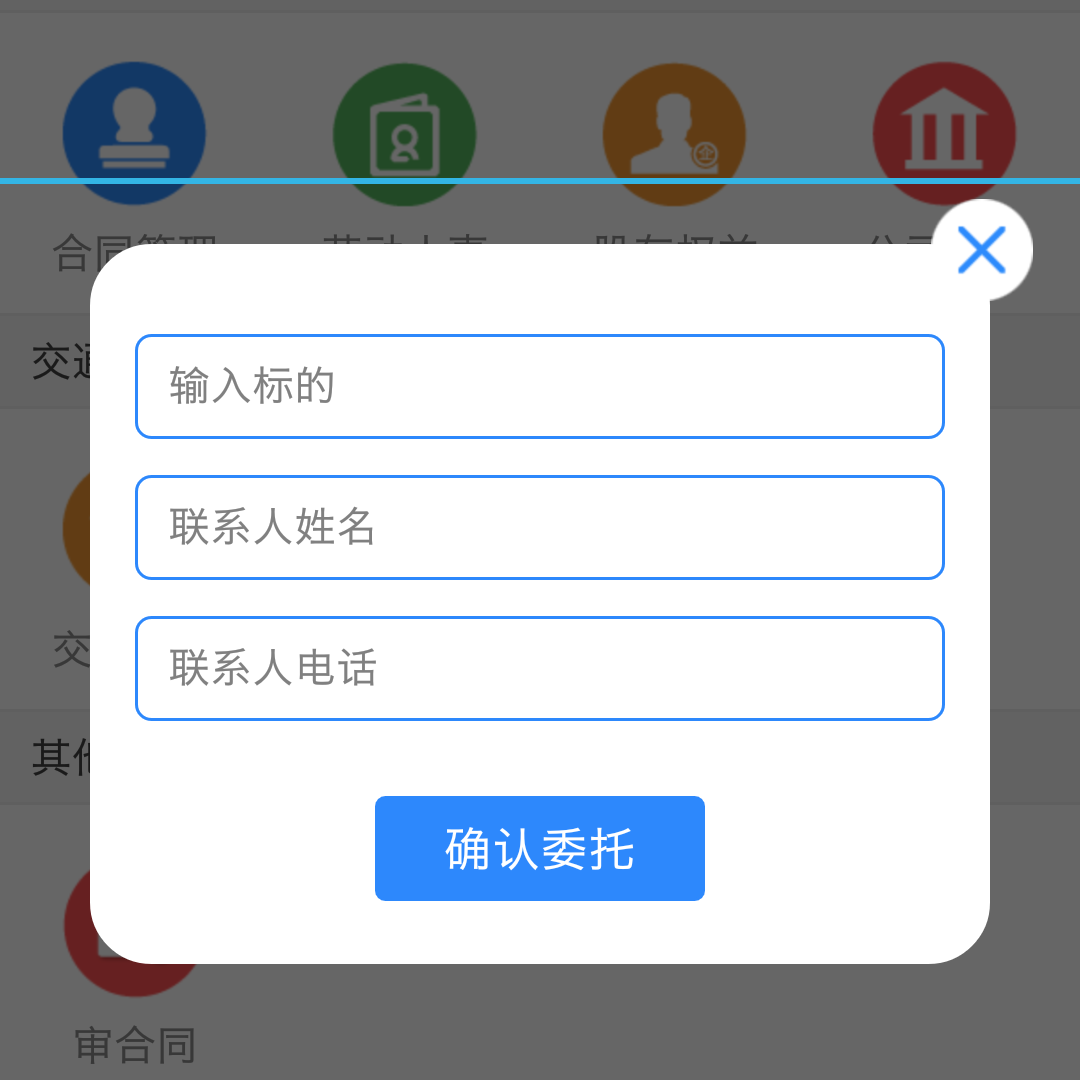
就會出現一個醜醜的標題欄。這行的作用就是去掉系統預設的標題列。
WindowManager windowManager = getWindowManager();
Display display = windowManager.getDefaultDisplay();
WindowManager.LayoutParams lp = dialog.getWindow().getAttributes();
lp.width = display.getWidth();
dialog.getWindow().setAttributes(lp);
對話框會被壓得很窄,因為 Dialog 預設是依內容包裹(wrap content)。這段程式碼的作用是把寬度撐到整個螢幕寬。
仔注意:requestWindowFeature() 必須在 setContentView() 之前呼叫。若順序顛倒,系統已經完成視窗內容的佈局,此時再要求移除標題列會直接拋出 AndroidRuntimeException,訊息是「requestFeature() must be called before adding content」。
示範程式碼中的順序是正確的:setBackgroundDrawable → requestWindowFeature → show → 設定寬度 → setContentView。實務上更常見的寫法是把 requestWindowFeature 放在 setContentView 前、show() 前,順序清楚就好。
在某些既有專案中,AlertDialog.Builder 已被大量使用、難以替換。這時可以嘗試:
dialog.getWindow().setSoftInputMode(WindowManager.LayoutParams.SOFT_INPUT_ADJUST_RESIZE) 明確要求視窗為鍵盤調整大小。show() 之後呼叫 et_obj.requestFocus() 主動搶焦點。<requestFocus /> 之外的焦點搶佔屬性。但這些都是繞路。若版面本身就是自訂的,直接改用 Dialog 是更乾淨、也更可預期做法。
 使用 HttpURLConnection 在 Android 與服務器間傳遞對象
在 Android 與服務器交互時,常見方式是使用 JSON 或 XML。兩者都需要先將數
 IDEA 使用優化清單:從界面到快捷鍵,把 IDE 調順手
 IDEA 越用越順手,但總有些地方不太合口味——可能是它本來的設計取向,也可能是自己從 Eclipse 帶過來
 Bottom Sheet 使用詳解:五種狀態、嵌套滑動與 Dialog 封裝
Support Library 23.2 帶來的 Bottom Sheet Android Support Library 更新到 23.2 版時,除了既有的 API 調
 從 Android 5.1.1 源碼看應用進程的權限降級:Zygote fork 之後發生了什麼
前言 Android 上所有的應用進程,其實都是由 Zygote fork 出來的。而 Zygote 本身是以 root 權限運行的,這就帶來一個明顯的問題:新 fork