

編輯:關於 Android 開發
GridView(網格視圖)與 ListView 有很多相似之處,最大的差別在於 GridView 能顯示多列,而 ListView 只能顯示單列。
android:columnWidth:設定每列的寬度。
android:gravity:元件對齊方式。
android:horizontalSpacing:水平方向每個單元格的間距。
android:verticalSpacing:垂直方向每個單元格的間距。
android:numColumns:設定列數,預設為 1。
android:stretchMode:設定拉伸模式,可選值有:none(不拉伸)、spacingWidth(拉伸元素間的間隔空隙)、columnWidth(僅拉伸表格元素自身)、spacingWidthUniform(既拉伸元素間距又拉伸間隔空隙)。
主版面配置:
<?xml version="1.0" encoding="utf-8"?>
<LinearLayout xmlns:android="https://schemas.android.com/apk/res/android"
    android:layout_width="match_parent"
    android:layout_height="match_parent"
    android:orientation="vertical">
    <GridView
        android:layout_width="match_parent"
        android:layout_height="match_parent"
        android:numColumns="2"
        android:id="@+id/gv">
    </GridView>
</LinearLayout>
單一項目配置:
<?xml version="1.0" encoding="utf-8"?>
<LinearLayout xmlns:android="https://schemas.android.com/apk/res/android"
    android:layout_width="match_parent"
    android:layout_height="match_parent"
    android:orientation="horizontal">
    <ImageView
        android:id="@+id/image1"
        android:layout_width="100dp"
        android:layout_height="100dp"
        android:src="@mipmap/ic_launcher"/>
    <TextView
        android:id="@+id/text1"
        android:layout_width="match_parent"
        android:layout_height="100dp"
        android:gravity="center"
        android:text="哈哈"
        android:textSize="30sp"/>
</LinearLayout>
Java 程式碼:
package com.example.test3;
import android.app.Activity;
import android.os.Bundle;
import android.widget.GridView;
import android.widget.SimpleAdapter;
import java.util.ArrayList;
import java.util.HashMap;
import java.util.List;
import java.util.Map;

public class MainActivity extends Activity {
    private GridView gridView;
    private List<Map<String, Object>> list;
    private SimpleAdapter adapter;
    @Override
    protected void onCreate(Bundle savedInstanceState) {
        super.onCreate(savedInstanceState);
        setContentView(R.layout.activity_main);
        gridView = (GridView) findViewById(R.id.gv);
        list = new ArrayList<>();
        for (int i = 0; i < 10; i++) {
            Map<String, Object> map = new HashMap<>();
            map.put("image", R.mipmap.ic_launcher);
            map.put("content", "哈哈" + i);
            list.add(map);
        }
        adapter = new SimpleAdapter(MainActivity.this, list, R.layout.item,
                new String[]{"image", "content"},
                new int[]{R.id.image1, R.id.text1});
        gridView.setAdapter(adapter);
    }
}
透過 SimpleAdapter,我們把一個由 Map 組成的清單資料對應到自訂的項目版面,並指定 image 對應到 ImageView、content 對應到 TextView,就能輕鬆呈現多列的網格畫面。
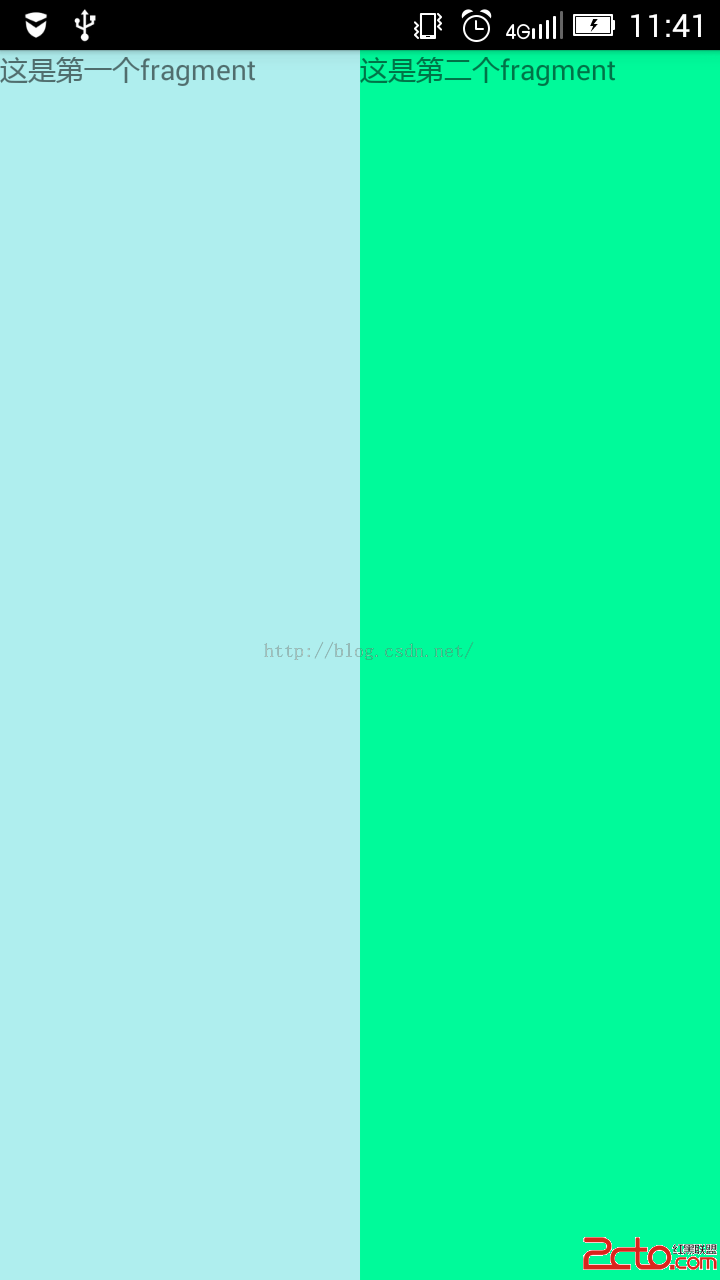 Android Fragment 入門:靜態布局與動態管理兩種基本用法
 Fragment 是 Android 中常見的 UI 元件,可理解為 Activity 中的模組化
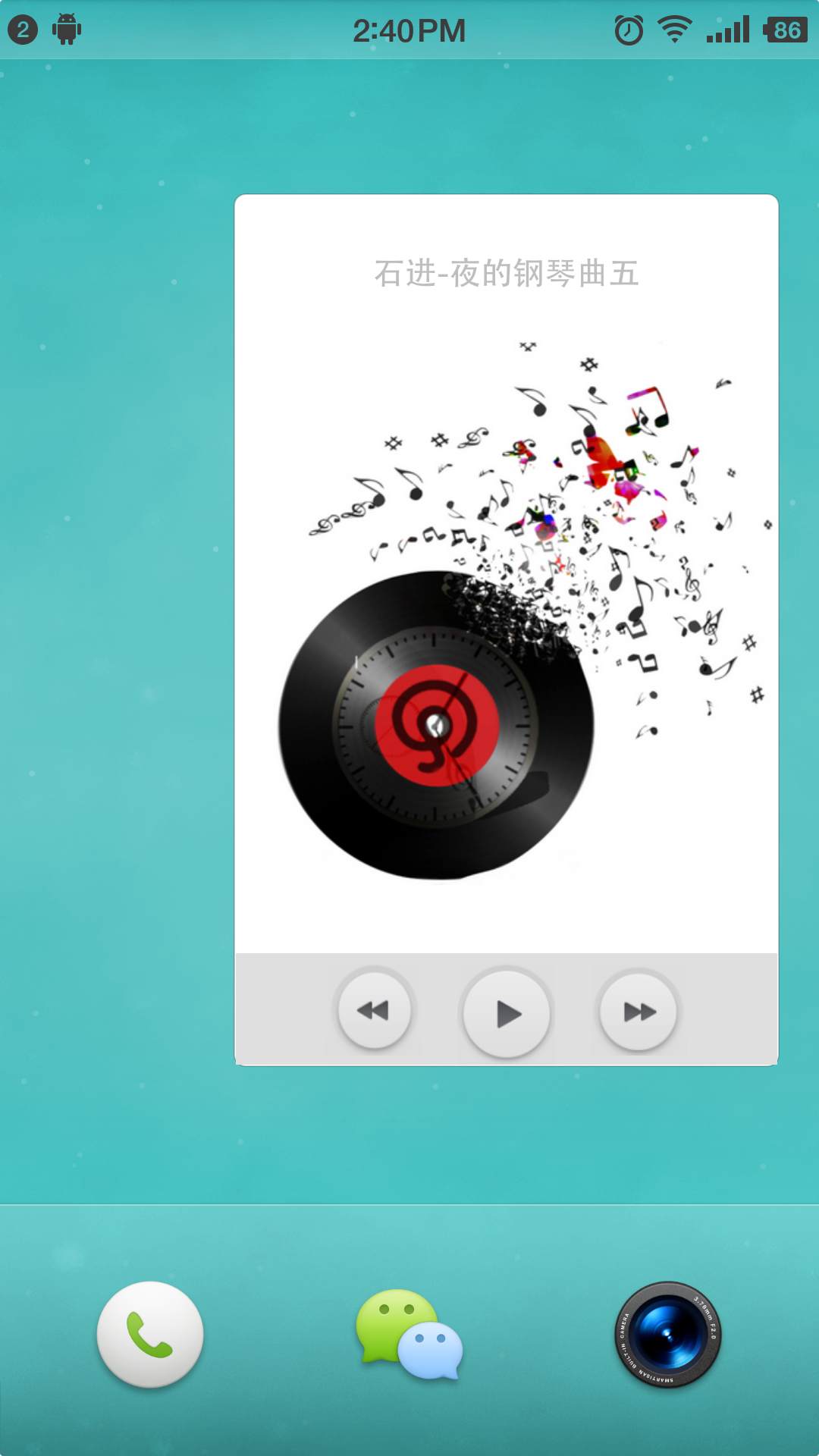 Android 後台音樂播放器實戰:Widget、Service 與廣播
Android 後台音樂播放器實戰 本章以一個後台音樂播放器為例,說明 Widget、Service 與 BroadcastReceiver 如何彼此合作,完成桌面小工具
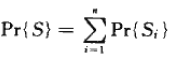 從相親策略看「線上最大值問題」:37% 法則的由來與證明
 問題設定 假設你想找一位交往對象,前面幾次嘗試都不順,於是決定找相親仲介。仲介每天推薦一位人選,你面談後決定要不
 用 Android Studio 運行 NDK 程式的完整步驟
 最近打算研究 Android 雙進程守護,由於過去用 Eclipse 寫 JNI 習慣了,如今主要改用 A