

編輯:關於 Android 開發
同樣一段程式,在 Android 4.4 的小米 4 上運行正常,換到 Android 5.1 的華為 P7 上卻拋出了以下異常:
java.lang.IllegalArgumentException: Service Intent must be explicit:
 Intent { act=com.xtc.kuwo.watch.MUSIC_PLAY_SERVICE (has extras) }
 at android.app.ContextImpl.validateServiceIntent(ContextImpl.java:1847)
 at android.app.ContextImpl.startServiceCommon(ContextImpl.java:1876)
 at android.app.ContextImpl.startService(ContextImpl.java:1860)
 ...
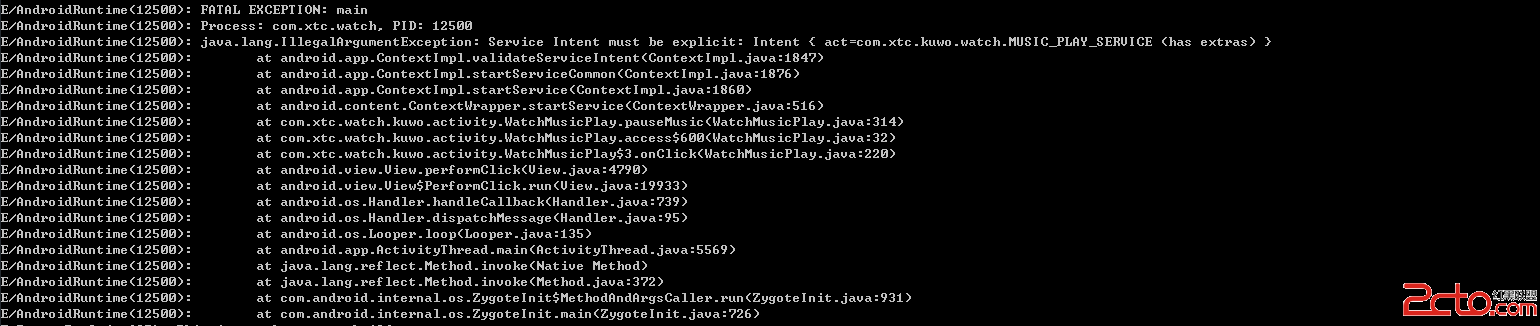
引發問題的啟動 Service 程式碼如下,它採用的是隱式啟動方式:
Intent intent = new Intent();
 intent.setAction(MUSIC_PLAY_SERVICE);
 intent.putExtra("MSG", Constants.PlayerMsg.PAUSE_MSG);
 intent.putExtra("musicURL", musicURL);
 startService(intent);
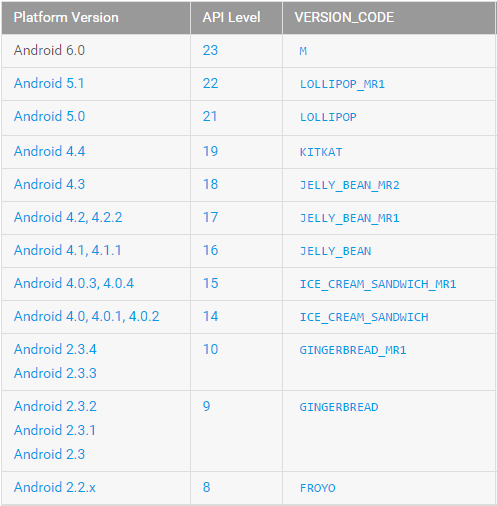
從 Android 5.0(Lollipop)開始,系統要求啟動 Service 的 Intent 必須是「顯式」的,也就是必須明確指定目標元件。查看 Android 源碼 ContextImpl.validateServiceIntent 可以發現:當 targetSdkVersion 大於等於 LOLLIPOP,且 Intent 既沒有設定 Component 也沒有設定 Package 時,就會拋出這個異常。
最簡單且為 Google 官方推薦的做法,是在啟動前透過 setPackage 明確指定所屬的套件名稱:
Intent intent = new Intent();
 intent.setAction(MUSIC_PLAY_SERVICE);
 // 不加這句話,Android 5.0 以上會報:Service Intent must be explicit
 intent.setPackage(getPackageName());
 intent.putExtra("MSG", Constants.PlayerMsg.PAUSE_MSG);
 intent.putExtra("musicURL", musicURL);
 startService(intent);
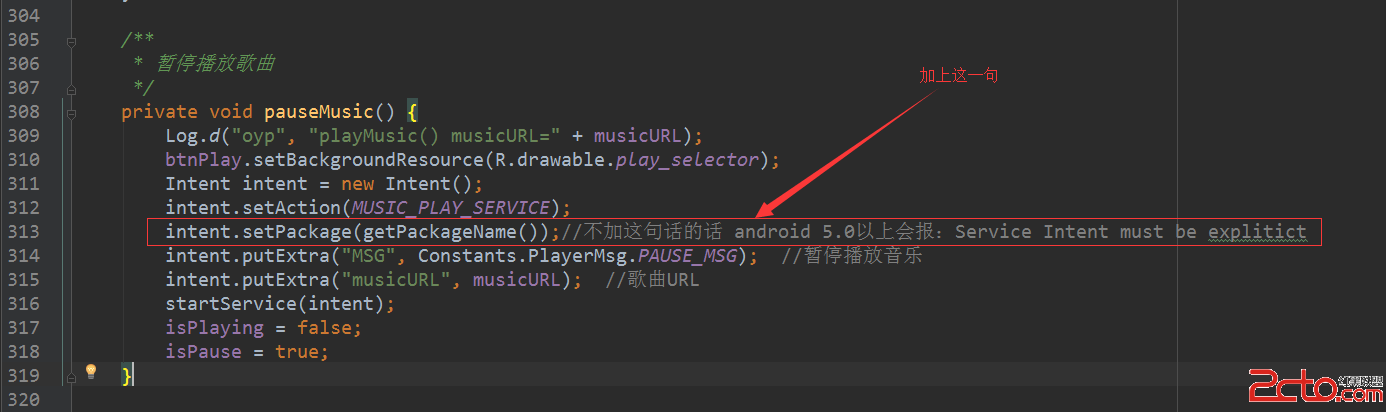
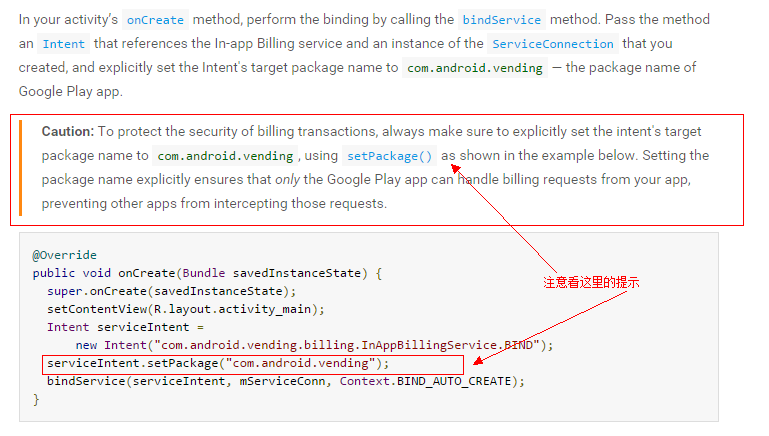
僅需加上 intent.setPackage(getPackageName()); 這一行,即可讓 Intent 成為顯式啟動,問題迎刃而解。這也是官方文件所建議的標準做法。
 Android 開發入門:製作撥打電話應用
 撥打電話是 Android 中很典型的系統能力應用。系統內建的電話與撥號器應用,通常位於 system/app 目錄;一般應用
 SharedPreferences 實作:在 Fragment 裡保存表單輸入內容
 SharedPreferences 是 Android 提供的輕量級鍵值存儲方案,特別
 Fragment 巢狀重複 id 崩潰解析:Binary XML file line #23: Duplicate id
問題現場 觸發時機:在首頁與分類頁之間切換,從「分類」返回「首頁」時直接閃退。 Logcat 給出的關鍵訊息是: Caused by: java.lang.Ille
 minSdkVersion、maxSdkVersion、targetSdkVersion 與 target 差異
 Android 專案中常見的 SDK 版本設定包括 mi