

編輯:關於 Android 開發
進行 Android 開發時,資料通常透過接口取得,這裡的接口泛指 Web API、Web Service、WCF、Web 應用程式等。它們作為服務端與資料庫直接通訊,App 則向這些接口發送 HTTP 請求取得資料。這種做法能有效降低開發難度,把資料互動分離到服務層,與使用者互動的功能則完全放在 App 端,類似目前流行的 SOA 架構——一個服務為多種終端(Web、iOS、Android、平板甚至 TV)統一提供接口。
下面來看 App 端發送 HTTP 請求時,如何與服務端 API 共享 Session。
-〉客戶端
-〉(Request)訪問服務端頁面
-〉服務端產生 SessionId
-〉存儲到服務端
-〉(Response)向客戶端回應
-〉客戶端把 SessionID 存到 Cookies 裡(.NET 平台 cookies 中的鍵名為 ASP.NET_SessionId)
-〉下次請求,客戶端在 Request 標頭中把當前 SessionID 發到服務端
-〉服務端透過過期時間維護 SessionID 的有效性
以下選自 MSDN 關於 HttpClient 的 CookieContainer 說明:
Uri uri = new Uri("https://www.microsoft.com");
HttpClientHandler handler = new HttpClientHandler();
handler.CookieContainer = new CookieContainer();
handler.CookieContainer.Add(uri, new Cookie("name", "value")); // 加入 Cookie
HttpClient client = new HttpClient(handler);
HttpResponseMessage response = await client.GetAsync(uri);
CookieCollection collection = handler.CookieContainer.GetCookies(uri); // 取得 Cookie
Uri uri = new Uri(GetString(Resource.String.apiHost));
HttpClientHandler handler = new HttpClientHandler();
handler.CookieContainer = new CookieContainer();
handler.CookieContainer.Add(uri, new Cookie("ASP.NET_SessionId", InMemory.SessionID)); // 加入 Cookie
using (var http = new HttpClient(handler)) {
    var content = new FormUrlEncodedContent(new Dictionary<string, string>>() { });
    var response = http.PostAsync(GetString(Resource.String.apiHost) + "/Test/CurrentTaskListApi", content);
    var obj = JsonConvert.DeserializeObject<List<Task_Info>>(response.Result.Content.ReadAsStringAsync().Result);
    listView.Adapter = new Task_InfoListAdapter(this, obj);
}
關鍵在於透過共用的 CookieContainer 保存並帶上 SessionID,讓 App 的多次請求都能被服務端識別為同一個工作階段。若你也在用 Xamarin 開發行動應用,不妨動手試試。對一個概念的認識程度,往往決定了你採取的解決方法。
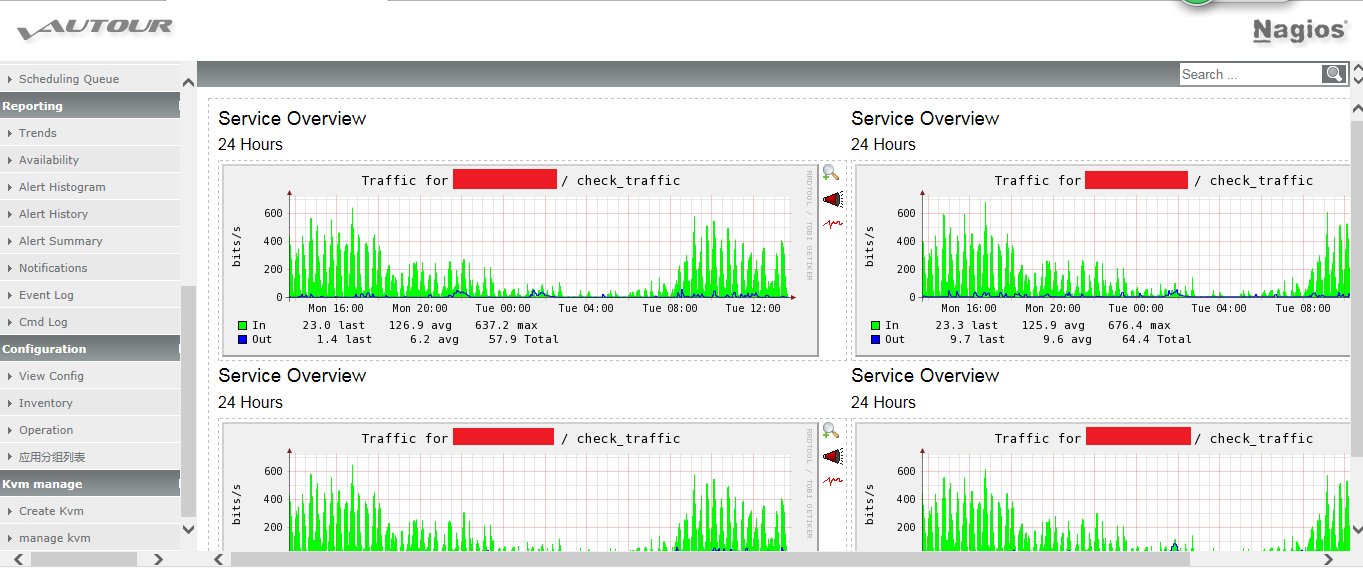 Nagios 二次開發實踐:按業務分組繪製服務狀態圖
項目背景 在 nagios 3.2.0 時代,我們曾把 nagios、saltstack 與 ThinkPHP 三者整合到一起,並在此基礎上做了不少二次開發:分組出圖、資
 史上最全 Android 第三方開源庫大盤點:分類整理與推薦
Android 優秀第三方開源庫收集整理 自己一直很喜歡 Android 開發,正如博客簽名所言:我是程序猿,我為自己代言。 在學習摸索的過程中,我從 GitHub 上收
 Android 開源項目分類匯總(六):好用的開發工具庫
本文彙總了一批優秀的 Android 開發工具庫,涵蓋依賴注入、圖片緩存、網絡相關、數據庫 ORM、公共庫、版本兼容、多媒體、事件總線、傳感器、安全、插件化、文件處理等方
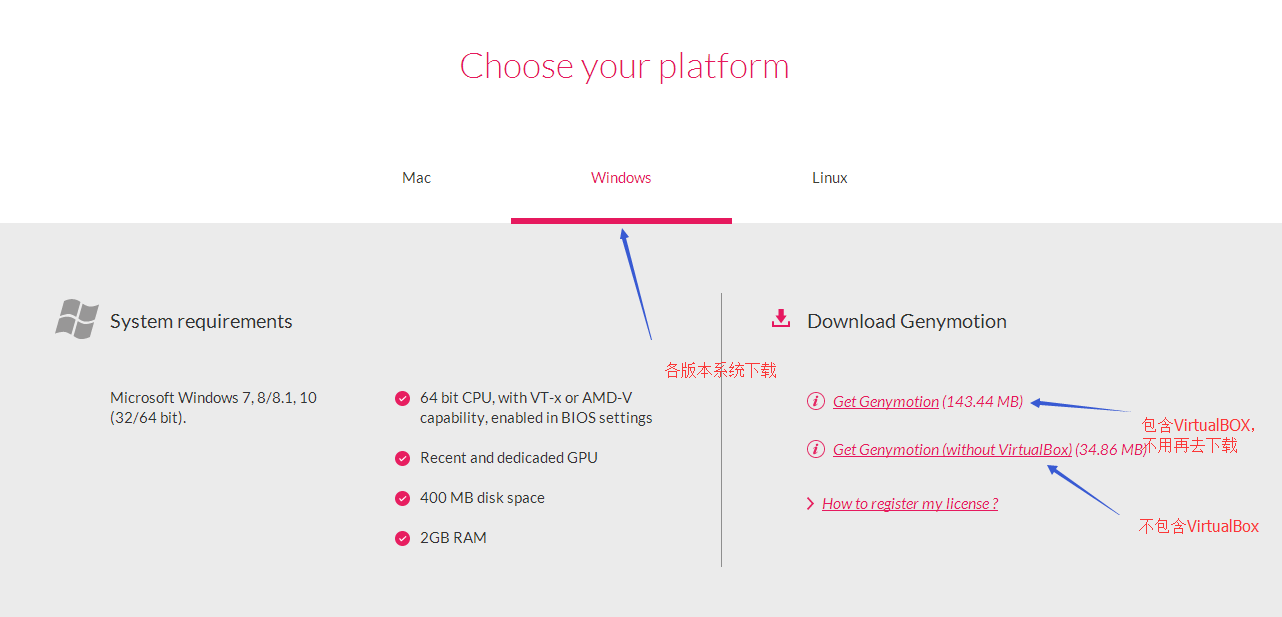 Genymotion 安裝與常見錯誤排查指南
 相較於 Android 原生模擬器,Genymotion 的執行速度確實快上不少,不過安裝過程中也常遇到一些問題。以下整理下