編輯:關於android開發
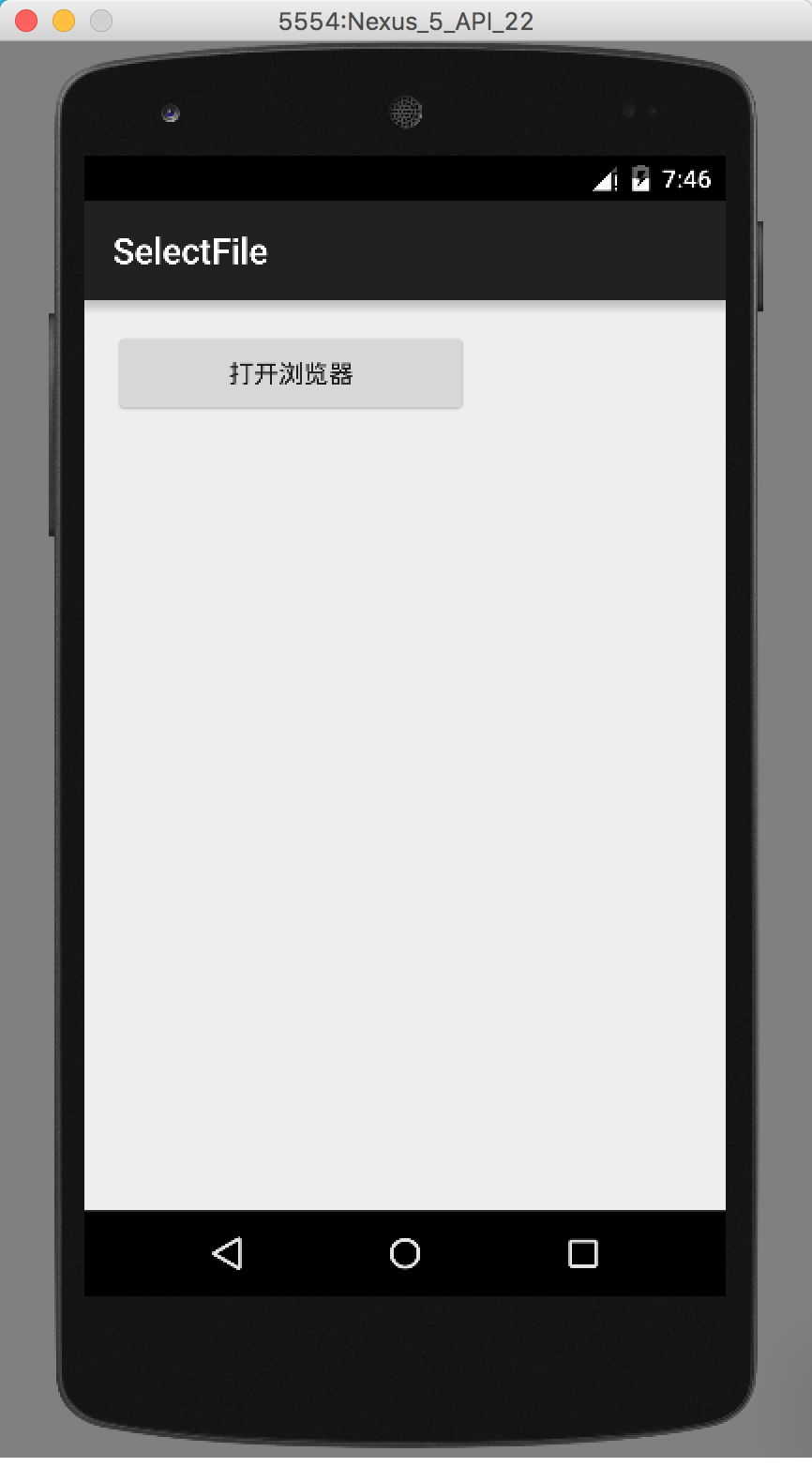
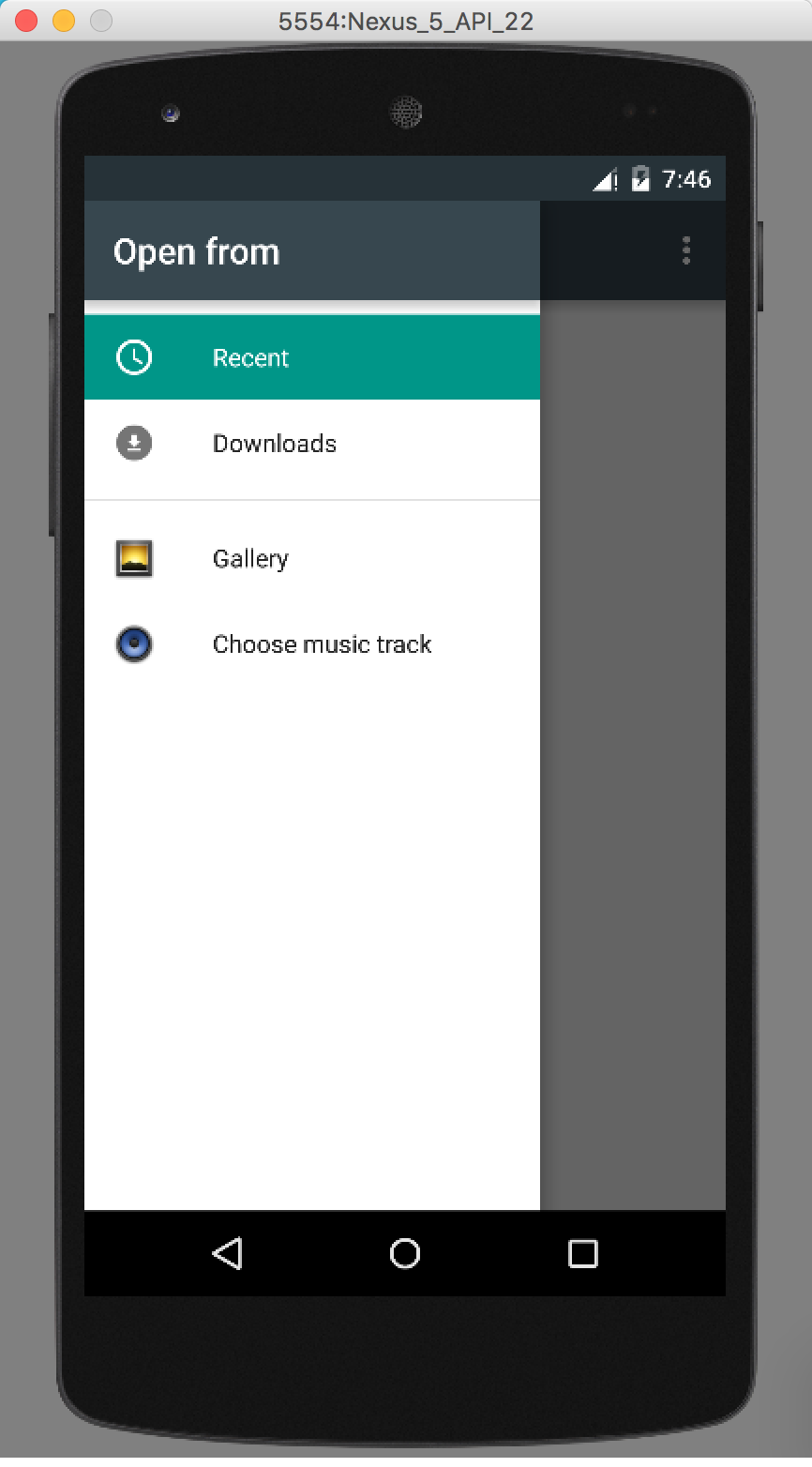
Android區別於iOS的沙盒模式,可以通過文件浏覽器浏覽本地的存儲器。Android API也提供了相應的接口。
基本思路,先通過Android API調用系統自帶的文件浏覽器選取文件獲得URI,然後將URI轉換成file,從而得到file。
public class MainActivity extends AppCompatActivity {

    @Override
    protected void onCreate(Bundle savedInstanceState) {
        super.onCreate(savedInstanceState);
        setContentView(R.layout.activity_main);
        Button btn= (Button) findViewById(R.id.btn);
        btn.setOnClickListener(new View.OnClickListener() {
            @Override
            public void onClick(View v) {
                Intent intent = new Intent(Intent.ACTION_GET_CONTENT);
                intent.setType("*/*");//設置類型,我這裡是任意類型,任意後綴的可以這樣寫。
                intent.addCategory(Intent.CATEGORY_OPENABLE);
                startActivityForResult(intent,1);
            }
        });
    }
}
 intent.setType(“image/*”);
//intent.setType(“audio/*”); //選擇音頻
//intent.setType(“video/*”); //選擇視頻 (mp4 3gp 是android支持的視頻格式)
//intent.setType(“video/*;image/*”);//同時選擇視頻和圖片
@Override
protected void onActivityResult(int requestCode, int resultCode, Intent data) {
    if (resultCode == Activity.RESULT_OK) {//是否選擇,沒選擇就不會繼續
        Uri uri = data.getData();//得到uri,後面就是將uri轉化成file的過程。
        String[] proj = {MediaStore.Images.Media.DATA};
        Cursor actualimagecursor = managedQuery(uri, proj, null, null, null);
        int actual_image_column_index = actualimagecursor.getColumnIndexOrThrow(MediaStore.Images.Media.DATA);
        actualimagecursor.moveToFirst();
        String img_path = actualimagecursor.getString(actual_image_column_index);
        File file = new File(img_path);
        Toast.makeText(MainActivity.this, file.toString(), Toast.LENGTH_SHORT).show();
    }
}
onActivityResult函數響應了選擇文件的操作。
轉載來至:http://www.banbaise.com/archives/614
 Android學習指南之二十一:Broadcast Receiver 的使用
如果說Activity和服務都是實干派,那麼將Broadcast Receiv
 Android項目開發實戰之使用Fragment和FragmentTabHost搭建底部菜單(一)
Android項目開發實戰之使用Fragment和FragmentTabHost搭建底部菜單(一) 學習在於實用,只有把自己學到的東西真正的融入到我們的開
 android FrameLayout詳解,androidframelayout
android FrameLayout詳解,androidframelayout首先看演示: FrameLayou
 Adapter模式實戰-重構鴻洋的Android建行圓形菜單
Adapter模式實戰-重構鴻洋的Android建行圓形菜單 對於很多開發人員來說,炫酷的UI效果是最吸引他們注意力的,很多人也因為這些炫酷的效果而去學習一些比較知名