編輯:關於android開發
android自定義Toast之-彈出消息
實現方法:
1.new 一個Toast實例toast。
2.自定義一個顯示的View實例view 。
3.把toast.setView(view),toast.setDuration(Toast.LENGTH_LONG)設置顯消息示時間
4.避免操作有誤一直重復彈出消息處理,定義一個Toast的全局變量避免重復實例化進行控制
下面是代碼

package com.android.hexiang.otptoken;

import android.view.Gravity;
import android.view.LayoutInflater;
import android.view.View;
import android.content.Context;
import android.widget.TextView;
import android.widget.Toast;
import com.android.hexiang.otptoken.R;

/**
 * Created by hexiang on 2014/12/10.
 */
public class MyToast {

    private static Toast mToast = null;
    /**
     * 自定義消息框
     * @param c
     * Created by hexiang on 2014/12/10.
     */
    @SuppressWarnings("deprecation")
    private static Toast showCustomerToast(final Context c,String msg,int duration)
    {

        //獲取LayoutInflater對象,該對象可以將布局文件轉換成與之一致的view對象
        LayoutInflater inflater=LayoutInflater.from(c);
        //將布局文件轉換成相應的View對象
        View layout=inflater.inflate(R.layout.my_customer_toast_layout,null);
        layout.setBackgroundDrawable(c.getResources().getDrawable(R.drawable.back_toast_style));
        //從layout中按照id查找TextView對象
        TextView textView=(TextView)layout.findViewById(R.id.txt_msg);
        //設置TextView的text內容
        textView.setText(msg);
        //實例化一個Toast對象
        Toast toast=new Toast(c.getApplicationContext());
        toast.setDuration(duration);
        toast.setGravity(Gravity.BOTTOM|Gravity.CENTER_HORIZONTAL, 0, 160);
        toast.setView(layout);
        return toast;

    }

    /**
     * 長消息框 指的的是時間長短
     * Created by hexiang on 2014/12/10.
     * @param c 上下文
     * @param msg 消息內容
     */
    @SuppressWarnings("deprecation")
    public static void showCustomerToastLong(final Context c,String msg)
    {   //避免重復彈出消息
        if (mToast == null) {
            mToast =showCustomerToast(c,msg,Toast.LENGTH_LONG);
        }
        else {
            TextView txt_msg=(TextView) mToast.getView().findViewById(R.id.txt_msg);
            txt_msg.setText(msg);
            mToast.setDuration(Toast.LENGTH_LONG);
        }

        mToast.show();

    }
    /**
     * 短消息框 指的的是時間長短 mToast.setDuration(Toast.LENGTH_SHORT);
     * @param c 上下文
     * @param msg 消息內容
     * Created by hexiang on 2014/12/10.
     */
    @SuppressWarnings("deprecation")
    public static void showCustomerToastShot(final Context c,String msg)
    {   //避免重復彈出消息
        if (mToast == null) {
            mToast =showCustomerToast(c,msg,Toast.LENGTH_SHORT);
        }
        else {
            TextView txt_msg=(TextView) mToast.getView().findViewById(R.id.txt_msg);
            txt_msg.setText(msg);
            mToast.setDuration(Toast.LENGTH_SHORT);
        }

        mToast.show();
    }
}
下面是XMl文件
 1 <?xml version="1.0" encoding="utf-8"?>
 2 <LinearLayout xmlns:android="http://schemas.android.com/apk/res/android"
 3     android:layout_width="match_parent"
 4     android:layout_height="match_parent"
 5     android:id="@+id/toast_layout_root"
 6     android:orientation="vertical" >
 7
 8   <TextView
 9      android:layout_margin="6dp"
10     android:layout_gravity="center_vertical|center_horizontal"
11     android:id="@+id/txt_msg"
12     android:layout_width="match_parent"
13     android:textColor="@color/white_light"
14     android:textSize="14sp"
15     android:text="this is a test toast"
16     android:layout_height="wrap_content"
17   />
18 </LinearLayout>
下面是自定義漸變背景
<?xml version="1.0" encoding="utf-8"?>
<shape xmlns:android="http://schemas.android.com/apk/res/android" >

      <gradient
        android:angle="315"
        android:centerX="0.5"
        android:centerY="0.5"
        android:centerColor="#fcdede"
        android:endColor="#e5edbe"
        android:startColor="#d2b2b2" />
    <corners android:radius="3dp" />
</shape>
溫習下android:shape的使用
gradient:漸變
android:startColor和android:endColor分別為起始和結束顏色,android:centerColor中間部分顏色
ndroid:angle是漸變角度,必須為45的整數倍。
最後是調用
1 MyToast.showCustomerToastLong(this,"測試消息框");
大功告成了,本文謝絕轉載,自重 。程序猿不容易...
Created by hexiang on 2014/12/10. 清分依然
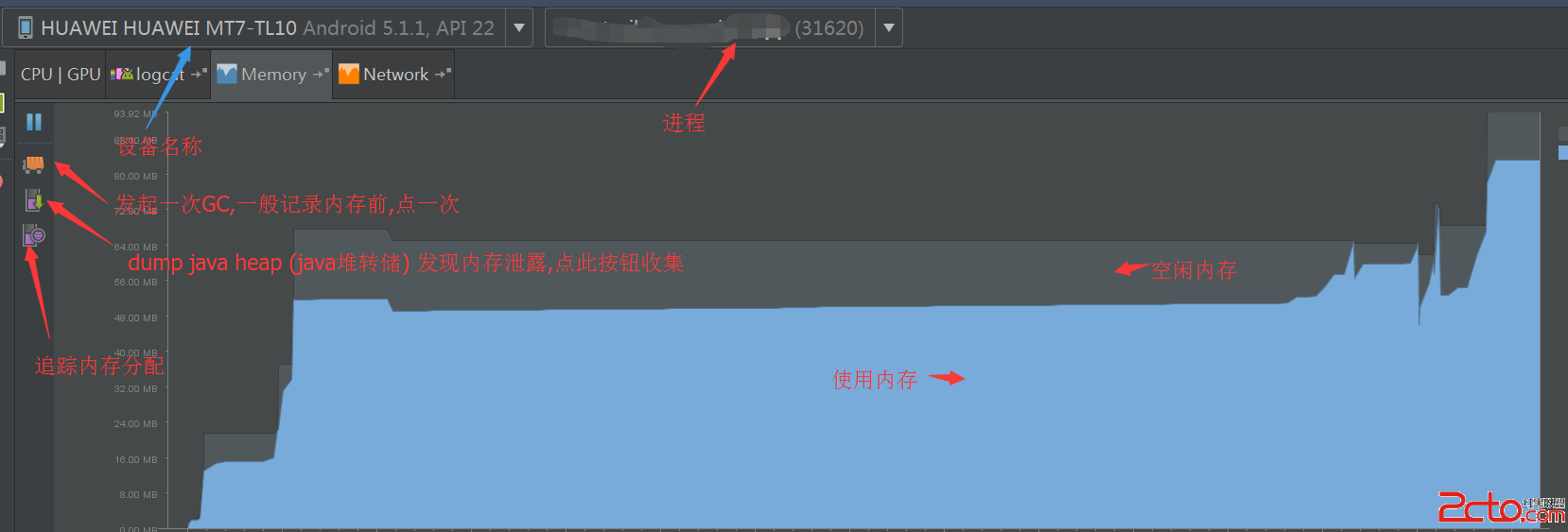 使用新版Android Studio檢測內存洩露和性能
使用新版Android Studio檢測內存洩露和性能 內存洩露,是Android開發者最頭疼的事。可能一處小小的內存洩露,都可能是毀於千裡之堤的蟻穴。 怎麼才能檢測內
 Android 四大組件之再論BroadCast,androidbroadcast
Android 四大組件之再論BroadCast,androidbroadcastBroadCast 是android提供的跨進程通訊的有一利器。 1.異步執行onRec
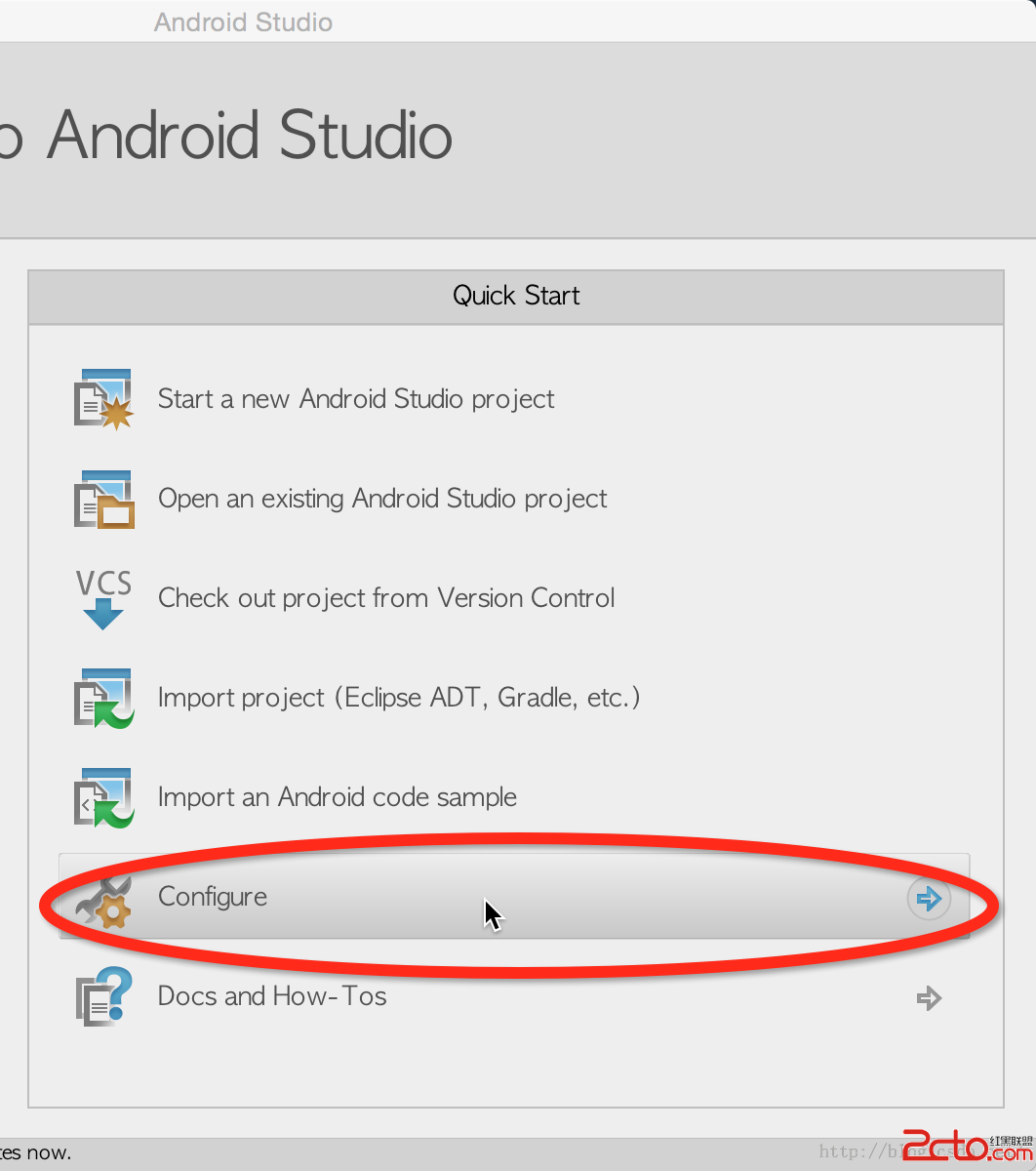 Android studio 插件安裝 plugin
Android studio 插件安裝 plugin Android studio 插件安裝 plugin android studio 上有很多第三方
 SlidePictures,男同網pictures
SlidePictures,男同網pictures package com.example.SlidePictures; import java.util