編輯:關於Android編程
本文實例講述了Android編程實現調用系統分享功能。分享給大家供大家參考,具體如下:
/**
 * 調用系統的分享功能
 * Created by admin on 15-4-13.
 */
public class ShareActivity extends Activity {
  @Override
  protected void onCreate(Bundle savedInstanceState) {
    super.onCreate(savedInstanceState);
    setContentView(R.layout.share_layout);
  }
  //分享文字
  public void shareText(View view) {
    Intent shareIntent = new Intent();
    shareIntent.setAction(Intent.ACTION_SEND);
    shareIntent.putExtra(Intent.EXTRA_TEXT, "This is my Share text.");
    shareIntent.setType("text/plain");
    //設置分享列表的標題,並且每次都顯示分享列表
    startActivity(Intent.createChooser(shareIntent, "分享到"));
  }
  //分享單張圖片
  public void shareSingleImage(View view) {
    String imagePath = Environment.getExternalStorageDirectory() + File.separator + "test.jpg";
    //由文件得到uri
    Uri imageUri = Uri.fromFile(new File(imagePath));
    Log.d("share", "uri:" + imageUri); //輸出:file:///storage/emulated/0/test.jpg
    Intent shareIntent = new Intent();
    shareIntent.setAction(Intent.ACTION_SEND);
    shareIntent.putExtra(Intent.EXTRA_STREAM, imageUri);
    shareIntent.setType("image/*");
    startActivity(Intent.createChooser(shareIntent, "分享到"));
  }
  //分享多張圖片
  public void shareMultipleImage(View view) {
    ArrayList<Uri> uriList = new ArrayList<>();
    String path = Environment.getExternalStorageDirectory() + File.separator;
    uriList.add(Uri.fromFile(new File(path+"australia_1.jpg")));
    uriList.add(Uri.fromFile(new File(path+"australia_2.jpg")));
    uriList.add(Uri.fromFile(new File(path+"australia_3.jpg")));
    Intent shareIntent = new Intent();
    shareIntent.setAction(Intent.ACTION_SEND_MULTIPLE);
    shareIntent.putParcelableArrayListExtra(Intent.EXTRA_STREAM, uriList);
    shareIntent.setType("image/*");
    startActivity(Intent.createChooser(shareIntent, "分享到"));
  }
}
頁面效果:
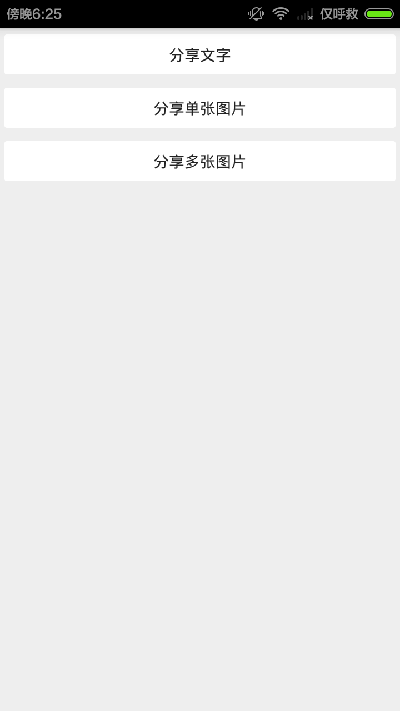
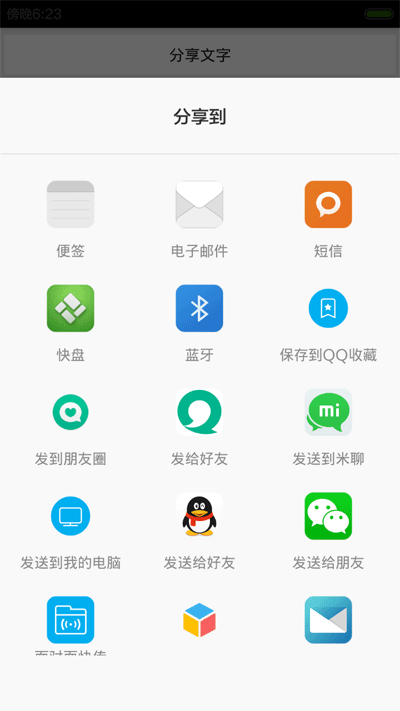
更多關於Android相關內容感興趣的讀者可查看本站專題:《Android編程之activity操作技巧總結》、《Android視圖View技巧總結》、《Android開發動畫技巧匯總》、《Android布局layout技巧總結》、《Android開發入門與進階教程》、《Android資源操作技巧匯總》及《Android控件用法總結》
希望本文所述對大家Android程序設計有所幫助。
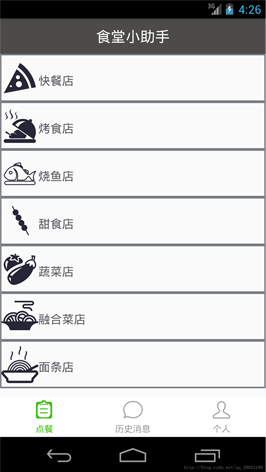 Android之listfragment的使用例子
1、fragment簡介我對fragment的理解是基於activity的,對於大多數的基本開始發時,我們最先遇到的就是用activity來開發。 簡單的例子,新建一個最
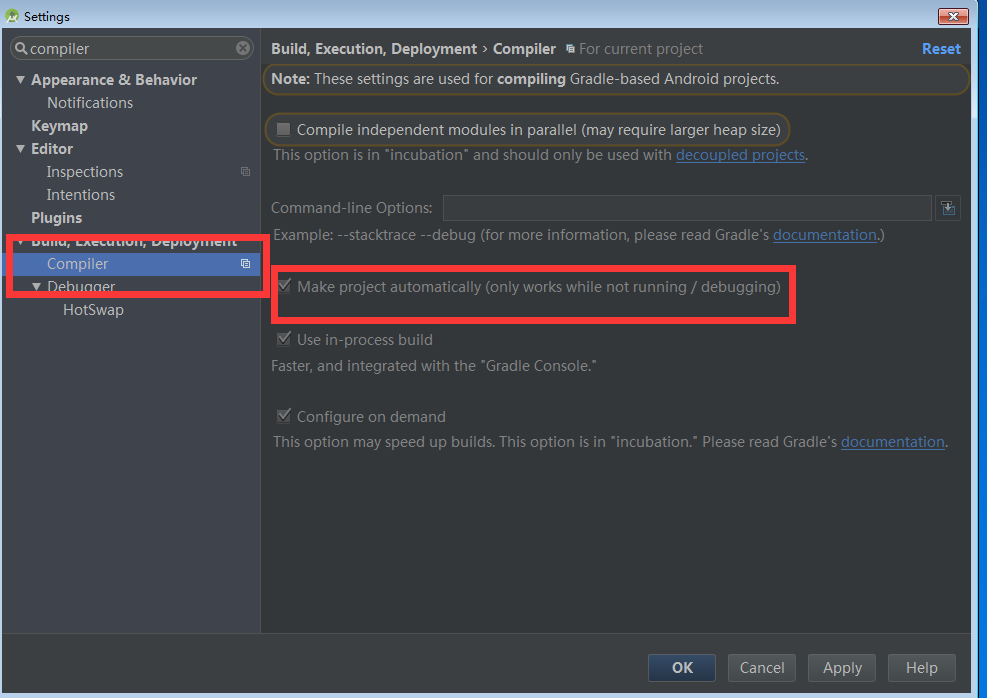 Android studio 設置
 Android學習筆記(44):Activity
Activity為我們提供一個可進行交互的窗口。當activity類創建了一個窗口,開發人員可以通過setContentView(View)接口把UI放到activity
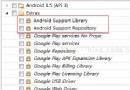 Andriod Studio科普篇——3.關於編譯的常見問題
1、android支持庫未安裝 編譯不過,提示如下: Could not find any version that matches com.android.suppor