編輯:關於Android編程
三個標簽頁置於頂端
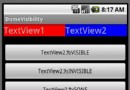
效果圖:
在文件BoardTabHost.java中定義頁面切換的效果;切換頁面時,當前頁面滑出,目標頁面滑入。這是2個不同的動畫設定動畫時要區分對待
import android.content.Context;
import android.util.AttributeSet;
import android.view.animation.Animation;
import android.view.animation.TranslateAnimation;
import android.widget.TabHost;
public class BoardTabHost extends TabHost {
private int currentTab = 0;
int duration = 1000;// ms; the bigger the slower
public BoardTabHost(Context context) {
super(context);
}
public BoardTabHost(Context context, AttributeSet attr) {
super(context, attr);
}
@Override
public void setCurrentTab(int index) {
// we need two animation here: first one is fading animation, 2nd one is coming animation
// translateAnimation of fading fragment
if (index > currentTab) {// fly right to left and leave the screen
TranslateAnimation translateAnimation = new TranslateAnimation(
Animation.RELATIVE_TO_SELF/* fromXType */, 0f/* fromXValue */,
Animation.RELATIVE_TO_SELF/* toXType */, -1.0f/* toXValue */,
Animation.RELATIVE_TO_SELF, 0f,
Animation.RELATIVE_TO_SELF, 0f
);
translateAnimation.setDuration(duration);
getCurrentView().startAnimation(translateAnimation);
} else if (index < currentTab) {// fly left to right
TranslateAnimation translateAnimation = new TranslateAnimation(
Animation.RELATIVE_TO_SELF, 0f,
Animation.RELATIVE_TO_SELF, 1.0f,
Animation.RELATIVE_TO_SELF, 0f,
Animation.RELATIVE_TO_SELF, 0f
);
translateAnimation.setDuration(duration);
getCurrentView().startAnimation(translateAnimation);
}
super.setCurrentTab(index);// the current tab is index now
// translateAnimation of adding fragment
if (index > currentTab) {
TranslateAnimation translateAnimation = new TranslateAnimation(
Animation.RELATIVE_TO_PARENT, 1.0f,/* fly into screen */
Animation.RELATIVE_TO_PARENT, 0f, /* screen location */
Animation.RELATIVE_TO_PARENT, 0f,
Animation.RELATIVE_TO_PARENT, 0f
);
translateAnimation.setDuration(duration);
getCurrentView().startAnimation(translateAnimation);
} else if (index < currentTab) {
TranslateAnimation translateAnimation = new TranslateAnimation(
Animation.RELATIVE_TO_PARENT, -1.0f,
Animation.RELATIVE_TO_PARENT, 0f,
Animation.RELATIVE_TO_PARENT, 0f,
Animation.RELATIVE_TO_PARENT, 0f
);
translateAnimation.setDuration(duration);
getCurrentView().startAnimation(translateAnimation);
}
currentTab = index;
}
}
對應的布局文件activity_board.xml
使用BoardTabHost,裝載一個豎直的LinearLayout;上面是TabWidget,裝載標簽;後面是fragment的FrameLayout
可以看到這裡有3個fragment,待會在activity中也設置3個標簽
<?xml version="1.0" encoding="utf-8"?>
<com.rust.tabhostdemo.BoardTabHost
android:id="@android:id/tabhost"
xmlns:android="http://schemas.android.com/apk/res/android"
xmlns:tools="http://schemas.android.com/tools"
android:layout_width="match_parent"
android:layout_height="match_parent"
tools:context="com.rust.tabhostdemo.BoardActivity">
<LinearLayout
android:layout_width="match_parent"
android:layout_height="match_parent"
android:orientation="vertical">
<TabWidget
android:id="@android:id/tabs"
android:layout_width="match_parent"
android:layout_height="wrap_content"/>
<FrameLayout
android:id="@android:id/tabcontent"
android:layout_width="match_parent"
android:layout_height="match_parent">
<fragment
android:id="@+id/fragment_tab1"
android:name="com.rust.tabhostdemo.TabFragment1"
android:layout_width="match_parent"
android:layout_height="match_parent"/>
<fragment
android:id="@+id/fragment_tab2"
android:name="com.rust.tabhostdemo.TabFragment2"
android:layout_width="match_parent"
android:layout_height="match_parent"/>
<fragment
android:id="@+id/fragment_tab3"
android:name="com.rust.tabhostdemo.TabFragment3"
android:layout_width="match_parent"
android:layout_height="match_parent"/>
</FrameLayout>
</LinearLayout>
</com.rust.tabhostdemo.BoardTabHost>
值得一提的是,這裡的id要用android指定的id;
比如@android:id/tabhost,@android:id/tabcontent,@android:id/tabs;否則系統找不到對應控件而報錯
BoardActivity.java中設置了3個標簽頁,並指定了標簽對應的fragment
import android.support.v4.app.FragmentActivity;
import android.os.Bundle;
public class BoardActivity extends FragmentActivity {
public static final String TAB1 = "tab1";
public static final String TAB2 = "tab2";
public static final String TAB3 = "tab3";
public static BoardTabHost boardTabHost;
@Override
protected void onCreate(Bundle savedInstanceState) {
super.onCreate(savedInstanceState);
setContentView(R.layout.activity_board);
boardTabHost = (BoardTabHost) findViewById(android.R.id.tabhost);
boardTabHost.setup();
boardTabHost.addTab(boardTabHost.newTabSpec(TAB1).setIndicator(getString(R.string.tab1_name))
.setContent(R.id.fragment_tab1));
boardTabHost.addTab(boardTabHost.newTabSpec(TAB2).setIndicator(getString(R.string.tab2_name))
.setContent(R.id.fragment_tab2));
boardTabHost.addTab(boardTabHost.newTabSpec(TAB3).setIndicator(getString(R.string.tab3_name))
.setContent(R.id.fragment_tab3));
boardTabHost.setCurrentTab(0);
}
}
主要文件目錄:
── layout
├── activity_board.xml
├── fragment_tab1.xml
├── fragment_tab2.xml
└── fragment_tab3.xml
── tabhostdemo
├── BoardActivity.java
├── BoardTabHost.java
├── TabFragment1.java
├── TabFragment2.java
└── TabFragment3.java
以上所述是小編給大家介紹的Android中使用TabHost 與 Fragment 制作頁面切換效果的相關內容,希望對大家有所幫助!
 Django-Restful框架
1.准備工作 安裝django框架 安裝django-rsetful 框架 pip install djangorestframework 2.一個小d
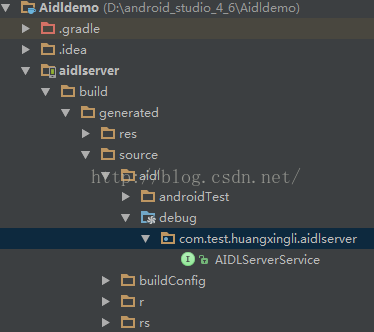 Android studio 中創建AIDL Service
1、概述AIDL在android系統中的作用AIDL,Android Interface definition language的縮寫,它是一種android內部進程通信
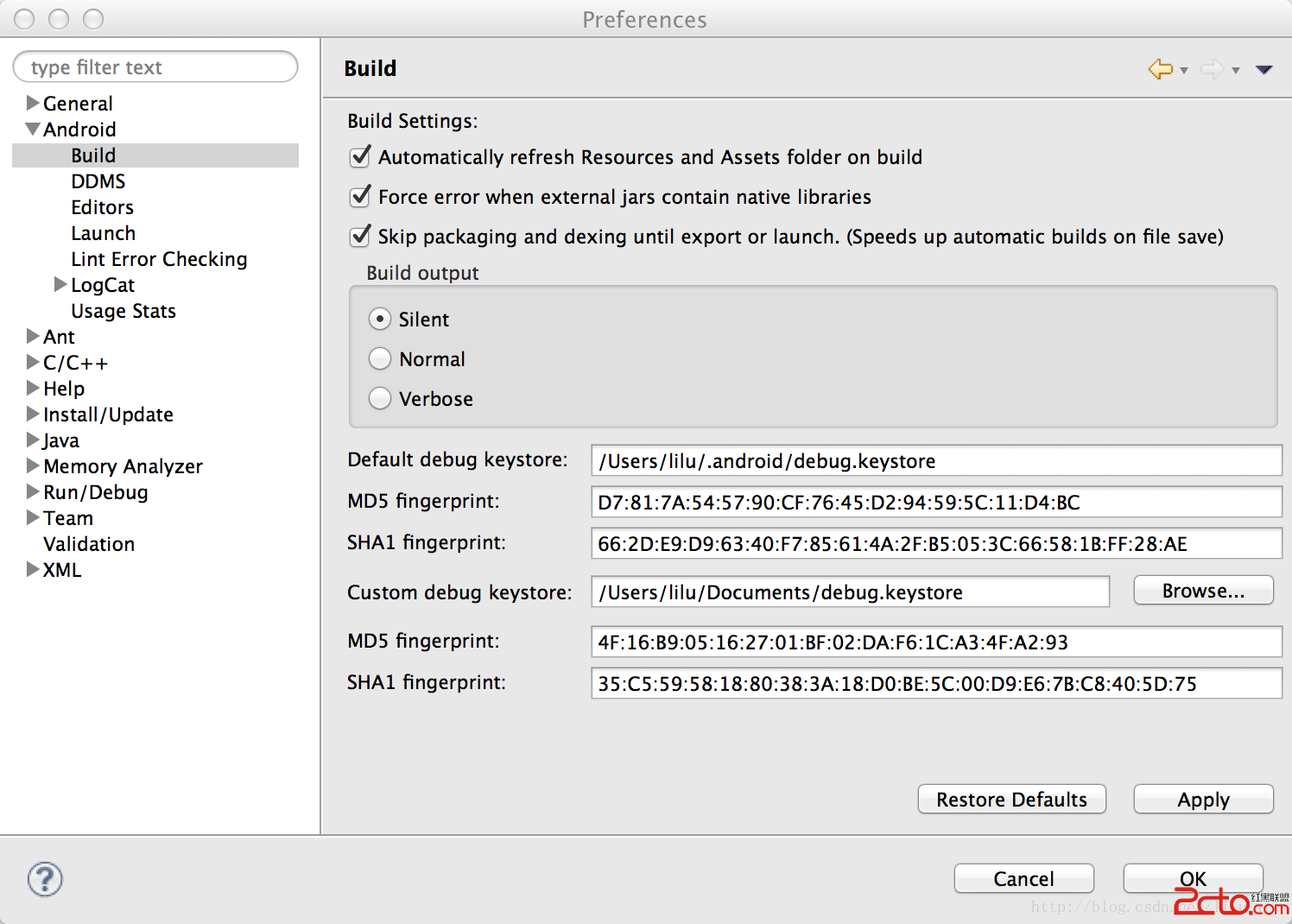 Android使用Custom debug keystore
有時候需要用到第三方API的時候,需要一個key store 的SH1值,例如使用百度地圖API,如果是協同開發,就需要所有Eclipse使用同一keystore。
 Android實現可播放GIF動畫的ImageView
Android的原生控件並不支持播放GIF格式的圖片。我們都知道,在Android中如果想要顯示一張圖片,可以借助ImageView來完成,但是如果將一張GIF圖片設置到