編輯:關於Android編程
本文實例講述了Android添加(創建)、刪除及判斷是否存在桌面快捷方式的方法。分享給大家供大家參考。具體實現方法如下:
/**
* 判斷桌面是否已添加快捷方式
*
* @param cx
* @param titleName
* 快捷方式名稱
* @return
*/
public static boolean hasShortcut(Context cx) {
boolean result = false;
// 獲取當前應用名稱
String title = null;
try {
final PackageManager pm = cx.getPackageManager();
title = pm.getApplicationLabel(
pm.getApplicationInfo(cx.getPackageName(),
PackageManager.GET_META_DATA)).toString();
} catch (Exception e) {
}
final String uriStr;
if (android.os.Build.VERSION.SDK_INT < 8) {
uriStr = "content://com.android.launcher.settings/favorites?notify=true";
} else {
uriStr = "content://com.android.launcher2.settings/favorites?notify=true";
}
final Uri CONTENT_URI = Uri.parse(uriStr);
final Cursor c = cx.getContentResolver().query(CONTENT_URI, null,
"title=?", new String[] { title }, null);
if (c != null && c.getCount() > 0) {
result = true;
}
return result;
}
/**
* 刪除當前應用的桌面快捷方式
*
* @param cx
*/
public static void delShortcut(Context cx) {
Intent shortcut = new Intent(
"com.android.launcher.action.UNINSTALL_SHORTCUT");
// 獲取當前應用名稱
String title = null;
try {
final PackageManager pm = cx.getPackageManager();
title = pm.getApplicationLabel(
pm.getApplicationInfo(cx.getPackageName(),
PackageManager.GET_META_DATA)).toString();
Log.v("test", "title:" + title);
} catch (Exception e) {
}
// 快捷方式名稱
shortcut.putExtra(Intent.EXTRA_SHORTCUT_NAME, title);
Intent shortcutIntent = cx.getPackageManager()
.getLaunchIntentForPackage(cx.getPackageName());
shortcut.putExtra(Intent.EXTRA_SHORTCUT_INTENT, shortcutIntent);
cx.sendBroadcast(shortcut);
}
/**
* 為當前應用添加桌面快捷方式
*
* @param cx
* @param appName
* 快捷方式名稱
*/
public static void addShortcut(Context cx) {
Intent shortcut = new Intent(
"com.android.launcher.action.INSTALL_SHORTCUT");
Intent shortcutIntent = cx.getPackageManager()
.getLaunchIntentForPackage(cx.getPackageName());
shortcut.putExtra(Intent.EXTRA_SHORTCUT_INTENT, shortcutIntent);
// 獲取當前應用名稱
String title = null;
try {
final PackageManager pm = cx.getPackageManager();
title = pm.getApplicationLabel(
pm.getApplicationInfo(cx.getPackageName(),
PackageManager.GET_META_DATA)).toString();
Log.v("test", "title:" + title);
} catch (Exception e) {
}
// 快捷方式名稱
shortcut.putExtra(Intent.EXTRA_SHORTCUT_NAME, title);
// 不允許重復創建(不一定有效)
shortcut.putExtra("duplicate", false);
// 快捷方式的圖標
Parcelable iconResource = Intent.ShortcutIconResource.fromContext(cx, R.drawable.icon);
shortcut.putExtra(Intent.EXTRA_SHORTCUT_ICON_RESOURCE, iconResource);
cx.sendBroadcast(shortcut);
}
希望本文所述對大家的Android程序設計有所幫助。
 android-async-http開源項目對服務器端返回JSON數據的處理
一、在JavaEE項目中搭建環境 1. 導入相關jar包 2. 搭建相關的包和類 UserDao: UserDaoImpl: JsonServlet
 android:listview實現qq,微信好友列表(頭像,昵稱,個性簽名)
首先附上運行結果:如果你沒有學過listview請你先看一看基本知識。不想再說的那麼細了 太多了。首先是listview布局 <!--{cke_prote
 Android - 查看Android應用(apk)簽名
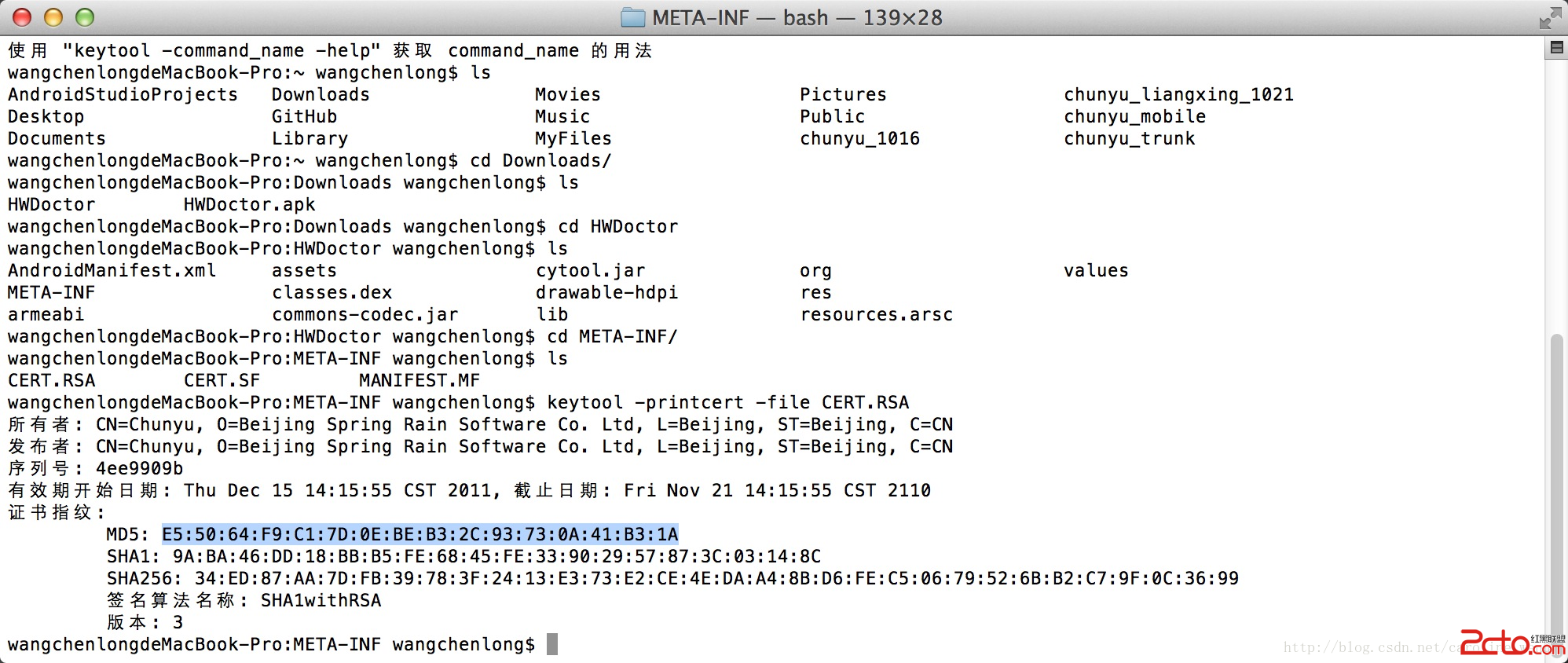
查看Android應用(apk)簽名 在微博、微信開放平台注冊應用時,需要填寫應用(apk)的簽名,可以使用keytool工具找
 Android搜索框通用版
之前項目總會遇到很多搜索框類的功能,雖然不是很復雜,不過每次都要去自己處理數據,並且去處理搜索框的變化,寫起來也比較麻煩,今天來做一個比較簡單的通用搜索欄。先看下效果圖: