編輯:關於Android編程
右鍵res/layout文件夾,創建Layout Resource File,命名為title。配置代碼如下:
android:orientation="horizontal" android:layout_width="match_parent"
android:layout_height="60dp"
android:background="#00ff00">

android:id="@+id/back_button"
android:text="返回"
android:textSize="30sp"
android:layout_gravity="center"
android:layout_width="wrap_content"
android:layout_height="60dp" />

android:id="@+id/text_view"
android:text="標題"
android:textSize="30sp"
android:layout_gravity="center"
android:gravity="center"
android:layout_width="0dp"
android:layout_weight="1"
android:layout_height="60dp" />

android:id="@+id/edit_button"
android:text="編輯"
android:textSize="30sp"
android:layout_gravity="center"
android:layout_width="wrap_content"
android:layout_height="60dp" />
android:layout_gravity控制控件內容排列方式。
android:gravity控制控件排列方式。
然後在通過
xmlns:android="http://schemas.android.com/apk/res/android"
android:layout_width="match_parent"
android:layout_height="match_parent">
在引用控件的Activity中,去掉標題欄,代碼如下:
public class MainActivity extends AppCompatActivity {

@Override
protected void onCreate(Bundle savedInstanceState) {
super.onCreate(savedInstanceState);
setContentView(R.layout.activity_main);

ActionBar actionBar = getSupportActionBar();
if (actionBar != null) {
actionBar.hide();
}
}
}
修改引入布局文件,代碼如下:
xmlns:android="http://schemas.android.com/apk/res/android"
android:layout_width="match_parent"
android:layout_height="match_parent">

android:layout_width="match_parent"
android:layout_height="wrap_content" />
創建TitleLayout類,繼承LinearLayout類,在這個類裡面實現控件事件,代碼如下:
public class TitleLayout extends LinearLayout {
public TitleLayout(Context context, AttributeSet attrs) {
super(context, attrs);
LayoutInflater.from(context).inflate(R.layout.title, this);

Button backButton = (Button) findViewById(R.id.back_button);
Button editButton = (Button) findViewById(R.id.edit_button);

backButton.setOnClickListener(new OnClickListener() {
@Override
public void onClick(View v) {
((Activity) getContext()).finish();
}
});

editButton.setOnClickListener(new OnClickListener() {
@Override
public void onClick(View v) {
Toast.makeText(getContext(), "你點擊了編輯按鈕", Toast.LENGTH_SHORT).show();
}
});
}
}
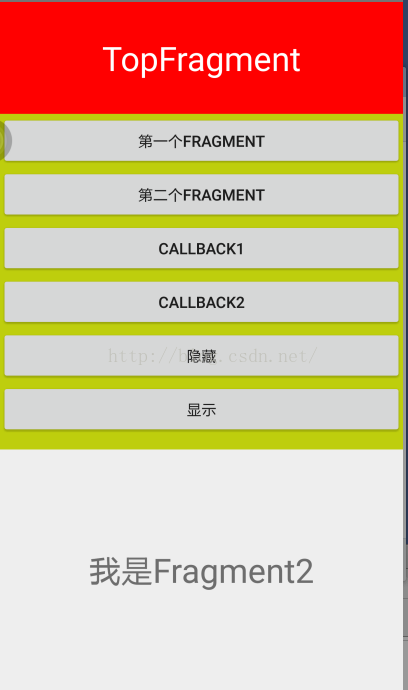 Android 動態添加Fragment的實例代碼
1.fragment1布局及代碼布局<?xml version=1.0 encoding=utf-8?><RelativeLayout
 Android Toast的用法總結(五種用法)
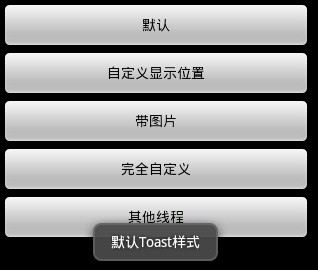
Toast大家都很熟,不多說。直接上圖上代碼。 具體代碼如下:main.xml:<?xml version=1.0 enc
 Android源碼學習之工廠方法模式應用及優勢介紹
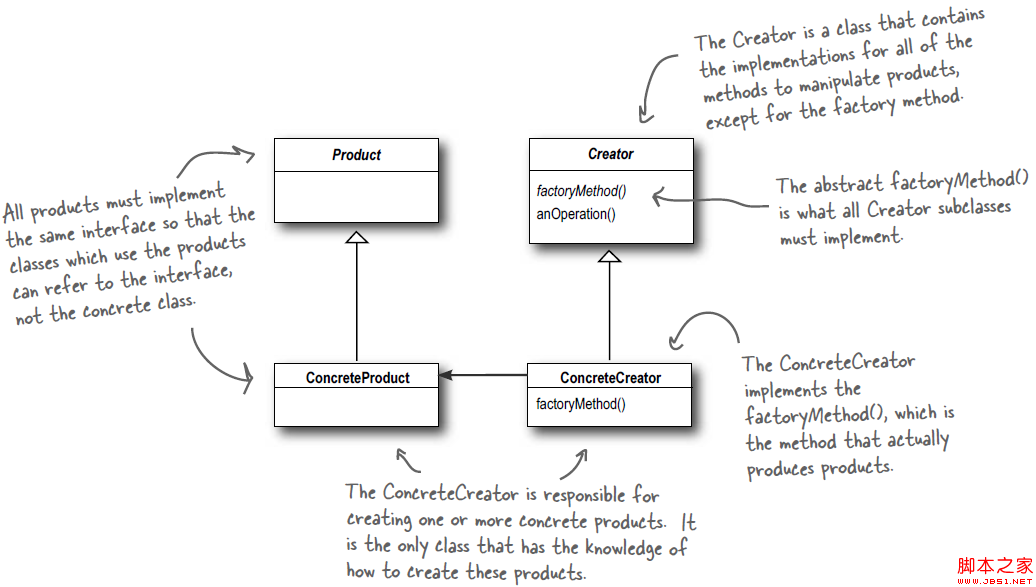
工廠方法模式定義: Define an interface for creating an object, but let subclasses decide which
 Android熱修復之Tinker使用初探
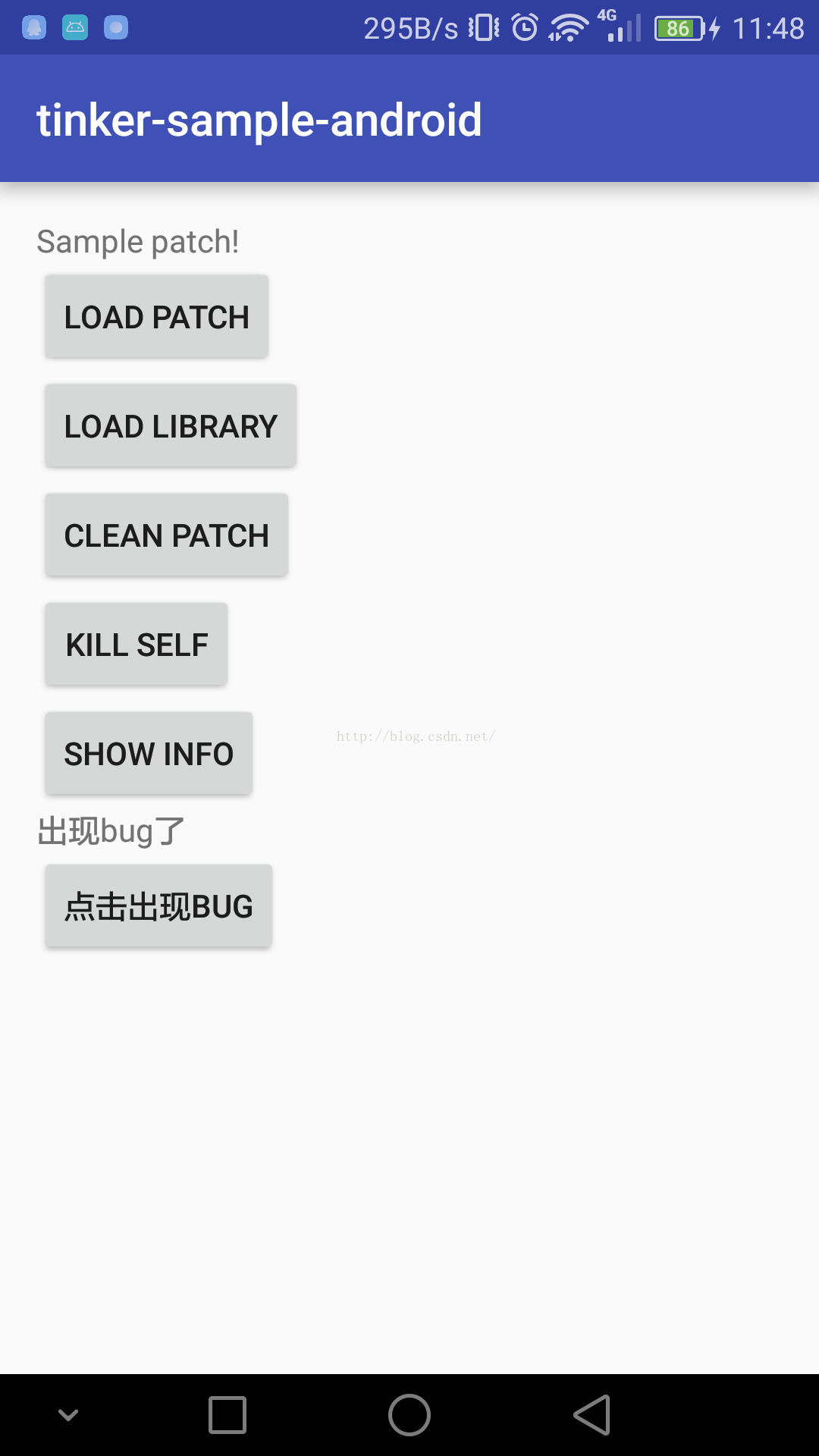
前幾天,微信團隊的Android熱修復框架在GitHub上開源了,6天之內,已經2700+star了,我只能說太6了地址:https://github.com/Tence