編輯:關於Android編程
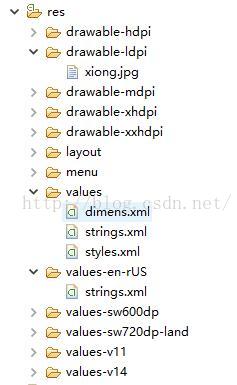
在res文件夾下面添加一個values-en-US文件夾,添加一個strings.xml文件,然後往裡面添加標簽對,系統語言換成英語就可以實現英化了。
漢化


英化
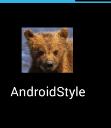
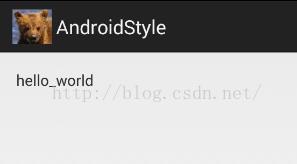
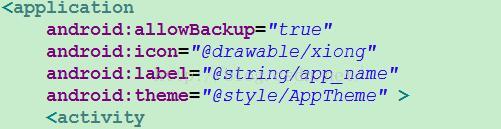
theme意思是主題,在這裡面設置app的主題布局
點進去之後進入了style.xml頁面,發現默認風格是繼承父類,刪除了之後就恢復系統默認色彩
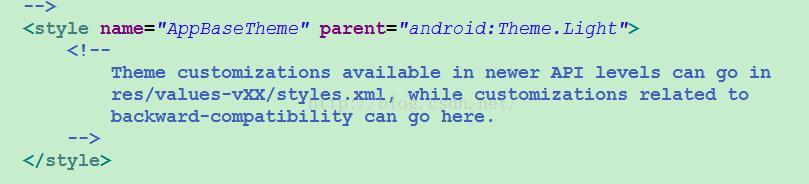
就是在style.xml裡面修改系統風格
添加一段標簽代碼,修改基本主題布局,以及修改默認按鈕樣式
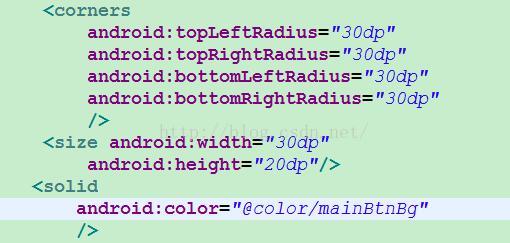
最後一定要為每一個按鈕添加一個主題引用
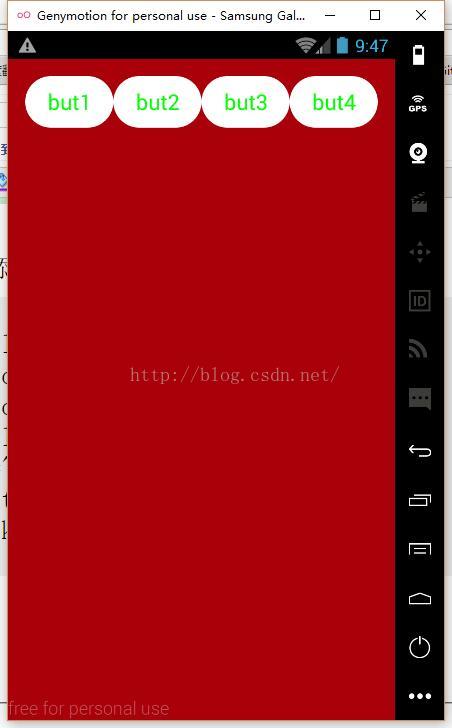
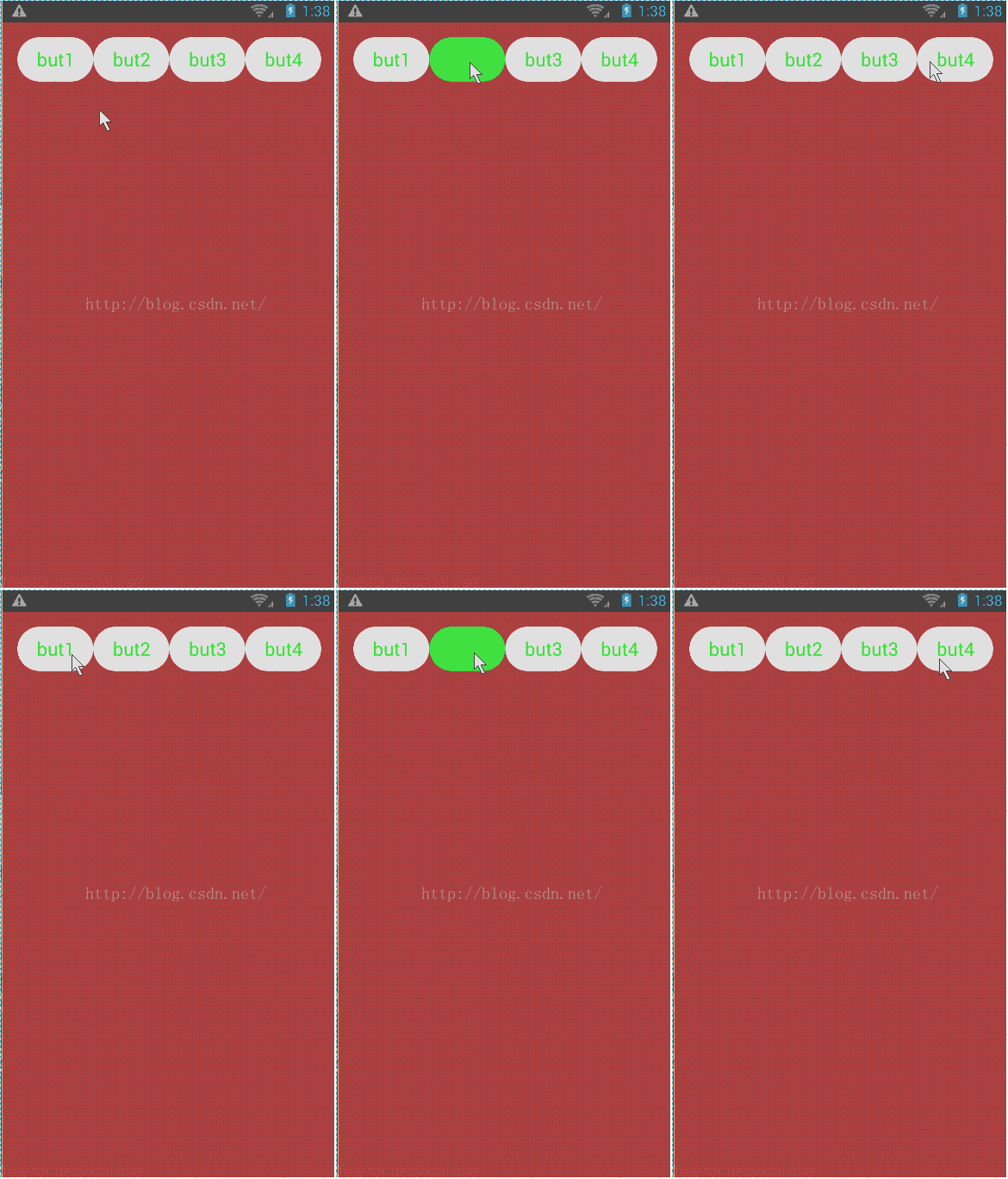
用selector可以用來更換背景圖片
在drawble文件夾再創建一個btn_shap_press.xml文件,然後在主題xml文件裡面更改按鈕樣式中的背景圖片換成選擇器,在選擇器中關聯觸發事件的shap.xml文件就可以了。
selector內容
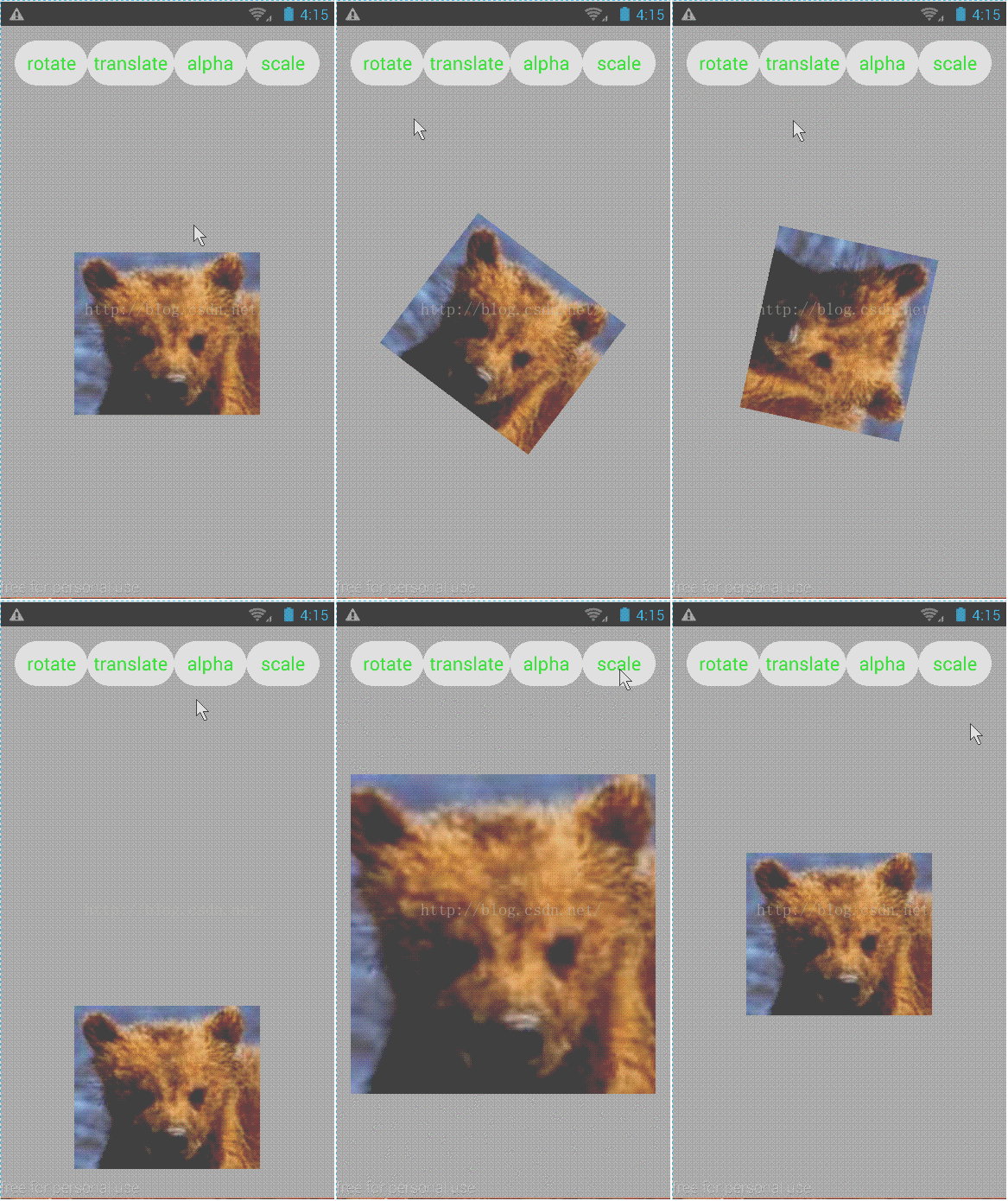
旋轉、平移、縮放、漸變
	public void rotate(View v) {// 旋轉
		float fromDegrees = 0;
		float toDegrees = 360;
		int pivotXType = Animation.RELATIVE_TO_SELF;
		float pivotXValue = 0.5f;
		int pivotYType = Animation.RELATIVE_TO_SELF;
		float pivotYValue = 0.5f;
		RotateAnimation anim = new RotateAnimation(fromDegrees, toDegrees,
				pivotXType, pivotXValue, pivotYType, pivotYValue);

		anim.setRepeatCount(1);
		anim.setDuration(2000);// ms
		ivlogo.startAnimation(anim);
	}

	public void translate(View v) {// 平移
		int fromXType = Animation.RELATIVE_TO_SELF;
		float fromXValue = 0;
		int toXType = Animation.RELATIVE_TO_SELF;
		float toXValue = 0;
		//
		int fromYType = Animation.RELATIVE_TO_SELF;
		float fromYValue = 0;
		int toYType = Animation.RELATIVE_TO_SELF;
		float toYValue = 1;
		TranslateAnimation anim = new TranslateAnimation(fromXType, fromXValue,
				toXType, toXValue, fromYType, fromYValue, toYType, toYValue);

		anim.setRepeatCount(1);
		anim.setDuration(2000);// ms
		ivlogo.startAnimation(anim);
	}

	public void scale(View v) {// 大小縮放
		float fromX = 1;
		float toX = 2;
		int pivotXType = Animation.RELATIVE_TO_SELF;
		float pivotXValue = 0.5f;

		float fromY = 1;
		float toY = 2;
		int pivotYType = Animation.RELATIVE_TO_SELF;
		float pivotYValue = 0.5f;
		ScaleAnimation anim = new ScaleAnimation(fromX, toX, fromY, toY,
				pivotXType, pivotXValue, pivotYType, pivotYValue);

		anim.setRepeatCount(1);
		anim.setDuration(2000);// ms
		ivlogo.startAnimation(anim);
	}

	public void alpha(View v) {//漸變
		float fromAlpha = 1.0f;
		float toAlpha = 0.0f;
		AlphaAnimation anim = new AlphaAnimation(fromAlpha, toAlpha);
		anim.setRepeatCount(1);
		anim.setDuration(2000);// ms
		ivlogo.startAnimation(anim);
	}
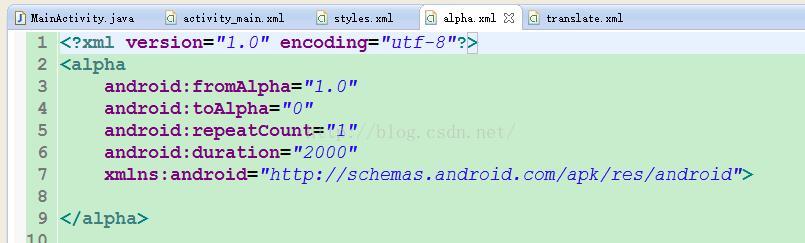
也可以用xml文件來制作動畫,也可以組合幾種動畫
在res文件夾下面創建一個anim文件夾,創建一個alpha.xml文件和translate.xml文件,然後在監聽方法裡面關聯xml文件,就可以播放動畫了。
這裡面是XML文件的代碼

	public void set_5(View v) {
		AnimationSet animationSet = new AnimationSet(true);
		Animation anim = AnimationUtils.loadAnimation(this, R.anim.alpha);
		Animation anim2 = AnimationUtils.loadAnimation(this, R.anim.translate);
		animationSet.addAnimation(anim);
		animationSet.addAnimation(anim2);
		ivlogo.startAnimation(animationSet);
	}
 關於安卓開發環境配置—Android Studio
自學安卓,無論開發環境是Eclipse還是Android Studio,都少不了和Android SDk打交道,作為一名安卓小白,在當初剛開始安裝配置Android開發環
 Android實現第三方登錄的上拉展開,下拉隱藏,下拉隱藏示例
Android的UI和交互是很重要的一部分,直接影響到用戶對軟件的體驗。隨著項目經驗的積累,發現Android中動畫的運用越來越重要。本篇文章抽出了項目登錄界面中實現的第
 Android開之在非UI線程中更新UI
當在非UI線程中更新UI(程序界面)時會出現如下圖所示的異常: 那如何才能在非UI線程中更細UI呢? 方法有很多種,在這裡主要介紹兩種: 第一種:在需要更新UI的代碼
 Android學習JNI,使用C調用JAVA語言
本節學習使用C語言調用JAVA語言。在生活中比如我們某些底層的硬件必須使用C語言去編寫,當C語言返回的某些數值顯示在界面上時,就比如使用JNI。這樣可以將C返回的值顯示在