編輯:關於Android編程
獲取數據用GET請求 ??
增刪改查修改數據用POST請求

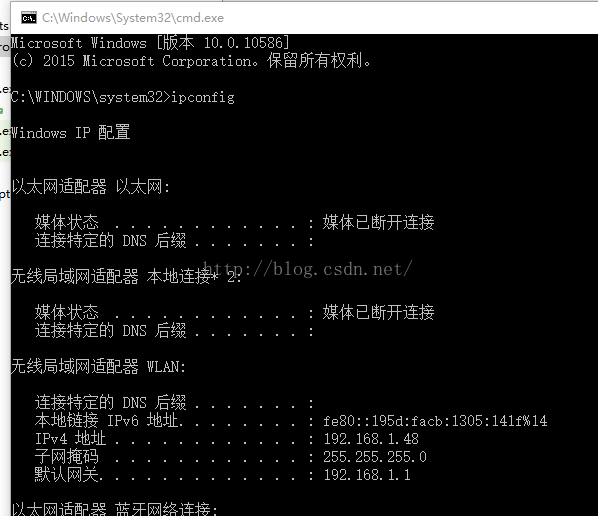
package com.example.jreduch07;

import android.os.AsyncTask;
import android.os.Bundle;
import android.support.v7.app.AppCompatActivity;
import android.view.View;
import android.widget.Button;
import android.widget.EditText;
import android.widget.TextView;

import java.io.IOException;
import java.io.InputStream;
import java.io.OutputStream;
import java.net.HttpURLConnection;
import java.net.MalformedURLException;
import java.net.URL;

public class HttpActivity extends AppCompatActivity {
public EditText  et;
    private Button search;
    private Button search1;
    private TextView show;

    @Override
    protected void onCreate(Bundle savedInstanceState) {
        super.onCreate(savedInstanceState);
        setContentView(R.layout.activity_http);
        et=(EditText)findViewById(R.id.et);
        search=(Button)findViewById(R.id.search);
        search1=(Button)findViewById(R.id.search1);
        show=(TextView)findViewById(R.id.show);
        search.setOnClickListener(new View.OnClickListener() {
            @Override
            public void onClick(View view) {
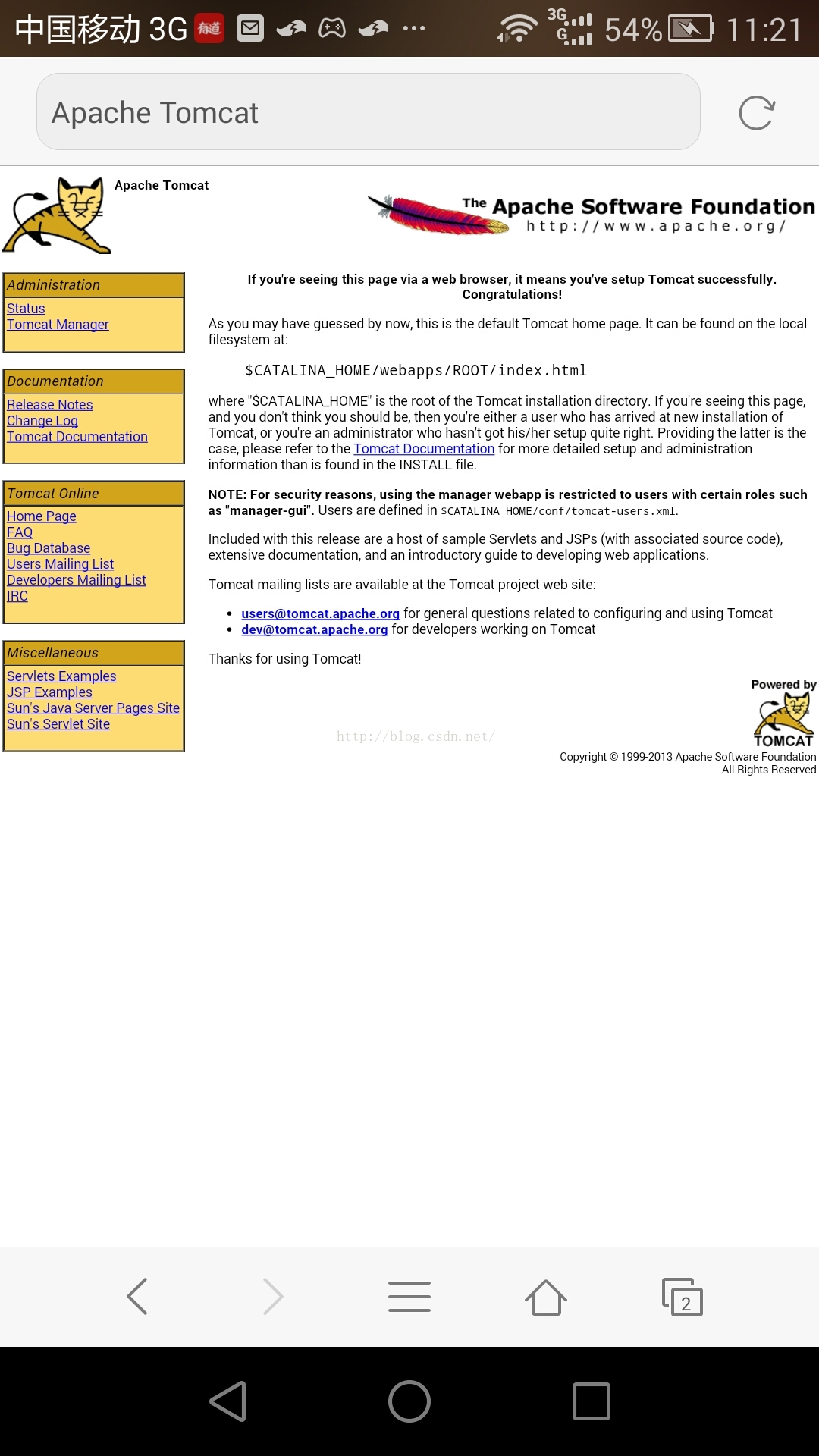
                String url="http://192.168.1.48:8080/HttpTest/index.jsp?option=getUser&uName=jerehedu";
                new  MyGetJob().execute(url);
            }
        });
        search1.setOnClickListener(new View.OnClickListener() {
            @Override
            public void onClick(View v) {
                String[] arg=new String[2];
                arg[0]="http://192.168.1.48:8080/HttpTest/index.jsp";
                arg[1]="option=getUser&uName=jerehedu";
                new MyPostJob1().execute(arg);
            }
        });
    }


    private  class MyPostJob1 extends AsyncTask{
    @Override
    protected String doInBackground(String... strings) {
        HttpURLConnection con=null;
        InputStream is=null;
        StringBuilder sbd=new StringBuilder();
        try {
            URL url=new URL(strings[0]);
            con= (HttpURLConnection) url.openConnection();
            con.setConnectTimeout(5*1000);
            con.setReadTimeout(5*1000);
            con.setRequestMethod("POST");
            con.setDoInput(true);
            con.setDoOutput(true);
            con.setUseCaches(false);
            con.setRequestProperty("Charset","UTF-8");
            con.setRequestProperty("Content-type","application/x-www-form-urlencoded");

//            con.setRequestProperty("Charset","UTF-8");
//            con.setRequestProperty("Content-type","application/x-www-from-urlencoded");
            //params應該是這樣的=》option=getUser&uName=jerehedu
            String params=strings[1];
            OutputStream os=con.getOutputStream();   //數據傳輸  流
            os.write(params.getBytes());
            os.flush();
            os.close();
            if (con.getResponseCode()==200) {
              is=con.getInputStream();
                int next = 0;
                byte[] b = new byte[1024];
                while ((next = is.read(b)) > 0) {

                    sbd.append(new String(b, 0, next));
                }
            }

        } catch (MalformedURLException e) {
            e.printStackTrace();
        } catch (IOException e) {
            e.printStackTrace();
        }finally {
            if (is!=null){
                try {
                    is.close();
                } catch (IOException e) {
                    e.printStackTrace();
                }
                if (con!=null){
                    con.disconnect();  //斷開連接
                }
            }
        }

        return sbd.toString();
    }

    @Override
    protected void onPostExecute(String s) {
        super.onPostExecute(s);
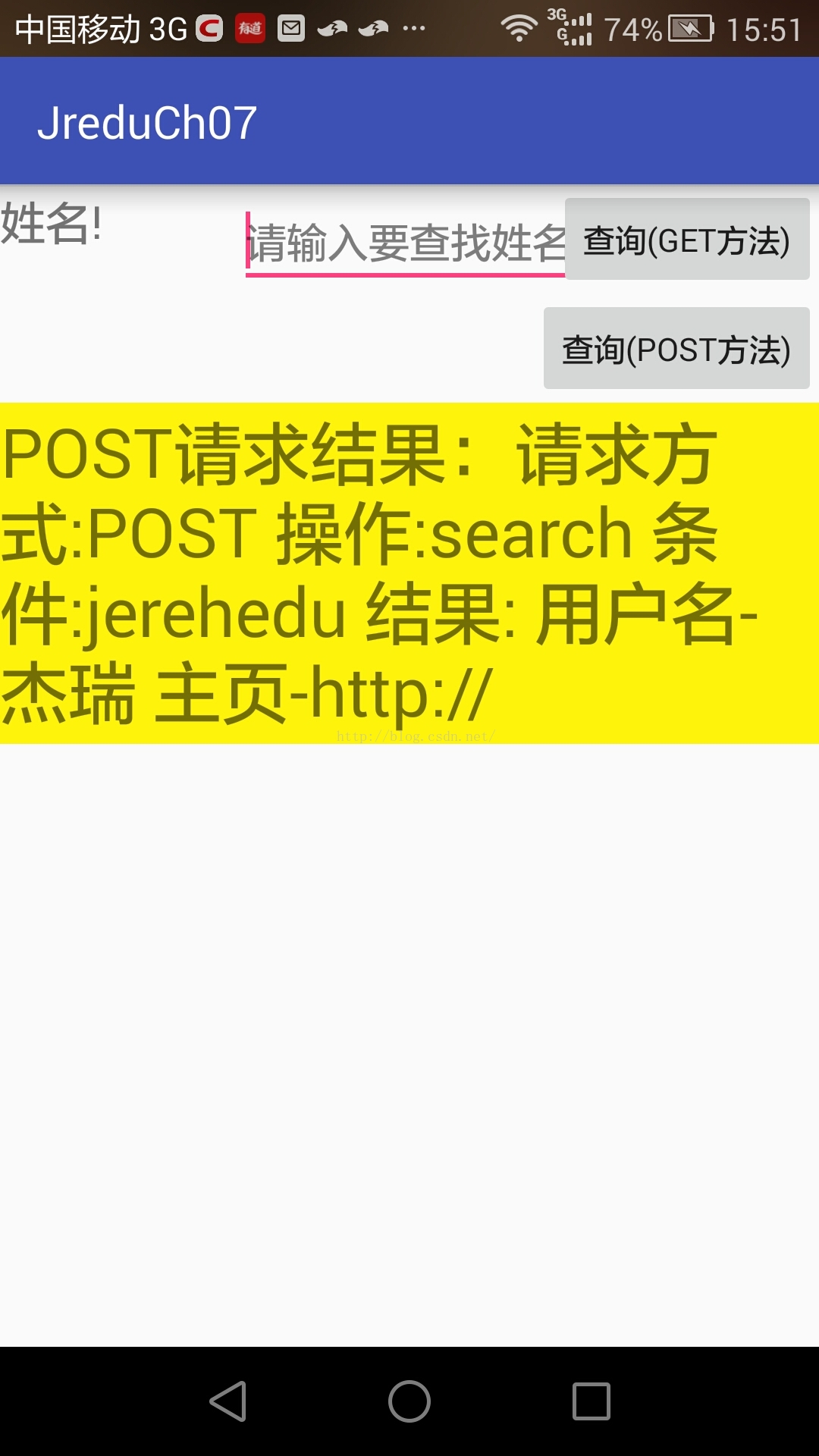
        show.setText("POST請求結果:"+s);
    }
}
    /*
    AsyncTask異步任務類
    異步任務類的第一個參數會傳到doInBackground方法中
    第三個參數
              #指定doINBackground方法的返回值
              #doINBackground方法的返回值會被OnPostExecute接收

     */
        private class MyGetJob extends AsyncTask {
            //onPreExecute在主線程中執行命令
            //進度條的初始化
            @Override
            protected void onPreExecute() {
                super.onPreExecute();
            }

            //doInBackground在子線程中執行名命令
            @Override
            protected String doInBackground(String... strings) {
                HttpURLConnection con = null;
                InputStream is = null;
                StringBuilder sbd = new StringBuilder();
                try {
                    URL url = new URL(strings[0]);
                    con = (HttpURLConnection) url.openConnection();
                    con.setConnectTimeout(5 * 1000);
                    con.setReadTimeout(5 * 1000);
                /*
                *http相應200:成功
                * 404未找到
                * 500發生錯誤
                 */
                    if (con.getResponseCode() == 200) {
                        is = con.getInputStream();
                        int next = 0;
                        byte[] bt = new byte[1024];
                        while ((next = is.read(bt)) > 0) {

                            sbd.append(new String(bt, 0, next));
                        }
                    }

                } catch (MalformedURLException e) {
                    e.printStackTrace();
                } catch (IOException e) {
                    e.printStackTrace();
                } finally {
                    if (is != null) {
                        try {
                            is.close();
                        } catch (IOException e) {
                            e.printStackTrace();
                        }
                        if (con != null) {
                            con.disconnect();  //斷開連接
                        }
                    }
                }

                return sbd.toString();
            }

            //onPostExecute在UI線程中執行命令  主線程
            @Override
            protected void onPostExecute(String s) {
                super.onPostExecute(s);
                show.setText(s);
            }
        }
    }

 Android異步加載全解析之使用多線程
異步加載之使用多線程初次嘗試異步、異步,其實說白了就是多任務處理,也就是多線程執行,多線程那就會有各種問題,我們一步步來看,首先,我們創建一個class—&m
 跟我學Android之六 布局
本章內容第1節 線性布局第2節 相對布局第3節 幀布局第4節 表格布局第5節 網格布局 線性布局線性布局使用標簽進行配置,對應代碼中的類是android.wid
 移植u-boot2012.04.1 -》2440 (五)支持 nand nor 兩種啟動方式(完結)
前邊4篇文章,成功將 u-boot2012 移植到了 2440 開發板上,但是它僅僅支持 norflash 啟動並不夠完善,下面我們設法讓它支持兩種啟動方式。首先,我們得
 Android學習教程之日歷庫使用(15)
本教程為大家分享了Android日歷庫的使用方法,供大家參考,具體內容如下MainActivity.java代碼:package siso.weekv;import an