編輯:關於Android編程
我們經常會遇到動態設置ImageView的高度的情況,今天給大家分享下怎麼使用自定義ImageView去動態設置ImageView的高度
package com.example.imageview.ui.view;

import android.content.Context;
import android.util.AttributeSet;
import android.widget.ImageView;

/**
 * 功能:能夠根據一個指定的寬高比(ratio)和自己的寬度,動態設置自己的高度
 * @author smartbetter
 *
 */
public class RatioImageView extends ImageView{
	private float ratio = 0f;//寬高比
	public RatioImageView(Context context, AttributeSet attrs, int defStyle) {
		super(context, attrs, defStyle);
	}

	public RatioImageView(Context context, AttributeSet attrs) {
		super(context, attrs);
		//獲取自定義屬性的值,賦值ratio
		ratio = attrs.getAttributeFloatValue("http://schemas.android.com/apk/res/com.example.imageview"
				, "ratio", 0f);
	}

	public RatioImageView(Context context) {
		super(context);
	}

	/**
	 * 設置ImageView的寬高比
	 * @param ratio
	 */
	public void setRatio(float ratio){
		this.ratio = ratio;
	}

	/**
	 * onMeasure是measure方法引起的回調,而measure方法是父VIew在測量子View會調用子的View的measure方法
	 * 所以widthMeasureSpec(寬度測量規則)和heightMeasureSpec(高度測量規則)是父VIew在調用子View的measure方法時計算好的
	 * MeasureSpec: 測量規則類,由size和mode2個因素組成:
	 *   size: 就是指定的大小值
	 *   mode: MeasureSpec.AT_MOST : 對應的是warp_content;
	 *         MeasureSpec.EXACTLY : 對應的是具體的dp值,match_parent
	 *         MeasureSpec.UNSPECIFIED: 未定義的,一般用adapter的view的測量中
	 */
	@Override
	protected void onMeasure(int widthMeasureSpec, int heightMeasureSpec) {
		//1.從widthMeasureSpec中反向獲取父VIew計算好的size
		int width = MeasureSpec.getSize(widthMeasureSpec);
//		LogUtil.e(this, "width: "+width);
		//2.根據寬高比和width,計算出對應的height
		if(ratio!=0){
			float height = width/ratio;
			//3.重新組建heightMeasureSpec,傳遞給super.onMeasure
			heightMeasureSpec = MeasureSpec.makeMeasureSpec((int) height,MeasureSpec.EXACTLY);
		}

		super.onMeasure(widthMeasureSpec, heightMeasureSpec);
	}
}
自定義屬性在“android自定義控件(一) 自定義組合控件”中已經使用過,在此順便復習下
首先聲明命名空間
然後就可以使用自定義屬性了
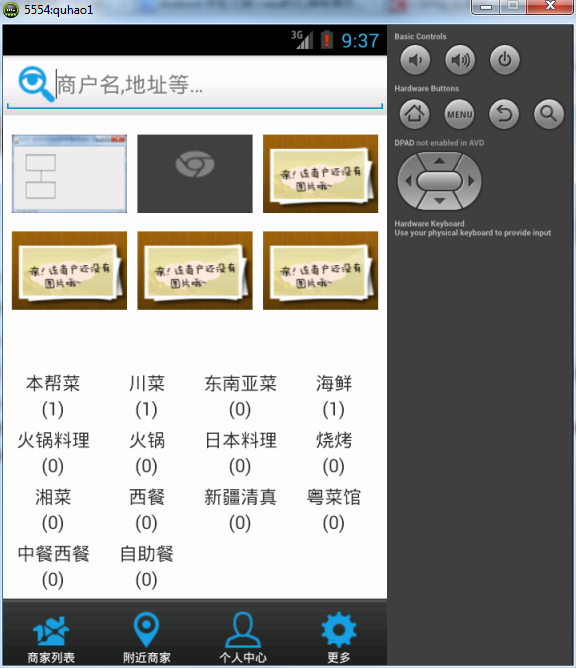 Android開發之使用GridView展示圖片的方法
本文實例講述了Android使用GridView展示圖片的方法。分享給大家供大家參考,具體如下:今天說說GridView的使用。所謂GvidView翻譯過來就是網格布局:
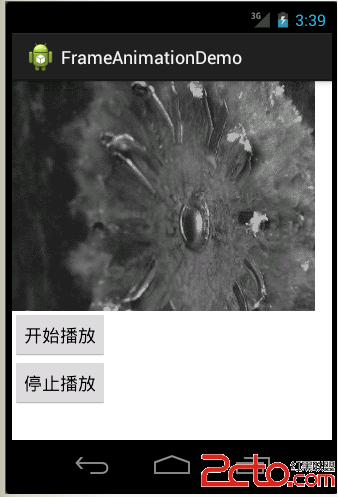 Android--逐幀動畫FrameAnimation
承香墨影Android--逐幀動畫FrameAnimation 前言 開門見山,本篇博客講解一下如何在Android平台下播放一個逐幀動畫。逐幀動
 Android仿京東首頁輪播文字(又名垂直跑馬燈)
京東客戶端的輪播文字效果: 本次要實現的只是後面滾動的文字(前面的用ImageView或者TextView實現即可),看一下實現的效果 實
 Android實戰打飛機游戲之怪物(敵機)類的實現(4)
先看看效果圖:分析: 根據敵機類型區分 敵機 運動邏輯 以及繪制/** * 敵機 * * @author liuml * @time 2016-5-31 下午4:14: