編輯:關於Android編程
配置文件中需要添加讀寫sdcard的權限
using UnityEngine;
using System.Collections;
using System.IO;

public class Share : MonoBehaviour
{

    public  static string imagePath;
    static AndroidJavaClass sharePluginClass;
    static AndroidJavaClass unityPlayer;
    static AndroidJavaObject currActivity;
    private static Share mInstance;

    public static Share instance {
        get{ return mInstance;}
    }

    void Awake ()
    {
        mInstance = this;
    }

    void Start ()
    {
        imagePath = Application.persistentDataPath + /HKeyGame.png;
        sharePluginClass = new AndroidJavaClass (com.ari.tool.UnityAndroidTool);
        if (sharePluginClass == null) {
            Debug.Log (sharePluginClass is null);
        } else {
            Debug.Log (sharePluginClass is not null);
        }
        unityPlayer = new AndroidJavaClass (com.unity3d.player.UnityPlayer);
        currActivity = unityPlayer.GetStatic (currentActivity);
    }

    public void CallShare (string handline, string subject, string text, bool image)
    {
        Debug.Log (share call start :  + imagePath);
        if (image) {
            sharePluginClass.CallStatic (share, new object[] {
                handline,
                subject,
                text,
                imagePath
            });
        } else {
            sharePluginClass.CallStatic (share, new object[] {
                handline,
                subject,
                text,

            });
        }
        Debug.Log (share call end);
    }

    public void ScreenShot ()
    {
        StartCoroutine (GetCapture ());
    }

    IEnumerator GetCapture ()
    {

        yield return new WaitForEndOfFrame ();

        int width = Screen.width;

        int height = Screen.height;

        Texture2D tex = new Texture2D (width, height, TextureFormat.RGB24, false);

        tex.ReadPixels (new Rect (0, 0, width, height), 0, 0, true);

        byte[] imagebytes = tex.EncodeToPNG ();//轉化為png圖

        tex.Compress (false);//對屏幕緩存進行壓縮

        //      image.mainTexture = tex;//對屏幕緩存進行顯示(縮略圖)

        File.WriteAllBytes (Application.persistentDataPath + /HKeyGame.png, imagebytes);//存儲png圖

        Debug.Log (Application.persistentDataPath);
    }
}
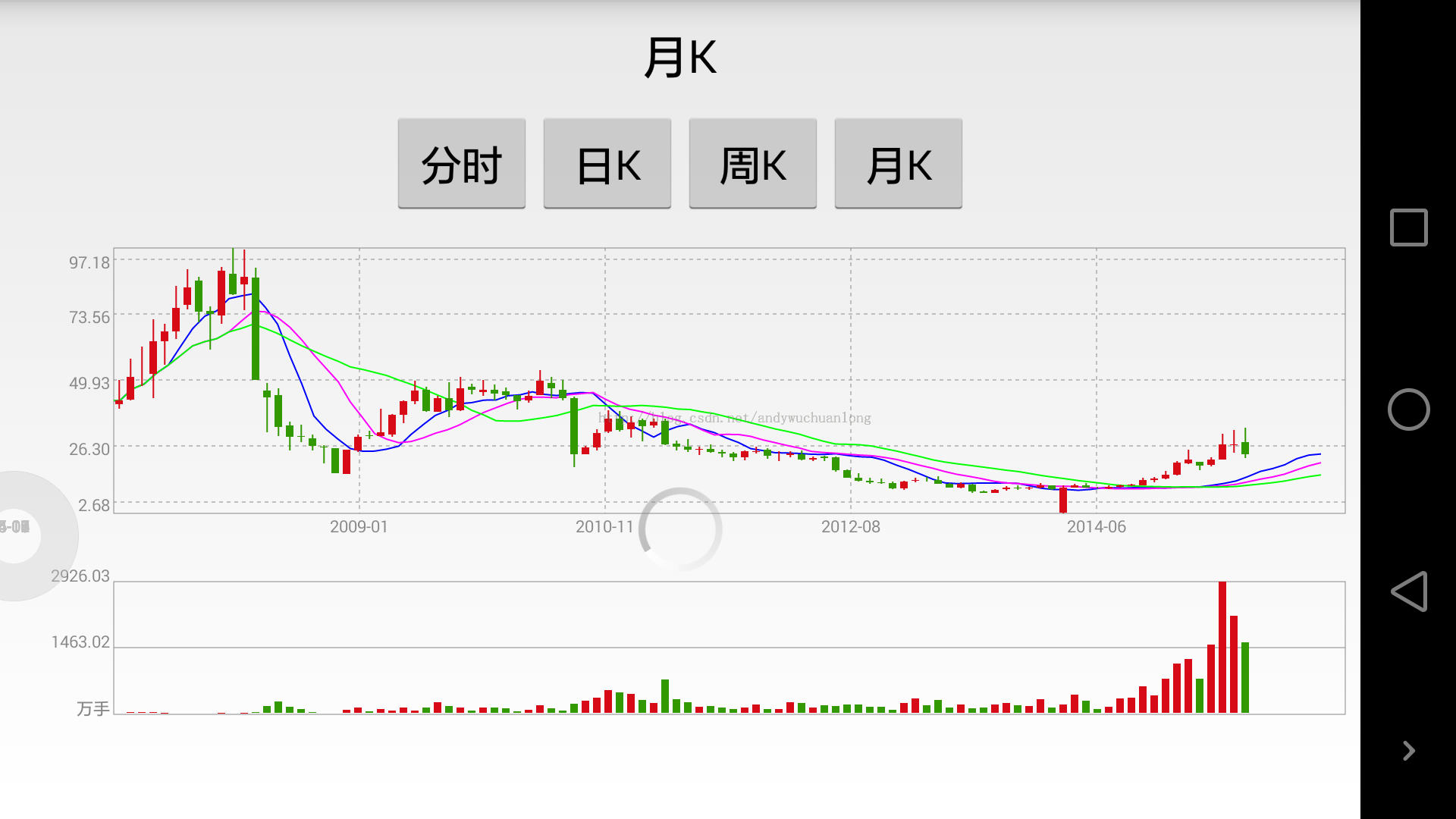 Android版的股票行情K線圖開發
現在在手上的是一個證券資訊類型的app,其中有涉及到股票行情界面,行情中有K線圖等,看到網上很多人在求這方面的資料,所以我特地寫了一個demo在此處給大家分享一下。下面是
 自定義控件——可拖拽排序的ListView
前言最經研究了一下拖拽排序的ListView,跟酷狗裡的播放列表排序一樣,但因為要添加自己特有的功能,所以研究了好長時間。一開始接觸的是GitHub的開源項目&mdash
 Android多點觸控實現對圖片放大縮小平移,慣性滑動等功能
文章將在原有基礎之上做了一些擴展功能: 1.圖片的慣性滑動 2.圖片縮放小於正常比例時,松手會自動回彈成正常比例 3.圖片縮放大於最大比例時,松手會自動回彈成最大比例實現
 Android應用開發allowBackup敏感信息洩露的一點反思
1 背景其實這篇文章可能有些小題大作,但回過頭想想還是很有必要的,有點陰溝裡翻船的感覺。相信大家都知道Android API Level 8開始提供了為應用程序備份和恢復