編輯:關於Android編程
Android完美單例模式:
以前寫的單例模式考慮不完全;
面試的時候,考到這樣的問題;
想到這麼的問題,居然也會出現,只是後面才發現自己寫的單例,太過幼稚;
所以到網上找了一些資料,重新寫一個;
package com.example.demo;

public class HttpUtils {
	//volatile的作用是: 作為指令關鍵字,確保本條指令不會因編譯器的優化而省略,且要求每次直接讀值.
	//一個定義為volatile的變量是說這變量可能會被意想不到地改變,
	//這樣,編譯器就不會去假設這個變量的值了。
	//精確地說就是,優化器在用到這個變量時必須每次都小心地重新讀取這個變量的值,而不是使用保存在寄存器裡的備份。
	private volatile static HttpUtils instance;

	private HttpUtils()
	{
		//構造函數 邏輯處理
	}

	public static HttpUtils getInstance()
	{
		//第一次判斷是否為空
		if(instance==null)
		{
			synchronized (HttpUtils.class) {//鎖
				//第二次判斷是否為空 多線程同時走到這裡的時候,需要這樣優化處理
				if(instance ==null)
				{
					instance =new HttpUtils();
				}
			}
		}
		return instance;
	}
}
單例模式,在Android Framework 中運用廣泛;
比如說:
1、輸入法管理 InputMethodManager
2、View獲得點擊、焦點、文字改變等事件的分發管理 AccessibilityManager
public final class InputMethodManager {
    static final boolean DEBUG = false;
    static final String TAG = "InputMethodManager";

    static final String PENDING_EVENT_COUNTER = "aq:imm";

    static InputMethodManager sInstance;

    InputMethodManager(IInputMethodManager service, Looper looper) {
        mService = service;
        mMainLooper = looper;
        mH = new H(looper);
        mIInputContext = new ControlledInputConnectionWrapper(looper,
                mDummyInputConnection, this);
    }

    /**
     * Retrieve the global InputMethodManager instance, creating it if it
     * doesn't already exist.
     * @hide
     */
    public static InputMethodManager getInstance() {
        synchronized (InputMethodManager.class) {
            if (sInstance == null) {
                IBinder b = ServiceManager.getService(Context.INPUT_METHOD_SERVICE);
                IInputMethodManager service = IInputMethodManager.Stub.asInterface(b);
                sInstance = new InputMethodManager(service, Looper.getMainLooper());
            }
            return sInstance;
        }
    }

    /**
     * Private optimization: retrieve the global InputMethodManager instance,
     * if it exists.
     * @hide
     */
    public static InputMethodManager peekInstance() {
        return sInstance;
    }
}
 Android中各種Adapter的用法
1.概念 Adapter是連接後端數據和前端顯示的適配器接口,是數據和UI(View)之間一個重要的紐帶。在常見的View(ListView,Grid
 Android手機聯系人帶字母索引的快速查找
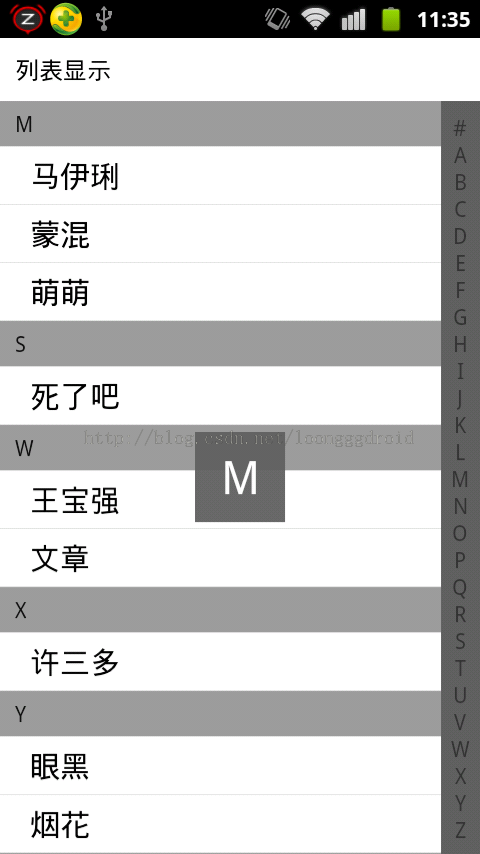
喜歡另辟蹊徑的我,在這裡廢話不多說了,直接上代碼和圖片了。效果圖如下:第一步:MainActivity的代碼如下:package net.loonggg.test; i
 android筆記3——項目文件結構說明
以下是andoid項目文件結構圖,常用操作部分已經用矩形框標注好了。。 接下來,我們隊每一個文件夾或者文件說明一下: public static final cl
 安卓自動化測試入門-2-配置項目
本文翻譯自Riggaroo的《Introduction to Automated Android Testing – Part 2 – Setup