編輯:關於Android編程
public class Bill implements Parcelable{
	// 訂單號
	public int orderid;
	// 原系統id
	public int oldid;
	// 訂單地址
	public String address;
	// 訂單備注
	public String ext;
	// 訂單電話
	public String mobile;
	// 訂單用戶姓名
	public String name;
	// 已支付金額
	public double payed;
	// 訂單時間
	public String date;
	// 訂單總價
	public double total;
	// 所需付款
	public double pay;
	// 店鋪名稱
	public String shopname;
	// 店鋪電話
	public String shopphone;
	// 訂單狀態,0待確定,1已確定
	public int state;
	// 接受此訂單的員工
	public int staff;
	//是否送達,0未送達,1送達
	public int type;
	// 貨物
	public Goods goods[];

	public Bill() {
		// TODO Auto-generated constructor stub
	}
	 protected Bill(Parcel in) {
	        orderid = in.readInt();
	        oldid = in.readInt();
	        address = in.readString();
	        ext = in.readString();
	        mobile = in.readString();
	        name = in.readString();
	        payed = in.readDouble();
	        date = in.readString();
	        total = in.readDouble();
	        pay = in.readDouble();
	        shopname = in.readString();
	        shopphone = in.readString();
	        state = in.readInt();
	        staff = in.readInt();
	        type = in.readInt();

	        Parcelable[] parcelables = in.readParcelableArray(Goods.class.getClassLoader());
	        if (parcelables != null) {
				goods = Arrays.copyOf(parcelables, parcelables.length, Goods[].class);
			}
	    }

	    @Override
	    public int describeContents() {
	        return 0;
	    }

	    @Override
	    public void writeToParcel(Parcel dest, int flags) {
	        dest.writeInt(orderid);
	        dest.writeInt(oldid);
	        dest.writeString(address);
	        dest.writeString(ext);
	        dest.writeString(mobile);
	        dest.writeString(name);
	        dest.writeDouble(payed);
	        dest.writeString(date);
	        dest.writeDouble(total);
	        dest.writeDouble(pay);
	        dest.writeString(shopname);
	        dest.writeString(shopphone);
	        dest.writeInt(state);
	        dest.writeInt(staff);
	        dest.writeInt(type);
	        dest.writeParcelableArray(goods, flags);
	    }

	    @SuppressWarnings("unused")
	    public static final Parcelable.Creator CREATOR = new Parcelable.Creator() {
	        @Override
	        public Bill createFromParcel(Parcel in) {
	            return new Bill(in);
	        }

	        @Override
	        public Bill[] newArray(int size) {
	            return new Bill[size];
	        }
	    };
}
Goods對象實現了Parcelable接口
 Android基礎入門教程——2.4.15 DrawerLayout(官方側滑菜單)的簡單使用
本節引言: 本節給大家帶來基礎UI控件部分的最後一個控件:DrawerLayout,官方給我們提供的一個側滑菜單 控件,和上一節的ViewPage
 Android中AlertDialog各種對話框的用法實例詳解
目標效果: 程序運行,顯示圖一的幾個按鈕,點擊按鈕分別顯示圖二到圖六的對話框,點擊對話框的某一項或者按鈕,也會顯示相應的吐司輸出。1.activity_
 全景視頻拼接(二)--OpenCV源碼解析
一、stitching_detail程序運行流程1.命令行調用程序,輸入源圖像以及程序的參數2.特征點檢測,判斷是使用surf還是orb,默認是surf。3.對圖像的特征
 Android中so使用知識和問題總結以及插件開發過程中加載so的方案解析
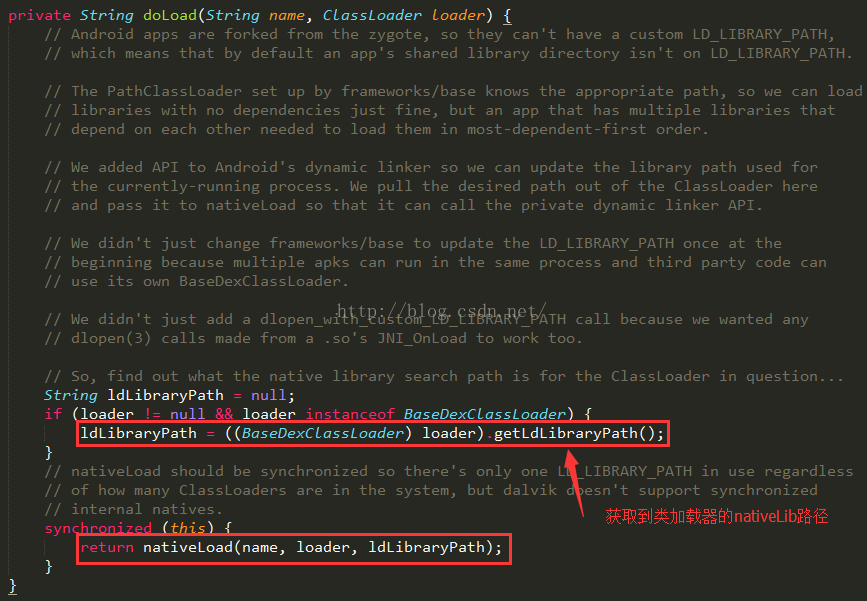
一、前言Android中有時候為了效率以及平台開發庫的支持,難免會用到NDK開發,那麼都會產生一個so文件,通過native方法進行調用,開發和調用步驟很簡單,這裡就不多