編輯:關於Android編程
Android裡判斷是否可以上網,常用的是如下方法:
	/**
	 * 檢測網絡是否連接
	 *
	 * @return
	 */
	private boolean isNetworkAvailable() {
		// 得到網絡連接信息
		ConnectivityManager manager = (ConnectivityManager) getSystemService(Context.CONNECTIVITY_SERVICE);
		// 去進行判斷網絡是否連接
		if (manager.getActiveNetworkInfo() != null) {
			return manager.getActiveNetworkInfo().isAvailable();
		}
		return false;
	}
* @author sichard
     * @category 判斷是否有外網連接(普通方法不能判斷外網的網絡是否連接,比如連接上局域網)
     * @return
     */
    public static final boolean ping() {

        String result = null;
        try {
                String ip = "www.baidu.com";// ping 的地址,可以換成任何一種可靠的外網
                Process p = Runtime.getRuntime().exec("ping -c 3 -w 100 " + ip);// ping網址3次
                // 讀取ping的內容,可以不加
                InputStream input = p.getInputStream();
                BufferedReader in = new BufferedReader(new InputStreamReader(input));
                StringBuffer stringBuffer = new StringBuffer();
                String content = "";
                while ((content = in.readLine()) != null) {
                        stringBuffer.append(content);
                }
                Log.d("------ping-----", "result content : " + stringBuffer.toString());
                // ping的狀態
                int status = p.waitFor();
                if (status == 0) {
                        result = "success";
                        return true;
                } else {
                        result = "failed";
                }
        } catch (IOException e) {
                result = "IOException";
        } catch (InterruptedException e) {
                result = "InterruptedException";
        } finally {
                Log.d("----result---", "result = " + result);
        }
return false; 詳解Android開發中Activity的四種launchMode
Activity棧主要用於管理Activity的切換。當使用Intent跳轉至某個目標Activity,需要根據目標Activity的加載模式來加載。Activity一共
 Android官方開發文檔Training系列課程中文版:通知用戶之在通知中顯示進度
原文地址:http://android.xsoftlab.net/training/notify-user/display-progress.html通知中包含了一個進度
 Android Service生命周期及用法
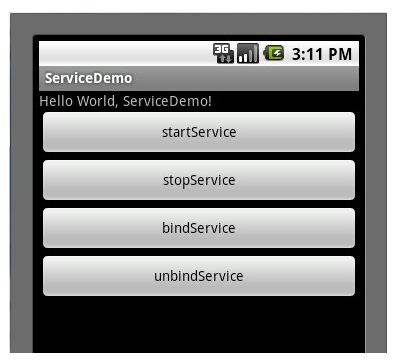
Service概念及用途:Android中的服務,它與Activity不同,它是不能與用戶交互的,不能自己啟動的,運行在後台的程序,如果我們退出應用時,Service進程
 如何制作音樂播放器 -- 播放音樂(上)
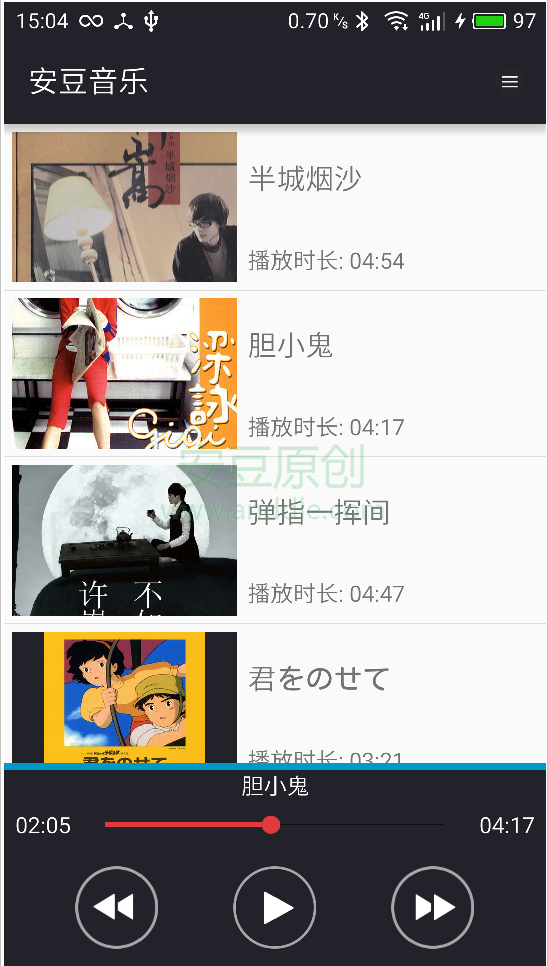
第7節 播放音樂音樂播放列表也准備好了,我們來播放音樂吧。完成後效果如下,實現音樂的播放,我們需要播放界面和音樂服務兩個方面的合作。7.1 MusicService前面我