編輯:關於Android編程
優點:Client端與Server端的DESCRIPTOR可以自定義,不受包名限制
實質中其實是使用底層Binder機制提供的Java層接口 Binder 、IInterface等去實現
客戶端中使用transact發起進程間通信請求,服務端會回調onTransact來處理請求
Common Interface:
public interface ITimeCountService {
	int getCount() throws RemoteException;
}
Server:
public abstract class TimeCountStub extends android.os.Binder implements
		IInterface, ITimeCountService {
	private static final java.lang.String DESCRIPTOR = "com.example.servicedemo.nonaidl.ITimeCountService";

	/** Construct the stub at attach it to the interface. */
	public TimeCountStub() {
		this.attachInterface(this, DESCRIPTOR);
	}

	@Override
	public android.os.IBinder asBinder() {
		return this;
	}

	@Override
	public boolean onTransact(int code, android.os.Parcel data,
			android.os.Parcel reply, int flags)
			throws android.os.RemoteException {
		switch (code) {
		case INTERFACE_TRANSACTION: {
			reply.writeString(DESCRIPTOR);
			return true;
		}
		case TRANSACTION_getCount: {
			data.enforceInterface(DESCRIPTOR);
			int _result = this.getCount();
			reply.writeNoException();
			reply.writeInt(_result);
			return true;
		}
		}
		return super.onTransact(code, data, reply, flags);
	}

	static final int TRANSACTION_getCount = (android.os.IBinder.FIRST_CALL_TRANSACTION + 0);
}
Client:
public class TimeCountProxy implements /*IInterface,*/ ITimeCountService {
	private static final java.lang.String DESCRIPTOR = "com.example.servicedemo.nonaidl.ITimeCountService";
	private android.os.IBinder mRemote;

	TimeCountProxy(android.os.IBinder remote) {
		mRemote = remote;
	}

//	@Override
//	public android.os.IBinder asBinder() {
//		return mRemote;
//	}

	public java.lang.String getInterfaceDescriptor() {
		return DESCRIPTOR;
	}

	/**
	 * Cast an IBinder object into an
	 * com.example.servicedemo.nonaidl.ITimeCountService interface, generating a
	 * proxy if needed.
	 */
	public static ITimeCountService asInterface(
			android.os.IBinder obj) {
		if ((obj == null)) {
			return null;
		}
		android.os.IInterface iin = obj.queryLocalInterface(DESCRIPTOR);
		if (((iin != null) && (iin instanceof ITimeCountService))) {
			return ((ITimeCountService) iin);
		}
		return new TimeCountProxy(obj);
	}

	@Override
	public int getCount() throws android.os.RemoteException {
		android.os.Parcel _data = android.os.Parcel.obtain();
		android.os.Parcel _reply = android.os.Parcel.obtain();
		int _result;
		try {
			_data.writeInterfaceToken(DESCRIPTOR);
			mRemote.transact(TimeCountStub.TRANSACTION_getCount, _data, _reply,
					0);
			_reply.readException();
			_result = _reply.readInt();
		} finally {
			_reply.recycle();
			_data.recycle();
		}
		return _result;
	}
}
Service中片段:
public class TimeCountService extends Service {

	...

	TimeCountStub stub = new TimeCountStub() {

		@Override
		public int getCount() throws RemoteException {
			return count;
		}
	};

	@Override
	public IBinder onBind(Intent intent) {
		Log.i(TAG, "onBind");
		return stub;
	}

	...

}
Client中片段:
public class MainActivity extends Activity {

	...

	private ITimeCountService timeCountService;

	private ServiceConnection conn = new ServiceConnection() {

		@Override
		public void onServiceConnected(ComponentName name, IBinder service) {
			Log.i(TAG, "onServiceConnected");
			timeCountService = TimeCountProxy.asInterface(service);


			Log.i(TAG, "timeCountService: " + timeCountService);

			canTimeUpdateTaskRunning = true;
			TimeUpateTask t = new TimeUpateTask();
			t.execute(new Object());


			Log.i(TAG, "task status: " + t.getStatus());
		}

		@Override
		public void onServiceDisconnected(ComponentName name) {
			Log.i(TAG, "onServiceDisconnected");
		}
	};

	...

} Android通知(Notification)詳解
Android通知(Notification)詳解,最近項目用到了安卓下的Notification,也就是通知。今天我們就通過一個列子來了解一下android下的Noti
 Android自定義控件之廣告條滾動效果
在一些電子商務網站上經常能夠看到一些滾動的廣告條,許多軟件在首次使用時也有類似的廣告條,如圖:其實在github上有實現這種效果的控件,不過這東西做起來也是很簡單,我們今
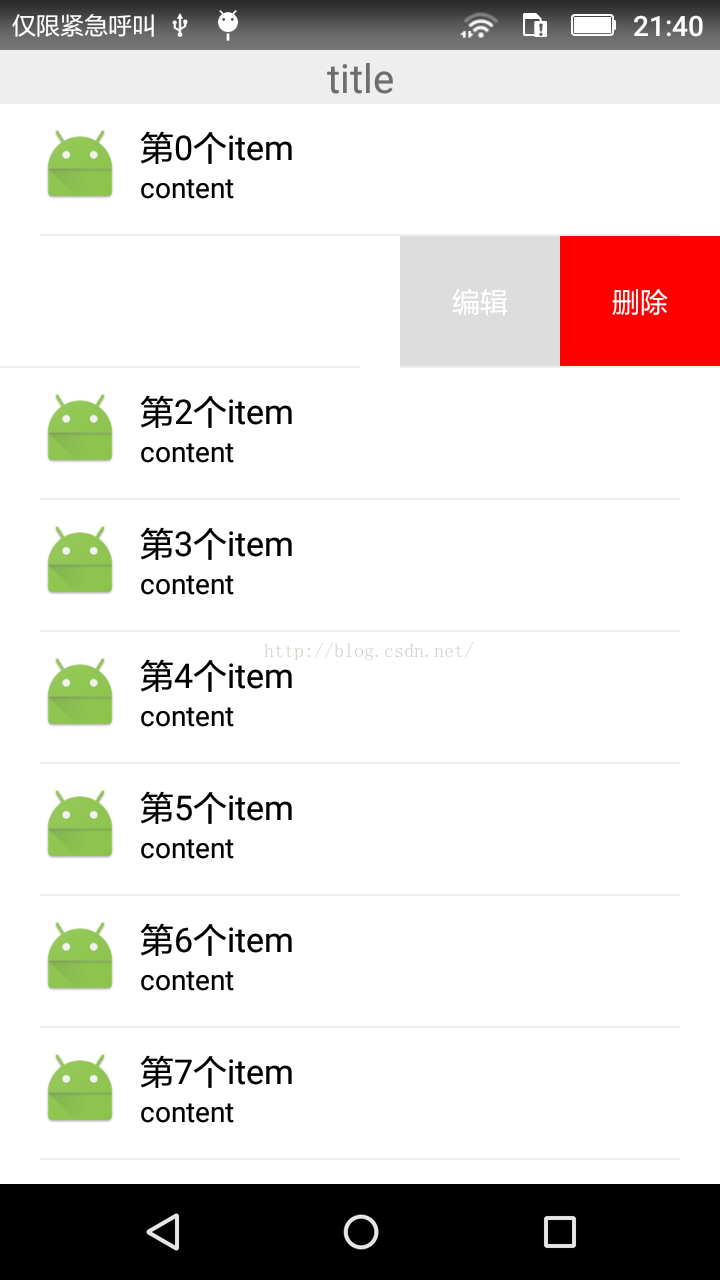 Android自定義可編輯、刪除的側滑LisitView
最近由於項目的需要,自定義了一個具有側滑功能的listview,側滑後可以點擊編輯、刪除。好了,大家先看一下效果圖,畢竟是看臉的世界。 好了,我要先講一下思路,
 Android 使用Vitamio打造自己的萬能播放器(6)——在線播放(播放列表)
前言 新版本的VPlayer由設計轉入開發階段,預計開發周期為一個月,這也意味著新版本的Vitamio將隨之發布,開發者們可以和本系列文章一樣,先開發其他功能。本章內容