編輯:關於Android編程
public class Circle {
	private PointF centerPoint;
	private float radius;
	public PointF getCenterPoint() {
		return centerPoint;
	}
	public void setCenterPoint(PointF centerPoint) {
		this.centerPoint = centerPoint;
	}
	public float getRadius() {
		return radius;
	}
	public void setRadius(float radius) {
		this.radius = radius;
	}


}
public class CircleUtils {

	/**
	 * 根據圓上的三個點求圓心坐標、半徑
	 * @param pA
	 * @param pB
	 * @param pC
	 * @return
	 */
	public static Circle getCircle(PointF pA,PointF pB,PointF pC)
	{
		 float mat1,mat2,mat3 ;
		 mat1 = ((pB.x*pB.x +pB.y*pB.y)-(pA.x*pA.x +pA.y*pA.y))*(2*(pC.y-pA.y))-
				 ((pC.x*pC.x +pC.y*pC.y)-(pA.x*pA.x +pA.y*pA.y))*(2*(pB.y-pA.y));
		 mat2 = (2*(pB.x-pA.x))*((pC.x*pC.x+pC.y*pC.y)-(pA.x*pA.x +pA.y*pA.y))-
				 (2*(pC.x-pA.x))*((pB.x*pB.x+pB.y*pB.y)-(pA.x*pA.x +pA.y*pA.y));
		 mat3 = 4*((pB.x-pA.x)*(pC.y-pA.y) - (pC.x-pA.x)*(pB.y-pA.y));

		 Circle circle=new Circle();
		 PointF centerPoint=new PointF();
		 float radius;
		 centerPoint.x = mat1/mat3;
		 centerPoint.y = mat2/mat3;
		 radius=(float) Math.sqrt(((pA.x-centerPoint.x)*(pA.x-centerPoint.x) + (pA.y-centerPoint.y)*(pA.y-centerPoint.y)));

		 circle.setCenterPoint(centerPoint);
		 circle.setRadius(radius);

		 return circle;
	}

	/**
	 * 求一段圓弧兩端另一點的坐標
	 * @param circle
	 * @param startP 圓弧一端的點
	 * @param angle 圓弧對應的角度
	 * @return
	 */
	public PointF getEndPointOfArc(Circle circle,PointF startP,float angle) {
		PointF centerP=circle.getCenterPoint();
		PointF endPointF=new PointF();
		endPointF.x=(float) (centerP.x+(startP.x-centerP.x)*Math.cos(angle*Math.PI/180)-(startP.y-centerP.y)*Math.sin(angle*Math.PI/180));
		endPointF.y=(float) (centerP.y+(startP.x-centerP.x)*Math.sin(angle*Math.PI/180)+(startP.y-centerP.y)*Math.cos(angle*Math.PI/180));
		return endPointF;

	}
}
 android ExpandableListView三級菜單的使用
由於本人所作的項目需要用到這種列表式的收縮與展開,因此,就好好研究了有關這方面的一些知識,當然,也借鑒了網上一些成功的案列。下面就是我模擬測試的一個展示界面。 實現上面的
 【SystemUI】修改下拉狀態欄顏色
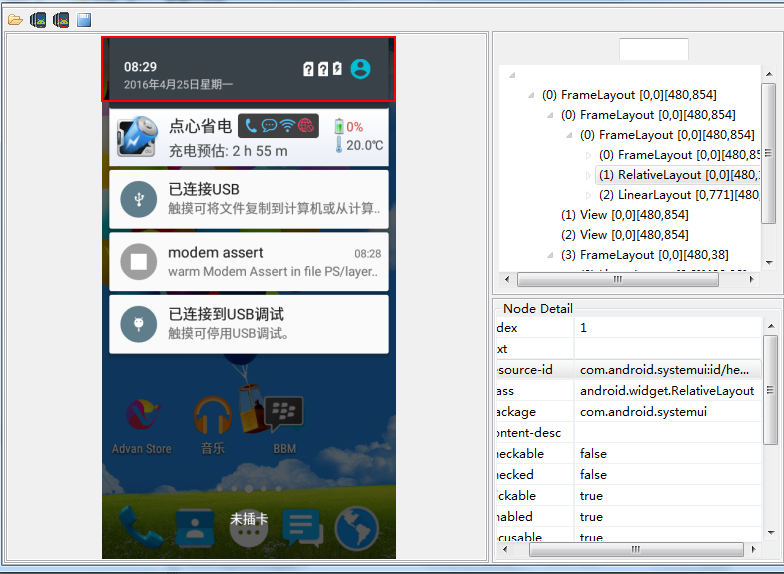
需要改變下拉狀態欄的背景色。關於這方面的代碼路徑 frameworks/base/packages/SystemUI中通過androidSDK自帶的工具uiautomat
 Android Wi-Fi Display(Miracast)介紹
2012年11月中旬,Google發布了Android4.2。雖然它和Android 4.1同屬Jelly Bean系列,但卻添加了很多新的功能。其中,在顯示部分,And
 android移動開發學習筆記(二)神奇的Web API
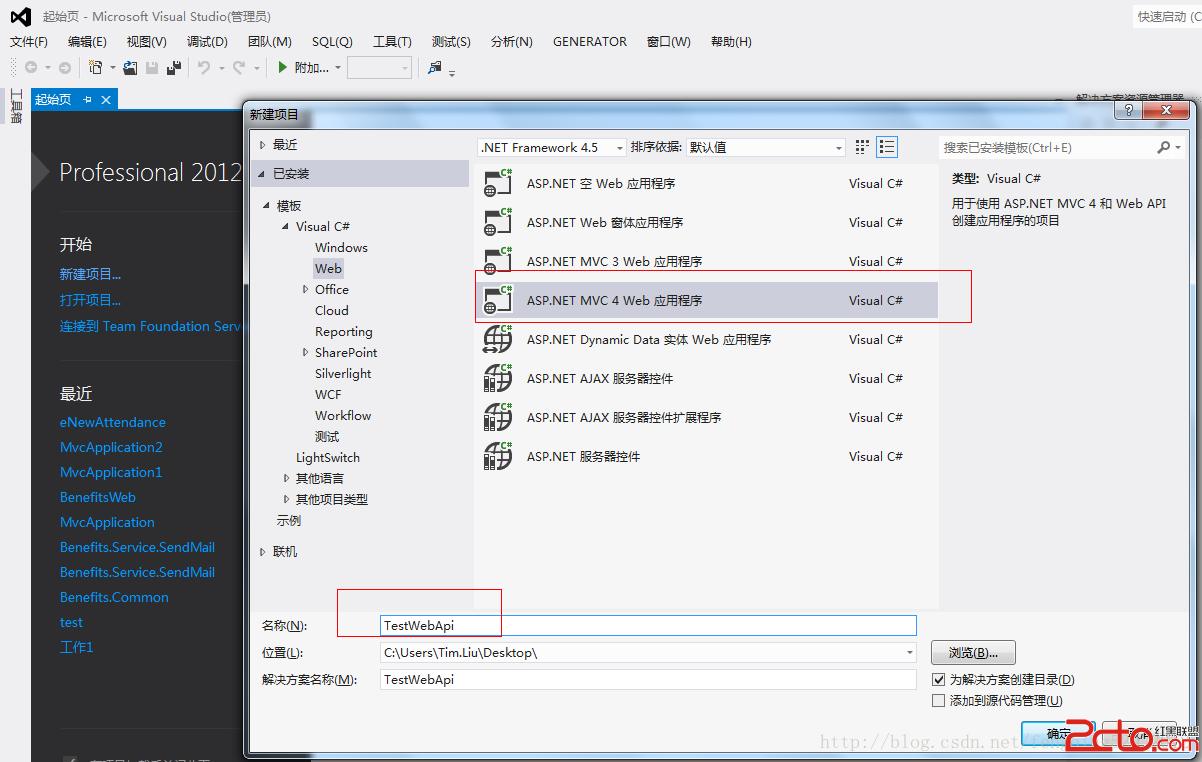
本次分兩個大方向去講解Web Api,1、如何實現Web Api?2、如何Android端如何調用Web Api?對於Web Api是什麼?有什麼優缺點?為什麼用WebA