編輯:關於Android編程
在自己的app中安裝assets目錄下的apk文件
public class MainActivity extends Activity {
	Context mContext;
	@Override
	protected void onCreate(Bundle savedInstanceState) {
		super.onCreate(savedInstanceState);
		setContentView(R.layout.activity_main);
		mContext = this;
		//Toast.makeText(this, ""+Environment.getExternalStorageDirectory().getAbsolutePath(), 0).show();
		if(copyApkFromAssets(this, "test.apk", Environment.getExternalStorageDirectory().getAbsolutePath()+"/test.apk")){
			Builder m = new AlertDialog.Builder(mContext)
				.setIcon(R.drawable.ic_launcher).setMessage("是否安裝?")
				.setIcon(R.drawable.ic_launcher)
				.setPositiveButton("yes", new OnClickListener() {
				@Override
				public void onClick(DialogInterface dialog, int which) {
				Intent intent = new Intent(Intent.ACTION_VIEW);
				intent.addFlags(Intent.FLAG_ACTIVITY_NEW_TASK);
				intent.setDataAndType(Uri.parse("file://" + Environment.getExternalStorageDirectory().getAbsolutePath()+"/test.apk"),
											           "application/vnd.android.package-archive");
										mContext.startActivity(intent);
										}
									});
			m.show();
		}

	}
	 public boolean copyApkFromAssets(Context context, String fileName, String path) {
		 boolean copyIsFinish = false;
		 try {
			 InputStream is = context.getAssets().open(fileName);
			 File file = new File(path);
			 file.createNewFile();
			 FileOutputStream fos = new FileOutputStream(file);
			 byte[] temp = new byte[1024];
			 int i = 0;
			 while ((i = is.read(temp)) > 0) {
				 fos.write(temp, 0, i);
			 }
			 fos.close();
			 is.close();
			 copyIsFinish = true;
		 } catch (IOException e) {
			 e.printStackTrace();
		 }
		 return copyIsFinish;
	 }
}
 Android 存儲學習之使用SharedPreference保存文件
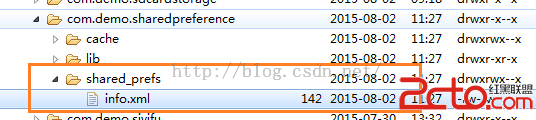
上兩節我們都是使用文本文件保存用戶的信息,這明顯是存在漏洞的。同時對文件中的內容不好管理。今天我們學習用SharedPreference保存。sharedPreferen
 volley學習筆記
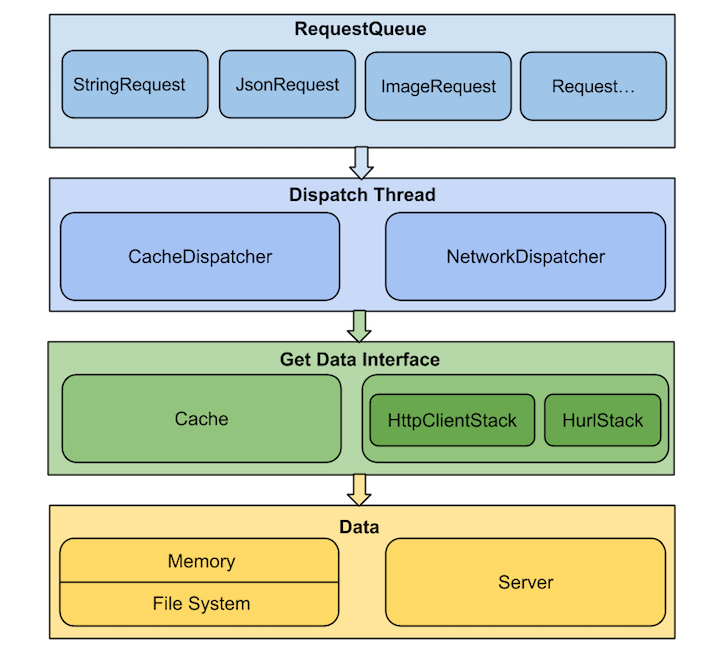
前言這個是第一次寫源碼分析的文章(僅僅是給自己做個也給自己兩天對volley學習的一個交代吧)。以前的老大經常強調一種代碼閱讀能力(如何通過源碼的閱讀了解框架、流程、及使
 Android開發之使用Web Service進行網絡編程
使用Web Service進行網絡編程 Android應用通常都是運行在手機平台上,手機系統的硬件資源是有限的,不管是存儲能力還是計算能力都有限,在Android系統上開
 Android 面試題總結之Android 進階(一)
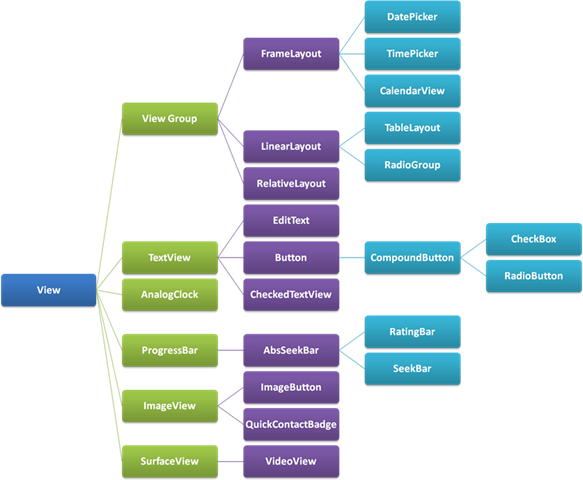
掌握什麼是View? View 坐標的基本概念 View的生命周期 如何自定義View什麼是View?android.app.View 就是手機的UI,View 負責繪制