

編輯:Android 程式設計入門
補間動畫(Tween Animation)是 Android 最直覺的動畫方案:你只要描述「從哪個狀態變到哪個狀態、花多久時間」,系統就會自動補上中間的過渡影格。以下把程式碼動態建立與 XML 靜態宣告兩種寫法都整理出來。
animation_translate = AnimationUtils.loadAnimation(MainActivity.this, R.anim.transalte);
imageview.startAnimation(animation_translate);
把動畫寫在 res/anim 下可以讓它與邏輯分離,設計師或後端協作者也能自行調整參數,是比較推薦的做法。
AnimationSet set = new AnimationSet(true);
// true:整組共用同一套時間軸;false:各自獨立計時
set.addAnimation(animation_alpha);
set.addAnimation(animation_rotate);
set.addAnimation(animation_scale);
set.addAnimation(animation_translate);
set.setDuration(4000);
set.setRepeatCount(AnimationSet.INFINITE);
set.setRepeatMode(AnimationSet.REVERSE);
imageview.startAnimation(set);
AnimationSet 的建構參數是個容易搞錯的細節:傳 true 代表整組共用一個 Interpolator 與時間基準,傳 false 則讓每個子動畫各自跑自己的節奏。
RotateAnimation rotate = new RotateAnimation(
        0, 360,
        Animation.RELATIVE_TO_SELF, 0.5f,
        Animation.RELATIVE_TO_SELF, 0.5f);
rotate.setDuration(3000);
rotate.setRepeatCount(RotateAnimation.INFINITE);
imageview.startAnimation(rotate);
後四個參數決定旋轉中心。RELATIVE_TO_SELF 搭配 0.5f,就是「以自己寬高的一半為軸心」,也就是繞著正中央旋轉。若改成 ABSOLUTE,則 0.5f 會被解讀成像素值,效果完全不同。
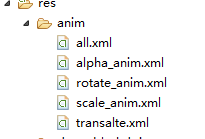
<set xmlns:android="https://schemas.android.com/apk/res/android">

    <alpha android:fromAlpha="0.0"
           android:toAlpha="1.0"
           android:duration="3000"
           android:repeatCount="infinite" />

    <rotate android:fromDegrees="0"
            android:toDegrees="360"
            android:pivotX="50%"
            android:pivotY="50%"
            android:duration="4000"
            android:repeatCount="infinite" />

    <translate android:fromXDelta="0"
               android:toXDelta="300"
               android:fromYDelta="0"
               android:toYDelta="300"
               android:repeatCount="infinite"
               android:duration="5000" />

    <scale android:fromXScale="0.5"
           android:toXScale="1"
           android:fromYScale="0.5"
           android:toYScale="1"
           android:pivotX="50%"
           android:pivotY="50%"
           android:repeatCount="infinite"
           android:duration="4000" />

</set>
ObjectAnimator 等屬性動畫。fillAfter。android:toXDelta="300" 是像素,在不同 dpi 的機子上視覺幅度差很多,正式專案建議搭配 dimen 資源或改用百分比寫法。 Android 面試重點:Activity 與 Service 的五種交互方式
Activity 與 Service 該怎麼溝通,是面試中幾乎必問的題目。常見答案有五種:廣播、共享檔案、Messenger(信使)、自訂介面、AIDL。本文把這五種做法
 Android Intent與Intent Filter完整解析:元件溝通的核心機制
什麼是Intent? 在Android中,Intent是一種用來描述「要做什麼」的抽象訊息。它可以用來啟動Activity、發送廣播、啟動或綁定Service。Inten
 Mac 上下載並安裝 Android Studio 全流程實戰
今天把公司閒置的一台 Mac mini 重裝了系統,用起來速度出乎意料地順暢。平日辦公的那台機器 USB 有些毛病,我便打算改用這台 Mac。以往開發用 IntelliJ
 Android 開發—介面設計基本知識Ⅳ:後台音樂播放器實作
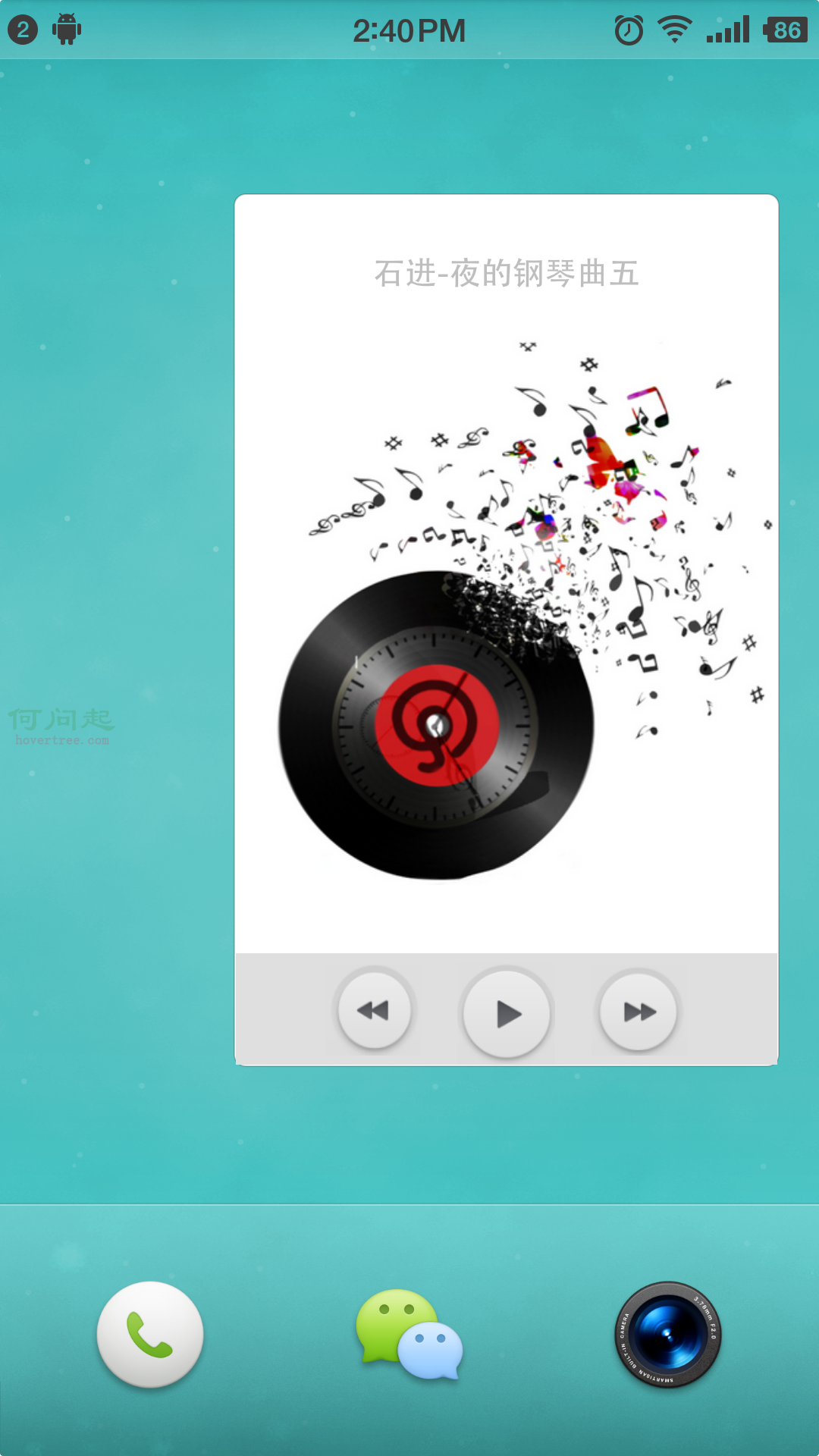
前面幾章我們介紹了 Android 介面開發中的 Widget、Service、BroadcastReceiver 等重點知識,本章則透過一個完整的實作案例——後台音樂播